You are currently viewing 12 Best Procreate Chalk Brushes & Backgrounds

12 Best Procreate Chalk Brushes & Backgrounds

This post contains affiliate links. We may earn a commission if you make a purchase, at no extra cost to you.
✍️

Digital chalk often looks fake. If you are drawing café menus, wedding signs, or hand-lettered quotes in Procreate, a flat, artificial line will instantly ruin the illusion. To get that authentic, crumbly, powdery look, you need specialized tools.

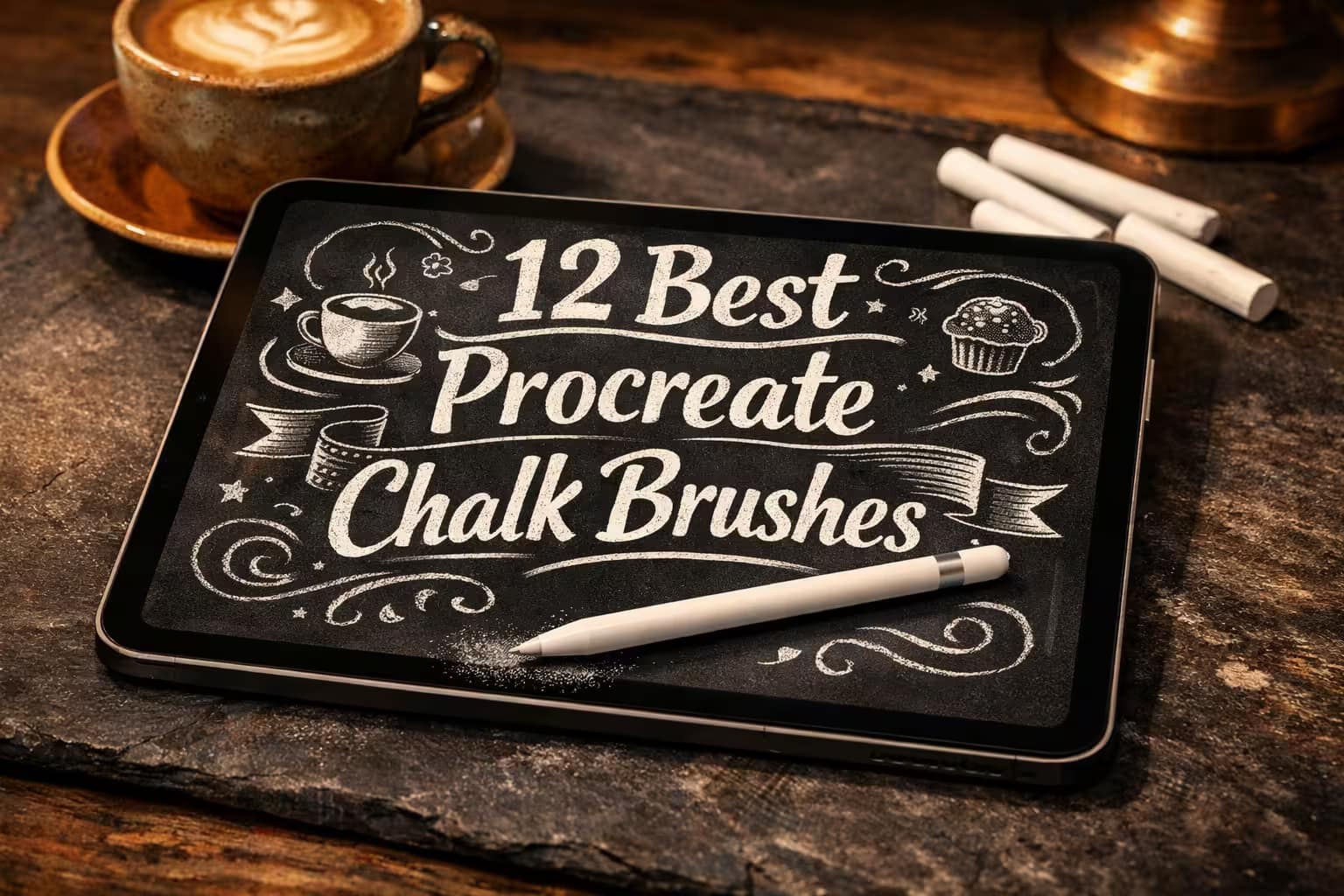
While Procreate has a built-in sketching brush, professional commercial artists use custom kits with high-res textures. I’ve tested and curated the 12 best Procreate chalk brushes, blenders, and chalkboard backgrounds. Let's make your digital lettering look 100% real.

🏆 Editor’s Choice

The 4 must-have chalk lettering, sketch, and blending sets for Procreate.
🥇 Best Overall
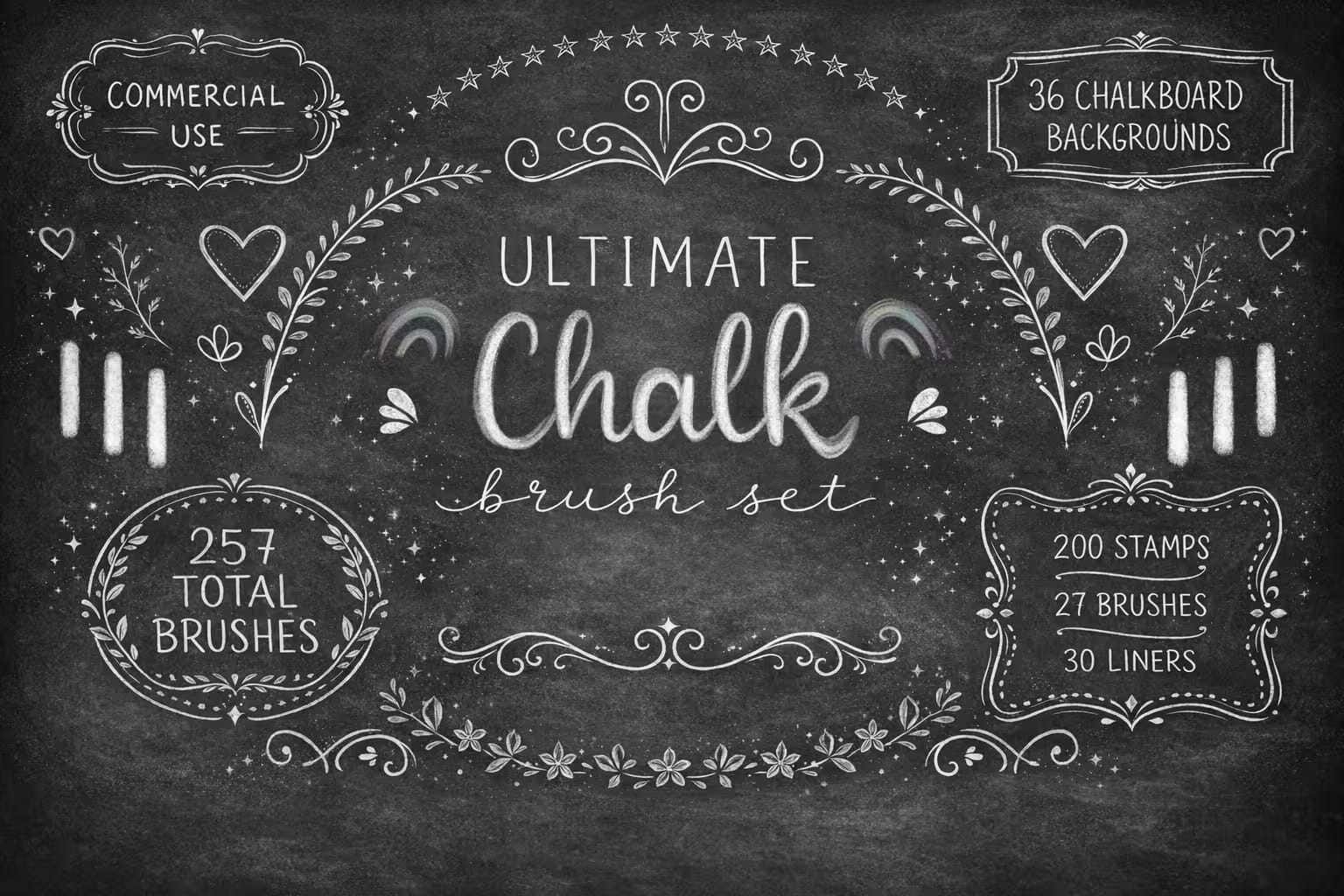
257 Procreate Chalk Brushes Stamps Paper Set

257 Chalk & Textures

The ultimate all-in-one starter kit. Packed with 257 stamps, banners, liners, and 36 high-res chalkboard textures perfectly optimized for café menus and lettering.

VIEW BUNDLE →
✍️ Best for Lettering
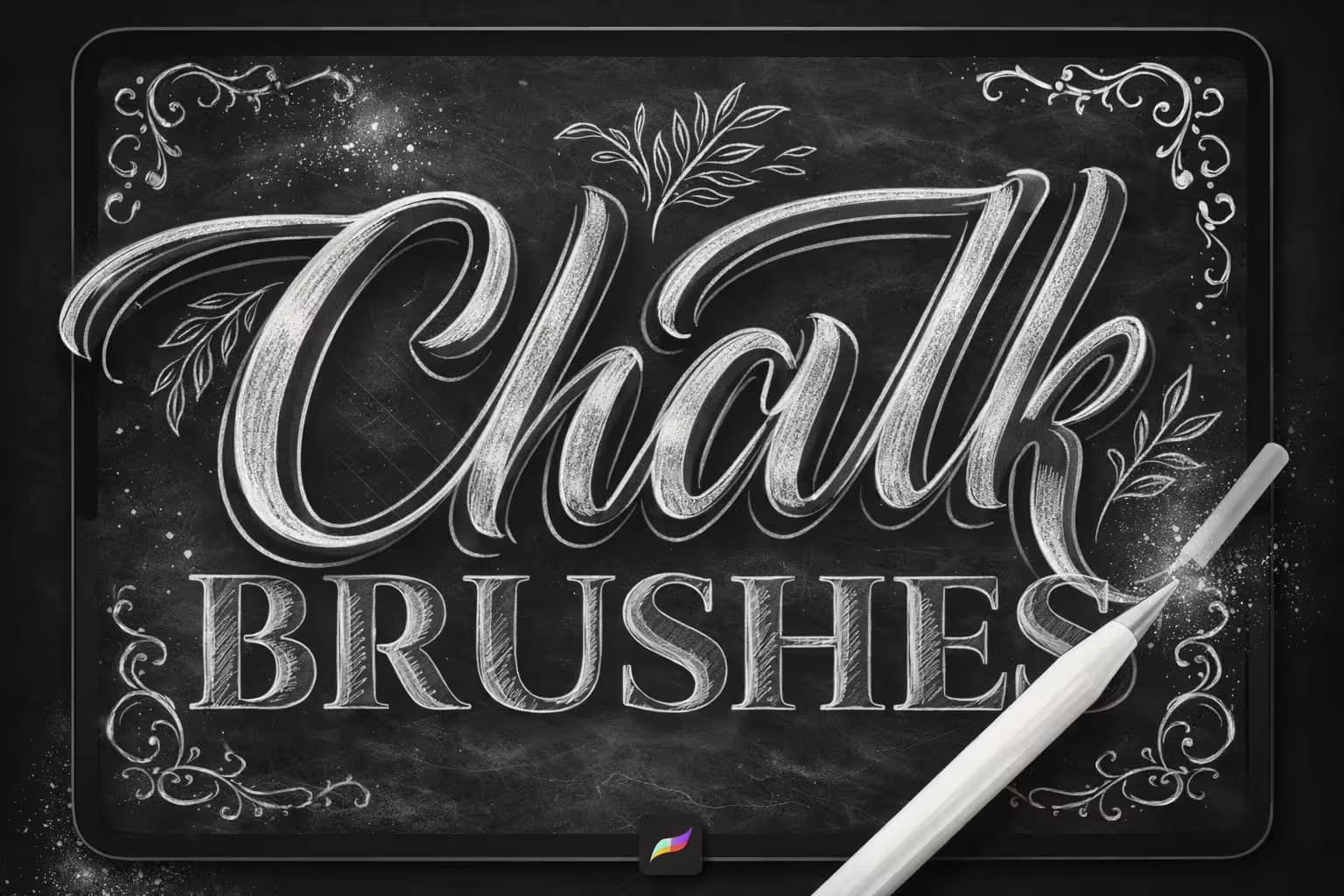
59 Chalk Procreate Brushes

59 Pro Chalk Brushes

Top-tier tools for professional lettering artists. Features 59 handmade brushes with incredibly realistic crumbly edges and high pressure sensitivity.

VIEW BUNDLE →
🎨 Best for Sketching
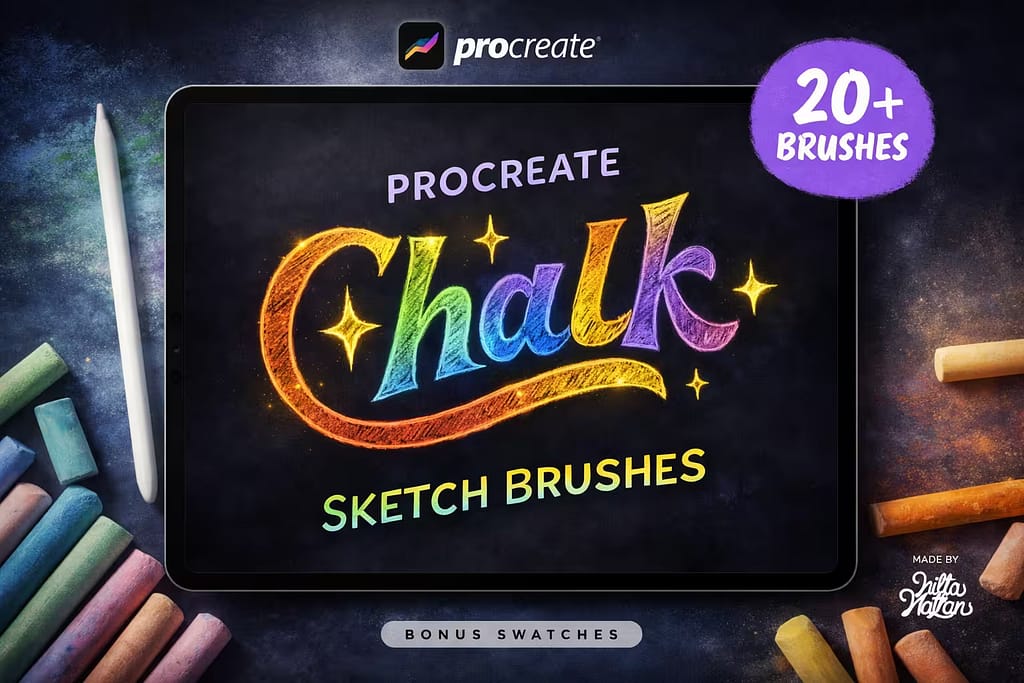
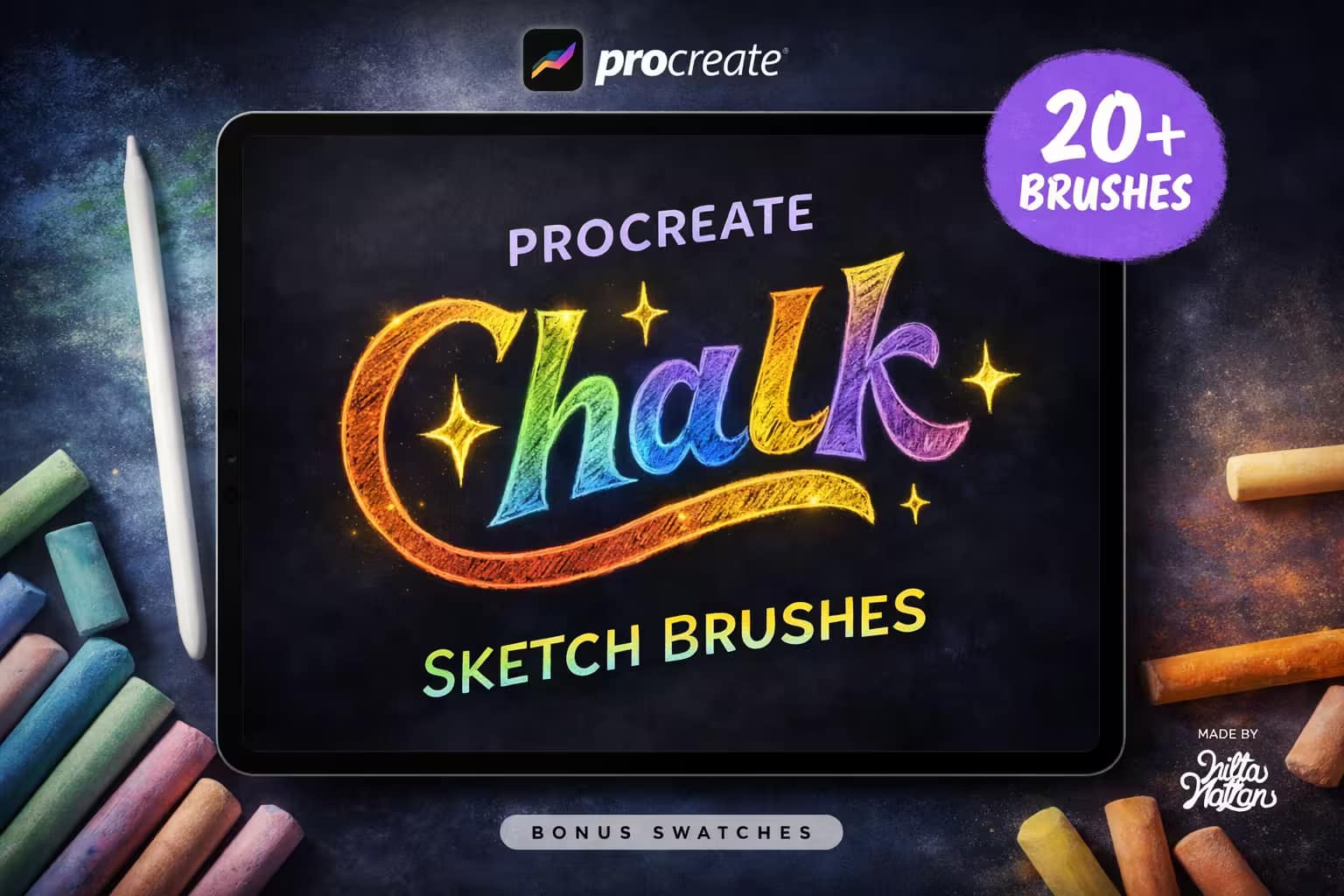
20 Procreate Chalk Sketch Brushes

20 Sketch & Swatches

Perfect for food illustrations and colorful drawings. These brushes mimic real chalk smudges, offering coarse, wet, and dusty textures.

VIEW BUNDLE →
💨 Best for Smudging
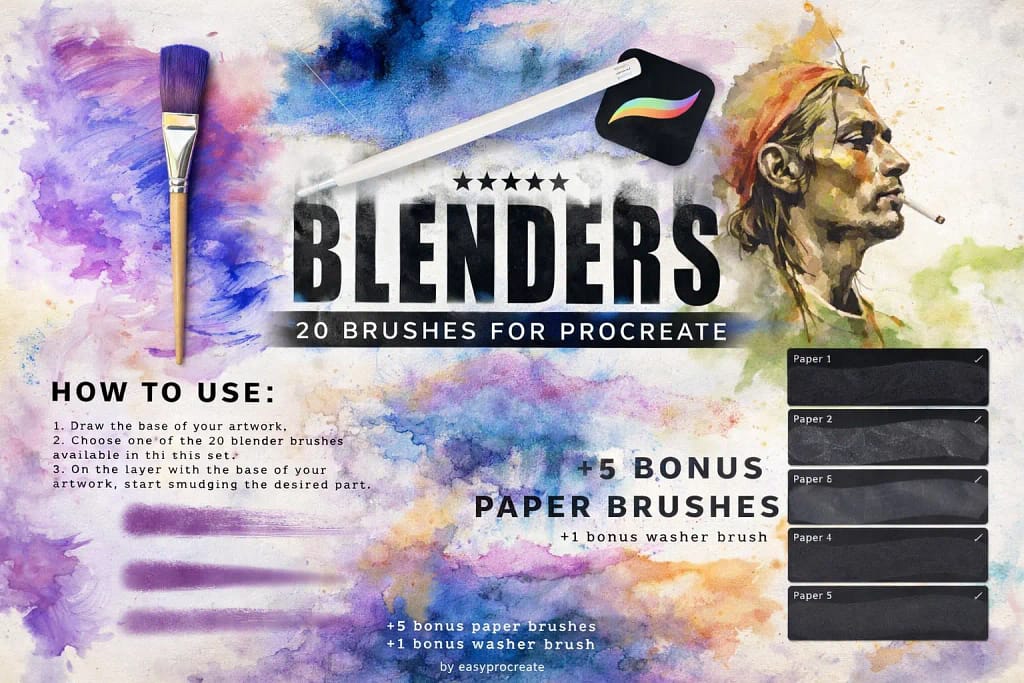
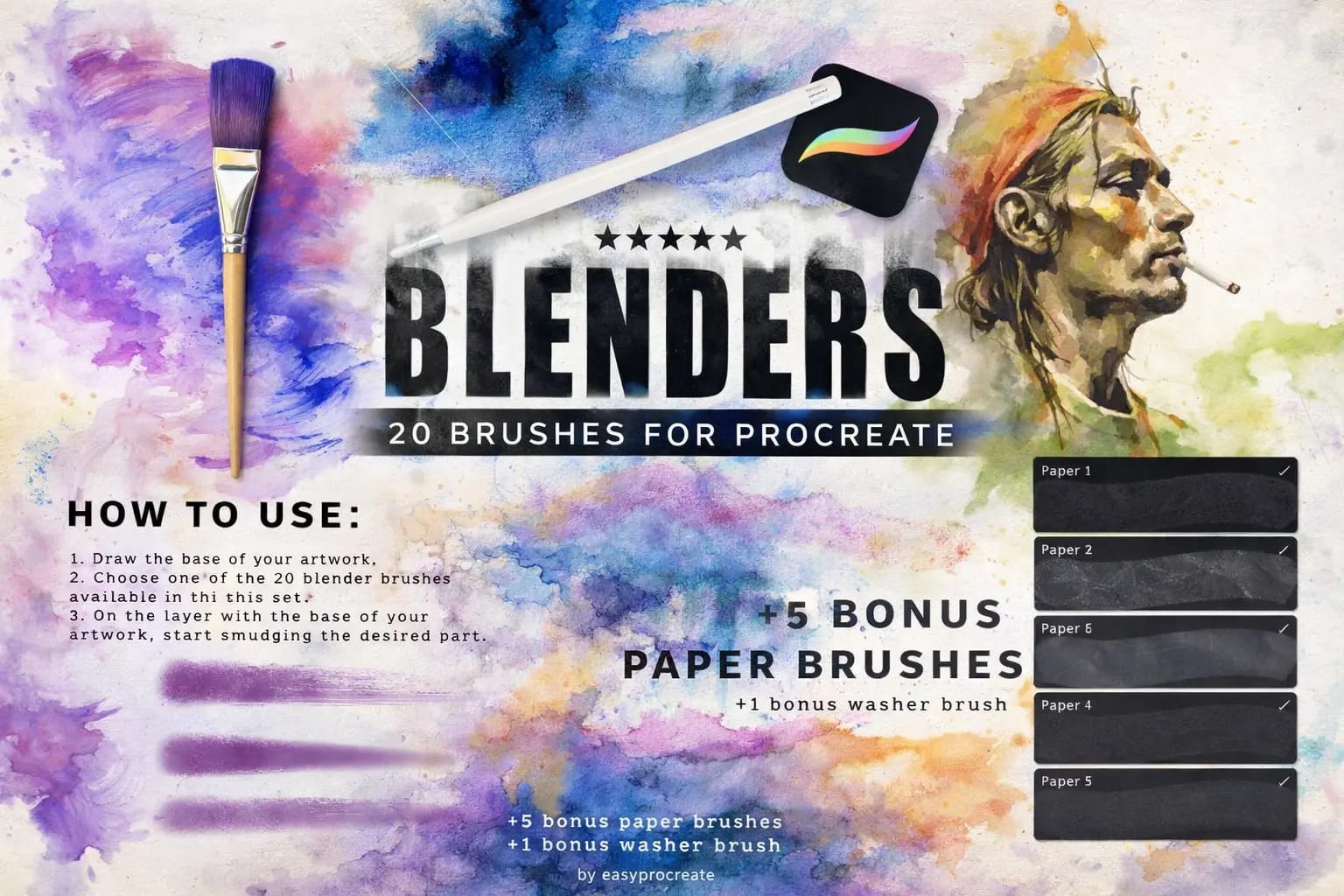
20 Procreate Blending Brushes

20 Blenders & Washes

The secret to realistic chalk art is the smudge. These 20 blending brushes allow you to create dusty, erased chalkboard effects effortlessly.

VIEW BUNDLE →
💡

Download All Chalk & Background Packs for Free!

Why purchase these brush sets individually? You can unlock ALL 12 premium packs on this list immediately for $0.
Pro Tip: Activate the Creative Fabrica All-Access Free Trial to instantly download unlimited chalk liners, stamps, and high-res chalkboard textures.

⚙️ Quick Tip: Where is the Bonobo Chalk Brush & How to Make It Realistic

1
Find the Bonobo Brush

Did you know Procreate has a free default chalk brush? Open your Brush Library > Sketching > Bonobo Chalk. Accidentally deleted it? Swipe left on the "Sketching" folder and hit "Reset".

2
Use a Real Background

Digital chalk looks fake on a solid black or white canvas. To get professional results, always import a high-res, slightly dusty Chalkboard texture image as your bottom layer.

3
Master the Smudge

Real chalk is dusty and imperfect. Select the Smudge Tool (the finger icon) and choose a textured blending brush. Lightly smudge your harsh edges to create a 100% realistic powdery effect.

The 12 Best Procreate Chalk Brushes & Backgrounds

Below is our fully ranked collection. I've organized these tools into logical categories—starting with massive bundles packed with chalkboard backgrounds and lettering liners, moving to soft blending tools for realistic dust, and finishing with handy stamps and typography shortcuts.
e0856609625e260662a24b18e6696b06 0 1773822484 6381
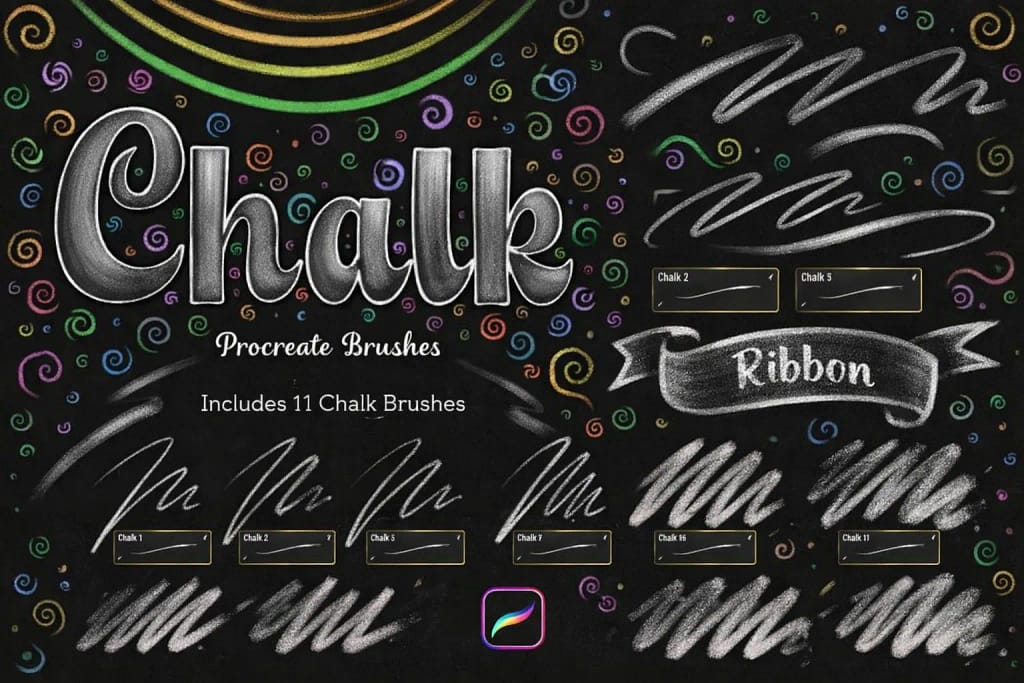
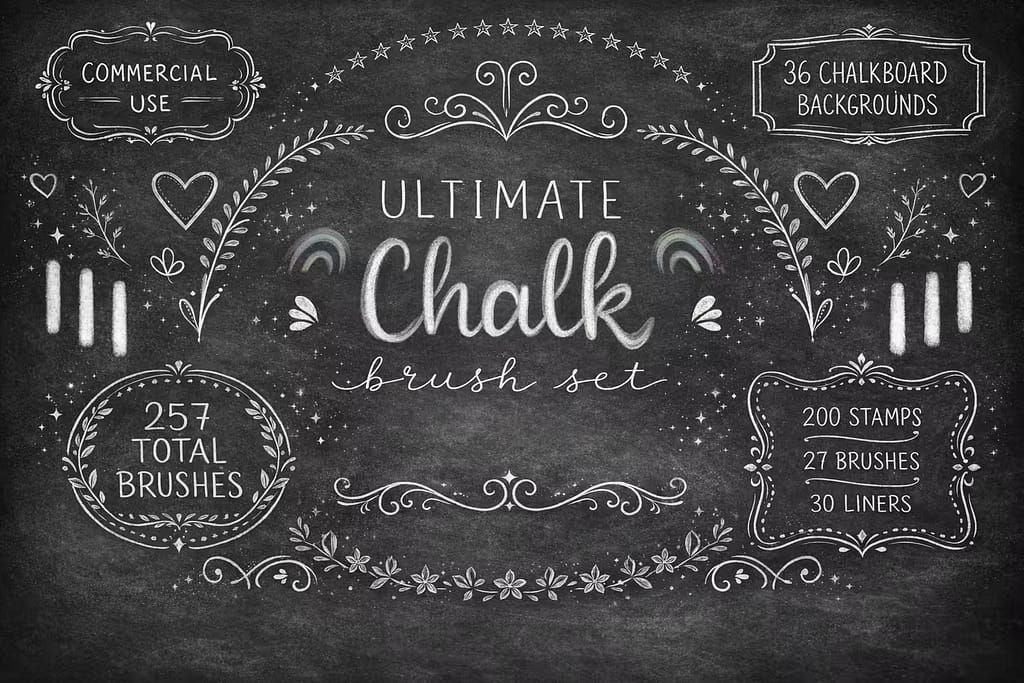
Verdict: This is the ultimate "all-in-one" solution, and my top recommendation for a reason. I tested it for creating a full cafe menu, and it had everything I needed from start to finish. You don't just get brushes; you get high-resolution chalkboard textures and decorative stamps, making it the perfect one-stop-shop.

Why I picked it:

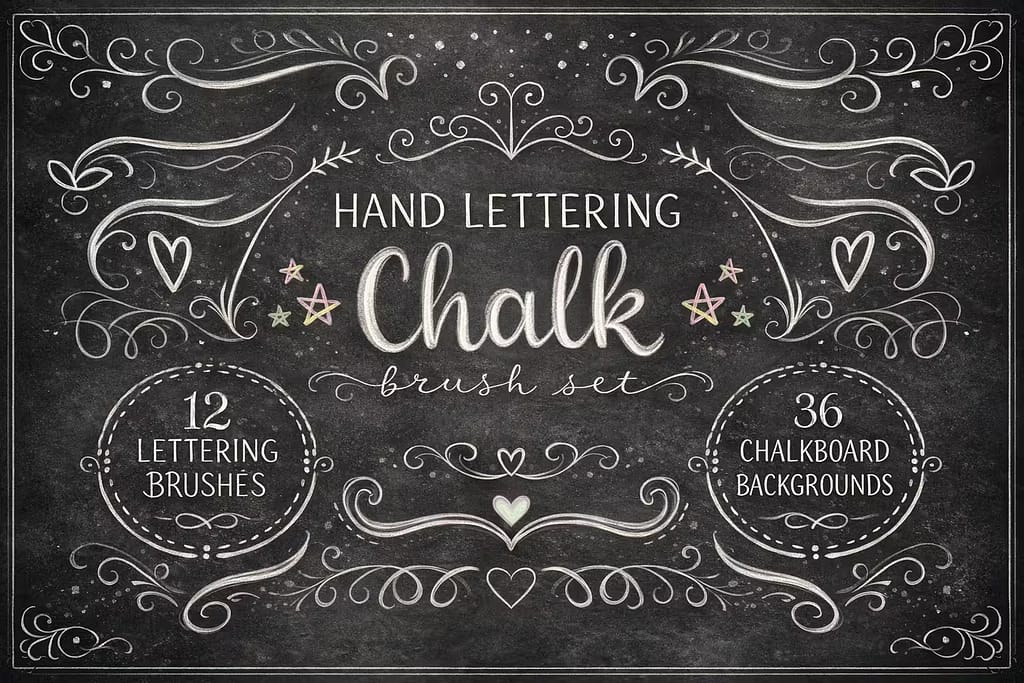
  • 36 Chalkboard Backgrounds: I was blown away by the quality of the included textures. They are high-res and instantly give your work that authentic, dusty foundation.
  • Massive Stamp Library: With 138 decorative stamps (banners, laurels, frames), I found it incredibly easy to build a complex layout without drawing everything from scratch.
  • Versatile Liners: The pack includes everything from sharp lettering brushes to soft, powdery shaders, covering all your creative needs.
🔒 Secure checkout via Creative Fabrica • Commercial License included
d9f5c8ca6b22b186f3a9a1277c56bf32 0 1773823138 8881
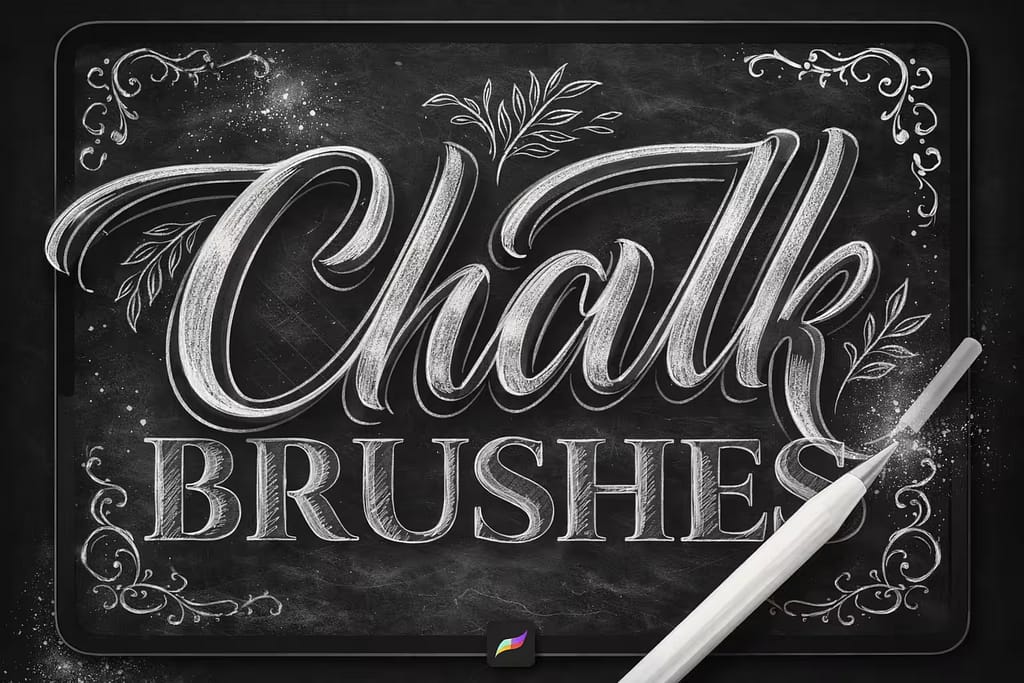
Verdict: If you are a serious lettering artist, this is your toolkit. I tested these brushes for detailed calligraphy work, and the pressure response is world-class. You can feel the gritty texture and see the realistic "crumble" on the edges of each stroke, which gives digital lettering an incredibly authentic, hand-drawn soul.

Why I picked it:

  • Realistic Edge Detail: I noticed the brushes aren't perfectly smooth. They leave behind tiny, organic imperfections that mimic how real chalk skips on a rough surface.
  • Superb Pressure Taper: I found it effortless to control my line weight, going from a faint, dusty hairline to a thick, bold stroke with just a slight change in pressure.
  • Great for Shading: The pack includes soft, wide brushes designed to mimic shading with the side of a chalk stick, perfect for adding depth.
🔒 Secure checkout via Creative Fabrica • Commercial License included
339445b59d904952b5da4926940a51e0 0 1773823254 5273
Verdict: Not all chalk art is about clean lettering. I tested this pack for creating colorful food illustrations for a menu design, and it excelled. The brushes are built for artists who love to draw and sketch, offering a range of soft, dusty, and wet chalk textures that blend beautifully.

Why I picked it:

  • Vibrant Color Bonus: I love that this kit comes with bonus color swatches that mimic the bright, saturated look of sidewalk chalk art.
  • Great for Food Art: The included texture brushes are perfect for rendering everything from a creamy latte foam to the crust of a rustic pastry.
  • Coarse & Wet Options: I was impressed by the variety, from dry, grainy chalk to a denser, "wet chalk" effect for bold highlights and details.
🔒 Secure checkout via Creative Fabrica • Commercial License included
461786807c0bb6a2660b7a7dd8e7923e 0 1770712623 5472
Verdict: This is the secret weapon for 100% realism. Digital chalk strokes often have harsh, perfect edges. I use this blending pack with Procreate's Smudge tool to create that authentic, powdery, and slightly erased look. It’s a must-have for turning flat digital lines into believable chalk art.

Why I picked it:

  • Creates Realistic Dust: I found that lightly tapping the textured blenders around my lettering created a perfect illusion of chalk dust falling on the board.
  • Perfect for "Erased" Effects: By using these brushes with the Eraser tool, I was able to create that classic semi-erased ghosting effect seen on old chalkboards.
  • Softens Harsh Lines: I use these to gently smudge the edges of my letters, removing the "digital" look and adding a soft, powdery finish.
🔒 Secure checkout via Creative Fabrica • Commercial License included
9cc0d1b6dd370bbf105d9c4bb8bcb1cc 0 1773827334 5869
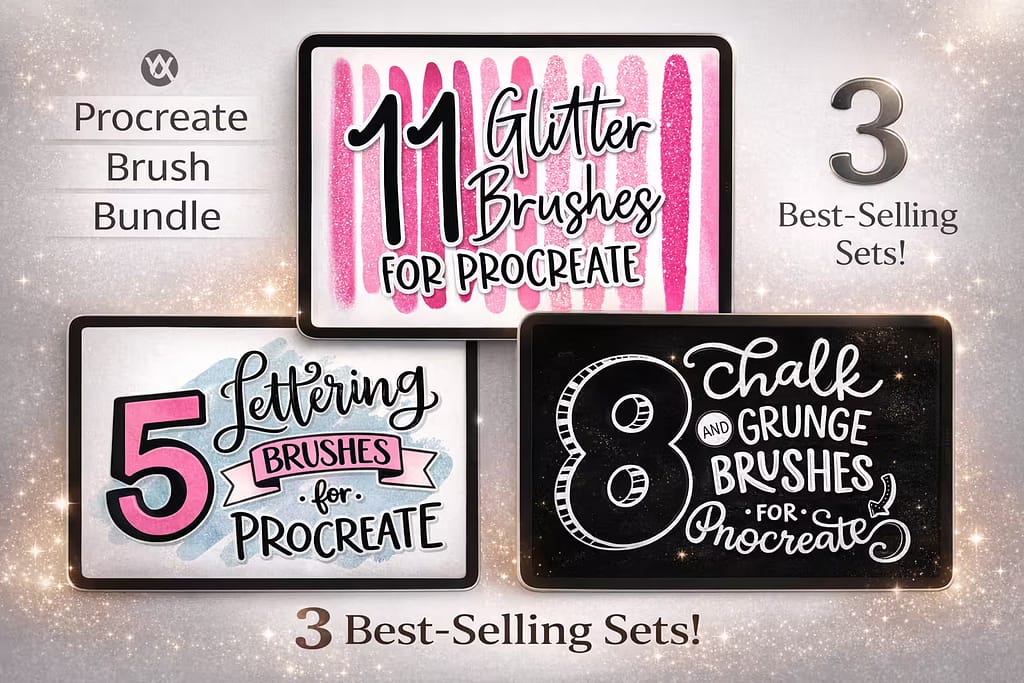
Verdict: If you're building your brush library from scratch, this bundle offers incredible value. I was impressed that you get three separate, best-selling brush packs for the price of one. While the chalk set is smaller (8 brushes), it’s paired with excellent glitter and lettering tools that you'll use constantly.

Why I picked it:

  • 3 Kits in 1: You get a solid Chalk/Grunge set, a versatile Lettering pack, and a bonus Glitter pack. It's a fantastic starter kit.
  • Great Grunge Textures: I found the included grunge brushes work perfectly with the chalk set to add extra grit and a weathered, vintage feel.
  • High User Ratings: With over 500 favorites, this bundle is a proven crowd-pleaser that delivers high-quality results across multiple styles.
🔒 Secure checkout via Creative Fabrica • Commercial License included
ce848abc353fa1c2ad0c2465766a14ff 0 1771124538 9182
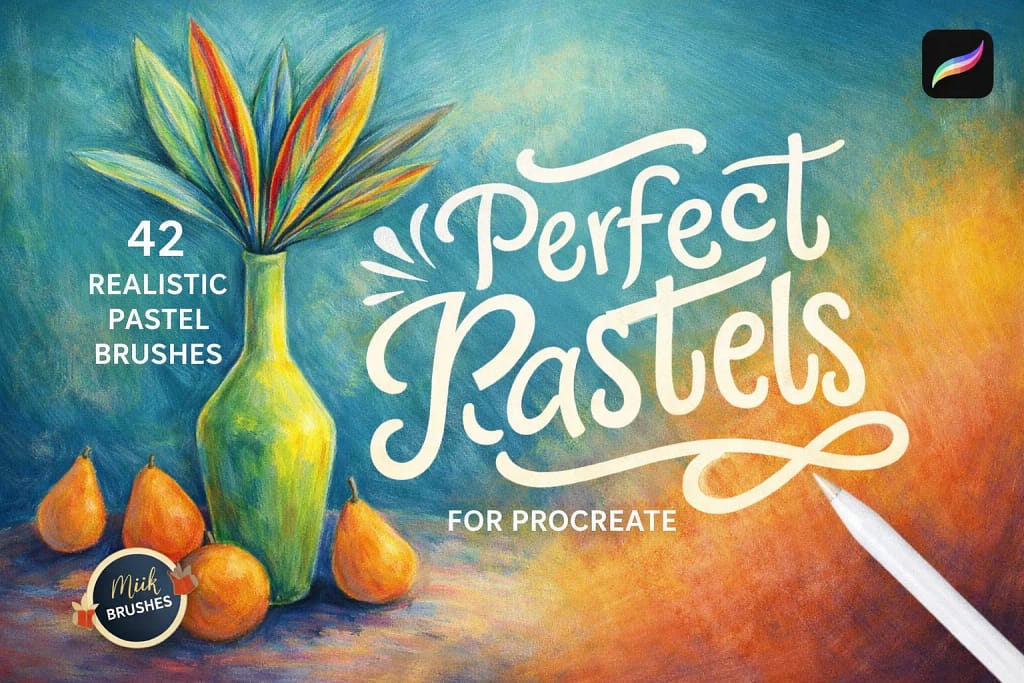
Verdict: For artists who want a softer, more blended look than traditional dry chalk, pastels are the perfect alternative. I tested this pack on a portrait sketch, and the "Chalky Sketch" brush included here is a standout. It offers a gentle, buildable texture that feels like working with real soft pastels.

Why I picked it:

  • Rich, Blendable Colors: Unlike gritty chalk, I found these brushes are designed for smooth color transitions, perfect for artistic portraits and landscapes.
  • Includes Paper Textures: The pack comes with bonus paper texture overlays that add that authentic tooth and grain needed for realistic pastel art.
  • Versatile Art Styles: I appreciated the range, from hard oil pastels for sharp details to soft, chalky brushes for large areas of color.
🔒 Secure checkout via Creative Fabrica • Commercial License included
virtre converter 5
Verdict: If you want your chalk lettering to literally pop off the page, this set is incredibly fun. I tested these 20 brushes and was amazed by the built-in 3D and shadow effects. With a single stroke, it creates the illusion of dimensional, colorful chalk lettering without any manual shading.

Why I picked it:

  • Automatic 3D Shading: I love that the brush automatically adds a darker offset color to mimic a 3D shadow, which is a massive time-saver.
  • Vibrant Color Dynamics: The brushes are programmed with a unique "color jitter" that creates a playful, multi-colored effect perfect for bright, eye-catching quotes.
  • Pen Pressure & Tilt Sensitive: I found that tilting my Apple Pencil changed the thickness and texture, giving me great control over the final look.
🔒 Secure checkout via Creative Fabrica • Commercial License included
dd04375bc7608489262873fd876703d5 0 1773827824 2306
Verdict: For elegant, smooth chalk calligraphy, this pack is a fantastic choice. I tested these brushes for writing wedding signage, and they provide a clean, monoline stroke with just enough chalky texture to feel authentic without being messy. The included chalkboard backgrounds are also a huge plus.

Why I picked it:

  • Smooth & Consistent Lines: Unlike gritty sketch brushes, I found these are designed for fluid, uninterrupted strokes, making them perfect for cursive scripts.
  • 36 Chalkboard Backgrounds: The massive library of included background textures (from clean slate to dusty green) is worth the download alone.
  • Great for Beginners: The predictable, smooth lines make it easy for those new to lettering to practice their strokes and build muscle memory.
🔒 Secure checkout via Creative Fabrica • Commercial License included
3cfd9ed17211417c8df551251257016b 0 1773833788 8416
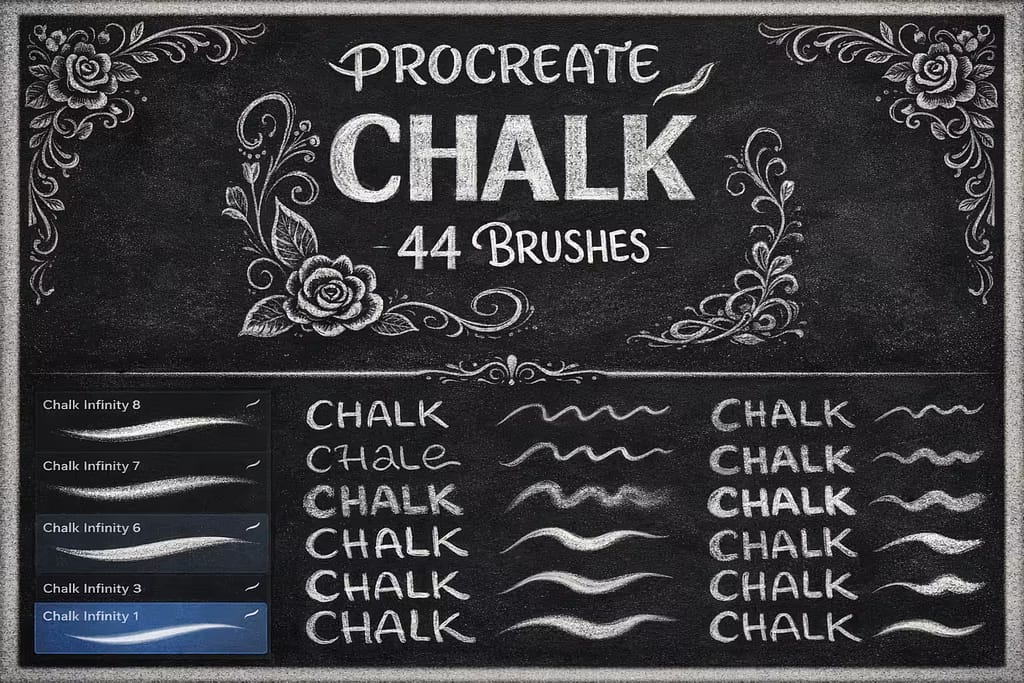
Verdict: This is a solid, no-frills toolkit that does exactly what you need it to. I tested it and found it to be a reliable workhorse for basic chalk lettering and illustration. It contains 44 dependable brushes that cover a wide range of standard chalk textures, from thin and sharp to thick and grainy.

Why I picked it:

  • Great Texture Variety: I was impressed by the range of different grains included, allowing me to switch up the texture within a single piece.
  • Simple and Effective: These brushes are straightforward and easy to use right out of the box, with no complicated settings to adjust.
  • Good for All-Purpose Use: Whether you're lettering, doodling, or sketching, I found there's a brush in this pack that will get the job done.
🔒 Secure checkout via Creative Fabrica • Commercial License included
57ffb8336ca1622e37be299de3fe95b3 0 1773834030 7757
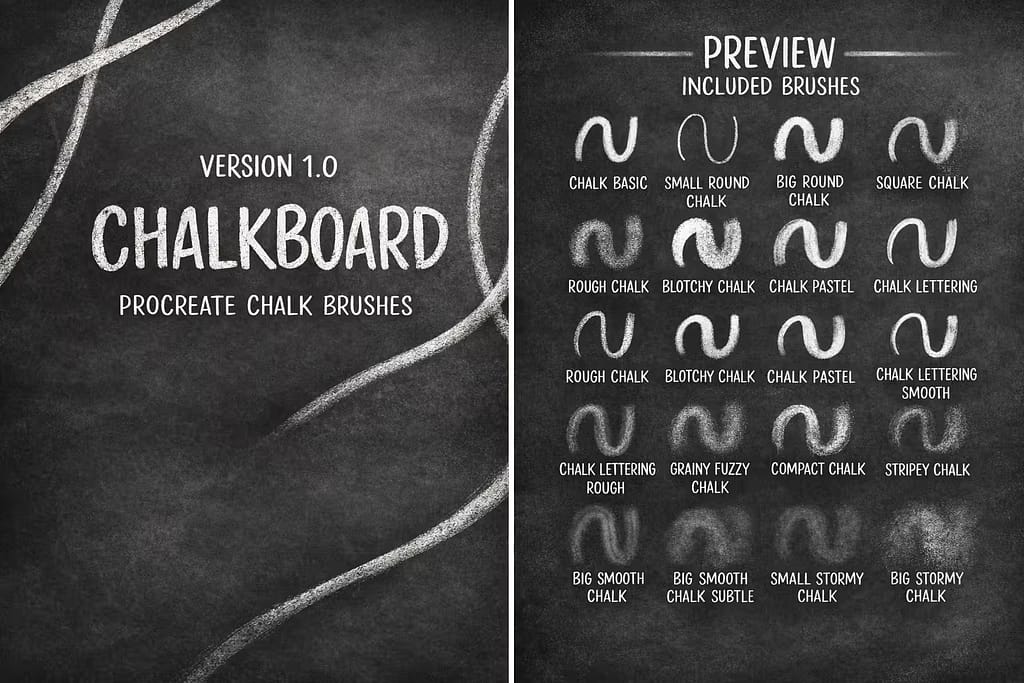
Verdict: If you're looking for a simple, clean, and effective chalk set without hundreds of options, this is it. I tested this pack and found its 19 brushes to be carefully curated for a classic chalkboard look. The included chalkboard backgrounds are a fantastic bonus for a pack of this size.

Why I picked it:

  • Clean, Classic Textures: I appreciate the simplicity here. The brushes deliver a timeless chalk look that's perfect for elegant designs.
  • Includes Bonus Backgrounds: Getting 3 high-quality chalkboard backgrounds included with the 19 brushes adds a ton of extra value.
  • Lightweight & Fast: This is a small, efficient brush pack that won't bloat your Procreate library or slow down the app.
🔒 Secure checkout via Creative Fabrica • Commercial License included
3ff72c340c592dec86ceaf6c9882654e 0 1773834248 5779
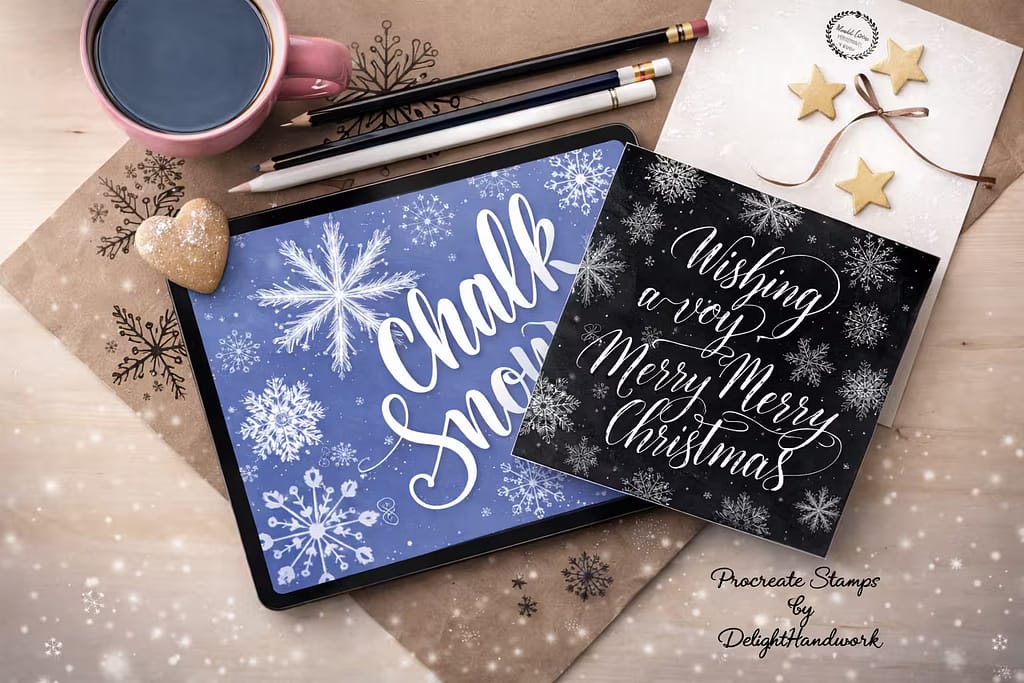
Verdict: For anyone designing winter-themed cafe menus, holiday cards, or seasonal art, this pack is a massive shortcut. I tested these 36 stamps, and they instantly create beautiful, intricate snowflakes with a realistic chalk texture. Drawing these by hand would take hours.

Why I picked it:

  • Huge Time-Saver: Decorating a holiday-themed chalkboard menu takes seconds. Just tap to stamp a perfect, unique snowflake.
  • Intricate Hand-Drawn Designs: I was impressed that all 36 snowflakes are unique and beautifully detailed, not just simple geometric shapes.
  • Authentic Chalk Texture: The stamps aren't solid white; they have a built-in grainy texture that makes them look like they were genuinely drawn with chalk.
🔒 Secure checkout via Creative Fabrica • Commercial License included
f218e488e6eca3ae23f04096fdec2f71 0 1773834455 7440
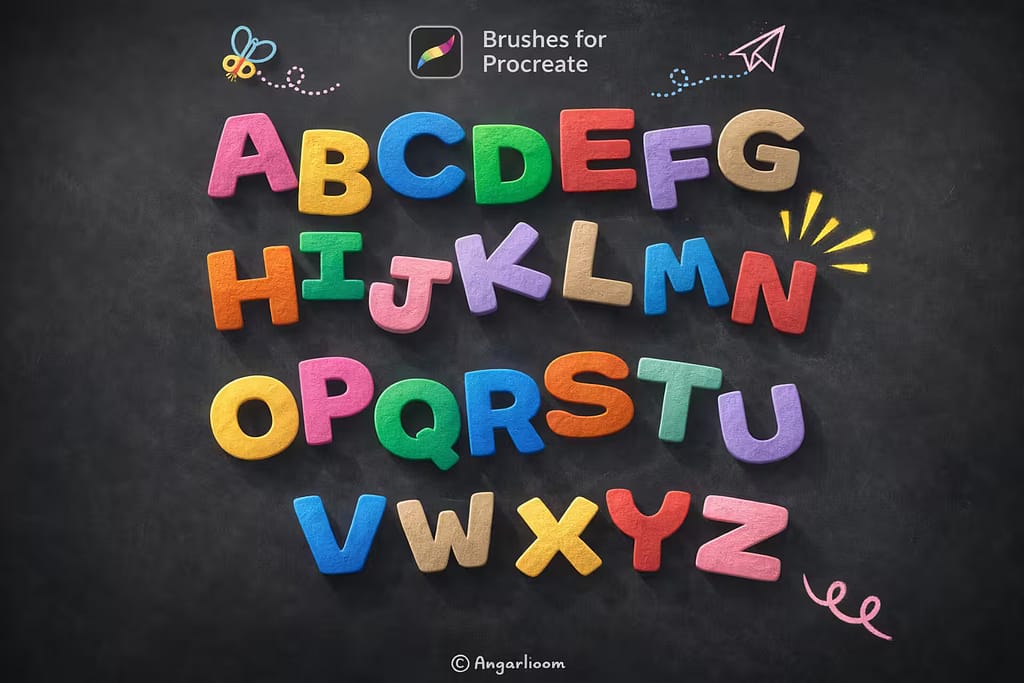
Verdict: This pack is the ultimate shortcut for anyone who isn't confident in their hand-lettering skills. Instead of brushes, you get a full set of stamp-able letters, numbers, and symbols. I tested it by typing out a quote, and it's a game-changer for creating fast, beautiful chalk typography.

Why I picked it:

  • Instant Lettering: You don't need any calligraphy skills. Just tap to stamp out your words in a playful, hand-drawn chalk font.
  • Full Character Set: I was happy to see it includes uppercase, lowercase, numbers, and special characters, giving you full creative control.
  • Playful & Fun Style: The font has a friendly, bouncy aesthetic, making it perfect for children's projects, classroom boards, or cheerful cafe signs.
🔒 Secure checkout via Creative Fabrica • Commercial License included

FAQ

Procreate comes with a free, built-in chalk brush called "Bonobo Chalk". You can easily find it by opening your Brush Library and scrolling down to the "Sketching" category. If you can't find it or accidentally deleted it, simply swipe left on the "Sketching" folder and tap 'Reset' to restore all default brushes.

The secret to authentic digital chalk is the background. Drawing with chalk brushes on a pure black or solid white canvas will always look artificial. To get a professional result, always import a high-resolution, slightly dusty chalkboard texture image as your base layer. Combine this with brushes that feature realistic crumbly edges and built-in "dust".

While you can find basic free brushes online, they rarely include the commercial licenses needed for client work, like designing cafe menus or wedding signs. The smartest way to get premium chalk kits for free is by activating a Creative Fabrica All-Access Free Trial. This allows you to download professional lettering brushes, menu stamps, and chalkboard backgrounds at zero cost.

To get that classic erased, powdery chalkboard look, you need to master the Smudge tool (the finger icon at the top right). Instead of using a smooth airbrush to blend, select a highly textured blending brush as your smudge tool. Lightly drag it across the edges of your lettering to replicate the look of real chalk dust scattering across the board.