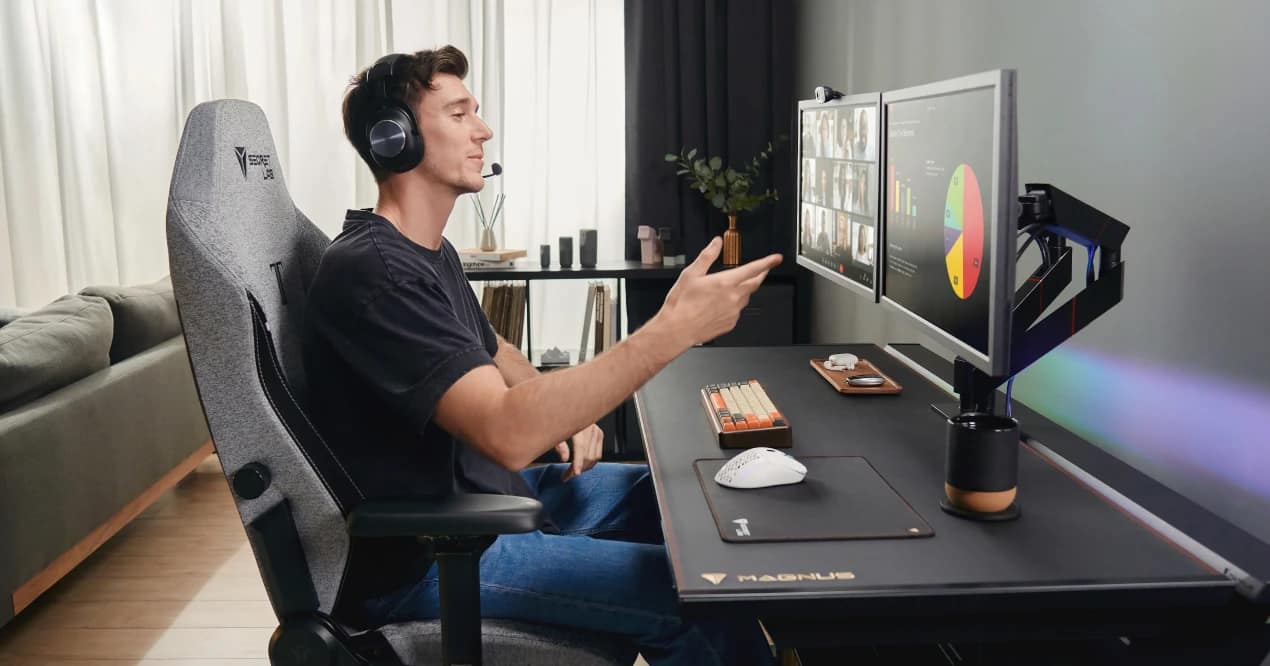
We’ve all been there. You sit down with your iPad and Apple Pencil to finish a "quick sketch" in Procreate. The flow state hits. Suddenly, five hours have passed. You look up, and reality sets in: your neck is painfully stiff, your lower back is screaming, and your shoulders feel like they’re made of lead.
This is the dreaded "iPad Posture"—the digital artist's equivalent of a sports injury. As illustrators, we happily invest hundreds of dollars in new tablets, styluses, and premium brush packs, but we completely ignore the most important tool in our studio: our chair.
Why Standard "Office Chairs" Fail Digital Artists
When artists decide to upgrade their workspace, they usually search for standard mesh office chairs. But here is the fundamental problem: office chairs are designed for typing on a keyboard while looking straight ahead at a monitor.
Artists don't sit like that. We lean forward over our drawing tablets. We cross our legs. We rest one elbow heavily on an armrest while shading. Standard ergonomic chairs simply don't adapt to the dynamic, often unconventional postures of a working illustrator. You need a chair that supports you in extreme positions.
"The best chair for a digital artist isn't found in a corporate office catalog. It’s found in the world of high-performance gaming."
The Secretlab TITAN Evo: A Game-Changer for Illustrators
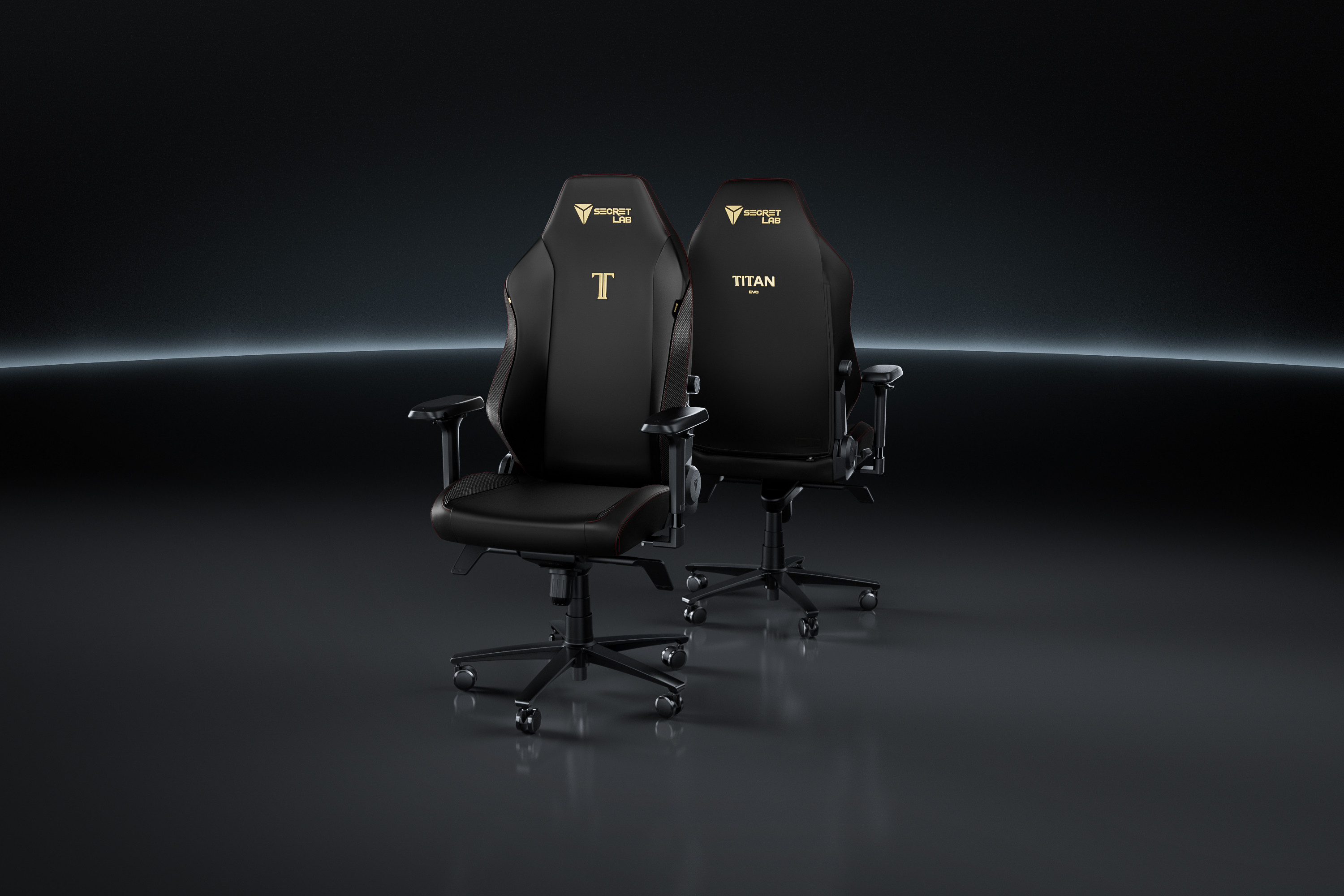
Over the past few months, the aesthetic desk setup community on Pinterest and Instagram has been quietly replacing their standard chairs with premium gaming chairs. Specifically, the Secretlab TITAN Evo.
Why? Because professional gamers, much like digital artists, sit at their desks for 10-14 hours a day. Secretlab has poured millions into biomechanical research to support the human body during extended seated sessions. Here is exactly why the TITAN Evo is the ultimate investment for your artistic career.
1. L-ADAPT™ 4-Way Lumbar Support (The Spine Saver)
When you lean forward to draw on your iPad, a gap forms between your lower back and the chair, leading to severe lumbar strain. Secretlab's proprietary L-ADAPT™ system is hidden inside the backrest. It moves not just up and down, but also in and out. It actively tucks into the curve of your spine, providing customized support exactly where you need it—even when you're hunched over a complex illustration.
2. 4D Armrests for Perfect Drawing Stability
Line art requires a steady hand, which requires a supported elbow. The TITAN Evo features 4D armrests that move in four directions: up, down, left, right, forward, backward, and angled inward. You can angle the right armrest perfectly to support your drawing arm, completely eliminating shoulder fatigue. Plus, with their magnetic CloudSwap™ technology, you can snap on plush memory foam tops for extra elbow cushioning.
3. The Pebble Seat Base (Yes, You Can Sit Cross-Legged)
Let’s be honest: many artists love to sit with one leg tucked under them or completely cross-legged. Most bucket-style gaming chairs have high side wings that dig into your thighs and restrict movement. The TITAN Evo features a gently sloping pebble seat base. It guides your body to the center for optimal posture but is flat and wide enough to allow you to sit comfortably in your favorite weird drawing positions.
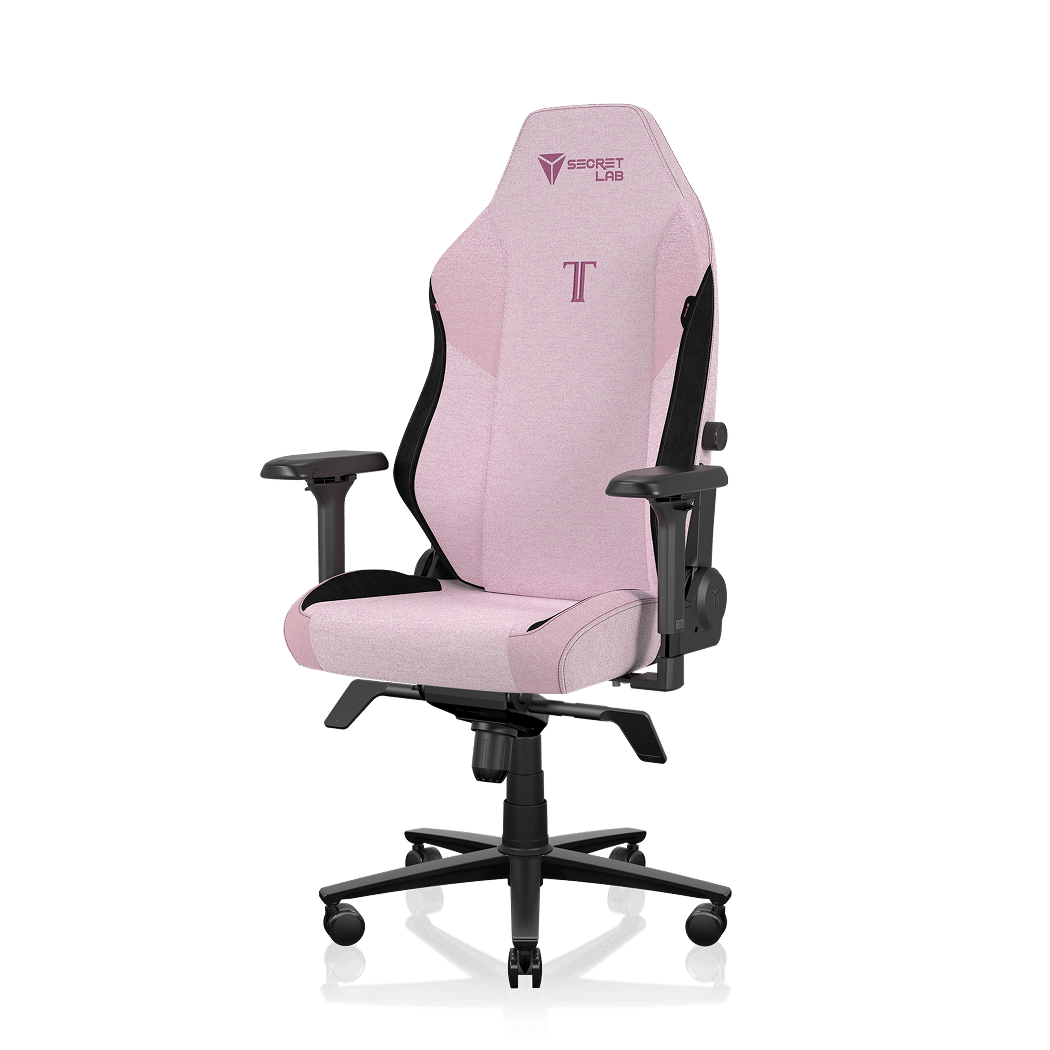
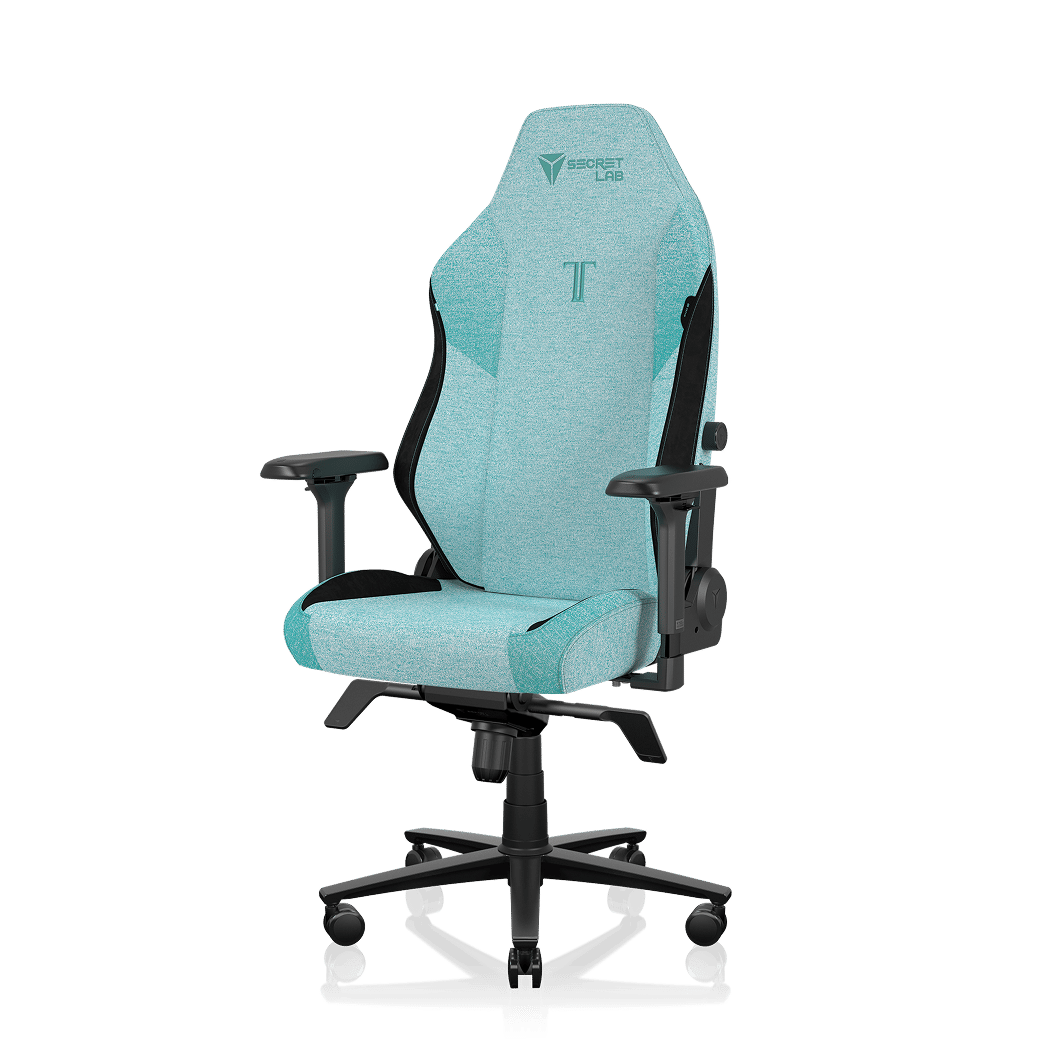
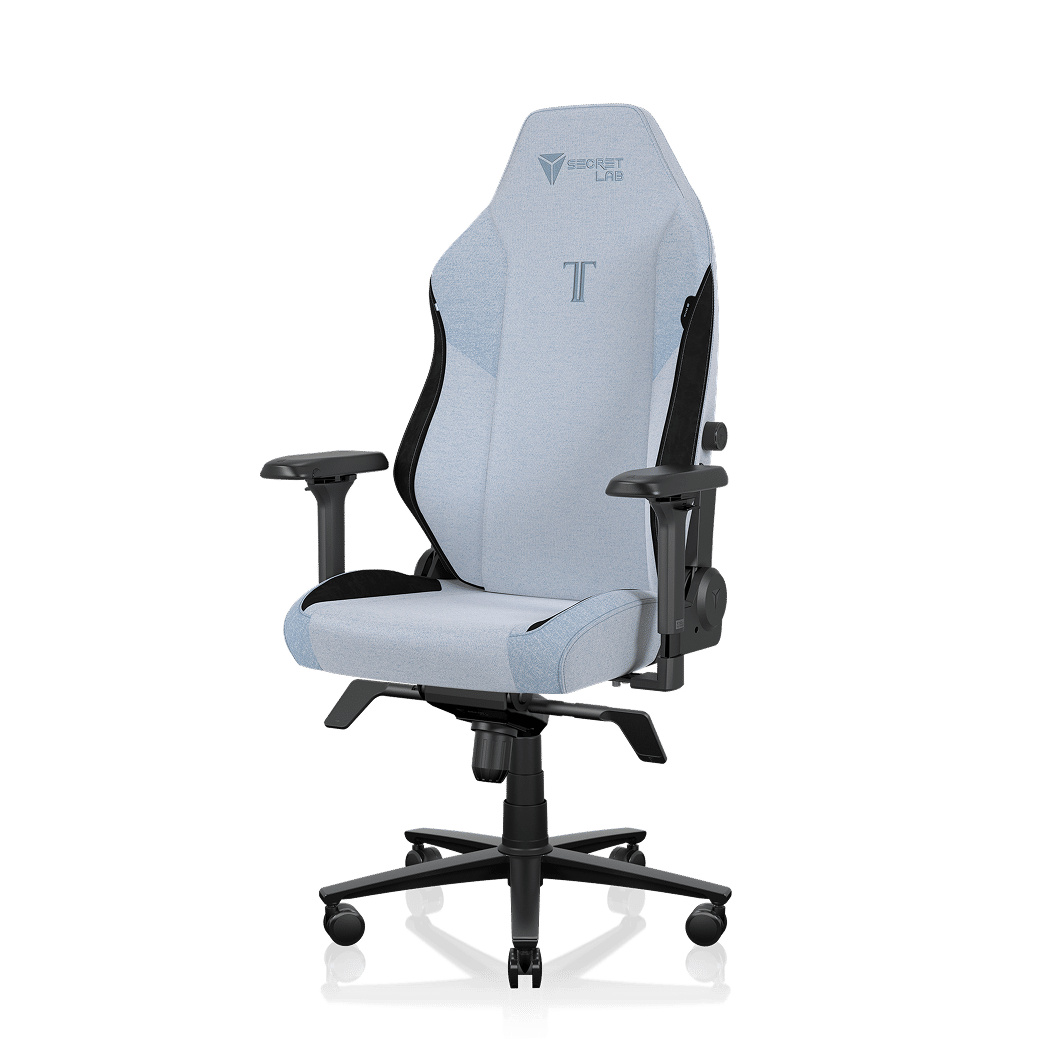
Aesthetic Matters: The SoftWeave® Studio Colors
As designers and illustrators, our workspace needs to inspire us. We don't necessarily want a chair that looks like it belongs in a neon-lit cyberpunk spaceship. Your studio should be a cozy, calming environment.
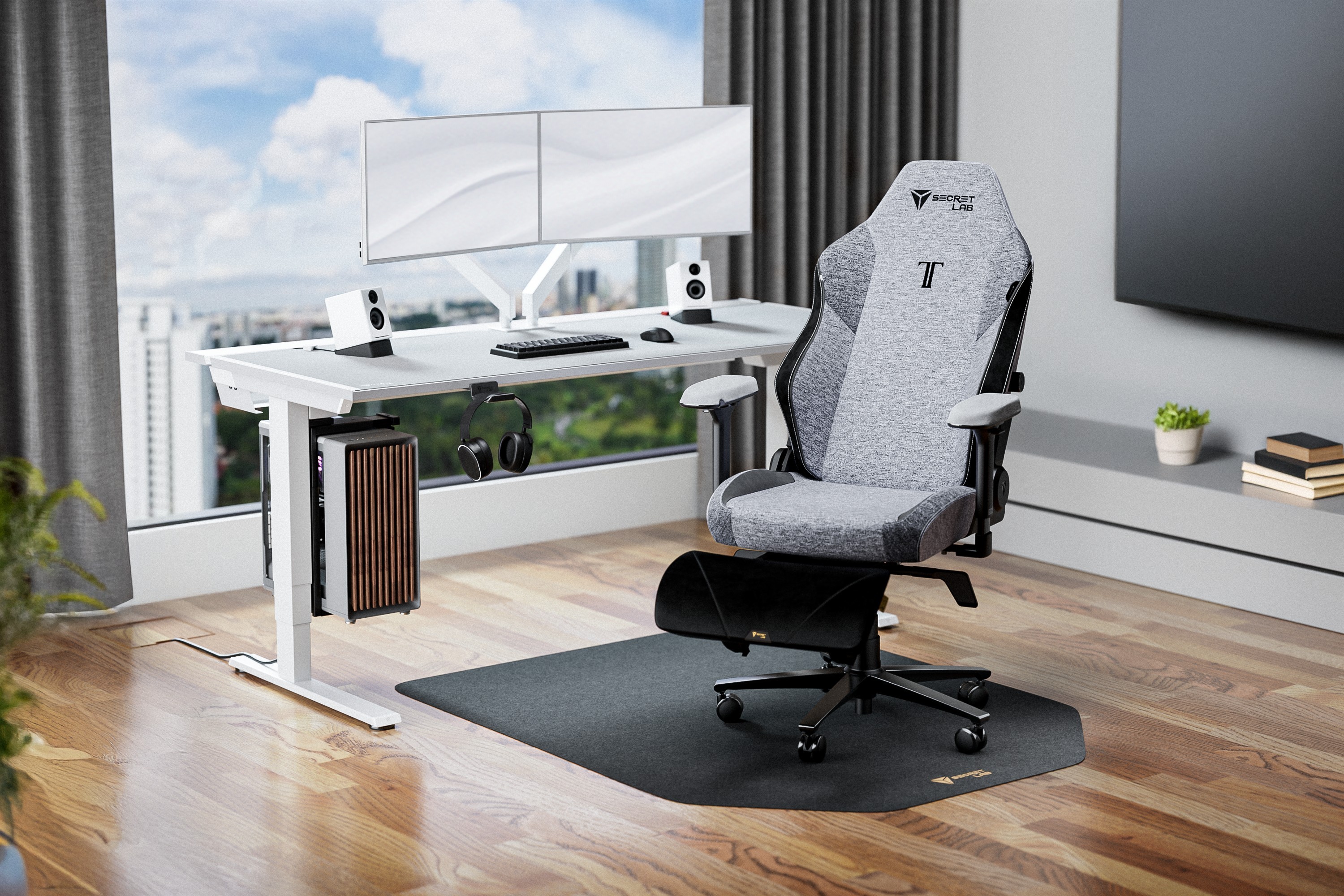
This is where Secretlab truly outshines the competition. Their SoftWeave® Plus fabric is incredibly breathable (perfect for long summer drawing sessions) and comes in stunning, pastel-friendly colors that fit flawlessly into a minimalist, Pinterest-worthy artist studio.
Completing Your Ergonomic Drawing Setup
Pairing your new ergonomic chair with a few other studio upgrades will completely transform your workflow:
- An Adjustable iPad Stand: Elevate your screen. Drawing flat on a desk is the #1 cause of neck pain.
- A Monitor Light Bar: Reduce eye strain during late-night coloring sessions.
- A High-Quality Brush Library: Workflow speed matters. Having the right tools at your fingertips prevents frustration. Check out our premium Procreate brush sets to streamline your creative process.
Final Thoughts: Invest in Your Health
You only have one spine. A premium ergonomic chair isn't a luxury; it’s a necessary tool that extends your career and keeps the creative process enjoyable rather than painful.
Backed by science, tested by professionals, and boasting thousands of 5-star reviews, the Secretlab TITAN Evo is, without a doubt, the best upgrade you can make for your digital art studio this year.
Visit the official Secretlab website to see the latest promotions and SoftWeave colors.


