Drawing a flawless night sky or a perfectly symmetrical glowing star by hand can be incredibly frustrating. Whether you are illustrating magical witchcraft scenes, designing cosmic tattoos, or creating retro Y2K lettering, you need the right tools to make your artwork pop instantly.
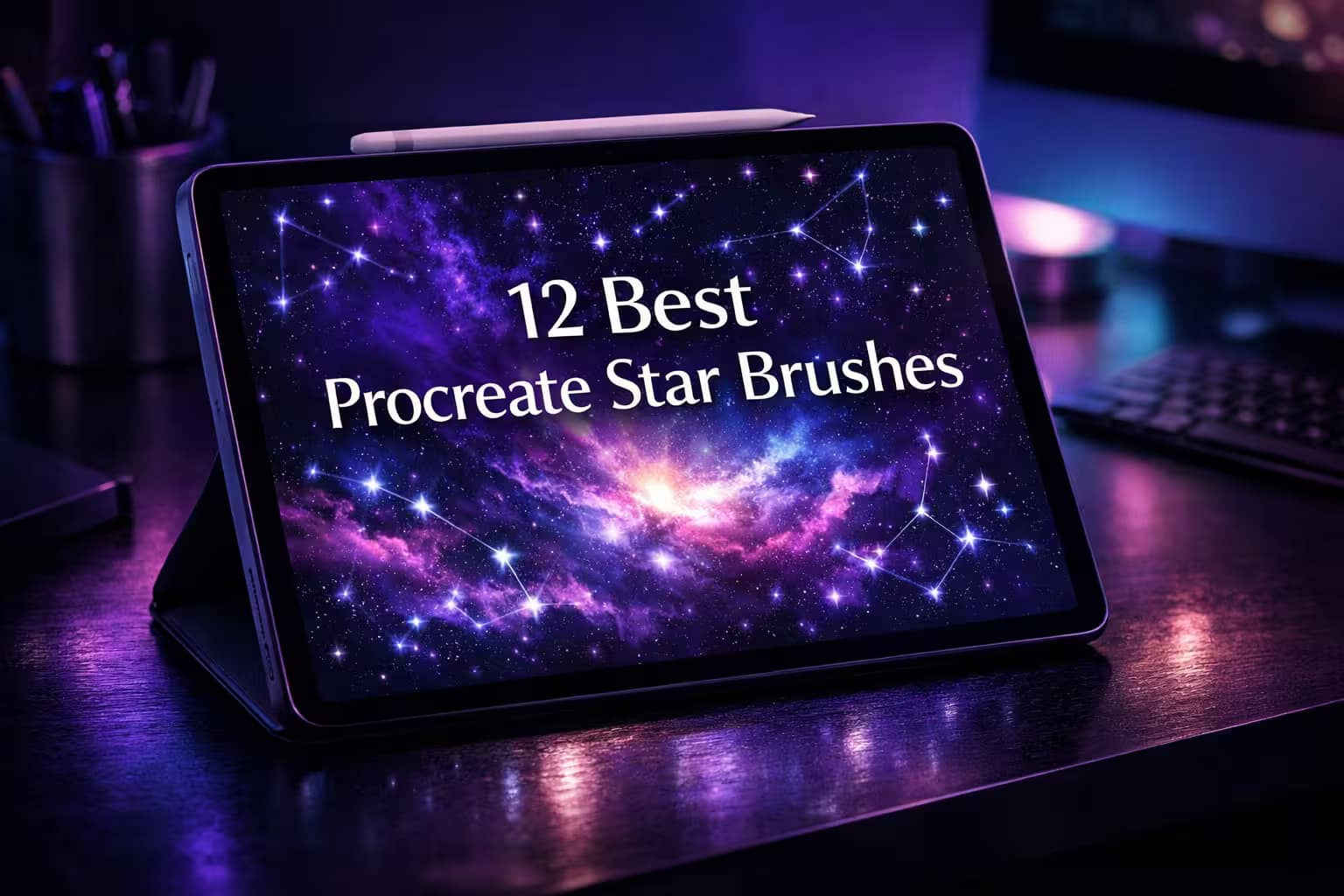
Instead of manually rendering every single twinkle, I’ve curated the 12 best Procreate star brushes and stamps. From hyper-realistic galaxies to cute kawaii doodles, these packs will save you hours of work. Let’s dive into the stars.
🏆 Editor’s Choice
The 4 must-have cosmic, galaxy, and magical star sets for Procreate.
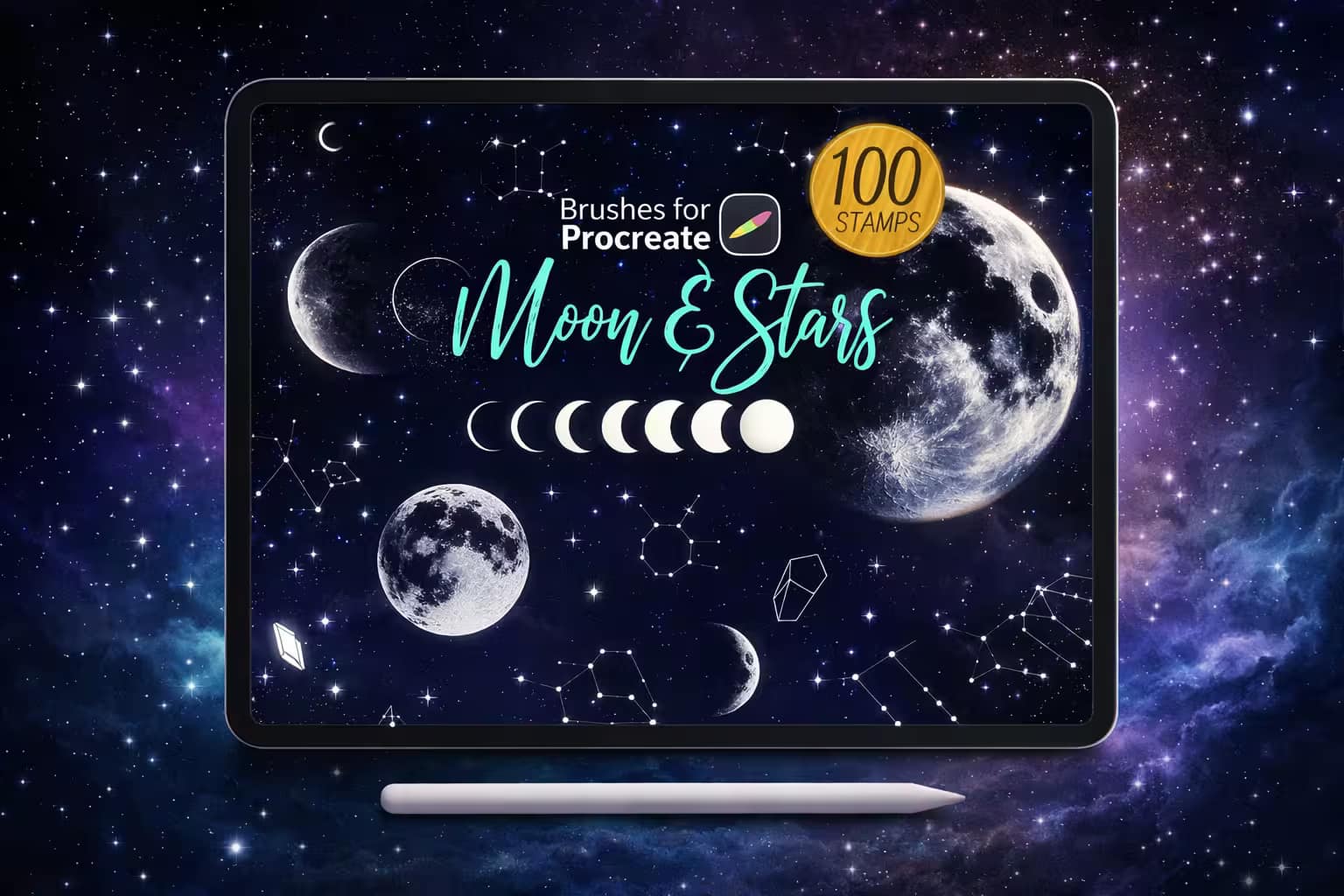
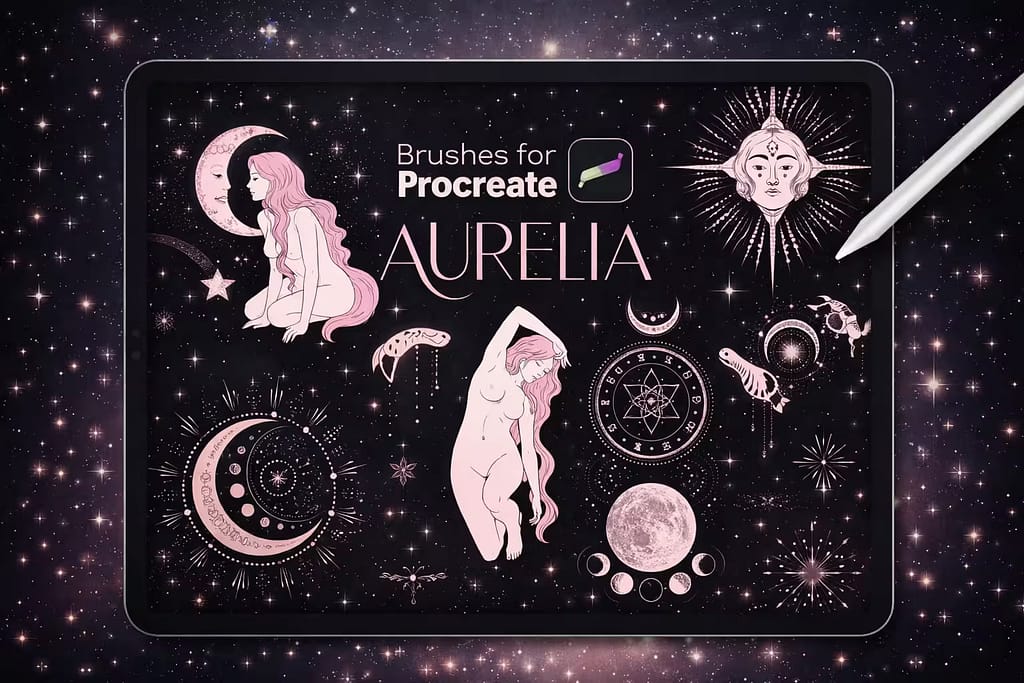
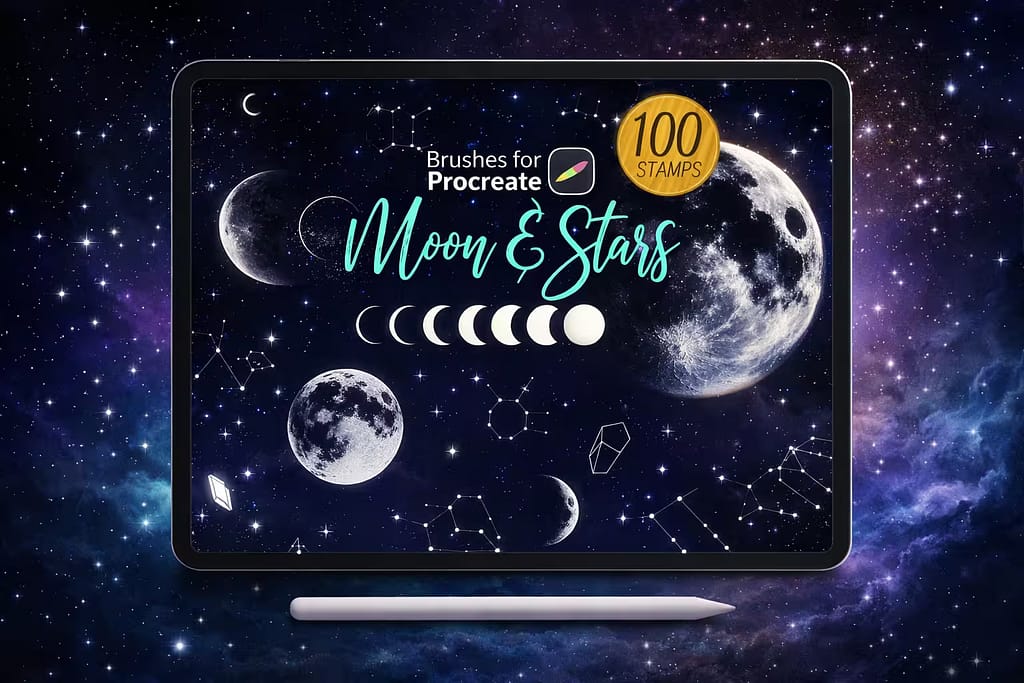
100 Moon & Stars
The ultimate toolkit for mystical art. Includes highly detailed moon phases, zodiac constellations, and flawless star stamps that look like real tattoos.
VIEW BUNDLE →
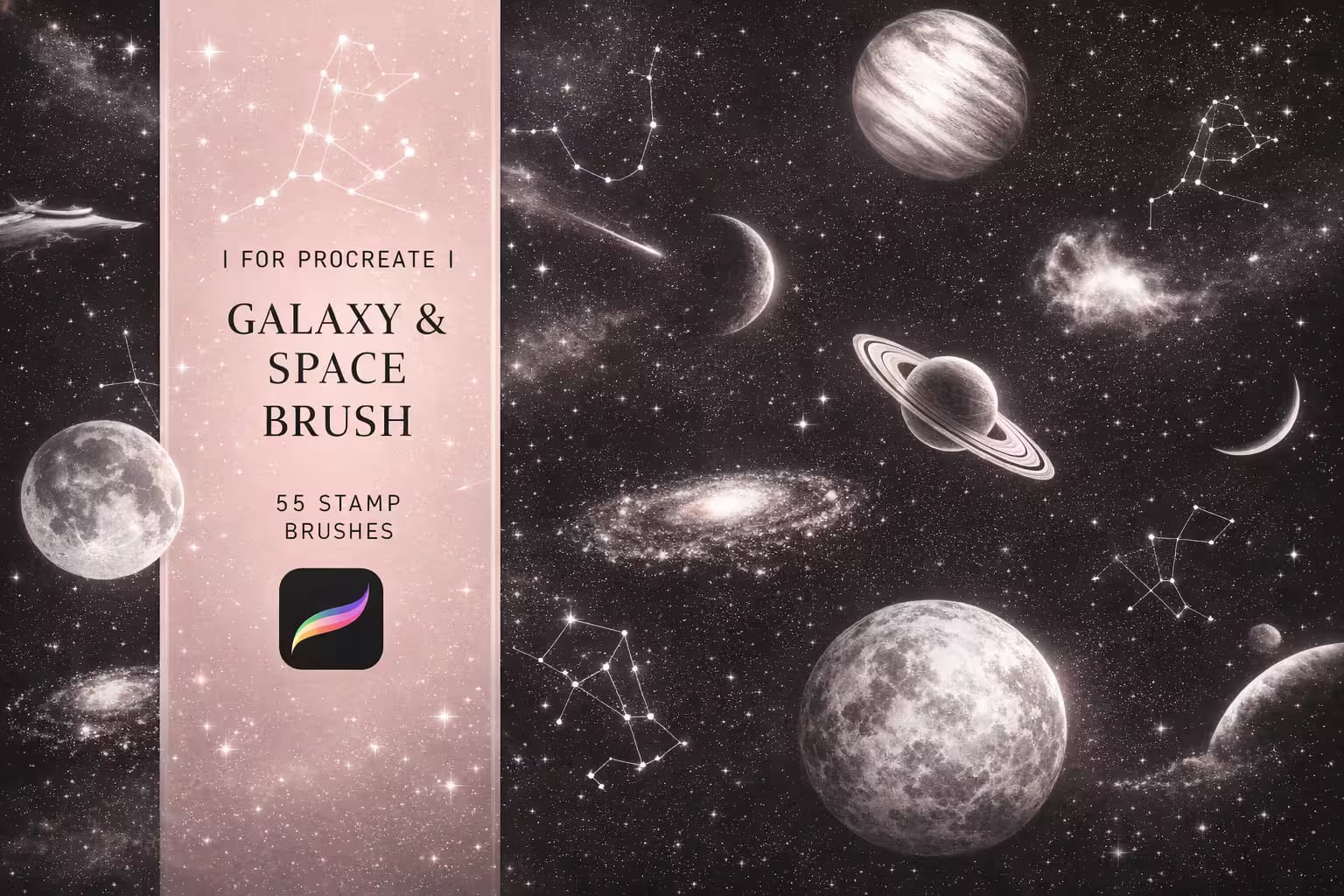
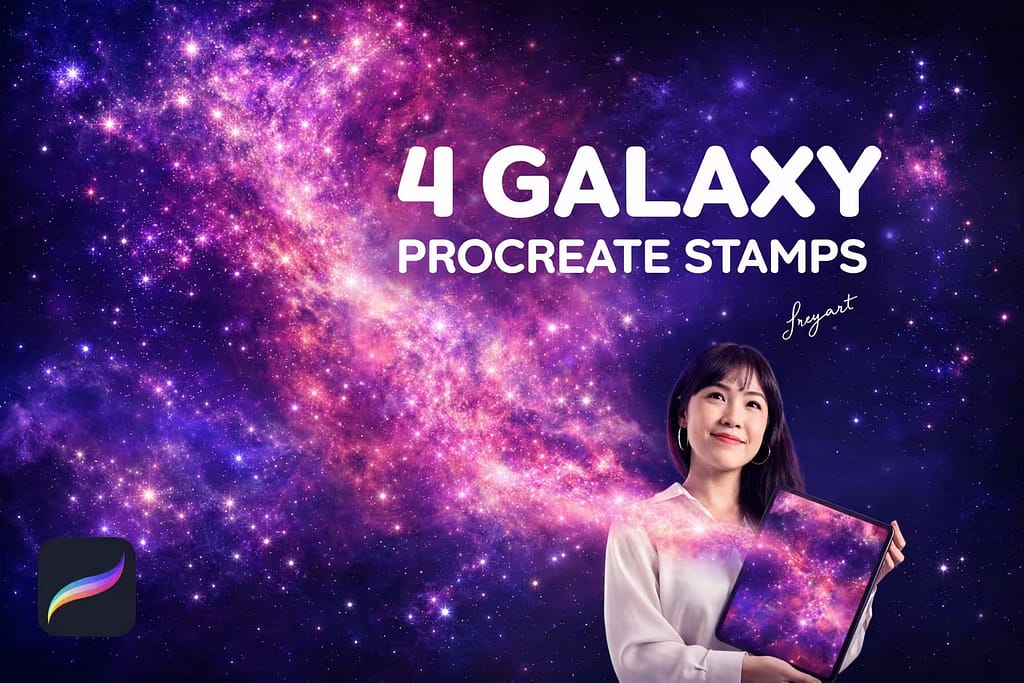
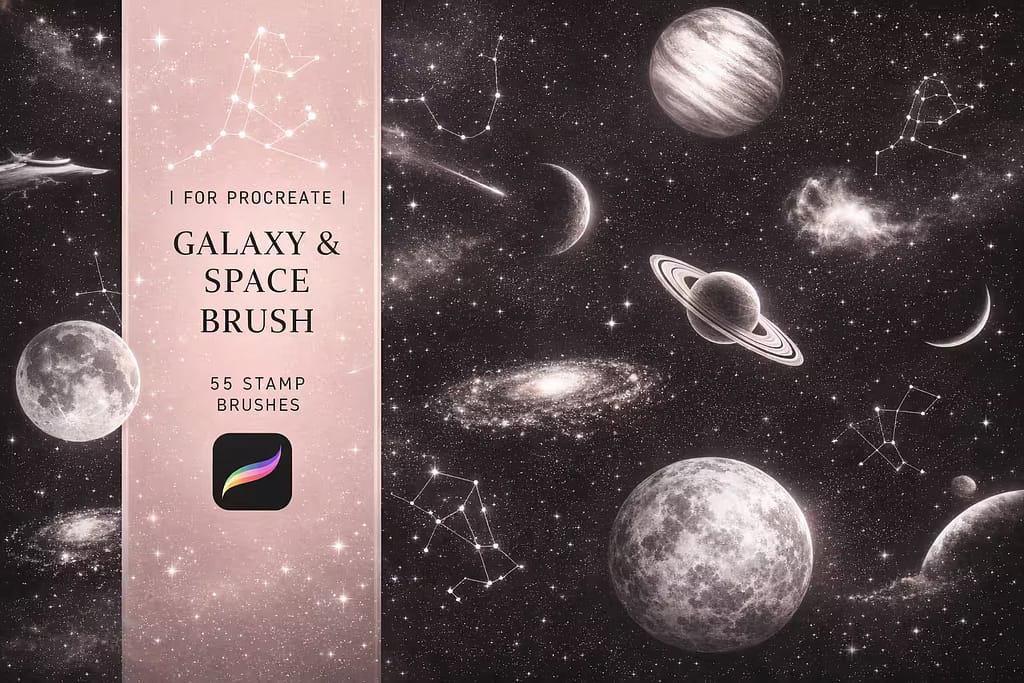
55 Galaxy Brushes
Paint realistic outer space in seconds. Features massive, high-res stamps of planets, milky way nebulas, stardust, and deep cosmos textures.
VIEW BUNDLE →
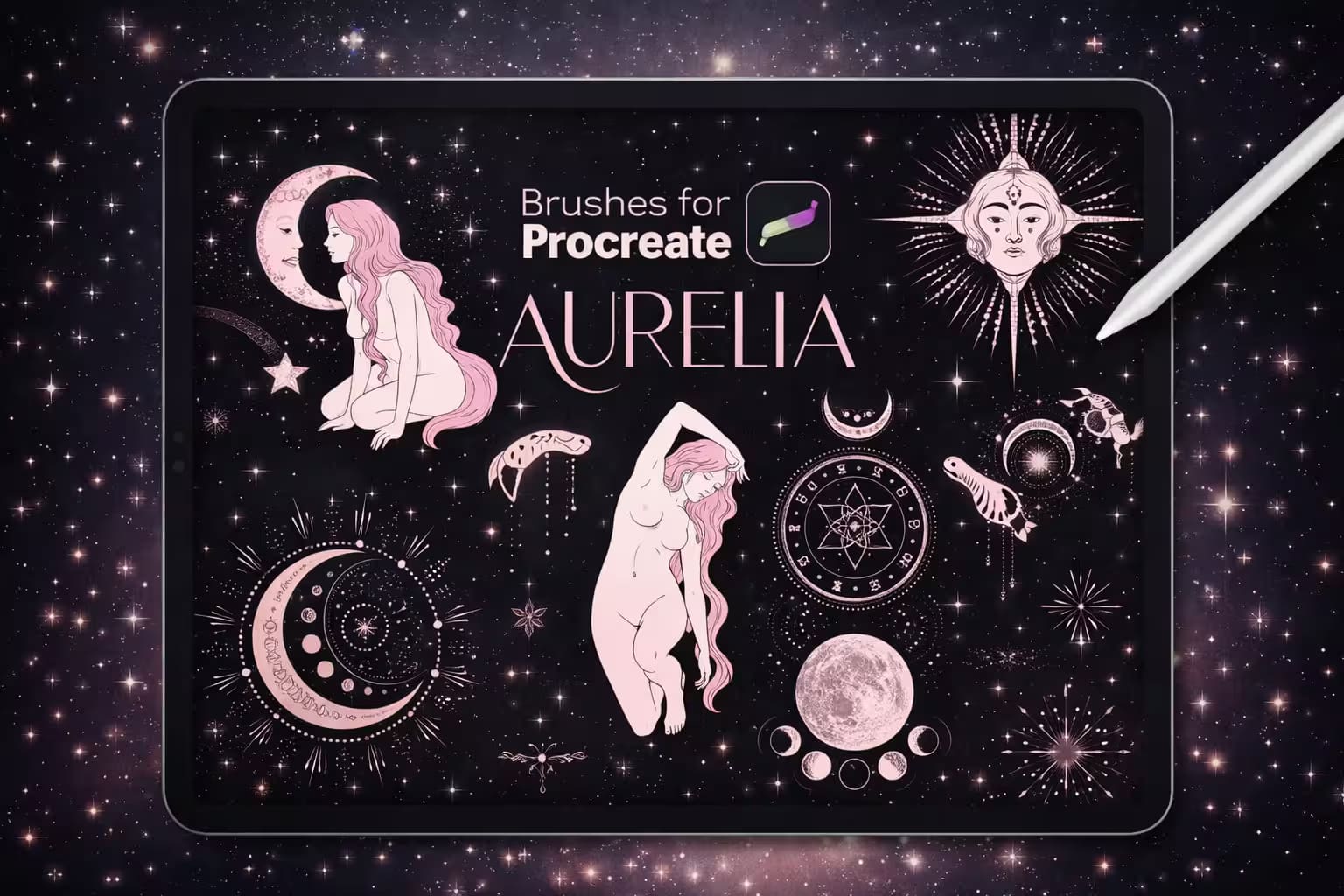
145 Witch Brushes
Perfect for trendy "witchcore" aesthetics. A massive collection of fine-liner celestial bodies, magic hands, and intricate star patterns.
VIEW BUNDLE →
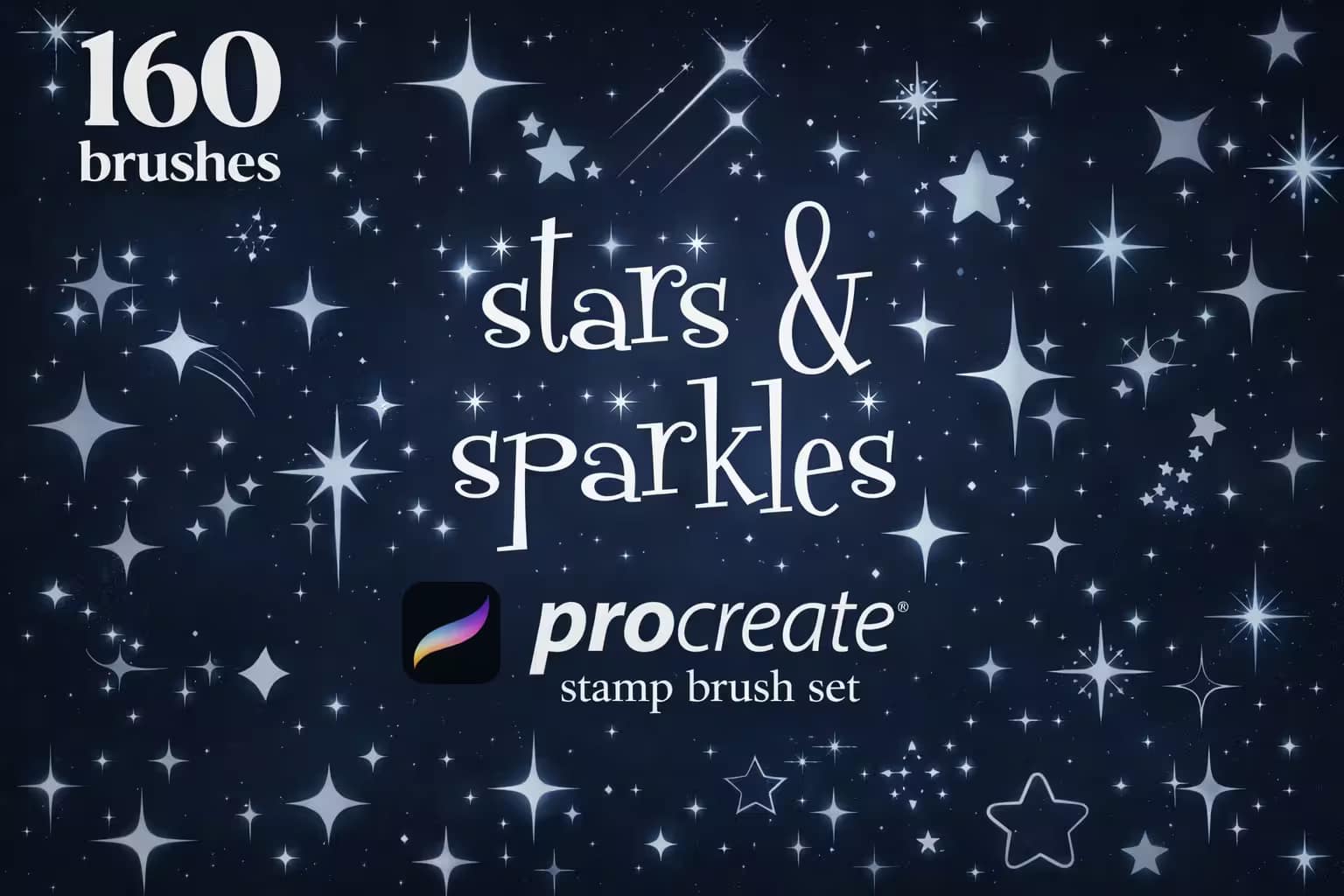
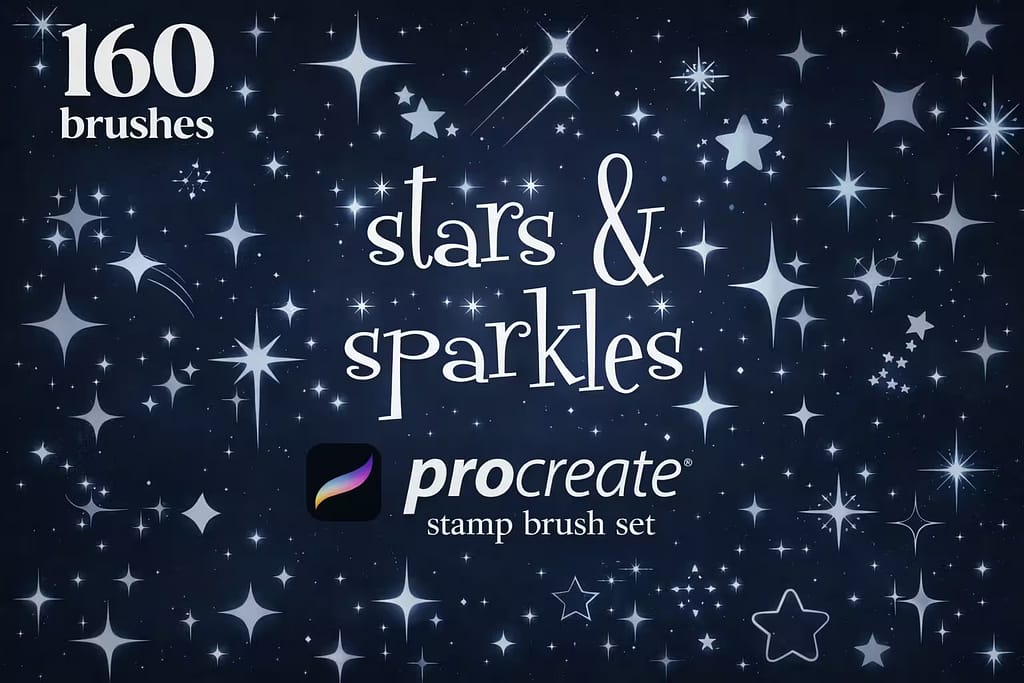
160 Sparkles Stamps
Your daily driver for lettering and doodles. Includes 160 different shapes—from retro Y2K outlines to solid, glowing geometric stars.
VIEW BUNDLE →Download All Space & Star Packs for Free!
Why purchase these brush sets individually? You can unlock ALL 12 premium packs on this list immediately for $0.
Pro Tip: Activate the Creative Fabrica All-Access Free Trial to instantly download unlimited star stamps, galaxy brushes, and magical glitters.
⚙️ Quick Tip: How to Draw a Perfect Star Using QuickShape
Draw a Messy Star
Using any monoline brush, manually draw a 5-pointed star on your canvas in one continuous stroke. Crucial step: Do not lift your Apple Pencil at the end!
Hold to Snap
Keep the tip of your pencil pressed against the screen for about a second. Procreate’s QuickShape feature will automatically snap your messy lines into straight, crisp edges.
Edit the Shape
A button saying "Edit Shape" will appear at the top center of the screen. Tap it and select Star. Procreate will instantly calculate perfect symmetry for you!
The 12 Best Procreate Star Brushes & Stamps
Below is our fully ranked collection. I've organized these tools into logical categories—starting with massive bundles for hyper-realistic galaxies and witchcraft art, moving to mystical shooting stars, and finishing with cute doodle accents for your everyday illustrations.
Why I picked it:
- ✅ Massive Variety: I found everything I needed in one place: detailed craters on the moon, clean constellation lines, and sharp crystal shapes.
- ✅ Perfect for Flash Art: The linework is crisp and solid, making it an ideal toolkit for tattoo artists creating flash sheets or sticker designs.
- ✅ Huge Time Saver: Laying down an accurate Ursa Major or a crescent moon takes literally one tap.

Why I picked it:
- ✅ Hyper-Realistic Textures: I noticed the stardust and cosmos brushes lay down perfectly organic, cloudy textures that mimic real telescope photography.
- ✅ High-Res Planets: Scaling up the planet stamps doesn’t ruin the quality. The craters and planetary rings stay razor-sharp.
- ✅ Effortless Blending: When layered using the "Add" or "Screen" blending modes, these brushes create incredibly intense cosmic glows.

Why I picked it:
- ✅ Fine-Liner Aesthetic: I love that every stamp feels like it was drawn with a traditional micron pen, giving your digital art an authentic, inky feel.
- ✅ Massive Collection: With 145 graphics, I found I rarely needed to look outside this pack to complete a complex esoteric poster or tarot card design.
- ✅ Perfect Composition: The mix of tiny star clusters and large focal elements makes balancing your artwork incredibly easy.

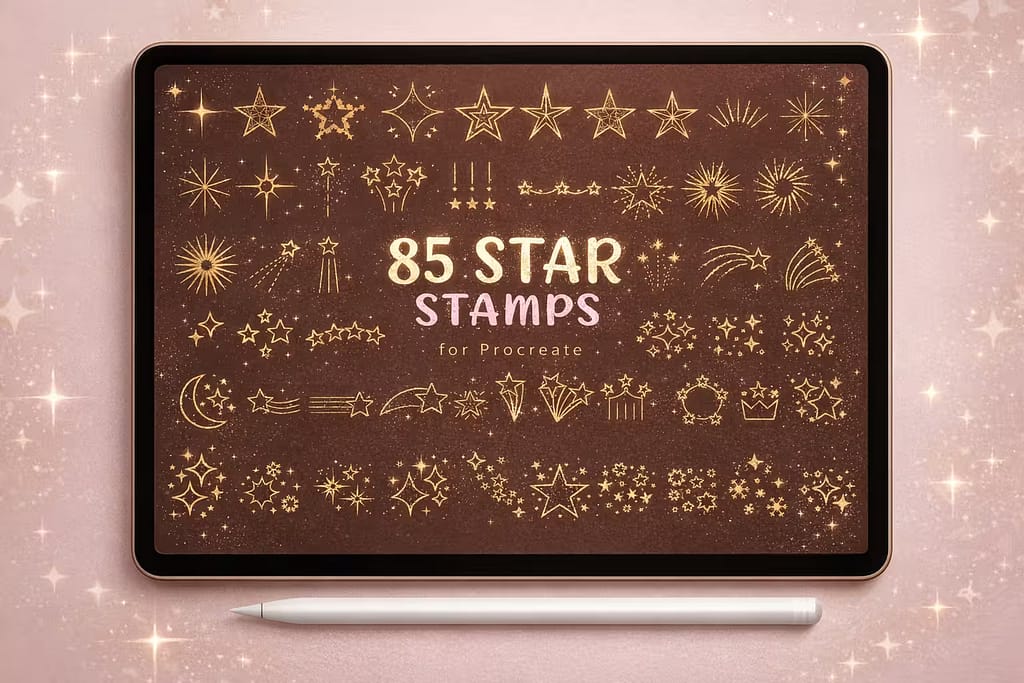
Why I picked it:
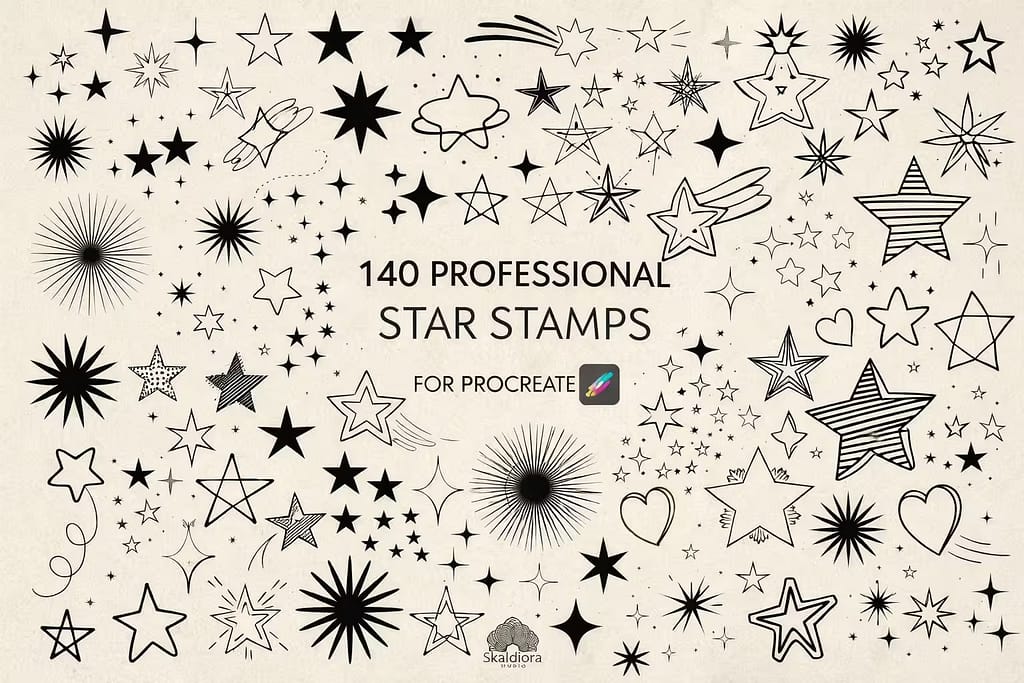
- ✅ Unbeatable Variety: I found every star shape imaginable: 4-pointed retro sparkles, classic 5-pointed stars, and complex burst outlines.
- ✅ Clean Geometry: Unlike hand-drawn doodles, these stamps are mathematically crisp, making them perfect for clean graphic design and branding.
- ✅ Easy Accents: Adding a quick, glowing outline star next to a hand-lettered quote instantly makes the piece feel finished and dynamic.

Why I picked it:
- ✅ Organic Feel: I love the slight wiggles and overlapping lines in these stamps. They make digital art look authentically human and approachable.
- ✅ Great for Stickers: These are the perfect filler elements for creating cute, casual sticker packs or journaling layouts.
- ✅ Fun Groupings: I noticed the pack includes pre-grouped clusters of stars, saving you the hassle of stamping them one by one.

Why I picked it:
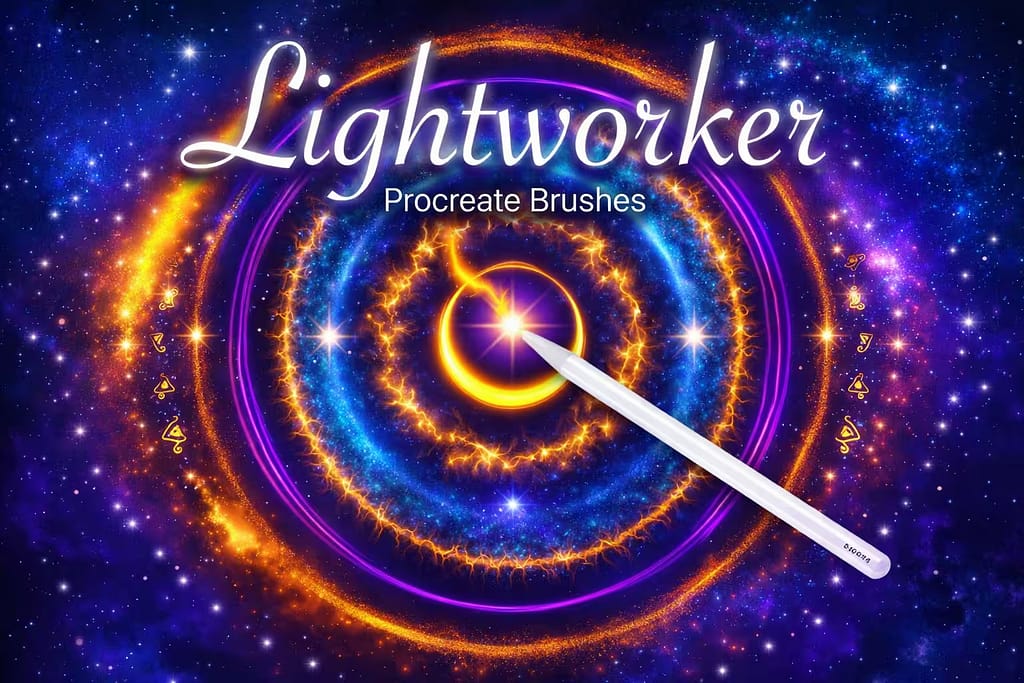
- ✅ Intense Luminescence: I was amazed by how bright these brushes render on dark backgrounds. They literally look like glowing electricity.
- ✅ Dynamic Comets: Drawing a shooting star is effortless; the brushes perfectly taper and scatter particles to mimic realistic motion blur.
- ✅ Firefly Scatters: The scattering brushes are perfect for adding atmospheric glowing dust around magical objects or night forest scenes.

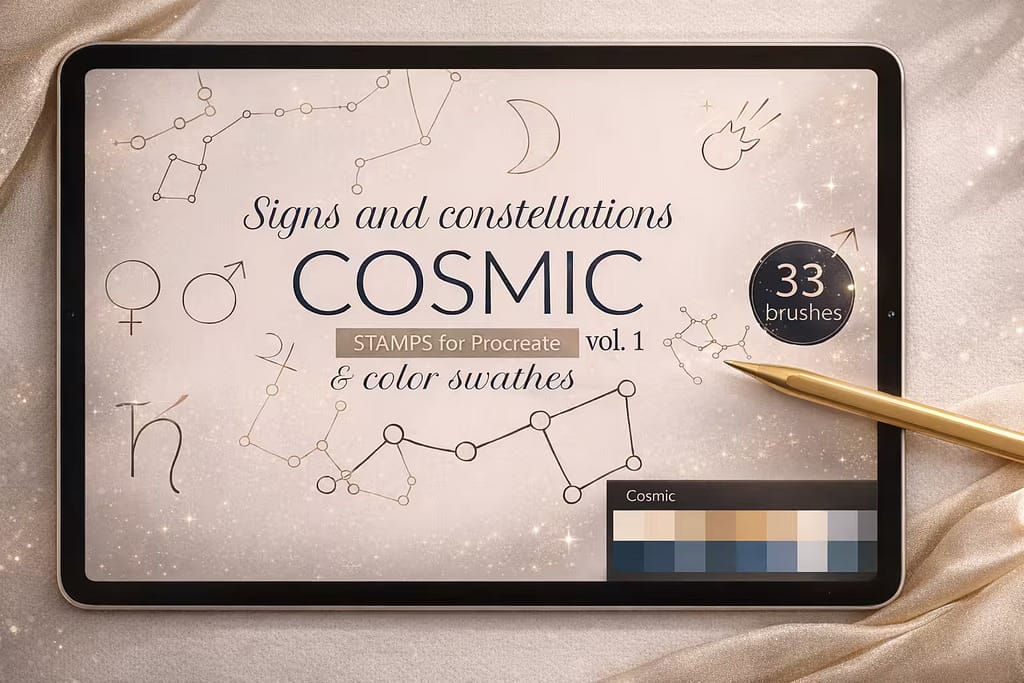
Why I picked it:
- ✅ Accurate Designs: I appreciate that the zodiac and major star patterns (like Ursa Minor) are anatomically correct for astronomy-themed projects.
- ✅ Elegant Minimalist Style: The thin, hand-drawn lines connect the stars beautifully, making them perfect for modern, boho-chic designs and apparel.
- ✅ Bonus Planet Glyphs: Alongside the stars, I found the included hand-drawn astronomical symbols incredibly useful for aesthetic typography.

Why I picked it:
- ✅ Perfect Finishing Touches: I found these stamps ideal for adding a quick "shine" effect to jewelry, eyes, or magical objects in my drawings.
- ✅ Versatile Styles: It bridges the gap perfectly between simple geometric shapes and detailed, whimsical fairy-tale sparkles.
- ✅ No-Fuss Installation: It’s a lightweight, straightforward brushset that loads quickly and does exactly what it promises without overwhelming your library.

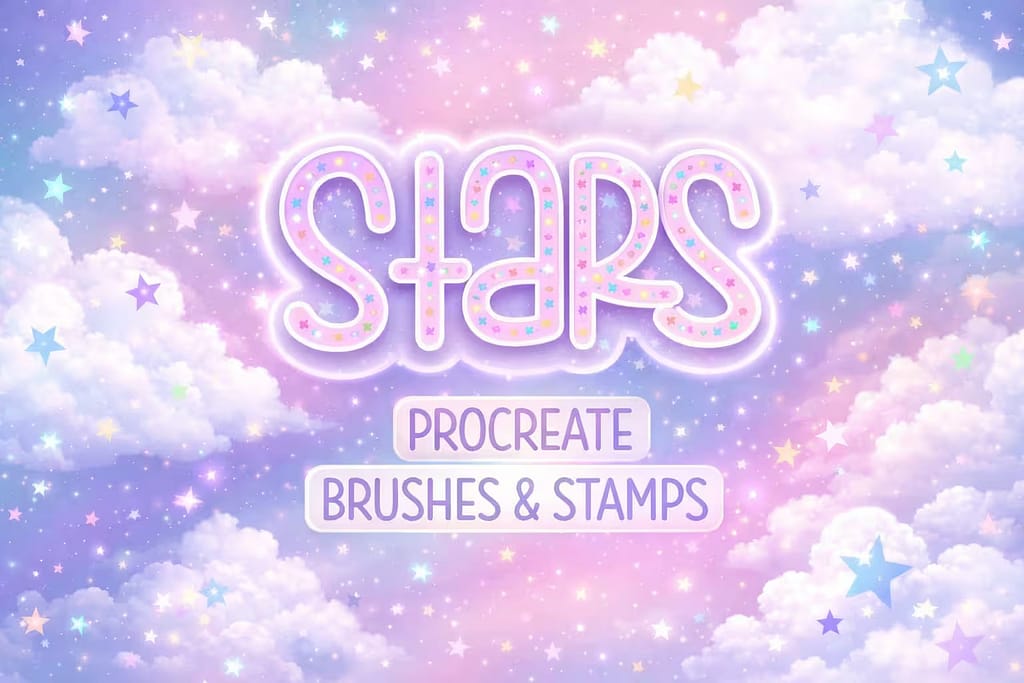
Why I picked it:
- ✅ Auto Color-Shifting: I love that as you drag the pencil, the brush automatically cycles through pastel or bright rainbow colors—no palette switching needed!
- ✅ Double-Outline Effect: I noticed the stamps feature that iconic retro double-stroke look, which is perfect for trendy apparel designs and merch.
- ✅ Playful & Bold: These aren't meant to be realistic; they are loud, colorful, and guaranteed to make your typography pop.

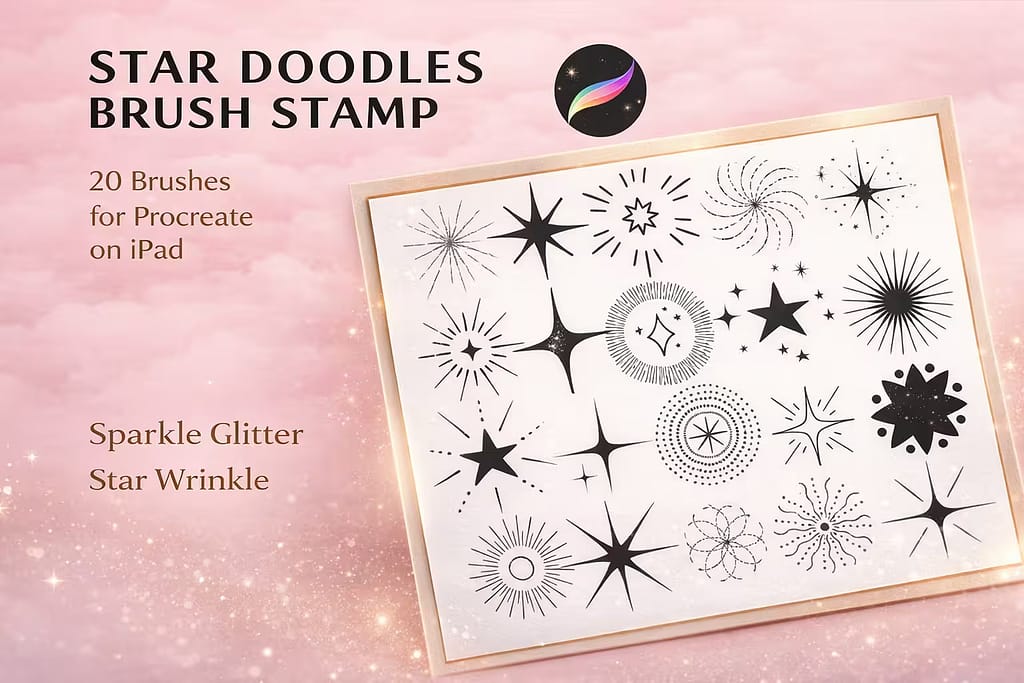
Why I picked it:
- ✅ Unique Sharp Edges: I appreciated the distinct, elongated spikes of these stars, which give off a cool, abstract "atomic age" vibe.
- ✅ High Contrast: The bold, solid black shapes work incredibly well as clipping masks for adding textures or gradients in Procreate.
- ✅ Retro Charm: I found them perfect for creating retro diner signs, comic book accents, or sharp pop-art backgrounds.

Why I picked it:
- ✅ Massive Scale: I was impressed by the resolution. You can stamp these across a huge canvas and the stardust remains beautifully crisp.
- ✅ Instant Atmosphere: I found it incredibly useful for laying down a base layer of space clouds before adding smaller, individual star stamps.
- ✅ Great for Portraits: Using these stamps on a clipping mask over a silhouette creates a stunning "universe within" double-exposure effect.

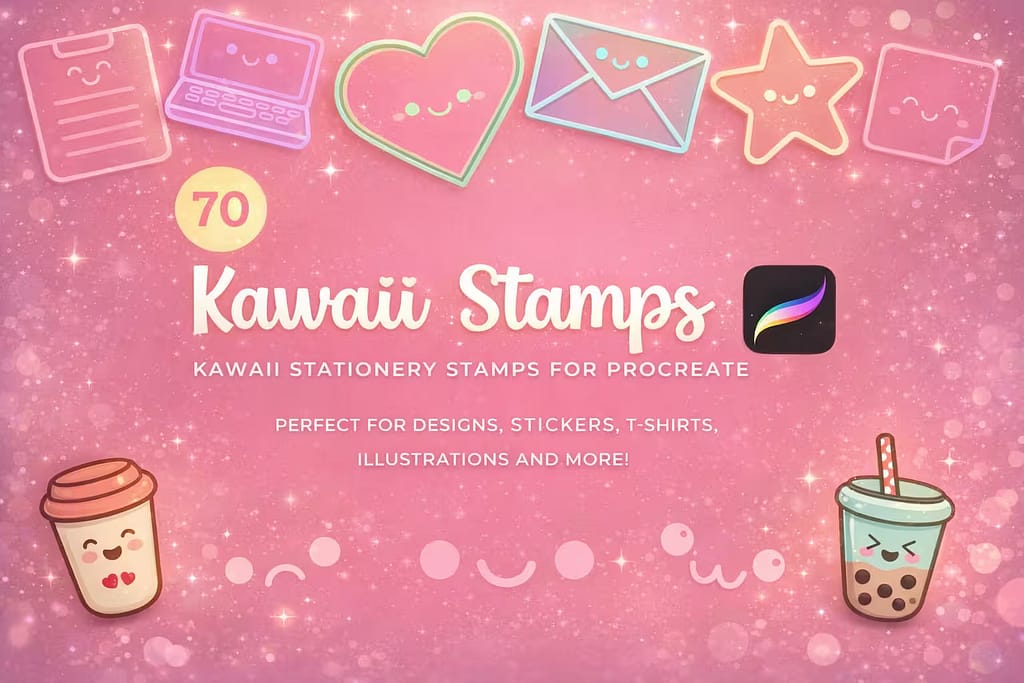
Why I picked it:
- ✅ Adorable Aesthetics: I love the thick, clean, monoline style. The smiling stars are guaranteed to make anyone smile.
- ✅ Perfect for Coloring: Because the linework is fully closed and crisp, I found it incredibly easy to use Procreate's ColorDrop tool to fill them in.
- ✅ Great Extra Value: Alongside the stars, you get cute coffee cups, envelopes, and laptops—everything you need for a cozy illustration.
FAQ
If you don't have a star stamp handy, you can draw one using Procreate’s built-in QuickShape tool. Simply draw a rough 5-pointed star without lifting your Apple Pencil. Keep the pencil pressed against the screen at the end of your stroke, and the lines will snap perfectly straight. Tap "Edit Shape" at the top of the screen and select "Star" for flawless symmetry.
To make your own stamp, draw a solid white star on a pure black, square canvas. Swipe down with three fingers and copy the canvas. Next, open the Brush Library, tap the "+" icon to create a new brush, go to the "Shape" menu, and paste your star into the Shape Source. Finally, go to the "Stroke Path" menu and turn the Spacing up to the maximum level so it stamps individually.
While you can find basic free star brushes online, they often lack high resolution and commercial licenses. The smartest way to get premium cosmic brushes for free is by activating a Creative Fabrica All-Access Free Trial. This allows you to download top-tier galaxy stamps, shooting stars, and magical glow kits at absolutely no cost.
To make your star brushes actually emit light, you must draw them on a dark background. Once drawn, open your Layers panel and change the star layer's Blend Mode to "Add" or "Screen". For an even stronger magical effect, duplicate the star layer, select the bottom copy, and apply a 5-10% Gaussian Blur to create a soft, glowing halo.