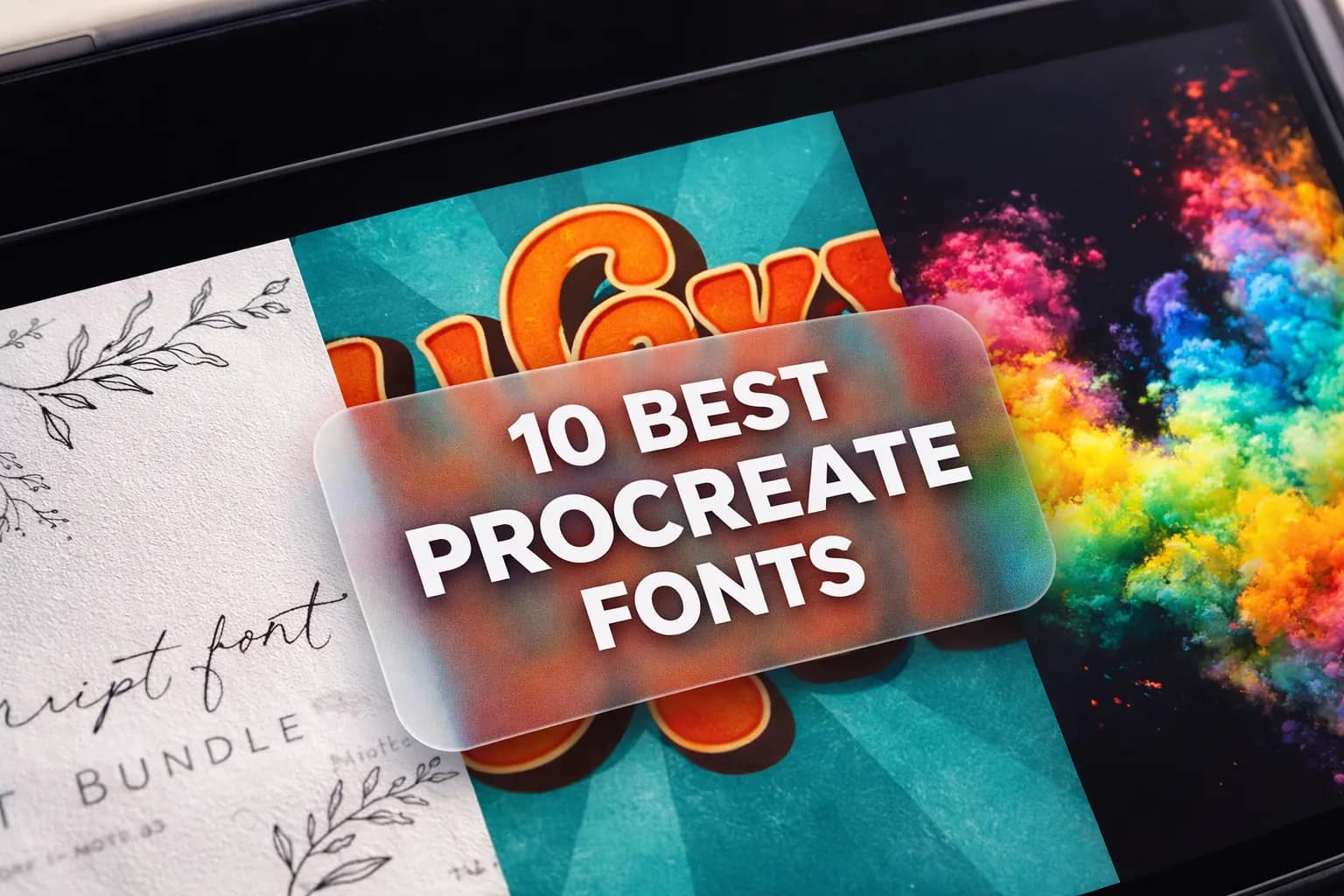
Standard Procreate fonts often lack the unique character needed for professional lettering and stickers. I’ve hand-picked these 10 premium packs specifically for their iPad compatibility, stunning visual impact, and versatility.
🏆 Editor’s Choice
Top 4 font & brush kits for your next Procreate masterpiece.
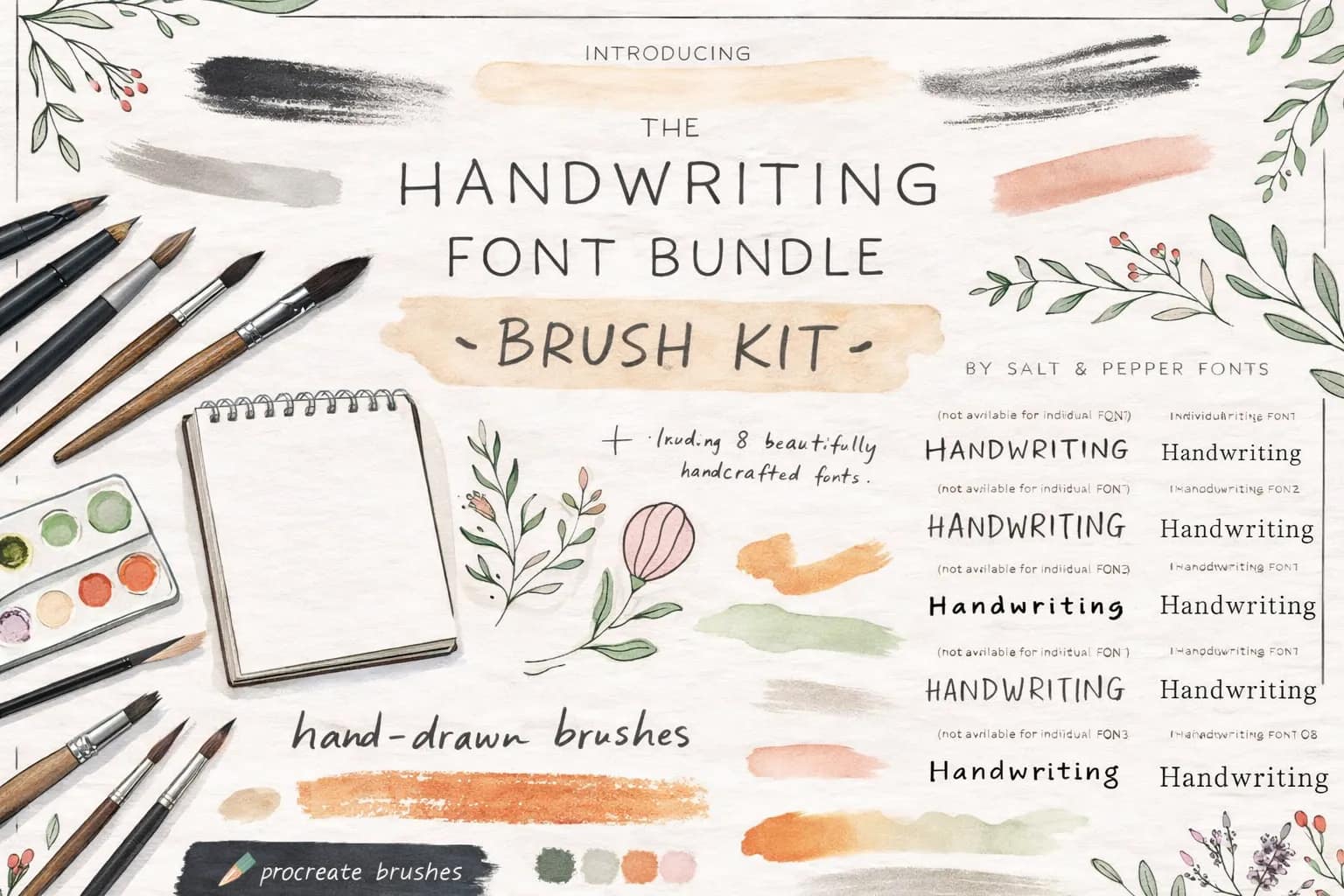
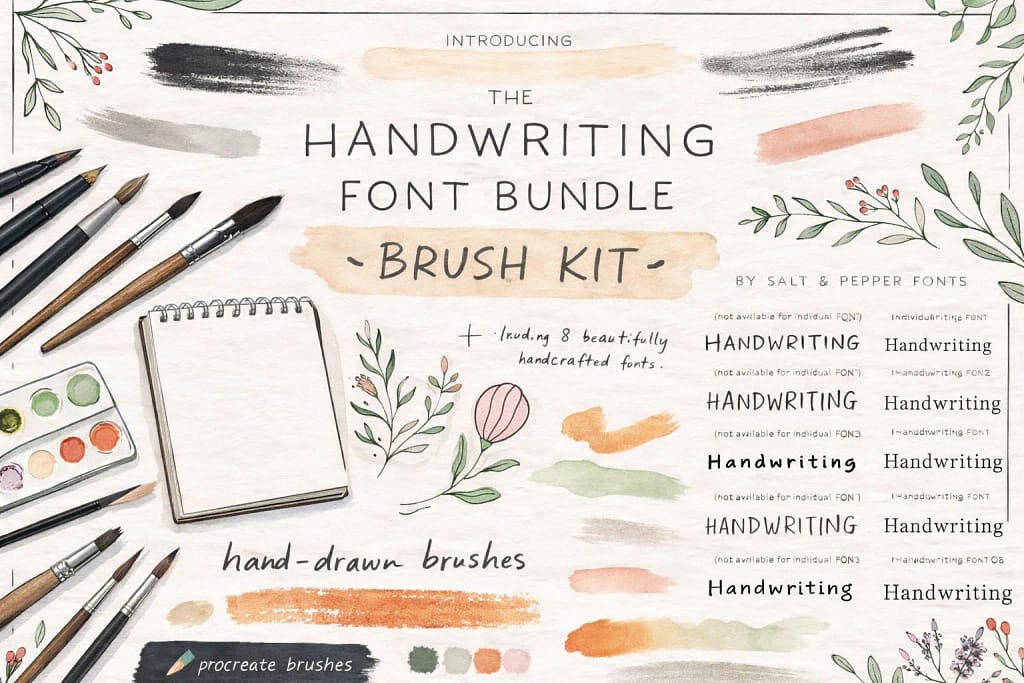
Handwriting Bundle
Massive 8-in-1 pack of handcrafted fonts. Perfect for digital planning, journaling, and aesthetic notes.
View Bundle →
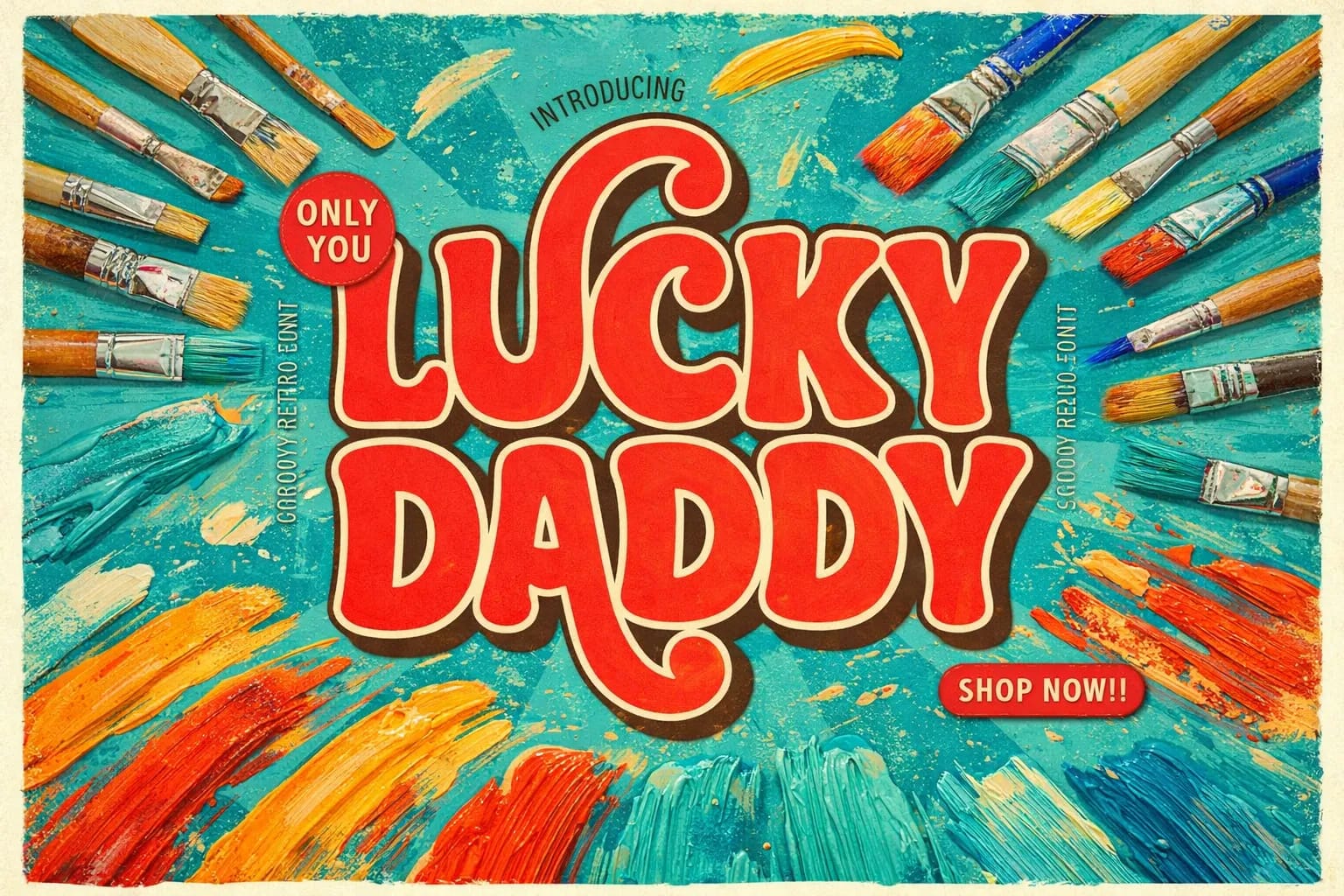
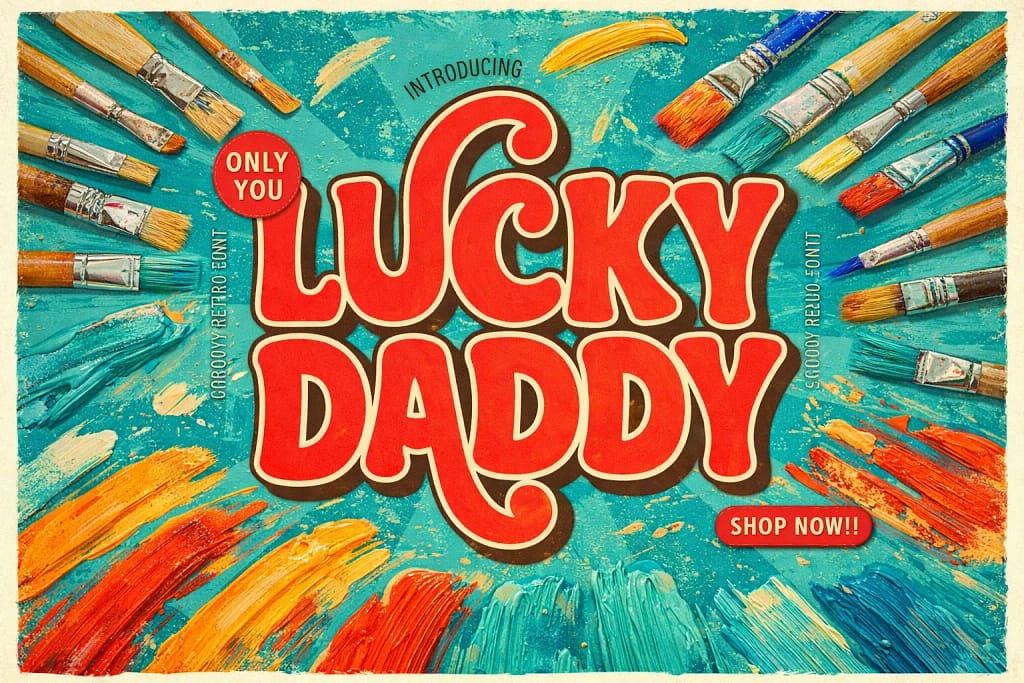
Lucky Daddy Font
Cool 70s groovy display font. Ideal for bold titles, stickers, and vintage-style posters.
View Font →
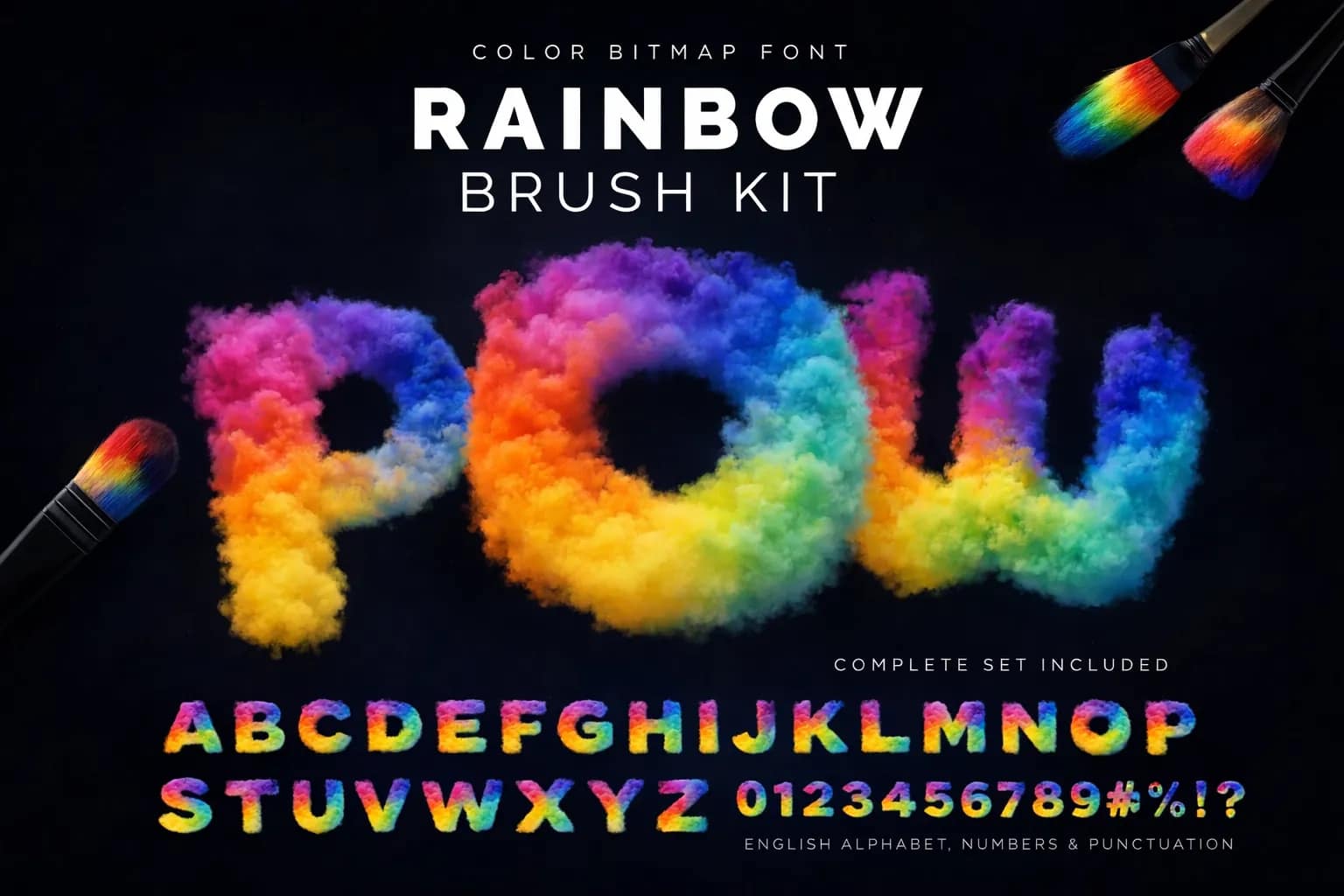
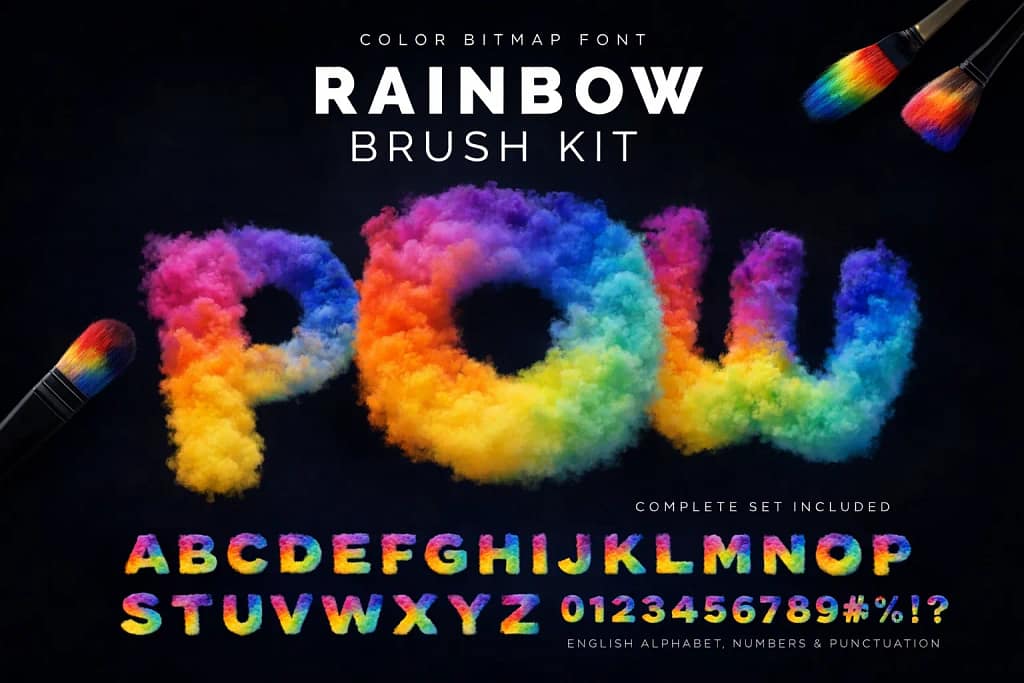
Rainbow Pow Effect
Stunning AI-generated color font. Creates realistic 3D smoke and colorful cloud effects instantly.
View Font →
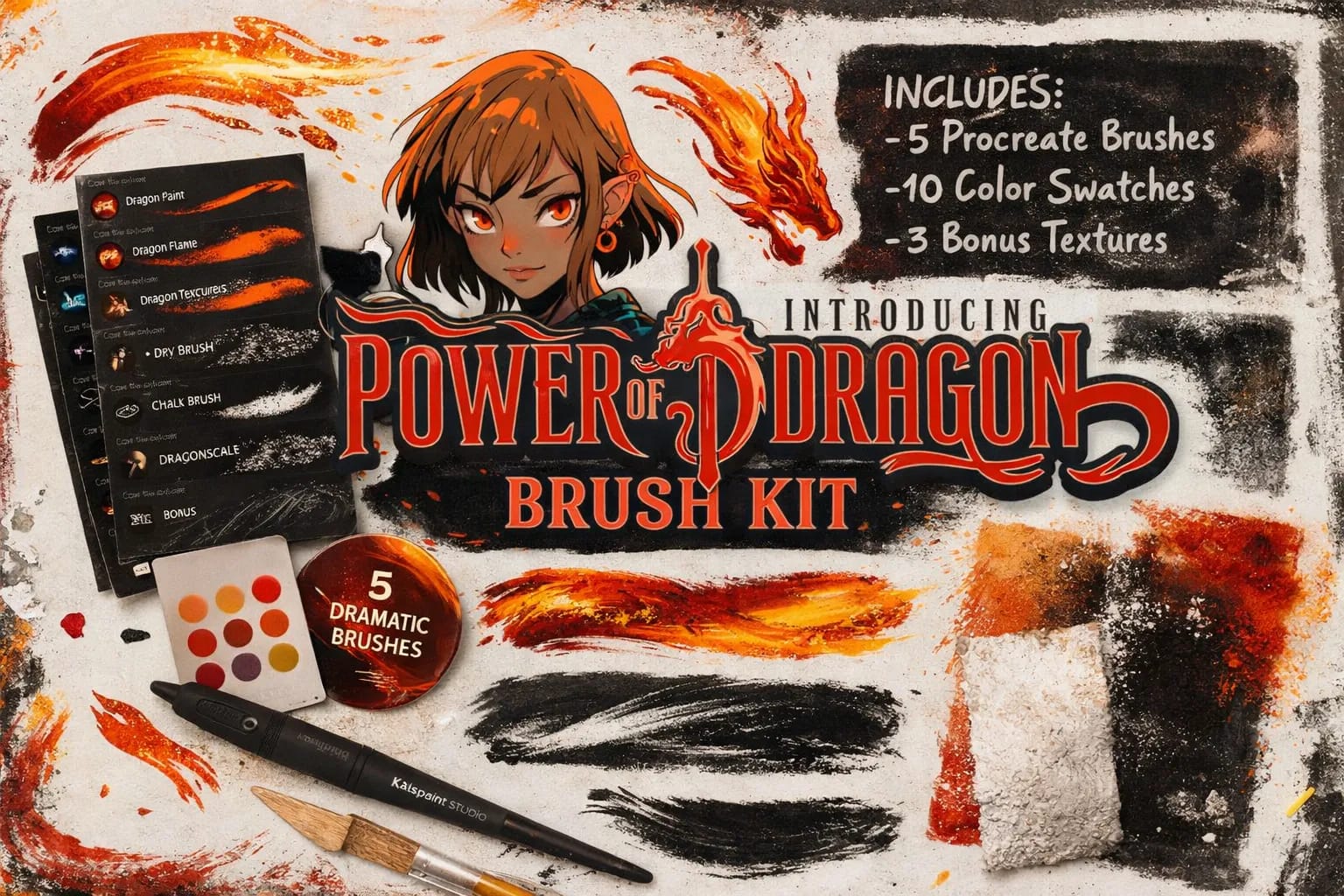
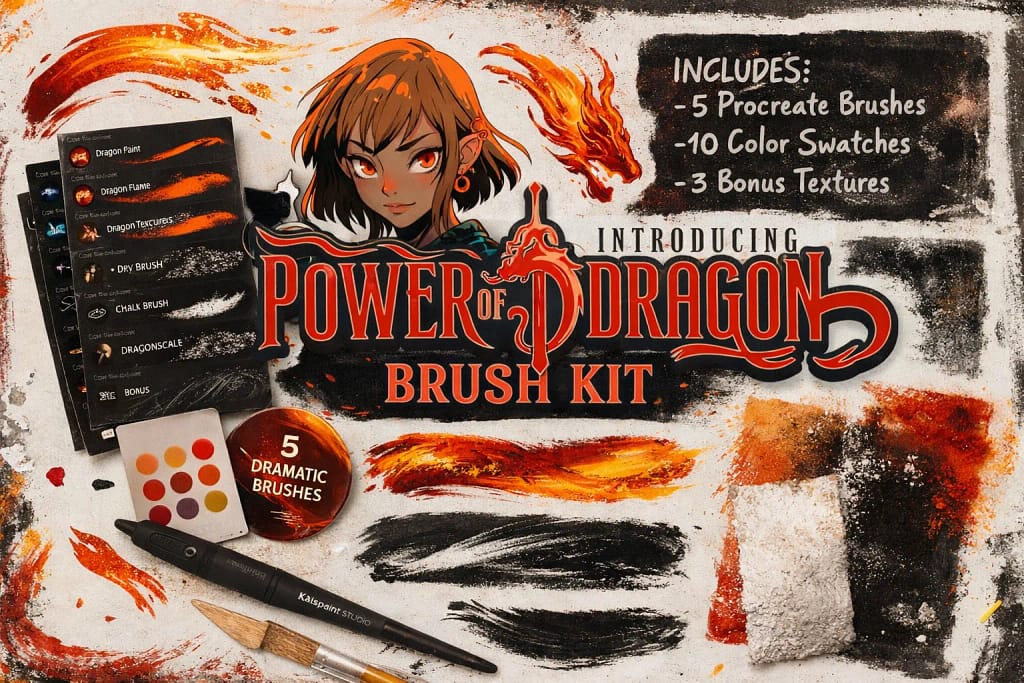
Power of Dragon
Heroic typeface with 1084 characters. Includes bonus dragon brushes and textures for fantasy art.
View Kit →📲 How to Add Fonts to Procreate (Quick Guide)

- 1. Download & Unzip Download your font pack. If it's a .zip file, open it in the Files app on your iPad to extract the .otf or .ttf files.
- 2. Open Text Menu Launch Procreate, open any canvas and tap Actions (wrench icon) > Add > Add Text.
- 3. Import the File Tap the "Aa" button on the text toolbar. In the font list, tap Import Font in the top right corner.
- 4. Select and Use Locate your extracted font in the Files app. Tap it, and it will instantly appear in your Procreate font list!
Pro Tip: Stick to .OTF format when possible. It's more modern than .TTF and often includes cool extras like automatic ligatures and better scaling.
📂 Full Collection 10 Sets
▼The 10 Best Fonts for Procreate (Reviewed)
Below is my curated list of the best typefaces to enhance your digital art. I’ve selected these based on their readability, unique style, and how well they perform within the Procreate text engine, whether you’re creating stickers, comics, or elegant branding.

Verdict: The “Swiss Army Knife” for Aesthetic Art. Makes digital text look authentic, human, and perfectly imperfect.
Why I picked it:
✅ 8-in-1 Variety: Covers every style from elegant wedding calligraphy to casual, messy school notes.
✅ Pressure Flow: Designed to mimic real ink, responding beautifully to Apple Pencil pressure and tilt.
✅ Planner’s Hero: The ultimate choice for those who want their digital journals to look like a physical Moleskine.
🔒 Secure checkout via Creative Fabrica • Commercial License included

Verdict: Pure nostalgia. This font brings instant groove to your canvas, making it the go-to choice for bold headlines, sticker art, and vintage designs.
Why I picked it:
✅ Maximum Impact: The thick, bubbly strokes make text pop off the screen — perfect for YouTube thumbnails or POD t-shirts.
✅ Texture Friendly: Its solid weight makes it incredibly easy to apply clipping masks in Procreate to add worn-out textures or gradients.
✅ Versatile Mood: While retro by nature, it works surprisingly well for modern “positive vibes” branding and kids’ illustrations.
🔒 Secure checkout via Creative Fabrica • Commercial License included

Verdict: A technological marvel. This isn’t just a font; it’s a pre-rendered pyrotechnic show that lets you type with realistic, high-resolution clouds of colored powder.
Why I picked it:
✅ True OpenType-SVG: Unlike standard fonts, this types in full, hyper-realistic color with built-in transparency. No need to manually paint or mask anything.
✅ High-Res Detail: Each letter is essentially a high-quality bitmap (approx 500px tall), ensuring your headlines look crisp and detailed even on large digital posters.
✅ Instant “Wow” Factor: Perfect for festival flyers, energetic YouTube covers, or any project that needs a “Holi party” vibe in seconds.
🔒 Secure checkout via Creative Fabrica • Commercial License included

Verdict: The ultimate Shonen protagonist. If you are designing a comic book cover, a gaming thumbnail, or merchandise that needs to scream “Epic Adventure,” this is your weapon of choice.
Why I picked it:
✅ Insane Glyph Count: Comes with a massive set of 1084 characters. This means you have endless alternate letters and ligatures to make your text look like a custom logo.
✅ Heroic Aesthetic: The sharp serifs and bold weight perfectly capture the energy of modern Japanese RPGs and fantasy anime.
✅ Attention Grabber: It’s designed specifically for display purposes — titles written in this font are impossible to ignore.
🔒 Secure checkout via Creative Fabrica • Commercial License included

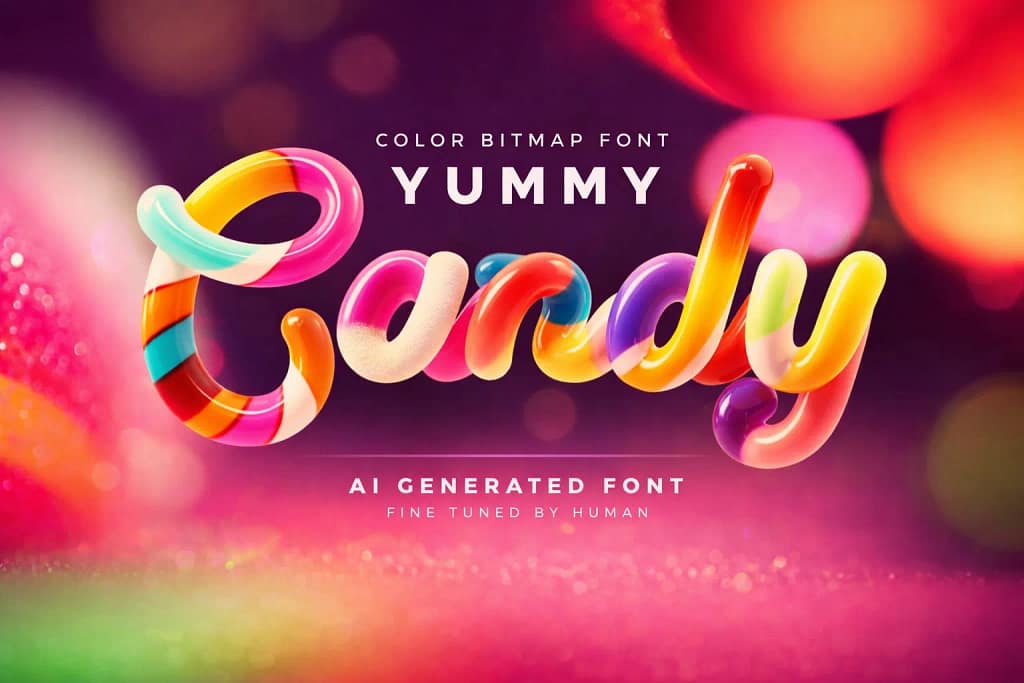
Verdict: Deliciously realistic. This font turns your text into glossy, high-definition candy canes instantly, without needing any 3D software or complex shading skills.
Why I picked it:
✅ No Rendering Needed: Creating this 3D effect manually would take hours. With this SVG font, you just type, and the glossy, colorful letters appear instantly.
✅ Crystal Clear Quality: The letters are roughly 600px tall, meaning the glossy reflections and swirl textures remain sharp even on printed birthday cards.
✅ Instant Mood Booster: The ultimate cheat code for party invitations, kids’ YouTube channels, or candy shop branding.
🔒 Secure checkout via Creative Fabrica • Commercial License included

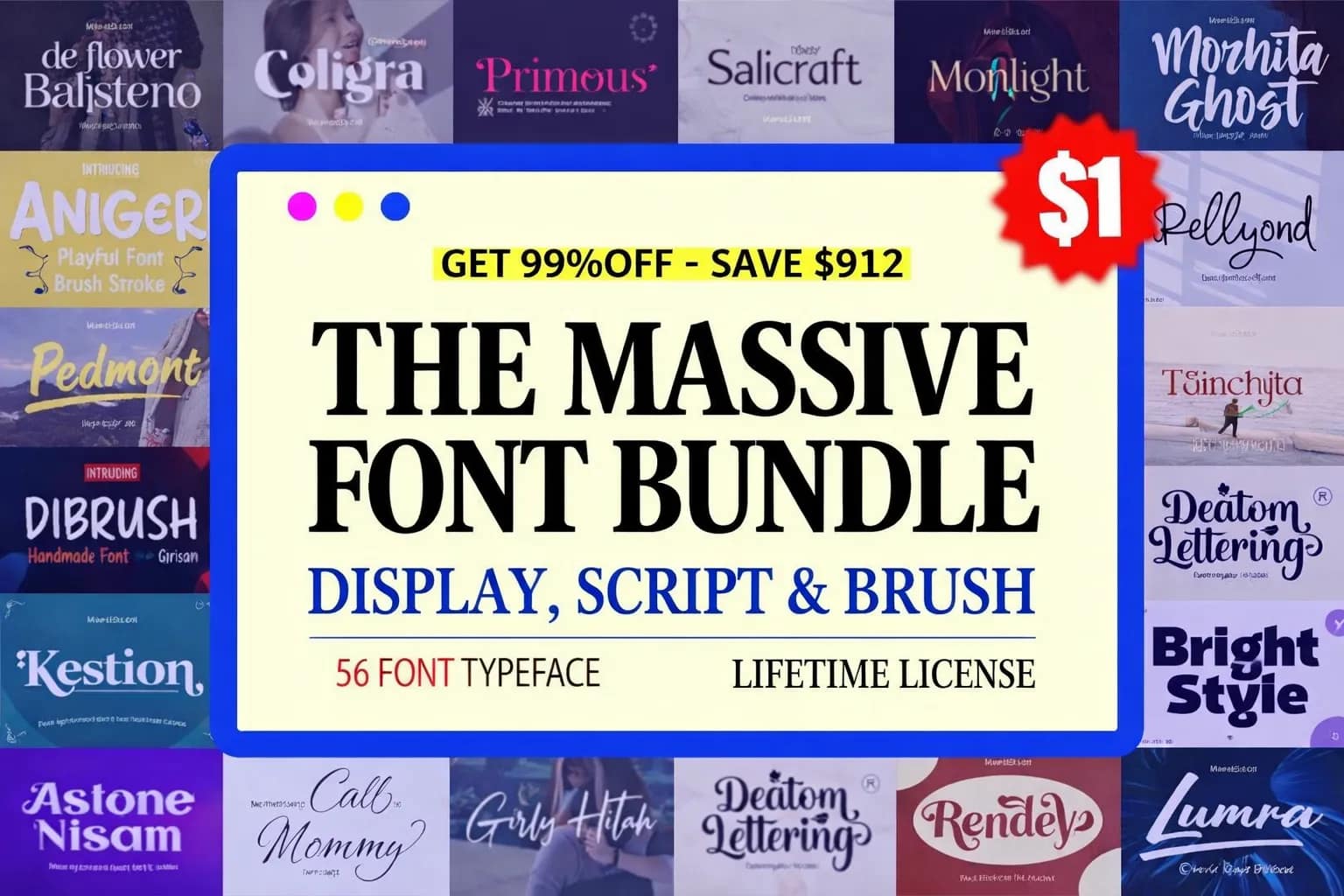
Want this $47 Bundle for FREE?
Start a Free Trial on Creative Fabrica and get these 56 Premium Fonts for $0.
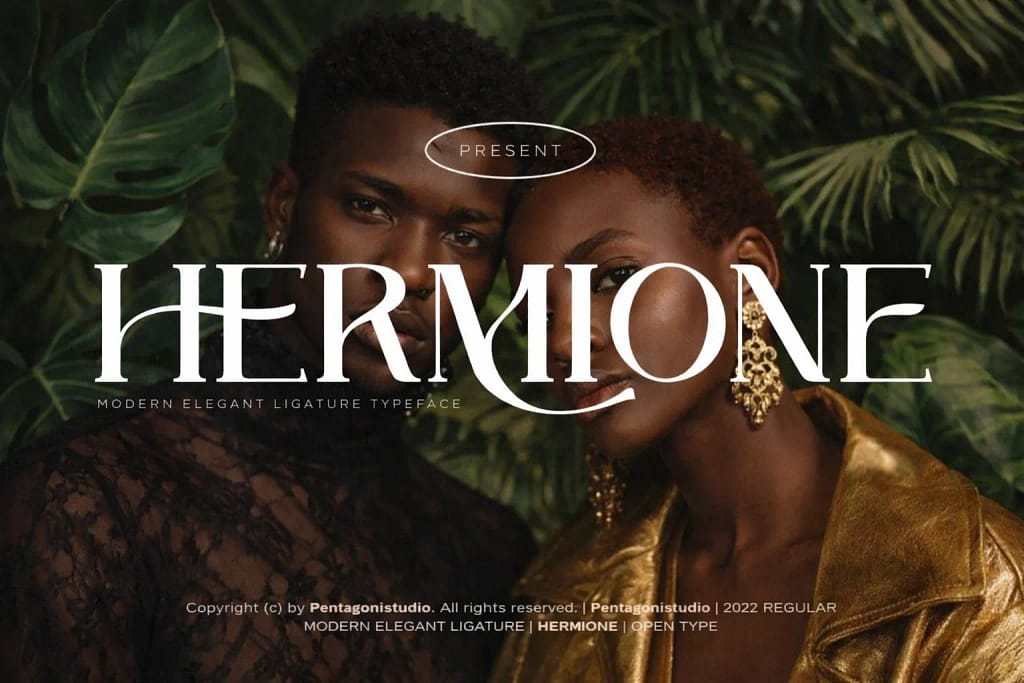
Verdict: The “Vogue” of fonts. This typeface instantly elevates any design to high-fashion status with its sharp serifs and luxurious ligatures.
Why I picked it:
✅ Ligature Magic: The real power of this font lies in its stylistic alternates. Letters connect in unique, artistic ways that make standard text look like a bespoke logo.
✅ Wedding Ready: It is the ultimate choice for upscale invitations, menu cards, and beauty brand packaging.
✅ Timeless Elegance: Unlike trendy fonts that fade, this modern serif balances readability with an aesthetic that will look good for years.
🔒 Secure checkout via Creative Fabrica • Commercial License included

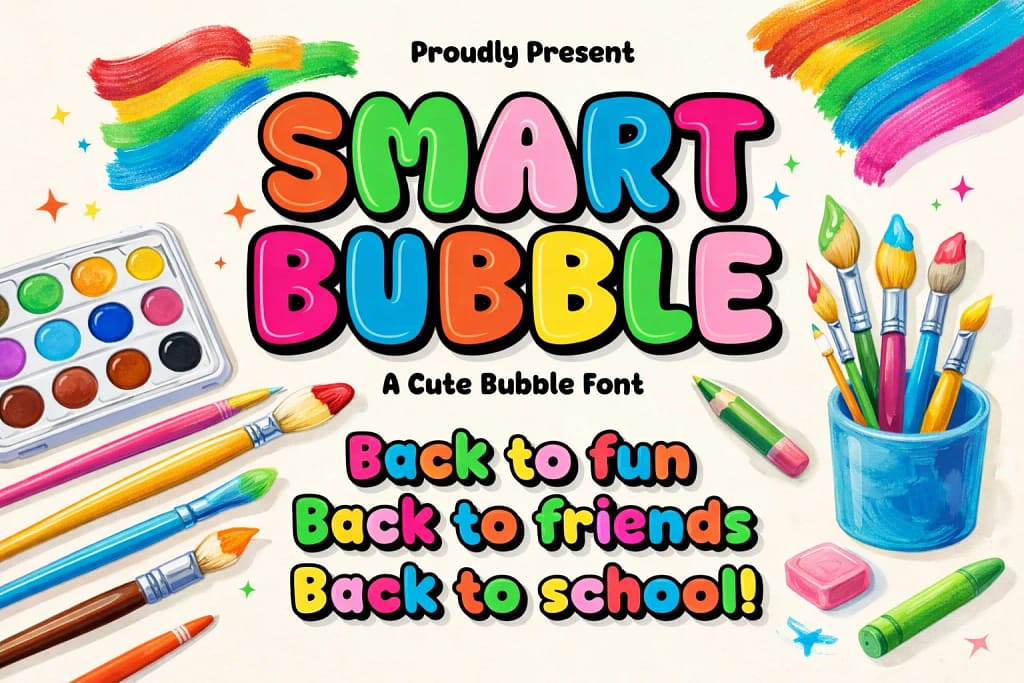
Verdict: The definition of fun. This font captures the excitement of a new school year and is practically begging to be turned into die-cut stickers.
Why I picked it:
✅ Sticker Ready: The thick, rounded outlines are incredibly easy to cut on Cricut or Silhouette machines, making it a top choice for physical crafting.
✅ Back-to-School Vibe: It fits perfectly into “academia” themes — think bulletin boards, teacher worksheets, or personalized pencil cases.
✅ Super Legible: Unlike some “bubble” fonts that get messy, this retains clear letter shapes, ensuring your message is readable even from a distance.
🔒 Secure checkout via Creative Fabrica • Commercial License included

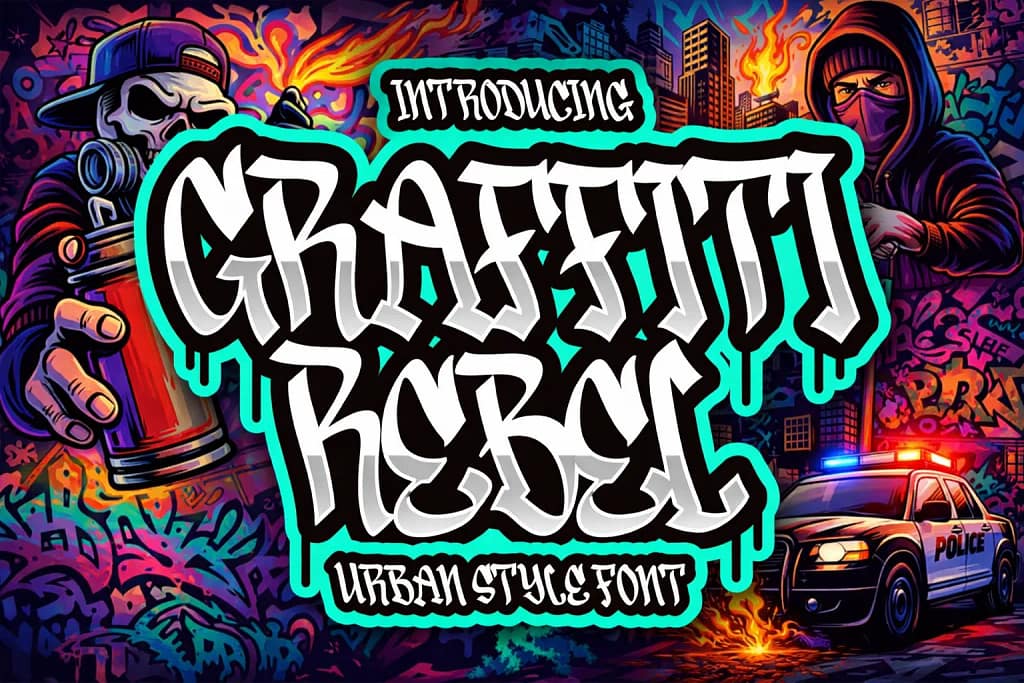
Verdict: The sound of the underground. This font captures the raw, rebellious energy of street art without the need for a spray can and a dark alley.
Why I picked it:
✅ Street Cred: It perfectly mimics the “wildstyle” flow of graffiti tags. An absolute must-have for designing streetwear merchandise, skateboard decks, or hip-hop album covers.
✅ Bold & Assertive: The thick strokes provide a massive surface area, making it ideal for applying grunge textures or neon glow effects in Procreate.
✅ Legible Chaos: While it looks like wild graffiti, the designer kept the letterforms recognizable enough so your audience can actually read the brand name.
🔒 Secure checkout via Creative Fabrica • Commercial License included

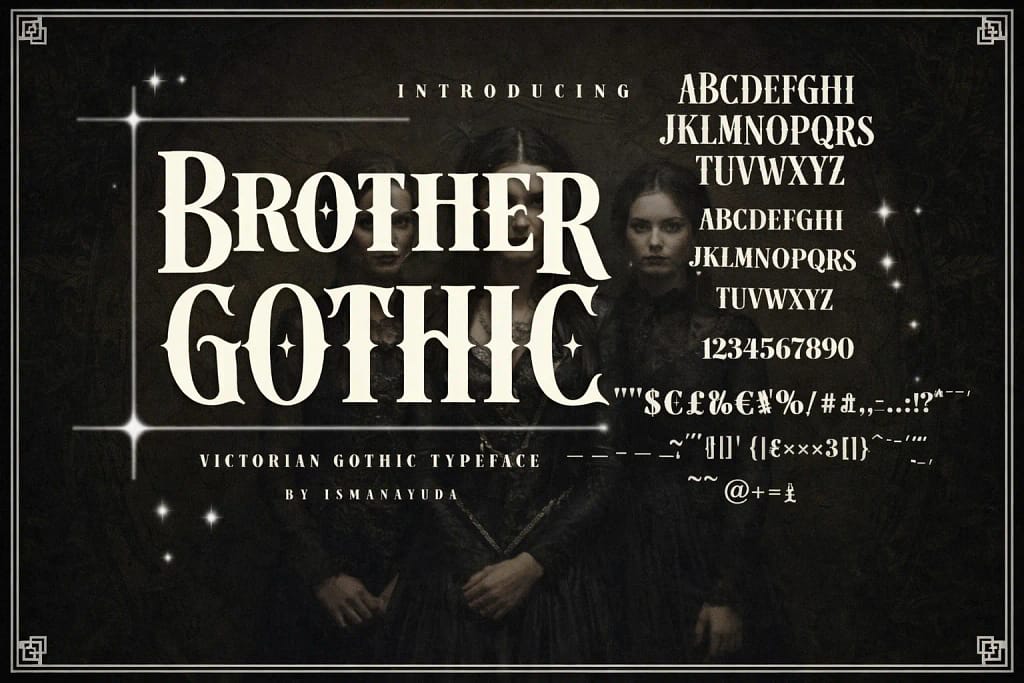
Verdict: Dark elegance meets biker grit. This font masterfully blends the sophistication of the Victorian era with the rebellious edge of modern tattoo culture.
Why I picked it:
✅ Tattoo Ready: The sharp spurs and high contrast make it an absolute favorite for tattoo artists looking for a custom lettering feel without drawing from scratch.
✅ Atmospheric Depth: Use this for Halloween party invites, horror movie posters, or liquor branding to instantly add a layer of mystery and history.
✅ Victorian Details: Unlike standard blackletter fonts, it includes decorative elements (like star sparkles in the preview) that give it a premium, handcrafted look.
🔒 Secure checkout via Creative Fabrica • Commercial License included

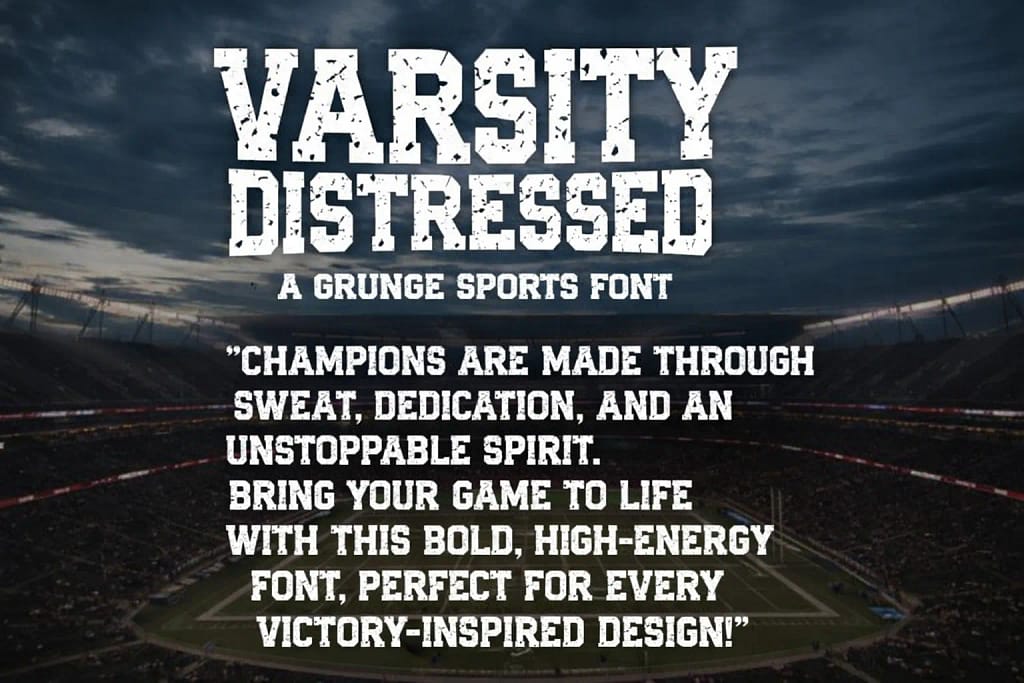
Verdict: The ultimate MVP for sports merchandise. It gives you that authentic, worn-in college jersey look straight out of the box, with zero texturing effort required.
Why I picked it:
✅ Built-in Grime: The distressed texture is “baked” into the letters. This saves you huge amounts of time masking or brushing on grunge effects manually.
✅ Team Spirit: It captures the classic American collegiate aesthetic perfectly. Essential for designing baseball tees, gym apparel, or alumni posters.
✅ Bold Presence: Being a slab serif, it’s blocky and loud. It stands out clearly on busy backgrounds, which is great for social media graphics.
🔒 Secure checkout via Creative Fabrica • Commercial License included
Want to Master Hand Lettering?
We’ve curated a dedicated collection just for typography lovers. Discover essential grids, 3D glitter effects, and stabilization toolkits to perfect your strokes.
View the 16 Best Lettering Sets ➔FAQ
To add fonts, download the font file (usually ending in .OTF or .TTF) to your iPad. Open the Files app, locate the downloaded file, and tap on it. The font will automatically import into Procreate and become available in the "Aa" text menu under the font list.
To add text to your canvas, tap the Wrench icon (Actions menu) in the top left corner, select the Add tab, and tap Add Text. A text box will appear with the default font. You can then type your phrase and tap "Edit Style" to change the font, size, and alignment.
You can find free fonts on websites like Google Fonts, DaFont, or 1001Fonts. However, always check the license agreement. While many are free for personal use, professional designers often recommend purchasing premium font packs (like those listed in this article) to ensure you have a full Commercial License for your artwork.
Procreate itself is a raster drawing app and cannot export font files (.ttf). To make your own working font, you need to use a dedicated companion app like iFontMaker on iPad or Calligraphr (web-based). You can draw your letters in Procreate, upload the template to these services, and then export a font file to install back into Procreate.
To edit existing text, make sure the text layer is selected in the Layers panel. Tap on the text on your canvas to bring up the mini-menu, then tap the Keyboard icon to change the wording or the "Aa" icon to open the Edit Style panel where you can adjust kerning, tracking, and opacity.