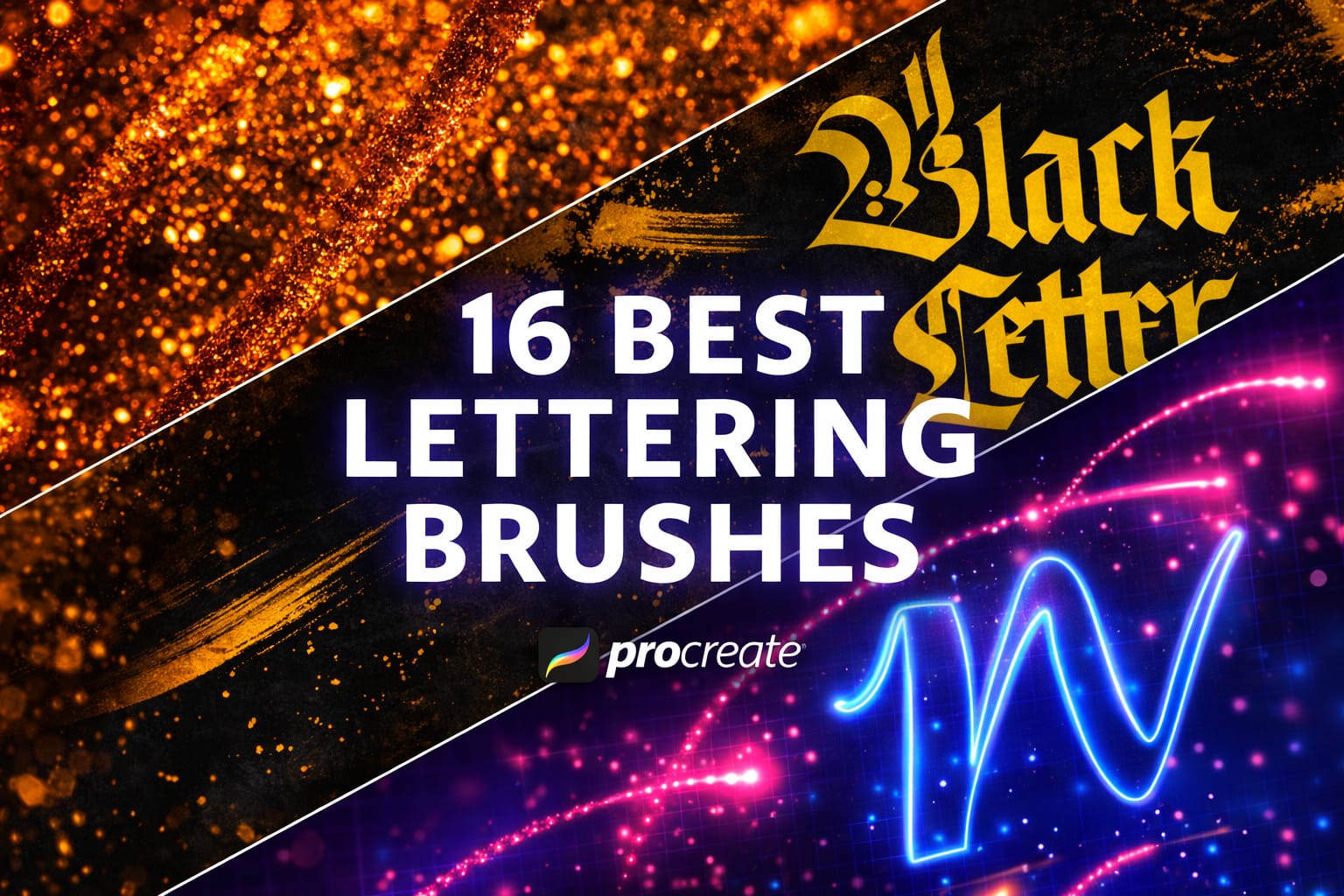
iPad screens can be slippery, making lettering a challenge. I tested dozens of sets to find the ones with perfect stabilization (Streamline) and texture, helping you draw confident, crisp strokes from day one.
🏆 Editor’s Choice
The 4 best lettering sets for Procreate.
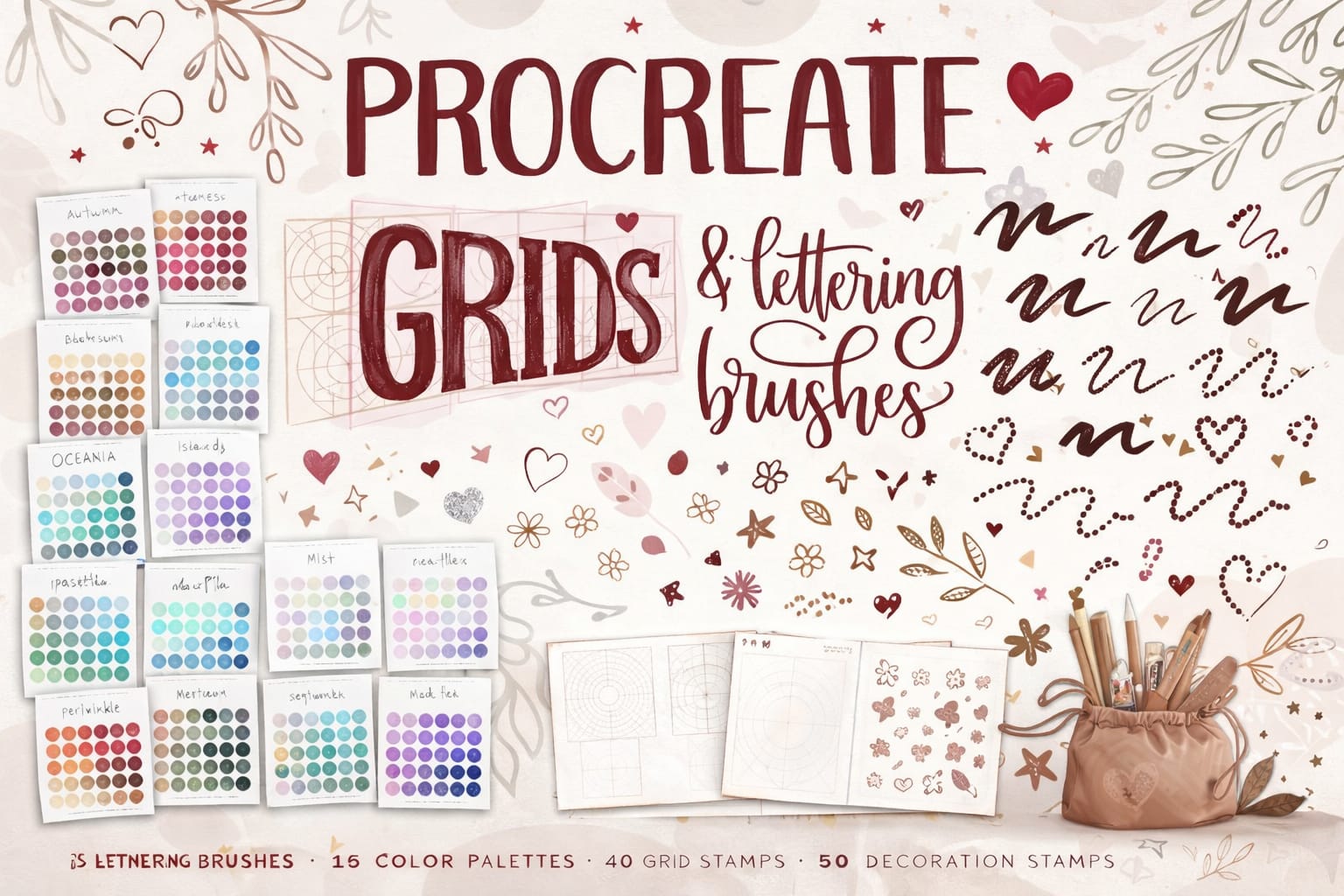
All-in-One Toolkit
Struggling with alignment? This set includes grids and guides to make your letters perfectly straight instantly.
VIEW BUNDLE →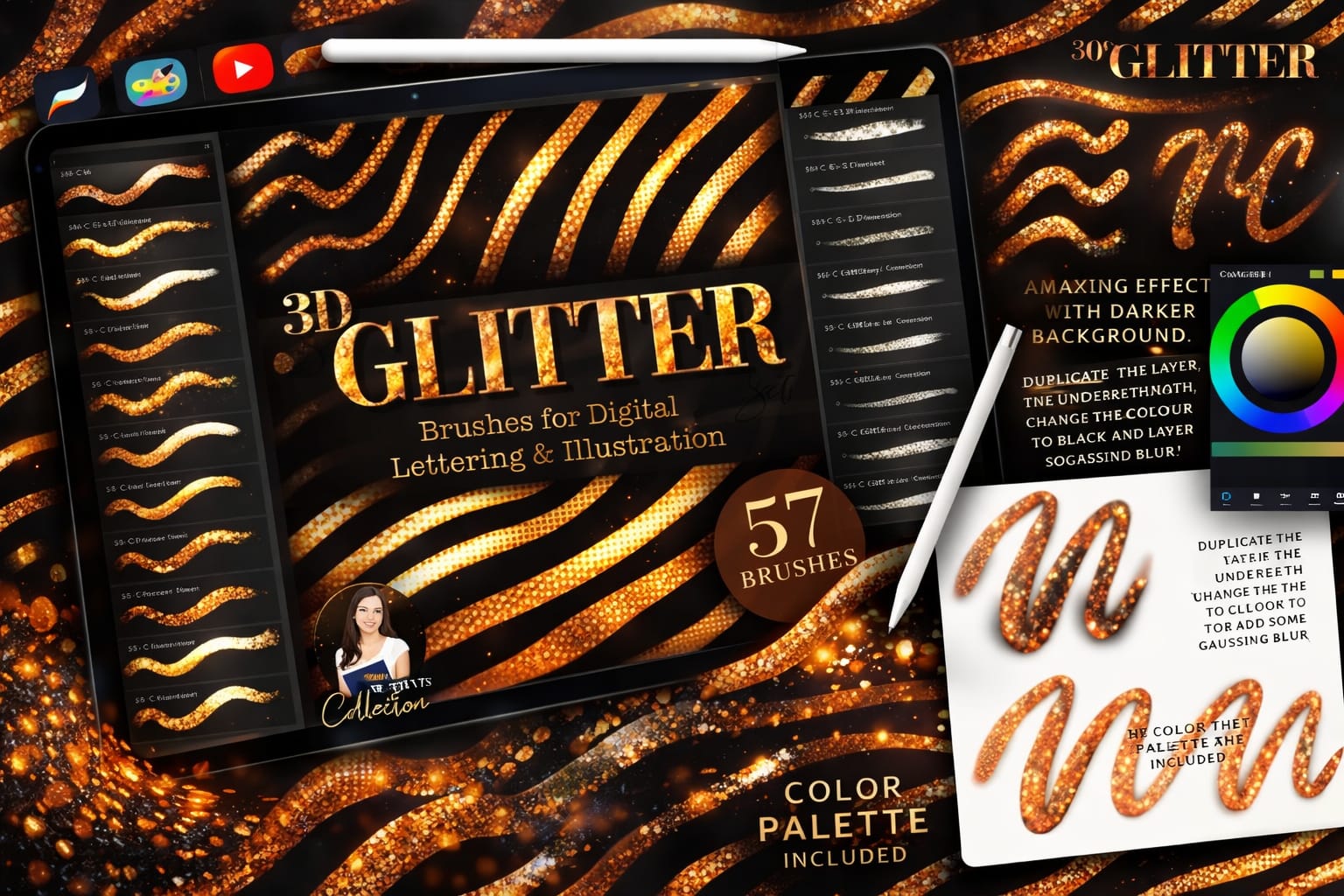
57 3D Glitter Brushes
Create expensive-looking gold and glitter effects in one stroke. No complex layering required.
VIEW 3D SET →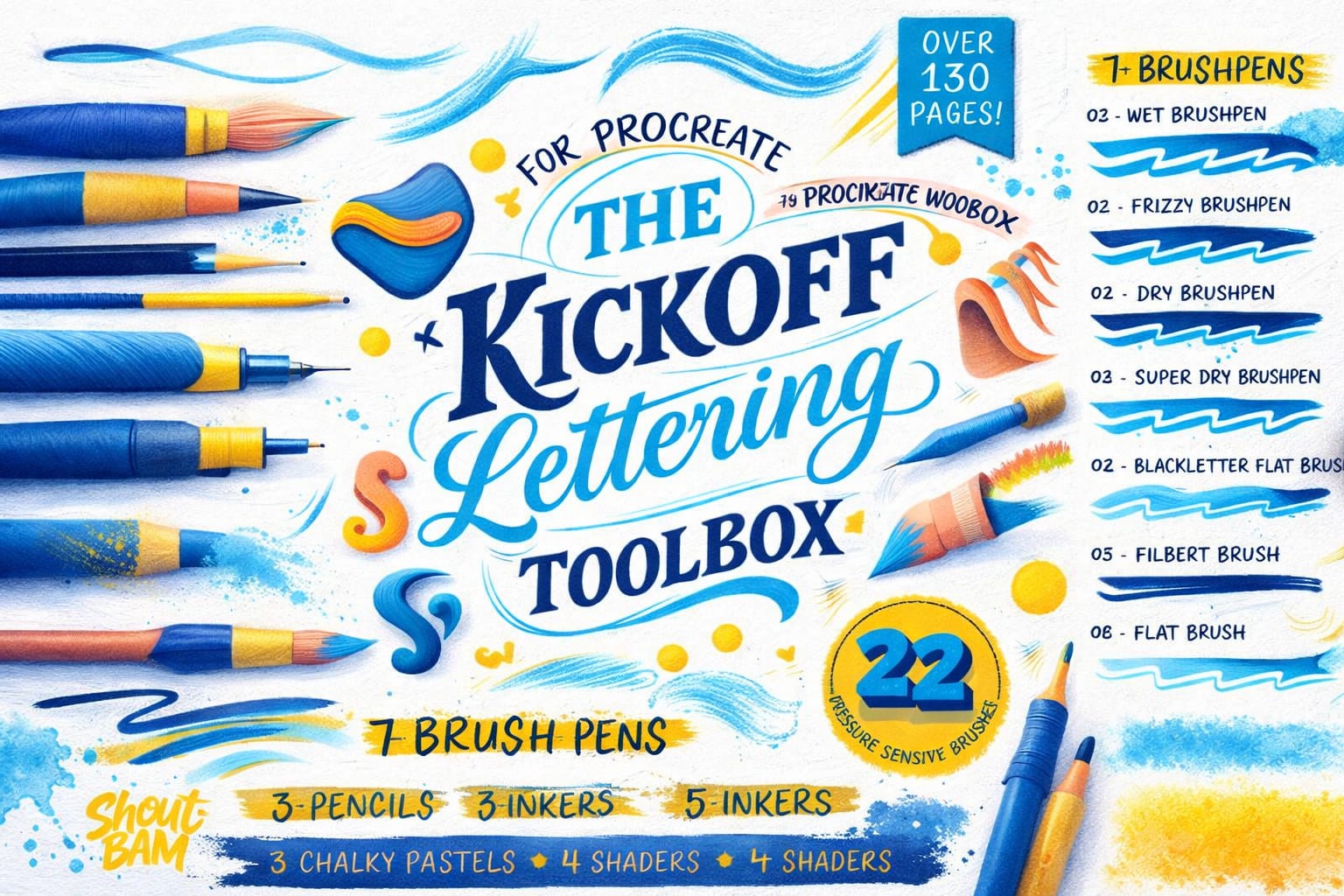
KickOff Lettering Box
Not just brushes—it comes with a workbook to teach you HOW to draw letters. Perfect for learning.
VIEW TOOLBOX →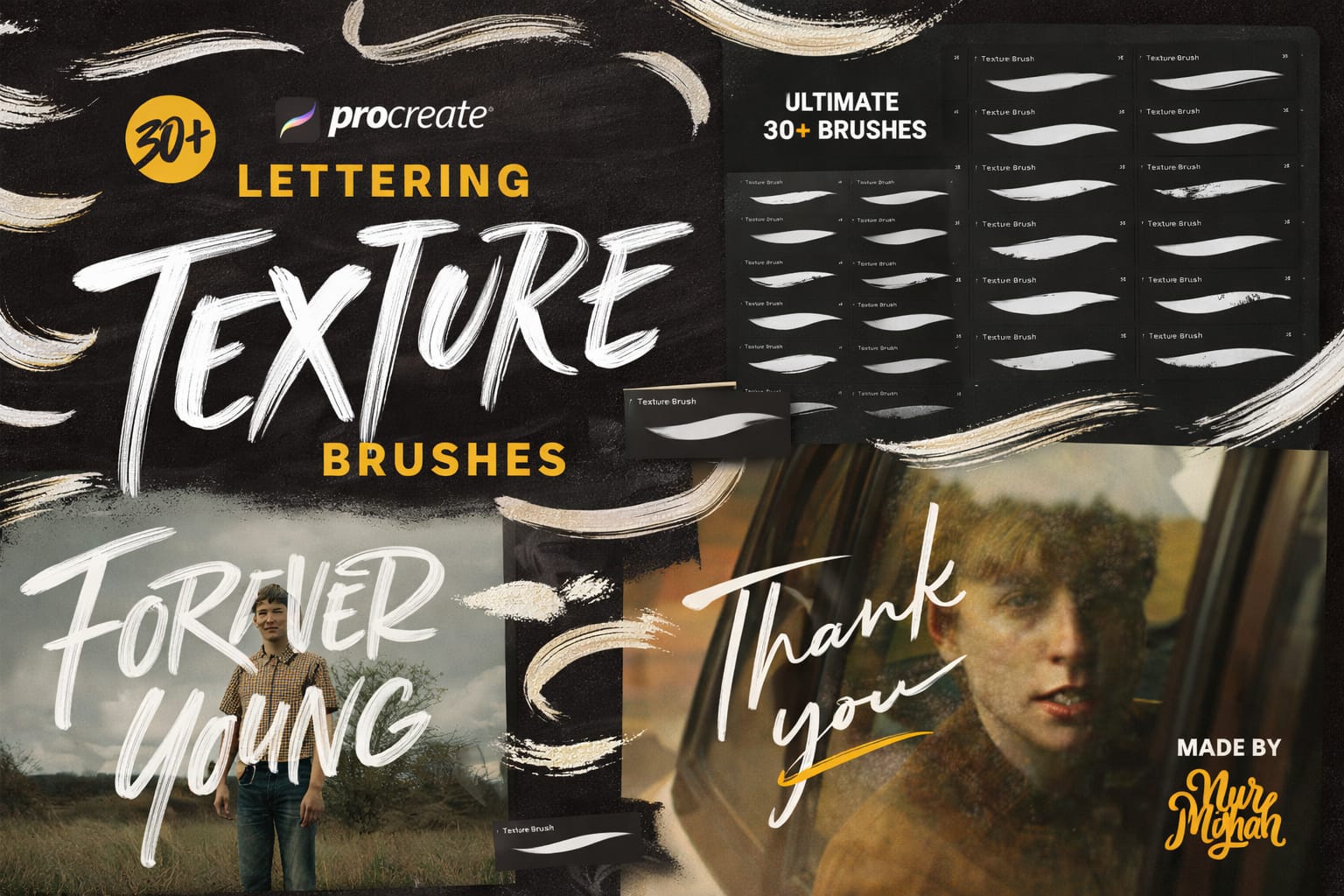
30+ Texture Brushes
Stop looking "too digital". Add realistic ink bleed and paper texture to your lettering automatically.
VIEW TEXTURES →Download ALL Lettering Packs for Free!
Don't want to buy them one by one? You can unlock every single brush set on this list immediately for $0.
Pro Tip: Sign up for the Creative Fabrica All-Access Free Trial to instantly download unlimited lettering grids, 3D glitter, and textured brushes.
The 10 Best Procreate Lettering Brushes & Toolkits
Below is our fully ranked collection. I've organized these tools into logical categories—starting with all-in-one learning toolkits for beginners, moving into high-impact 3D and glitter effects for professional posters, and finishing with authentic analog textures that give your digital calligraphy a handmade feel.
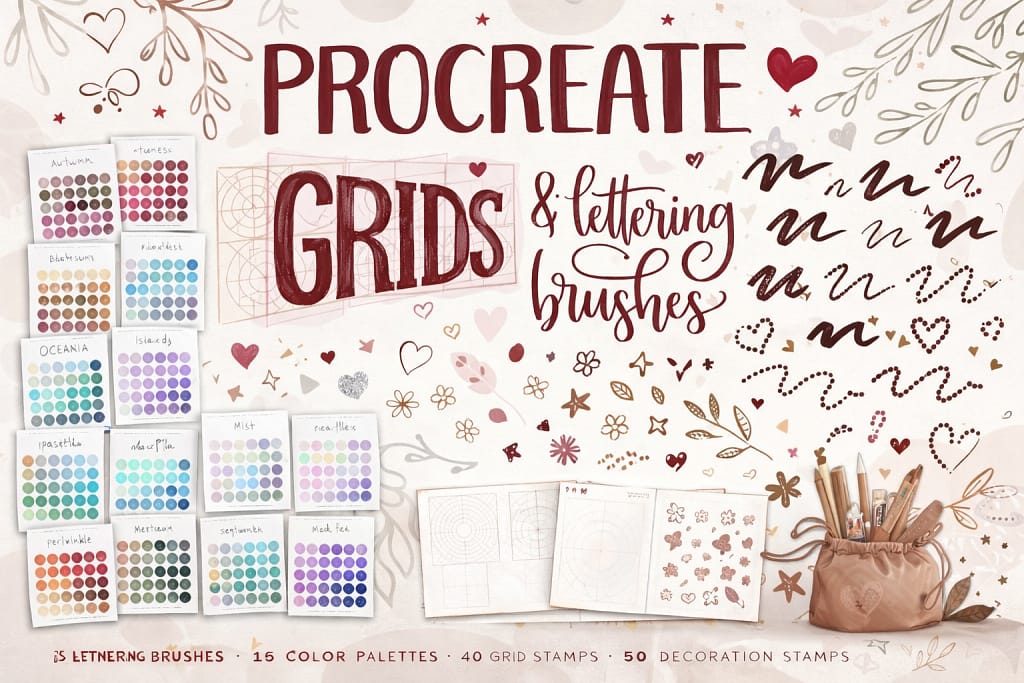
Verdict: Struggling with composition? This kit includes 40 “Grid Stamps” that instantly draw perfect guidelines for your quotes. No more uneven letters.
Why I picked it:
✅ Layout Cheat Sheets: Just stamp a grid (arch, wave, flag shape) on a new layer and trace over it. It makes your lettering look professionally balanced instantly.
✅ Complete Ecosystem: You get the grids to plan, the brushes to draw, and the textures to finish.
✅ Beginner Friendly: Includes 15 ready-to-use color palettes, so you don’t even have to worry about color theory.
🔒 Secure checkout via Creative Fabrica • Commercial License included
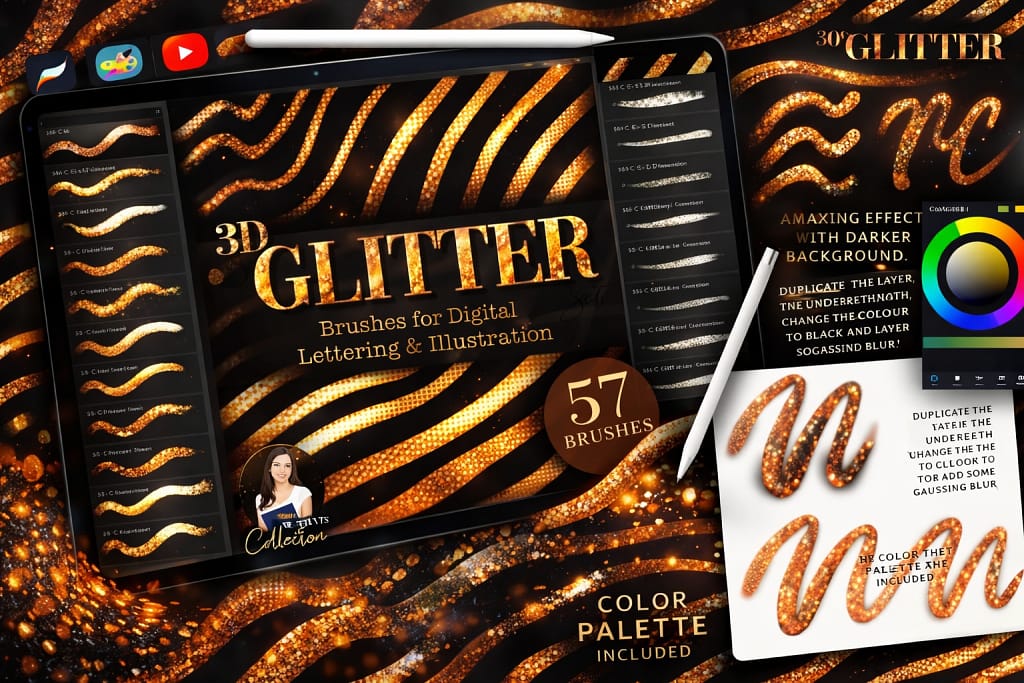
Verdict: The easiest way to add “bling” to your art without it looking cheap. These brushes create a realistic 3D metallic effect that pops off the screen.
Why I picked it:
✅ 3D Effect: These aren’t flat colors; they mimic real light reflection on foil and sequins, giving your lettering instant depth and shine.
✅ Massive Variety: With 57 seamless brushes (glitter, shimmer, glow, sequins), you can create everything from subtle fairy dust to bold disco-style typography.
✅ Ready-to-Use: Includes a custom color palette, so you don’t have to guess which shades of yellow create the best “gold” look—it’s done for you.
🔒 Secure checkout via Creative Fabrica • Commercial License included
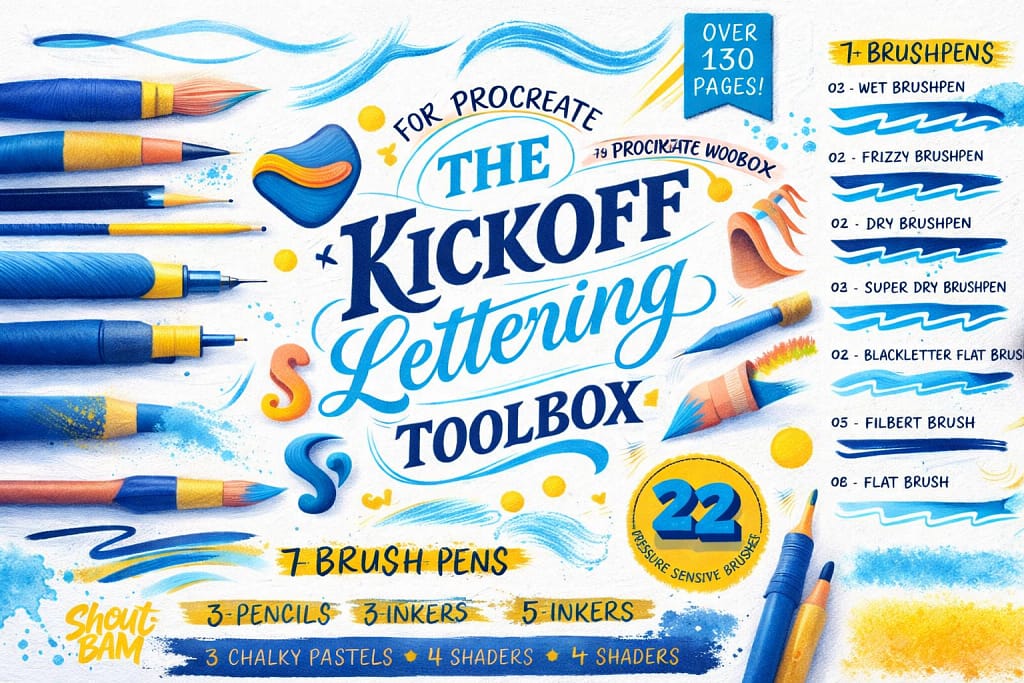
Verdict: Not just brushes, but a full course. The 130-page workbook teaches you exactly how to draw letters, making it the best choice for absolute beginners.
Why I picked it:
✅ Built-in Teacher: Comes with a massive Procreate workbook that you can trace over to learn letter structures and flourishes.
✅ Complete Toolkit: Includes 22 essential brushes (pencils, brush pens, inkers, chalks) that cover every style you need to start.
✅ Practice Sheets: You don’t just get tools; you get guided exercises to build muscle memory.
🔒 Secure checkout via Creative Fabrica • Commercial License included
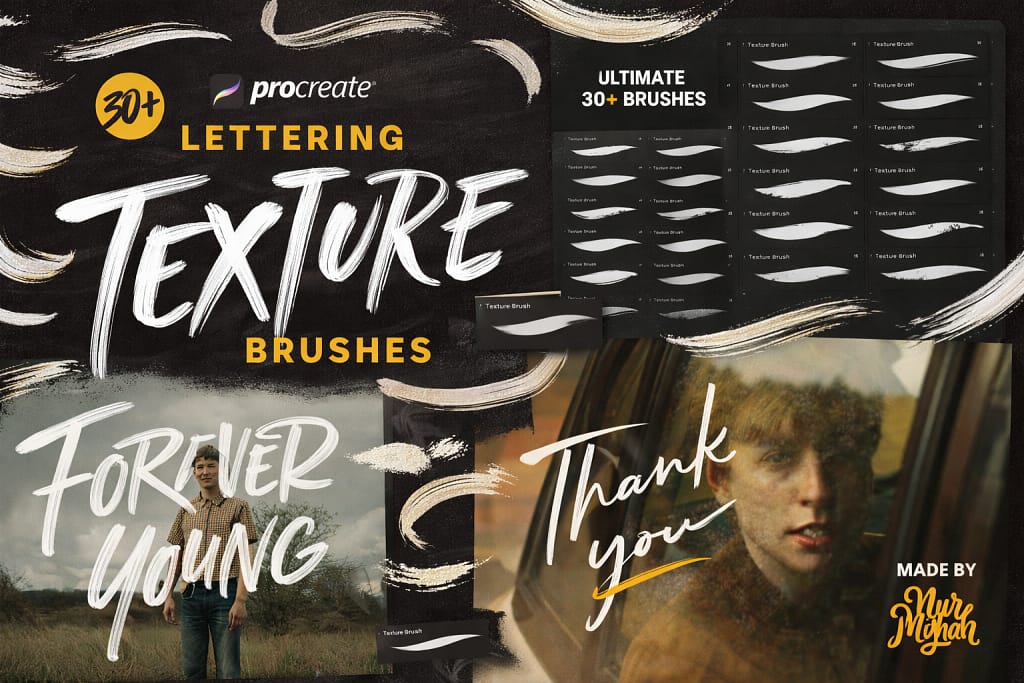
Verdict: If your lettering looks too “digital” and fake, this pack fixes it instantly. It adds that gritty, hand-made feel of real chalk and dry markers.
Why I picked it:
✅ Realism: These aren’t just stamps; they are pressure-sensitive brushes that react like real dry media (chalk, pastel, grunge).
✅ Variety: 30 unique textures, from subtle paper grain to heavy distressed effects.
✅ Versatile: Great for vintage logos, restaurant menus, and poster designs where you need that “worn-out” look.
🔒 Secure checkout via Creative Fabrica • Commercial License included
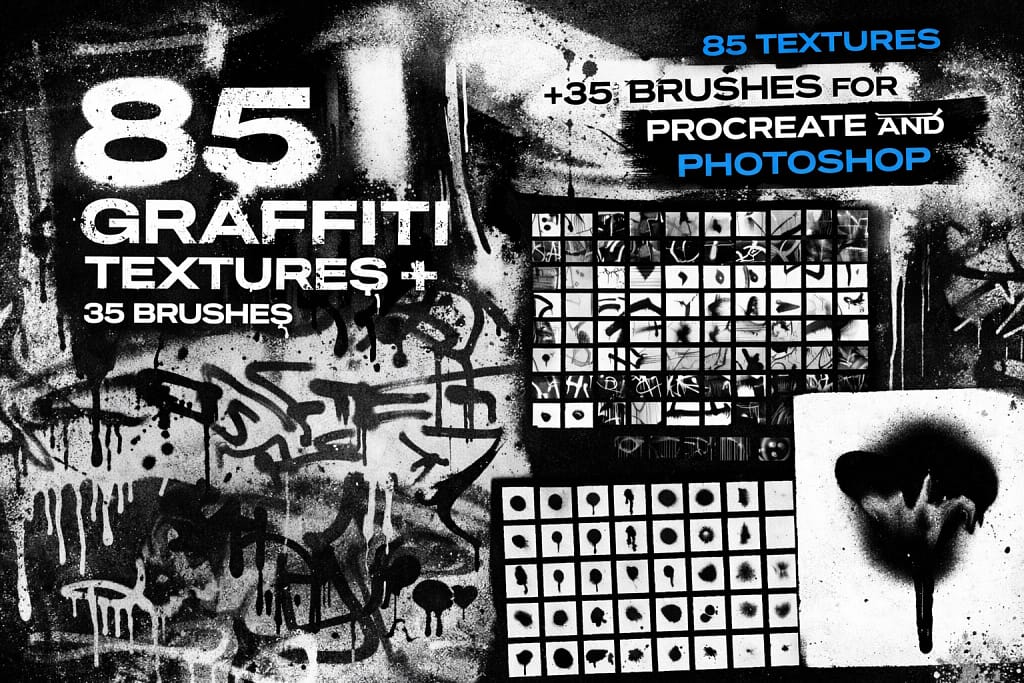
Verdict: If you want that raw, illegal street vibe without getting arrested, this is it. These aren’t clean digital lines—they are messy, chaotic, and authentically “dirty.”
Why I picked it:
✅ Authenticity: These textures are taken from real streets, giving you actual spray paint grain and dripped paint effects that look 100% convincing.
✅ Massive Volume: You get 85 textures and 35 brushes. Whether you need a subtle concrete background or a heavy, vandalized overlay, you have endless options.
✅ Versatile: Perfect for designing album covers, streetwear merch, or adding an edgy, urban feel to clean typography.
🔒 Secure checkout via Creative Fabrica • Commercial License included
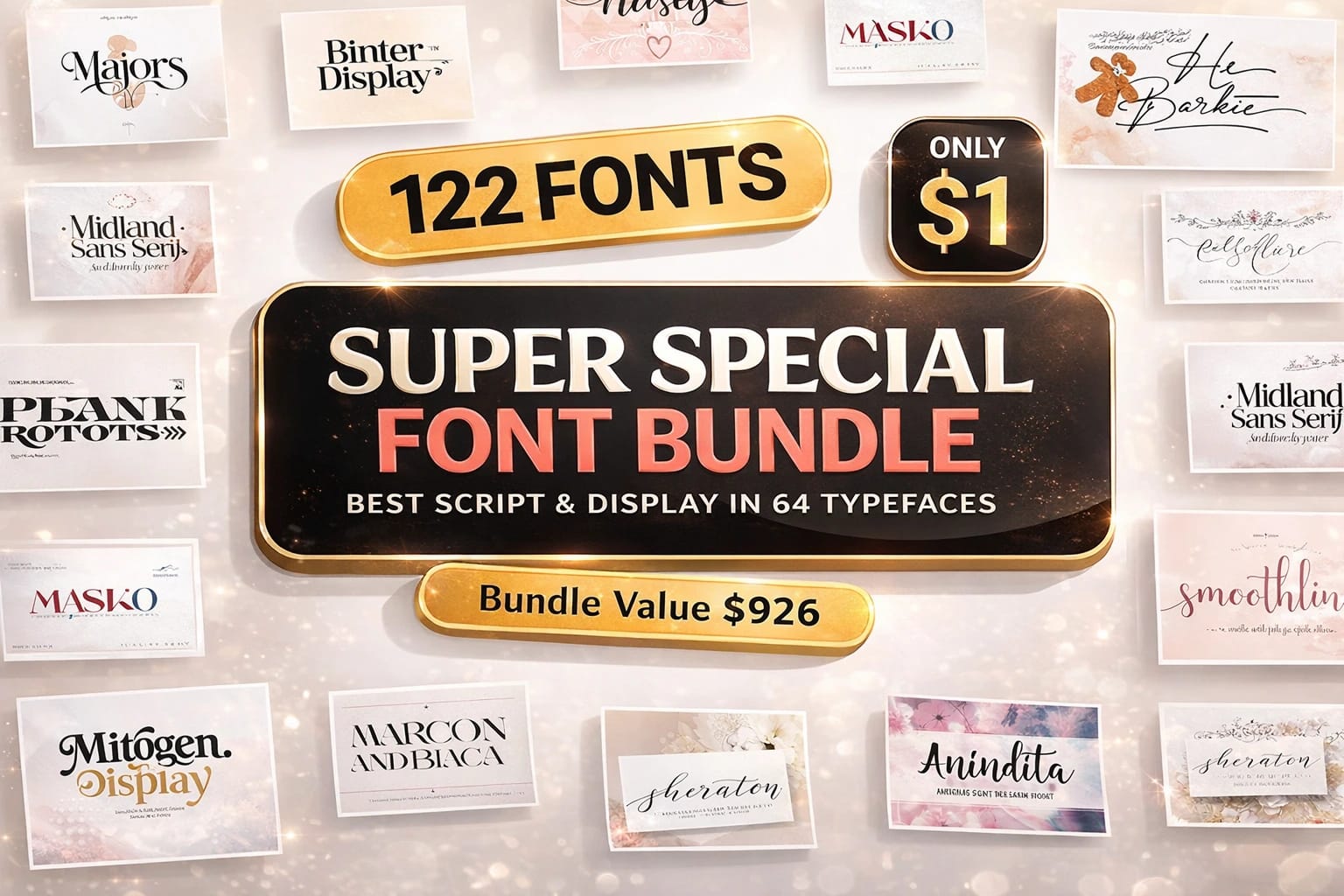
Want Font Bundles for FREE?
Get 170,000+ Fonts for $0 with a Creative Fabrica Free Trial.
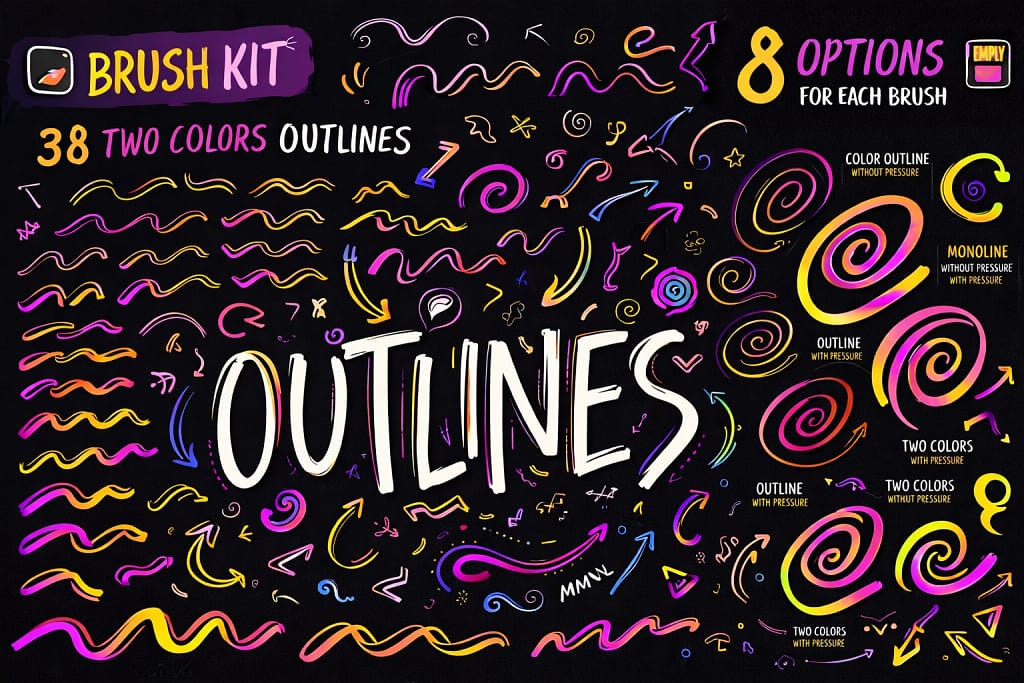
Verdict: Drawing outlines manually is a nightmare. These brushes do it automatically. You paint one stroke, and it instantly creates a filled shape with a perfect border.
Why I picked it:
✅ Time Saver: It’s basically a cheat code. Instead of drawing a shape and then carefully tracing the edge, this brush draws both the fill and the outline simultaneously.
✅ 124 Brushes: It’s not just one style. You get classic outlines, gradients, double colors, and empty fills. The variety is insane for a single pack.
✅ Sticker Effect: Perfect for making digital stickers, bold lettering, or “pop art” illustrations that need clean, separate borders.
🔒 Secure checkout via Creative Fabrica • Commercial License included
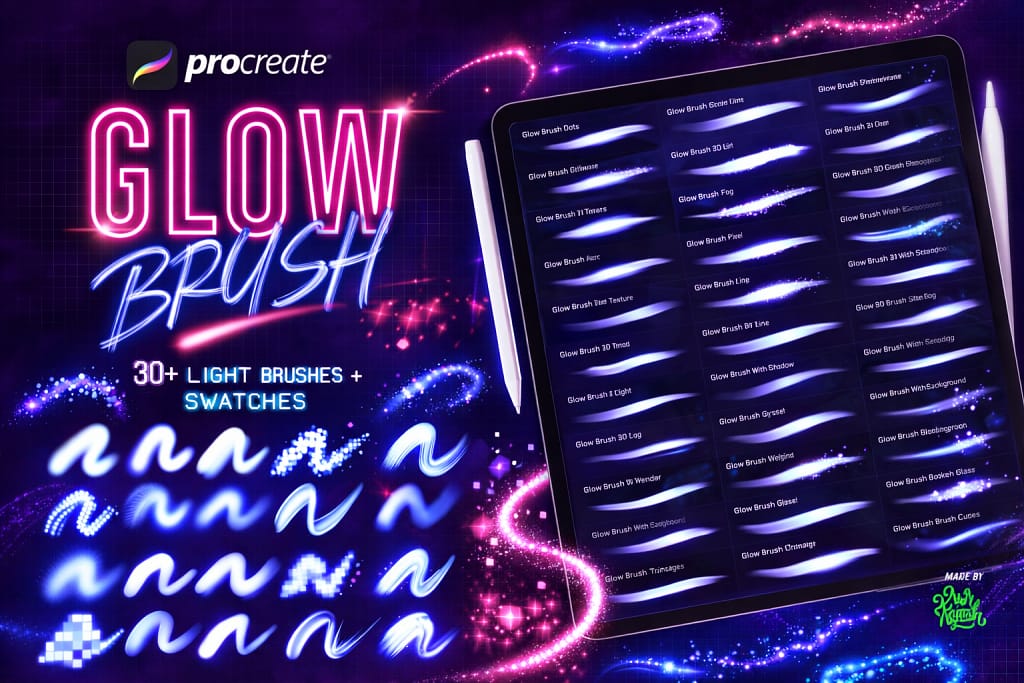
Verdict: The fastest way to turn a boring drawing into a vibrant, high-energy neon sign. It mimics the behavior of real light tubes, not just colored lines.
Why I picked it:
✅ Real Light Physics: These brushes don’t just paint color; they paint “light.” They have intense, bright cores with soft, glowing edges that look amazing on dark backgrounds.
✅ Cyberpunk Essential: Includes 30+ effects like “Glitch,” “Pixels,” and “Thorn” neon. Perfect for sci-fi art, retro 80s posters, or modern club flyers.
✅ Color Palettes Included: You don’t need to struggle finding the right neon colors. The included swatches are calibrated to glow perfectly with these specific brushes.
🔒 Secure checkout via Creative Fabrica • Commercial License included
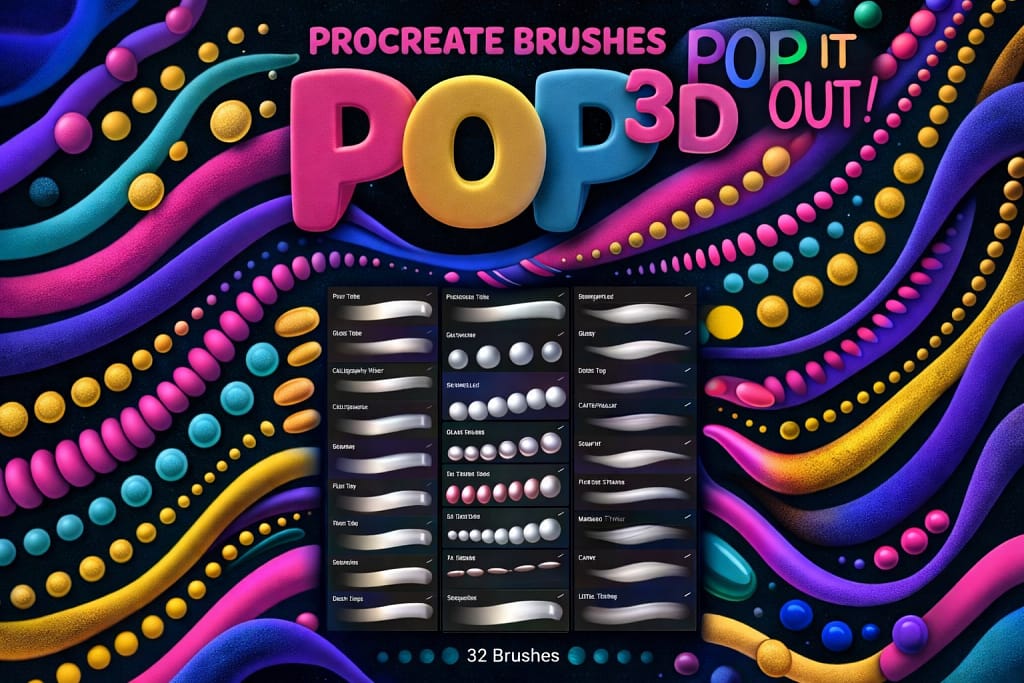
Verdict: Digital art often looks flat. These brushes fix that instantly by painting with “inflated” tubes that have built-in highlights and shadows.
Why I picked it:
✅ Instant 3D: You don’t need to manually paint shadows or highlights. The brush does it for you as you draw, making your strokes look like real floating balloons or pipes.
✅ Fun Factor: Includes 32 brushes, from clean tubes to “grainy” and textured inflatables. It makes creating playful, bouncy typography incredibly fast.
✅ Pressure Sensitive: Press harder to make the “tube” thicker, or lighter for thin ends. It feels like you’re sculpting with digital clay.
🔒 Secure checkout via Creative Fabrica • Commercial License included
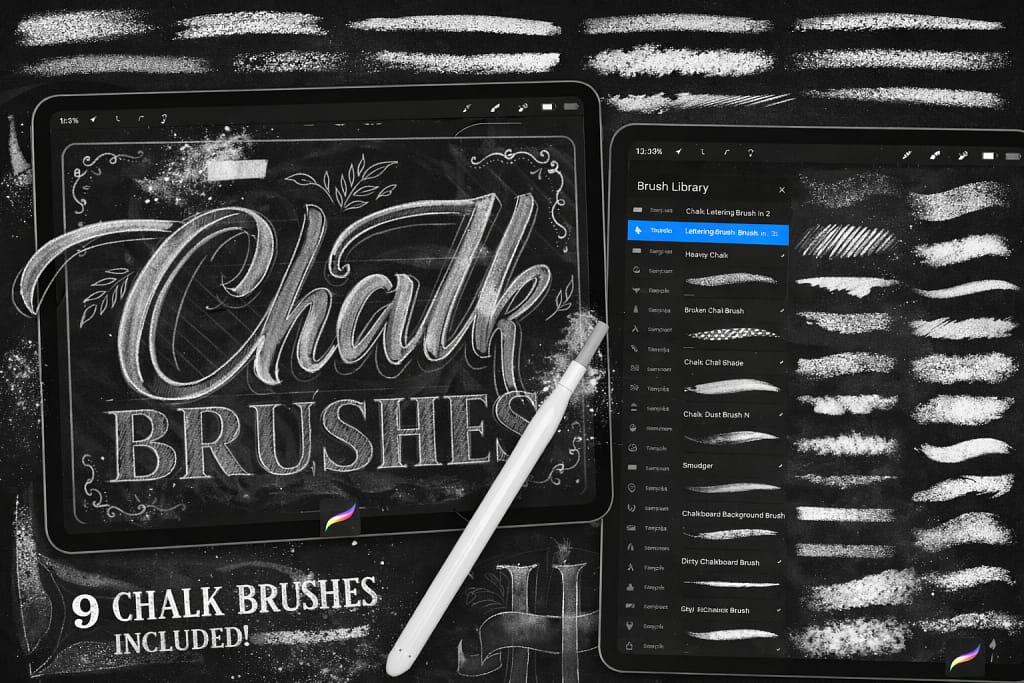
Verdict: Forget the mess of real chalk dust. This pack gives you that nostalgic, café-menu look right on your iPad, with textures so convincing you’ll want to wipe your screen.
Why I picked it:
✅ Hyper-Realistic Texture: These brushes mimic the crumbling, dusty edges of real chalk. You can almost feel the friction against the blackboard.
✅ Smudge Friendly: Just like real chalk, these brushes are designed to be blended. You can use your finger (smudge tool) to soften edges and create realistic misty backgrounds.
✅ Full Toolkit: You get 59 brushes, plus bonus chalkboard textures. It covers everything from sharp, new chalk sticks to worn-down, wide shading pieces.
🔒 Secure checkout via Creative Fabrica • Commercial License included
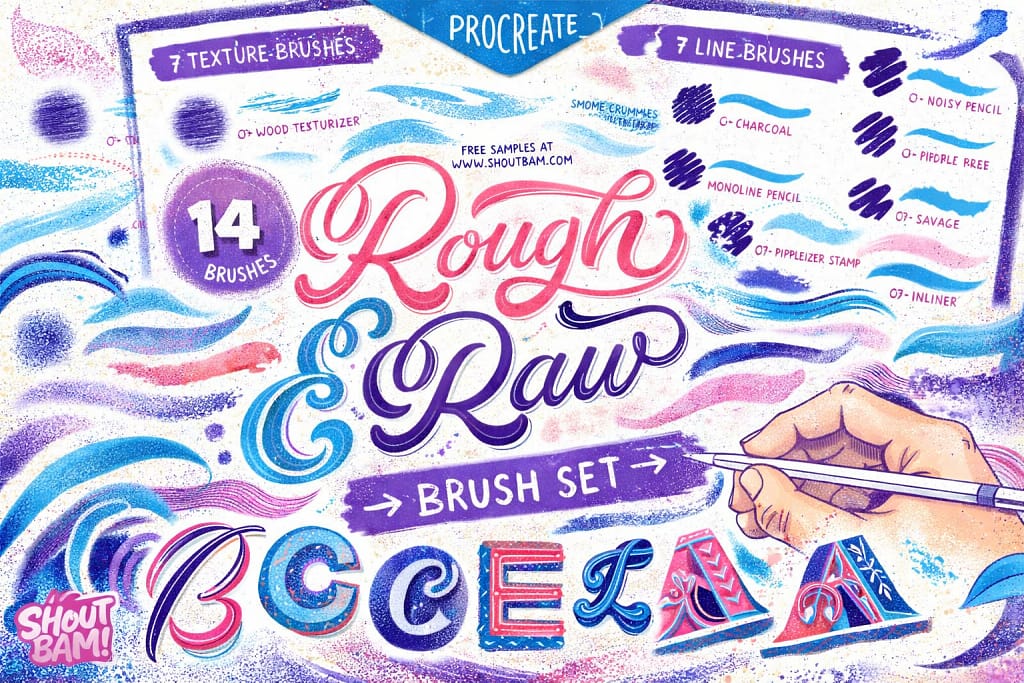
Verdict: For artists who hate “perfect” lines. This set captures the unpredictable, charming look of real handcrafted art—flaws and all.
Why I picked it:
✅ Handcrafted Feel: Every stroke looks like it was made with real tools on rough paper. It completely removes that “plasticky” digital finish.
✅ Smart Mix: You get 7 line brushes (for drawing) and 7 texture brushes (for shading), making it a complete toolkit for retro illustrations.
✅ Unique Textures: Brushes like “Dirty Sponge” and “Wood Texturizer” allow you to add rare, organic details that standard brushes just can’t replicate.
🔒 Secure checkout via Creative Fabrica • Commercial License included
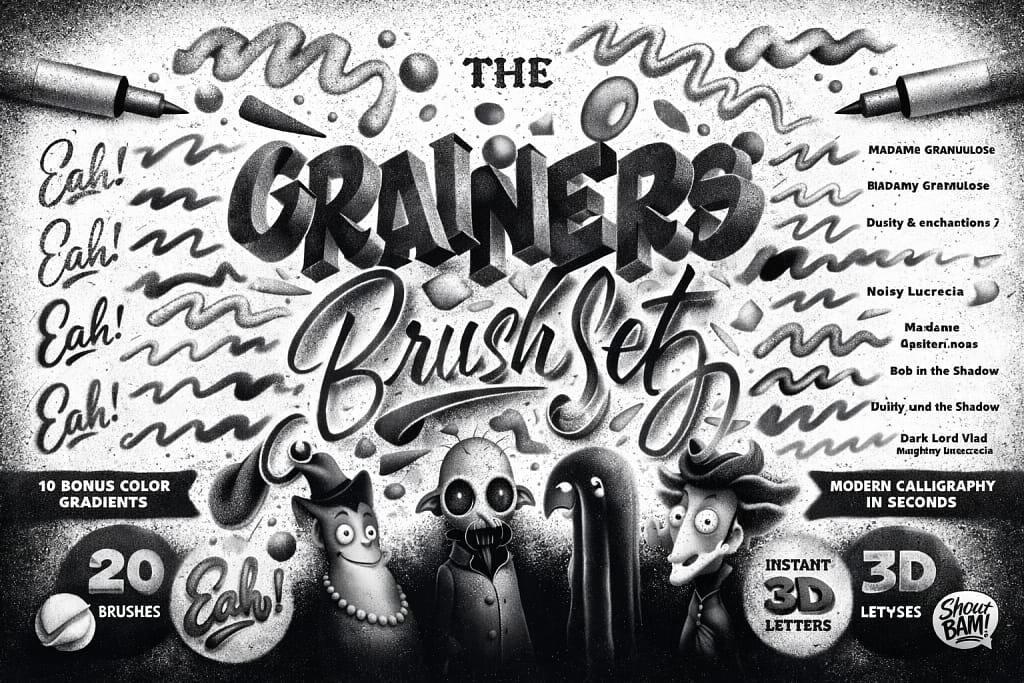
Verdict: The master key for vintage shading. If you struggle to make your digital art look like it was printed in a 1930s newspaper, this set does the heavy lifting for you.
Why I picked it:
✅ Shading Made Easy: The “Grainy Builder” brushes are designed to layer smoothly, letting you build up density from light dust to heavy noise without ugly streaks.
✅ 3D Text Effect: Includes instant 3D calligraphy brushes. You draw a letter, and it automatically gets depth and shadow. It’s magic for lettering artists.
✅ Texture Control: From “powdery” to “coarse,” you get 20 brushes that cover every level of grit. Perfect for adding that final polish of realism to flat vectors.
🔒 Secure checkout via Creative Fabrica • Commercial License included
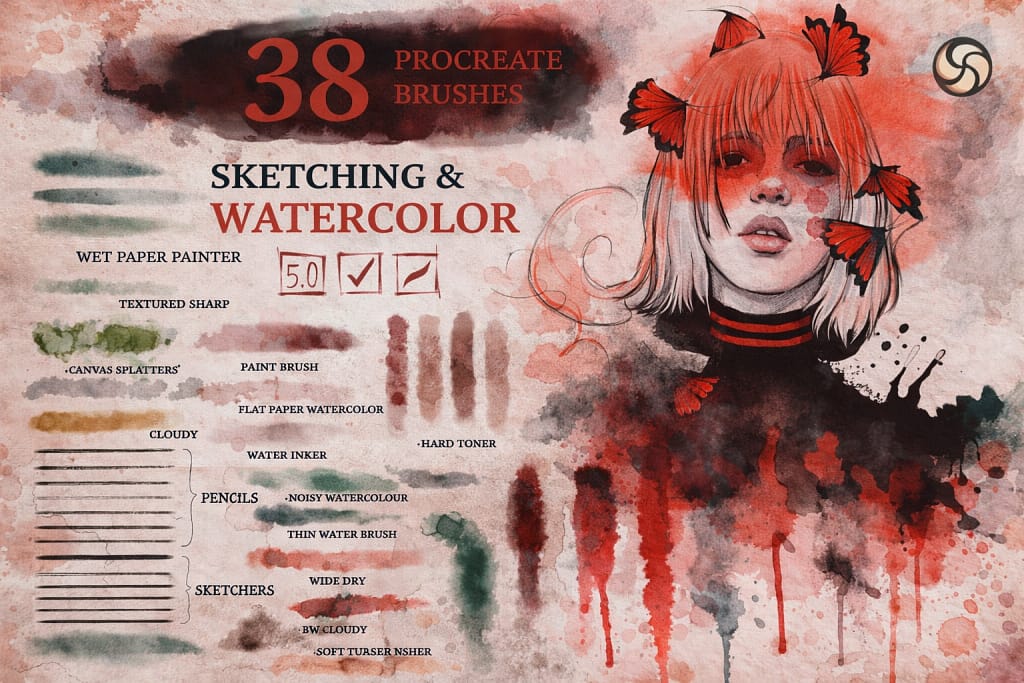
Verdict: Digital watercolor usually looks fake. This set fixes that by giving you brushes that actually “bleed” and blend like real paint on wet paper.
Why I picked it:
✅ Wet-on-Wet Effect: The brushes mimic the physics of real water. Colors spread and mix naturally, creating those beautiful, unpredictable edges that traditional artists love.
✅ Complete Process: It’s not just paint. You get sketching pencils for the draft, watercolor brushes for the color, and blenders to smooth it all out. A full studio in one pack.
✅ Texture Bonus: Comes with 3 paper textures. Painting on a plain white screen never looks right; these textures add the necessary grain to sell the illusion of real art.
🔒 Secure checkout via Creative Fabrica • Commercial License included
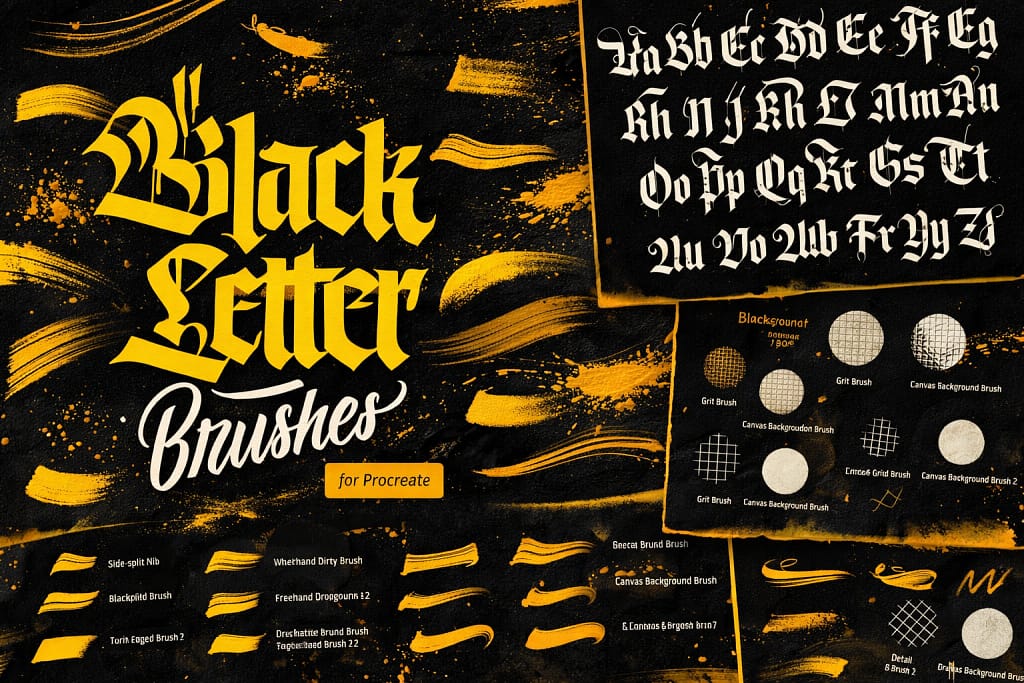
Verdict: The king of street style and tattoo lettering. If you want to draw those complex, aggressive gothic fonts you see on Instagram, you can’t do it with a round brush—you need these flat nibs.
Why I picked it:
✅ True Flat Nib: These brushes are shaped like traditional calligraphy pens (chisels), meaning they naturally create thick downstrokes and thin cross-strokes without you trying.
✅ 4 Styles in 1: Whether you want “Fraktur” (sharp spikes), “Rotunda” (rounded gothic), or “Textura” (classic bible font), this pack has the specific nib angle for each.
✅ Grid Helper: Gothic lettering requires perfect 45-degree angles. This set includes grid brushes that lay down guidelines so your letters never look crooked.
🔒 Secure checkout via Creative Fabrica • Commercial License included
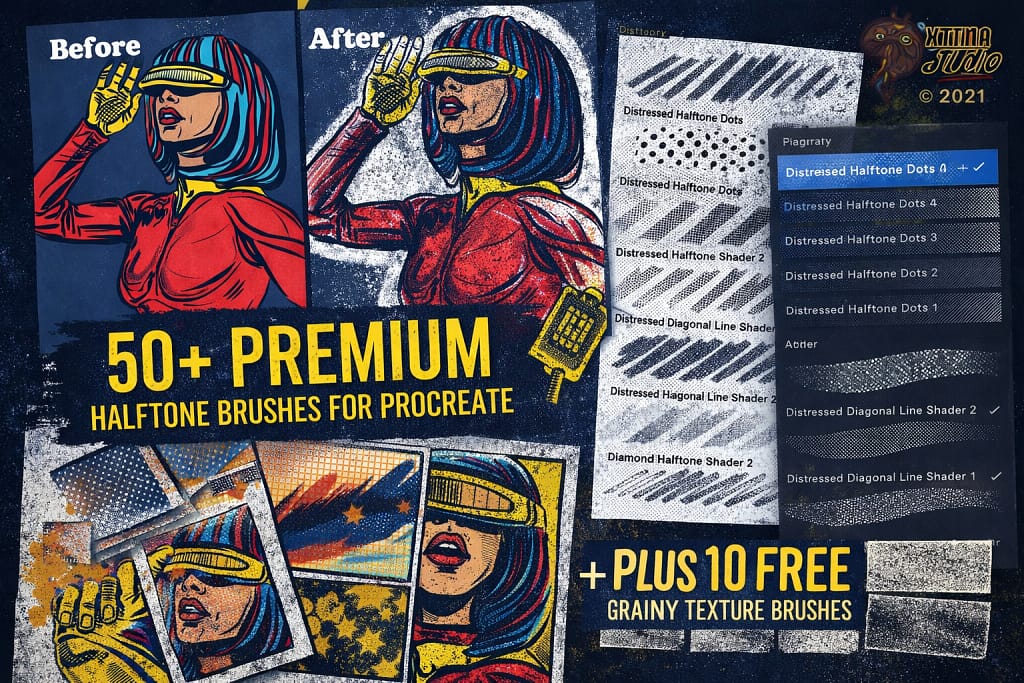
Verdict: The secret sauce for retro comics and pop-art. If you want that “printed in the 60s” look where colors are made of tiny dots, this pack nails it.
Why I picked it:
✅ 50+ Varieties: You get every density imaginable—from subtle shading to heavy, dramatic dots. It allows you to build gradients just by layering strokes.
✅ Alignment Lock: Unlike cheap brushes where dots overlap chaotically, these are designed to align perfectly, creating a clean, professional print effect even if you lift your pencil.
✅ Texture Bonus: Includes 10 grainy texturizers. Combine them with the dots to make your art look like it’s printed on cheap, vintage newsprint.
🔒 Secure checkout via Creative Fabrica • Commercial License included
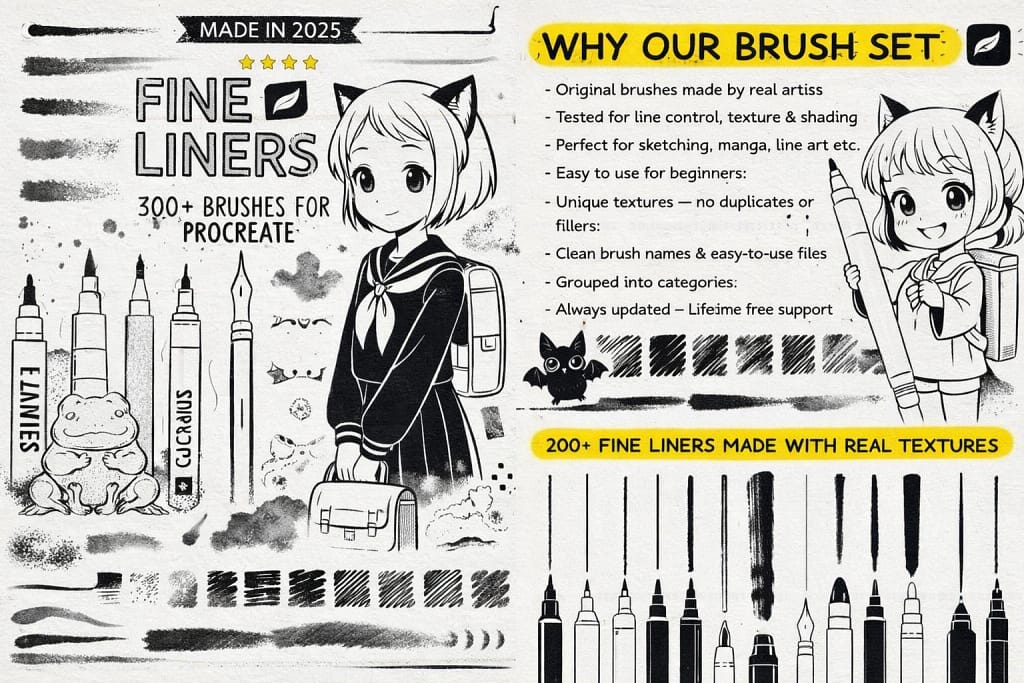
Verdict: For the perfectionists who love crisp lines. If you draw comics, technical sketches, or delicate floral illustrations, these brushes give you that satisfying, sharp “click” of a brand new micron pen.
Why I picked it:
✅ Huge Collection: 300+ brushes is insane value. You get everything from technical pens and brush pens to pencils and shaders. It’s a lifetime supply for one price.
✅ Manga Ready: Specifically tuned for manga and anime artists. The pressure sensitivity is calibrated for those sharp, tapered ends that define the style.
✅ Texture Mix: It’s not just clean lines. The set includes textured inkers that mimic ink bleeding slightly into paper, adding warmth to cold digital drawings.
🔒 Secure checkout via Creative Fabrica • Commercial License included
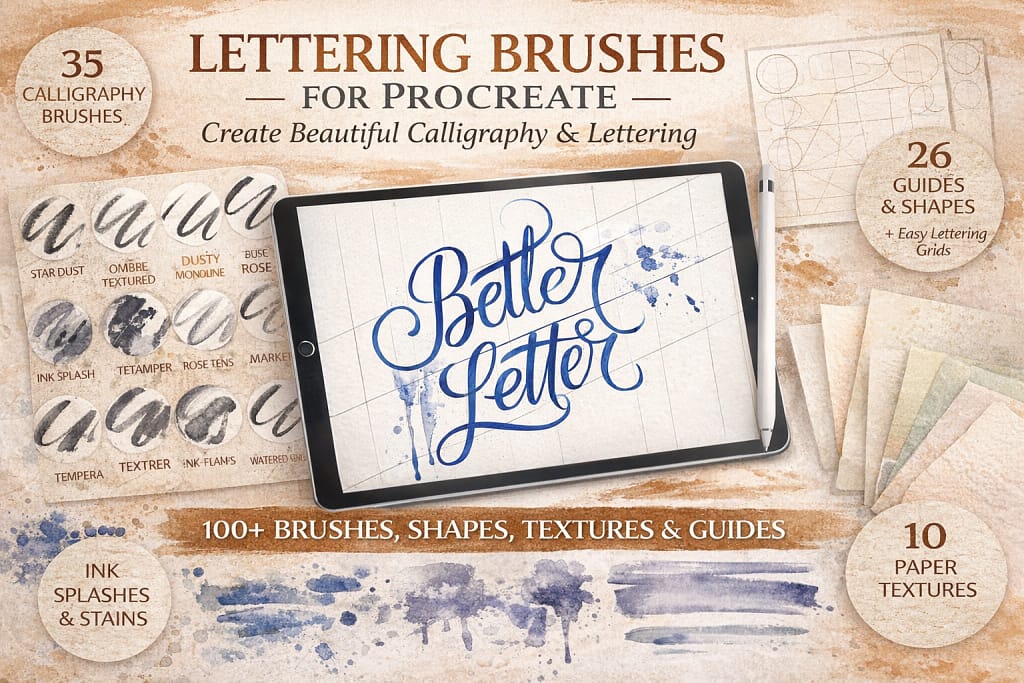
Verdict: Stop guessing where your letters should go. This bundle solves the #1 problem for beginners—composition—by giving you grids and guides alongside the brushes.
Why I picked it:
✅ Built-in Guides: Comes with 26 guides and shapes. You can just trace over them to get perfect spacing and layout every single time.
✅ Total Toolkit: It’s not just brushes. You get 28 calligraphy brushes, 7 ink shape brushes, AND 10 seamless paper textures. It’s a full studio in one download.
✅ Beginner Friendly: The brushes are tuned for smooth curves, helping you hide shaky hands and create professional-looking strokes instantly.
🔒 Secure checkout via Creative Fabrica • Commercial License included
Need More Than Just Lettering?
Expand your toolkit with our ultimate collection. We tested hundreds of packs to find the absolute best watercolors, oils, sketching pencils, and special effects.
View the Top 35 Procreate Brushes →FAQ
The best brushes for lettering and calligraphy typically feature high "Streamline" settings and pressure sensitivity. Top choices include the default Script brush (in the Calligraphy set) for beginners, and premium toolkits like the Grid Builder or specialized 3D lettering bundles for advanced artists.
Yes, Procreate comes with a robust built-in library. You can find excellent free options in the Calligraphy folder, such as the Monoline (great for consistent strokes) and the Streaks brush. Many professional designers also offer free "taster" versions of their premium lettering kits.
To start hand lettering, create a new layer and choose a brush with pressure sensitivity (like a Brush Pen). Use light pressure for upward strokes (thin lines) and heavier pressure for downward strokes (thick lines). Turning on the Drawing Guide (Grid) in the Actions menu is also essential for keeping your letters straight.
To type text instead of drawing it, tap the Wrench icon (Actions menu), select Add, and tap Add Text. A text box will appear where you can type your phrase and edit the font style. You can then rasterize this text layer to paint over it or use it as a template for your lettering brushes.
Procreate doesn't have a dedicated "text on path" tool yet. However, you can curve lettering by typing your text (or drawing it), selecting the layer, tapping the Transform tool (arrow icon), and choosing the Warp option. Adjust the mesh grid to manually bend and arch your text into a curved shape.


