You are currently viewing 12 Best Procreate Skin Brushes & Color Palettes

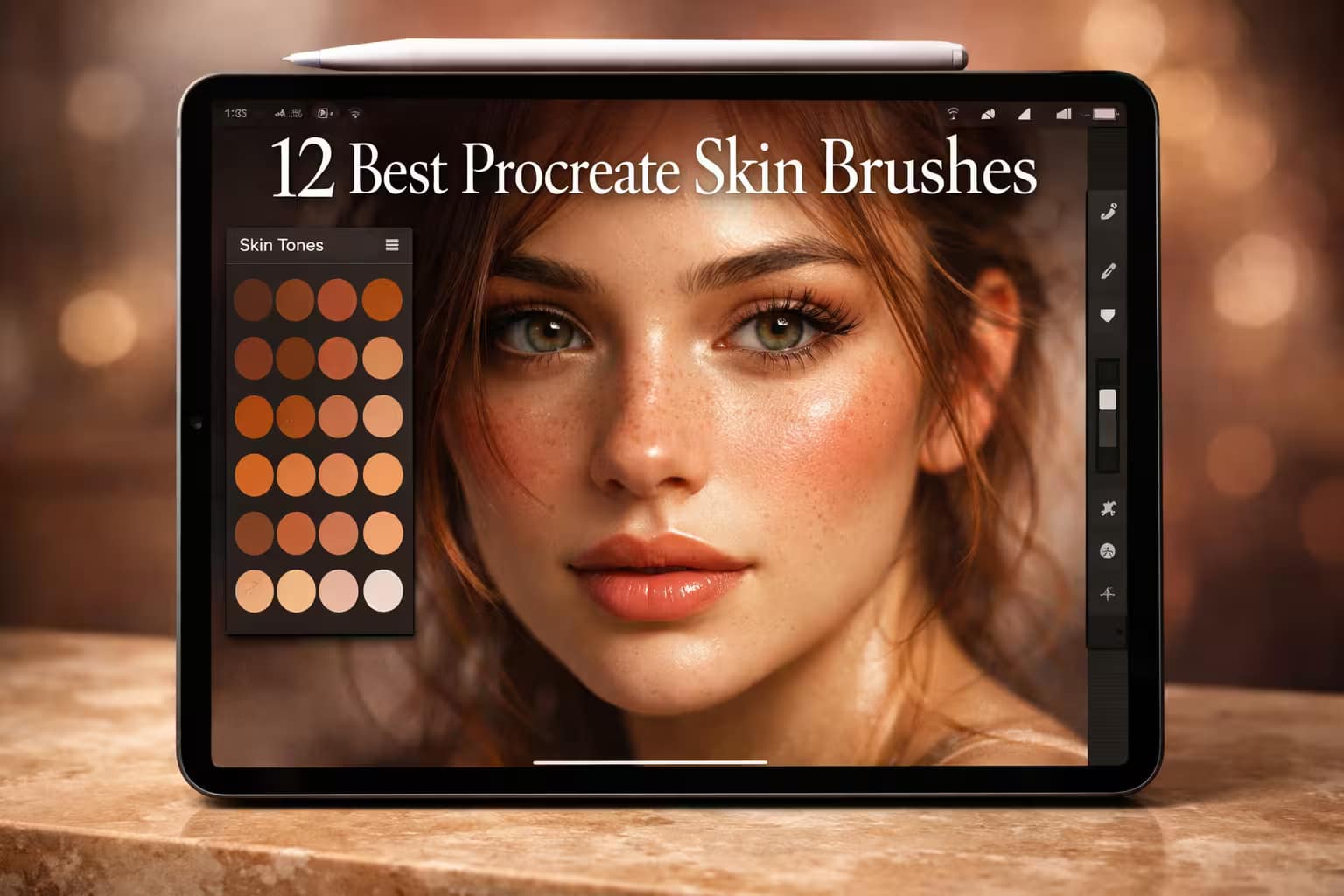
12 Best Procreate Skin Brushes & Color Palettes

This post contains affiliate links. We may earn a commission if you make a purchase, at no extra cost to you.
🎨

Painting skin digitally is notoriously hard. If you pick the wrong colors or use a basic airbrush, your portraits will end up looking either muddy and dirty, or like smooth, artificial plastic. To get that hyper-realistic, glowing, and textured look, you need professional tools.

I’ve tested and curated the 12 best Procreate skin brushes and color palettes. From lifelike pores and freckles to the perfect blending tools and exotic animal textures, this guide will completely transform your portrait workflow. Let's make your art breathe.

🏆 Editor’s Choice

The 4 must-have skin textures, palettes, and blenders for Procreate.
🥇 Best Overall
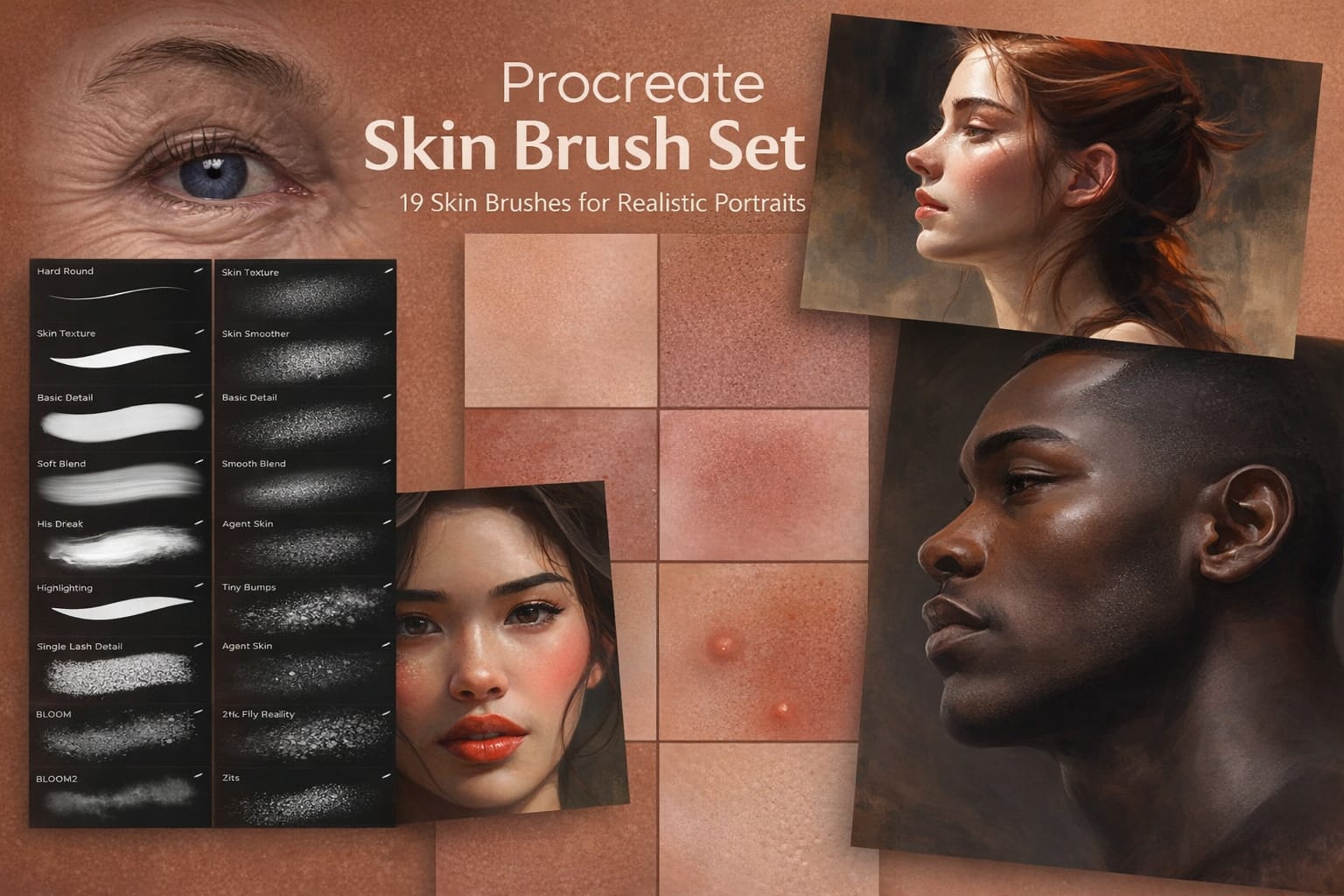
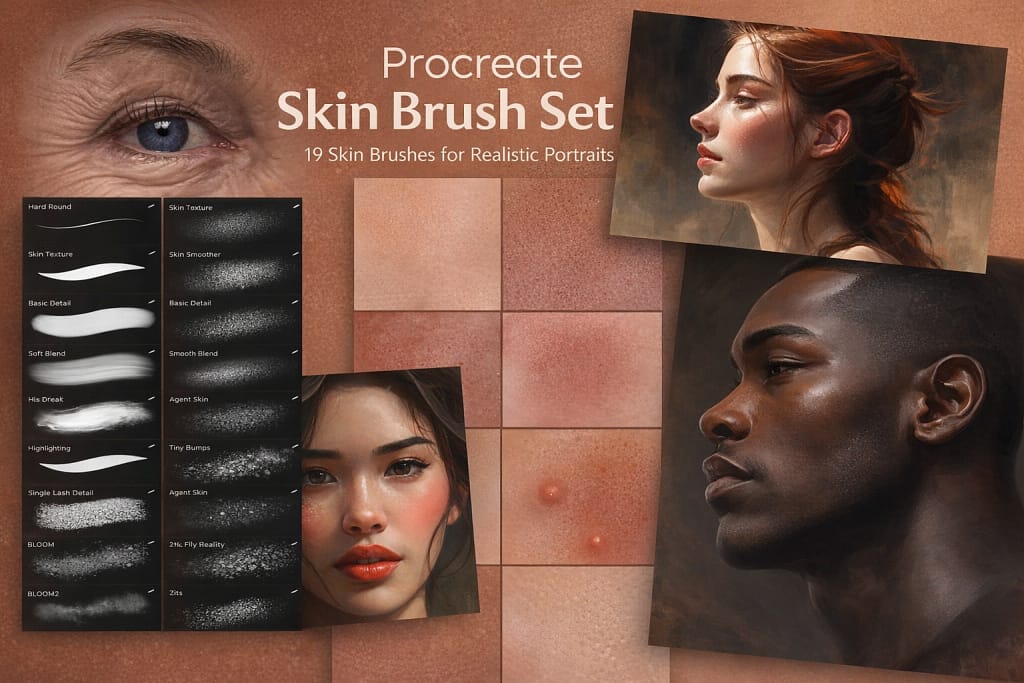
19 Skin Painting Procreate Brushes

19 Skin Painting Brushes

The ultimate toolkit for realistic portraits. Contains 19 specialized brushes for painting pores, blemishes, wrinkles, and perfectly textured skin surfaces.

VIEW BUNDLE →
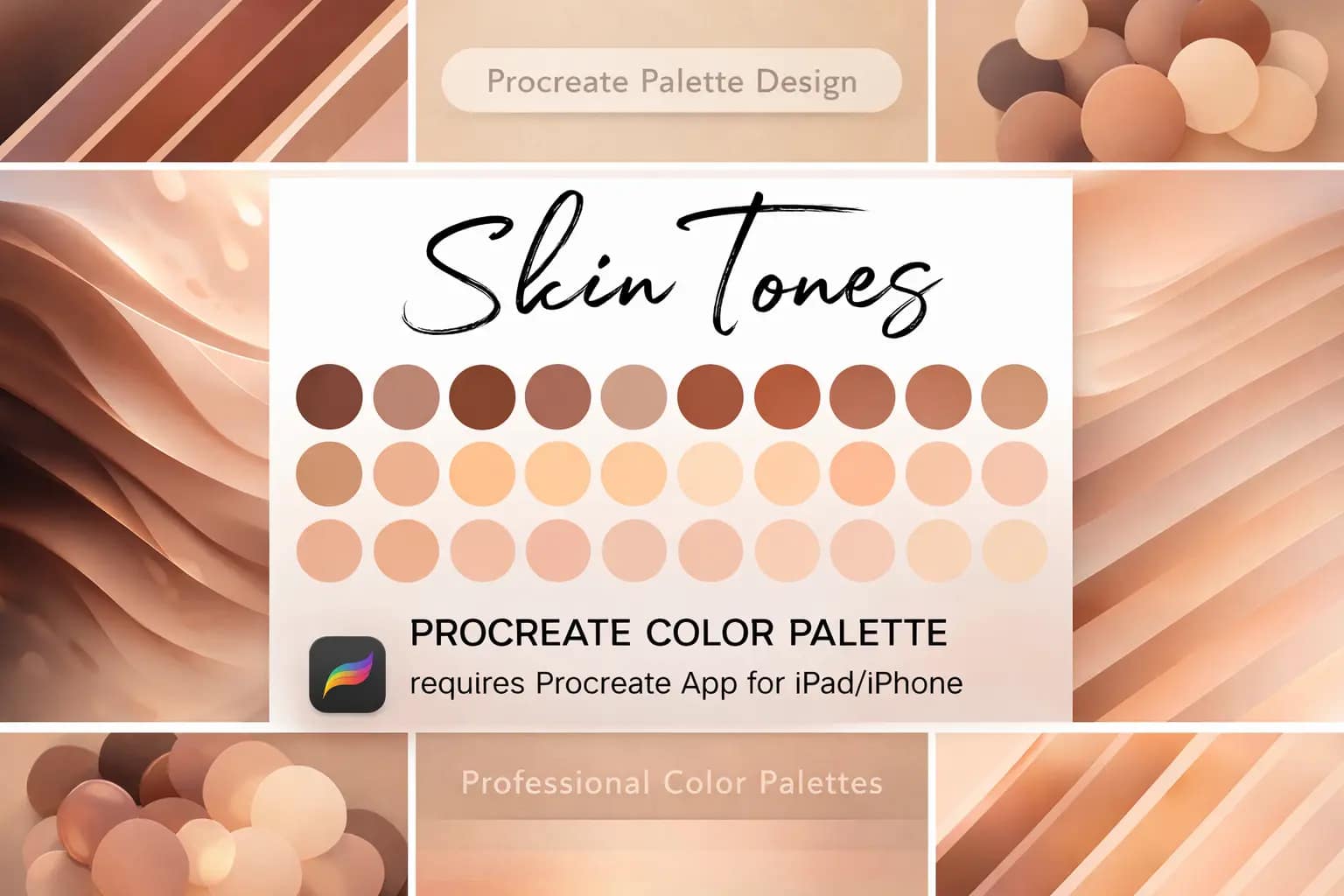
🎨 Best Palette
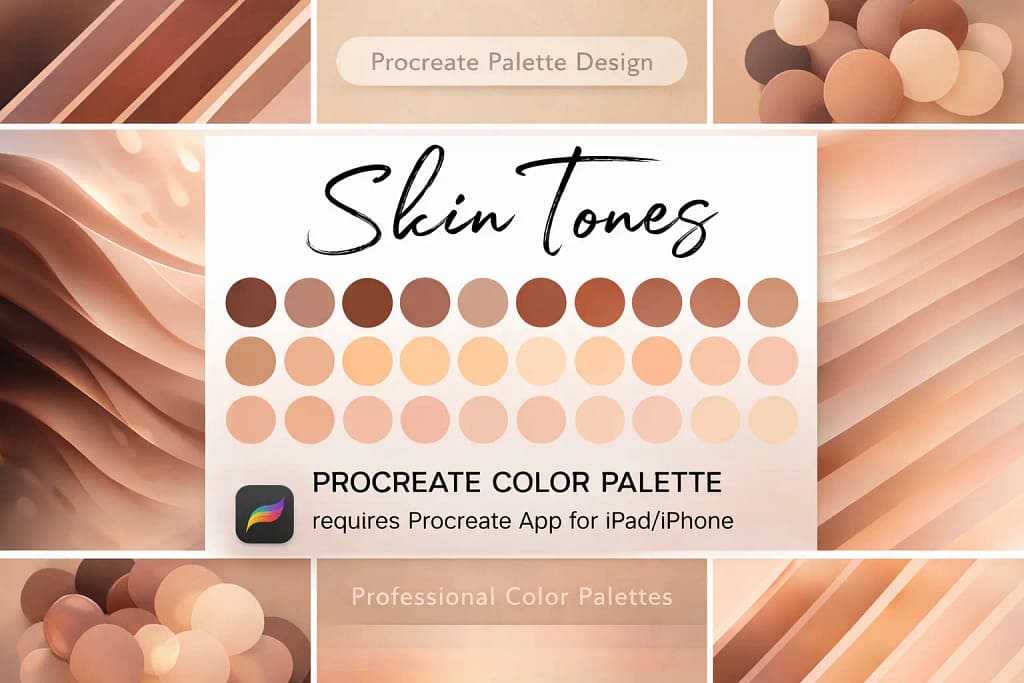
30 Skin Tones Procreate Color Palette

30 Skin Tones Palette

Stop guessing colors. This essential palette features 30 perfectly curated, natural skin tones, making your shading and highlighting process effortless.

VIEW BUNDLE →
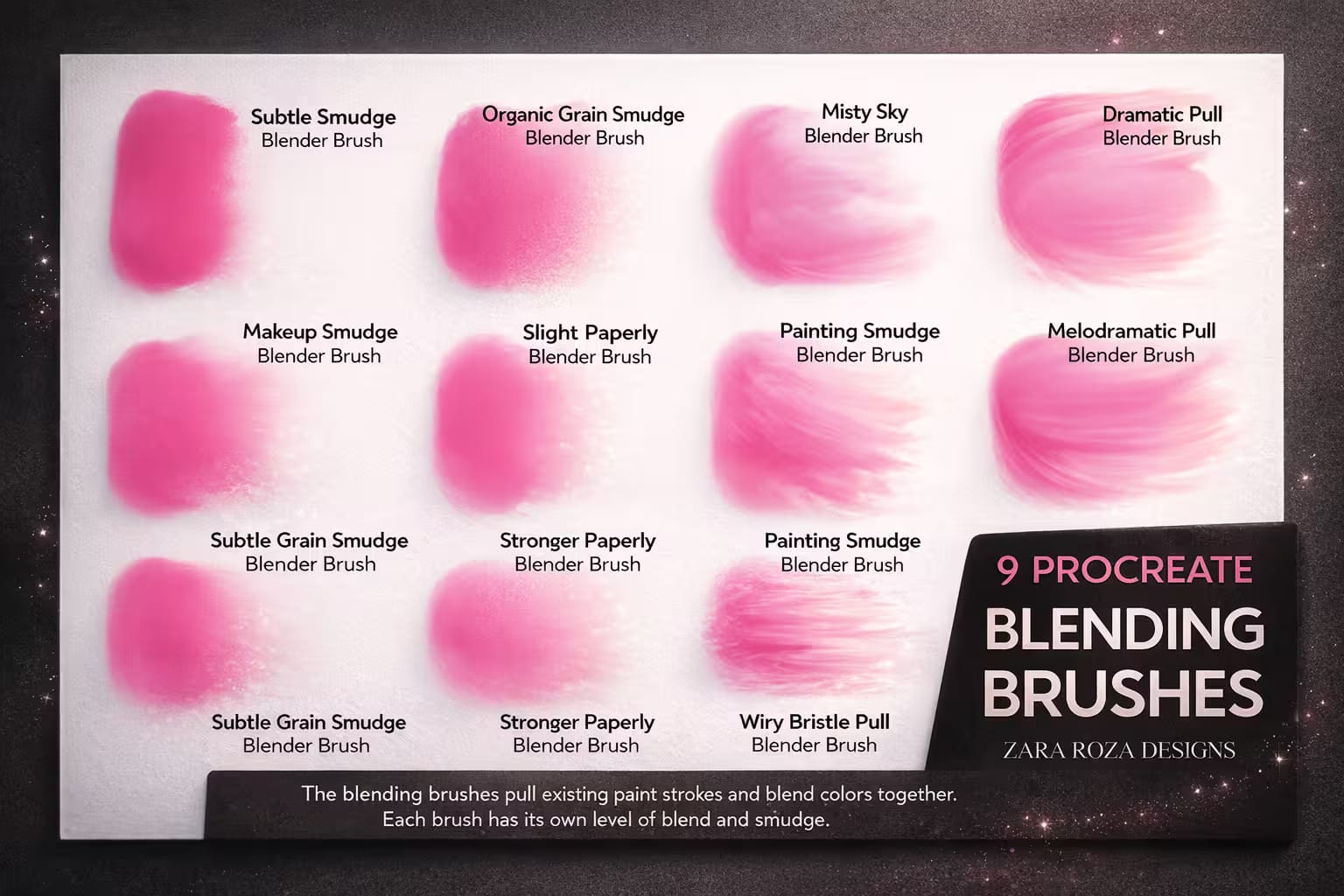
💨 Best for Blending
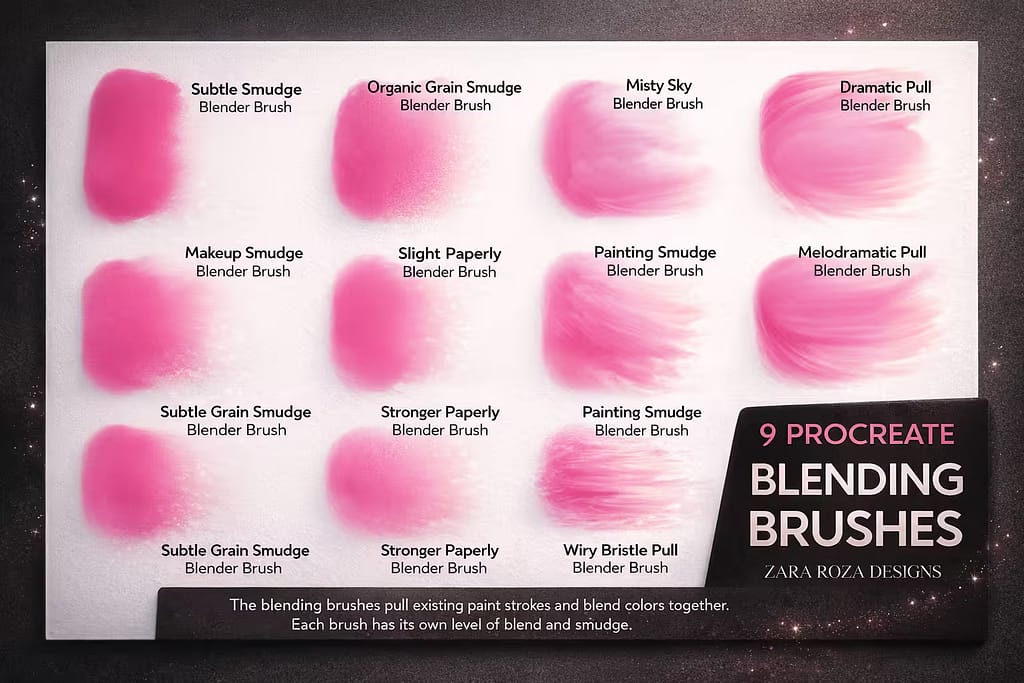
10 Procreate Blending Brushes

10 Blending Brushes

The secret to avoiding "muddy" skin. These 10 specialized blenders soften harsh shadows while retaining the canvas texture for a flawless, painterly look.

VIEW BUNDLE →
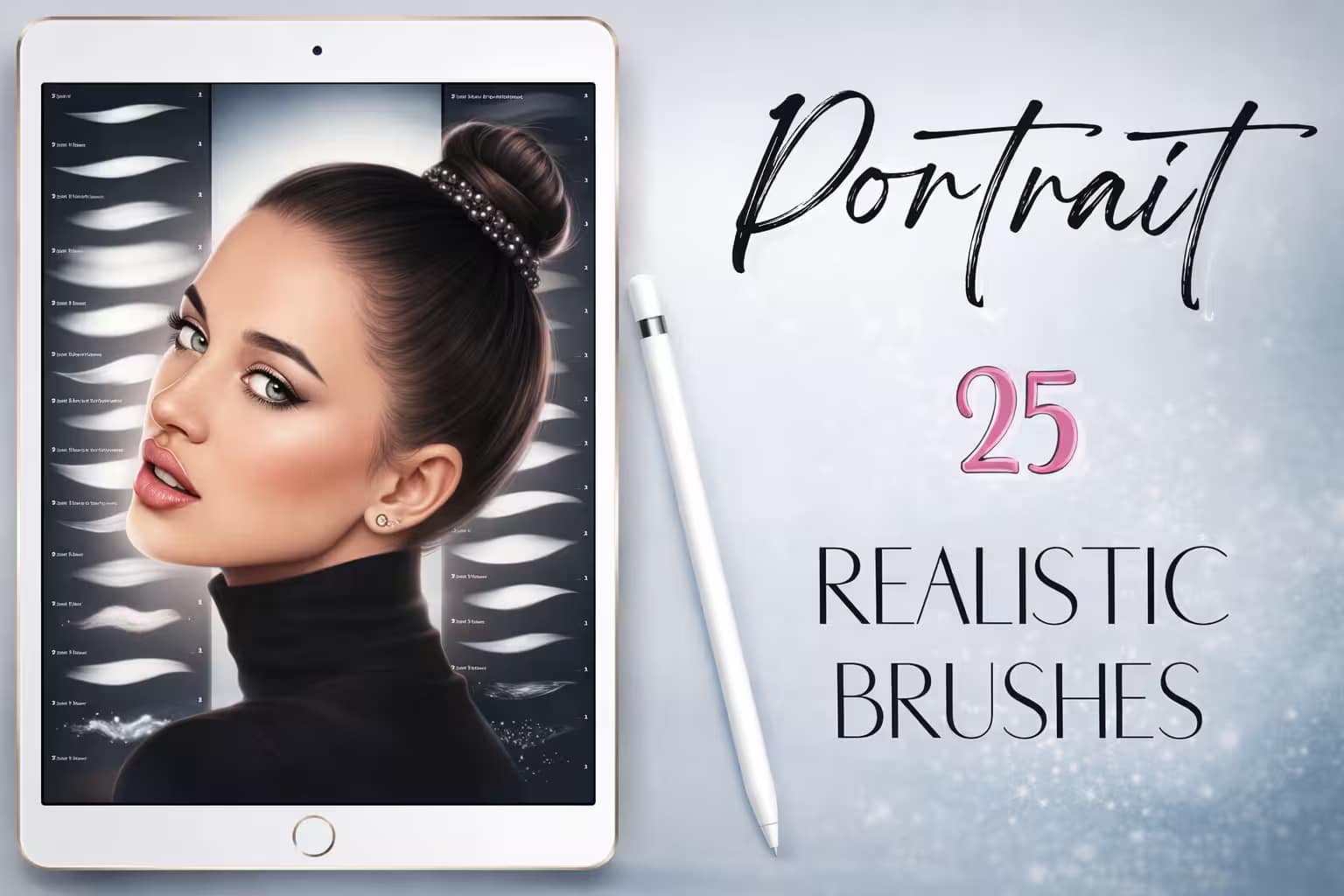
📚 Best All-in-One
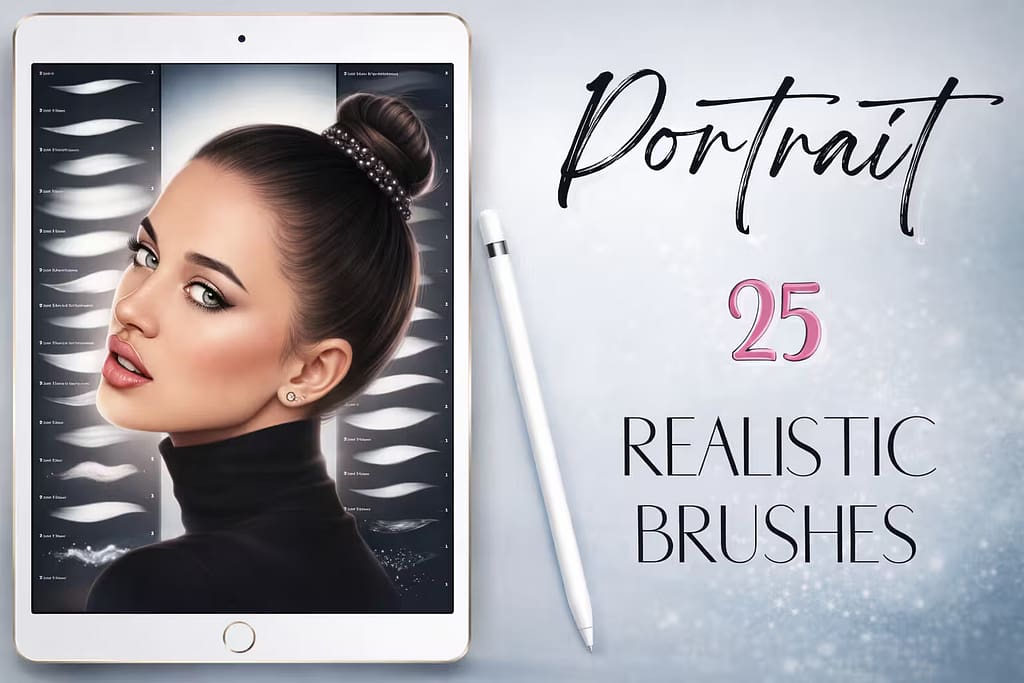
25 Procreate Portrait Realistic Brushes

25 Portrait Brushes

A complete package for character design. It includes not just skin textures, but also essential brushes for hair, eyebrows, and glowing highlights.

VIEW BUNDLE →
💡

Download All Skin Brushes & Palettes for Free!

Why purchase these brush sets individually? You can unlock ALL 12 premium packs on this list immediately for $0.
Pro Tip: Activate the Creative Fabrica All-Access Free Trial to instantly download unlimited skin textures, blenders, and diverse color palettes.

⚙️ Quick Tip: How to Blend Skin Tones Without Looking "Muddy"

1
Block the Base Colors

Start by painting your shadows, mid-tones, and highlights with a solid, hard-edged brush. Don't worry about blending yet. Use a dedicated Skin Palette to ensure your colors are warm and natural, not grayish.

2
Ditch the Soft Airbrush

The biggest mistake beginners make is using the default Soft Airbrush to blend. This creates an artificial, "plastic" look. Instead, select the Smudge Tool and choose a textured blending brush.

3
Smudge with Texture

Lightly pull the darker color into the lighter color using short, gentle strokes. A textured blender will mix the hues while leaving behind a slight grain, mimicking the natural pores and variations of real human skin.

The 12 Best Procreate Skin Brushes & Textures

Below is our fully ranked collection. I've organized these tools into logical categories—starting with foundational skin color palettes and realistic pore textures, moving into details like freckles and scars, and finishing with exotic animal and fantasy scales for concept artists.
90df7f18724e9f1aa5160f531074e620 0 1767705523 7923
Verdict: If you're struggling to make your digital portraits look like real human skin rather than smooth plastic, this is the Holy Grail. I tested this 19-brush set extensively, and it covers the entire portrait process. It provides the exact gritty, porous texture you need to breathe life into cheeks, noses, and forehead highlights.

Why I picked it:

  • Hyper-Realistic Pores:I was amazed by how the "Open Pores" and "Blemishes" brushes instantly remove the artificial digital look from the canvas.
  • Built-in Blenders:I love that it includes two textured blenders specifically designed to smudge skin without losing the underlying grain.
  • Bonus Tools:It also comes with a single lash hair brush and a scaly brush for alien or reptile concept art, making it incredibly versatile.
🔒 Secure checkout via Creative Fabrica • Commercial License included
7b29f42a35b3e6e7a9ae373a766d39c5 0 1769676794 7648
Verdict: Color-picking skin tones from photos often results in muddy, grayish, or overly orange results. I use this palette to completely bypass that headache. With 30 carefully curated, natural skin swatches pre-loaded into Procreate, you can confidently lay down shadows, mid-tones, and highlights that always look harmonious.

Why I picked it:

  • Perfect Gradations:I found that the tones are perfectly stepped, meaning you can easily pick a shadow color that naturally matches your base tone.
  • Saves Hours of Time:Instead of tweaking the color wheel, I just tap a swatch and keep painting. It keeps my creative flow uninterrupted.
  • Natural Undertones:I appreciate that these aren't just flat peaches and browns; they have the subtle pink and olive undertones of real human skin.
🔒 Secure checkout via Creative Fabrica • Commercial License included
1ffbb921c76c80d9df5d9e2ead03f323 0 1774155525 1390
Verdict: The smudge tool in Procreate can easily ruin a portrait if you use the wrong brush. I tested this pack of 10 blenders, and it completely changed my shading game. Ranging from subtle, papery smudges to heavy, oily pulls, these brushes blend skin tones seamlessly while retaining an artistic, painterly texture.

Why I picked it:

  • No More Plastic Skin:I love that these blenders leave a slight grit behind, ensuring your shadows don't look artificially blurred.
  • Bonus Textures:I was thrilled to find 5 bonus textured paper backgrounds included, which instantly add depth to flat digital canvases.
  • Incredible Control:I found it easy to control the intensity—from a gentle blush blend on a cheek to a heavy, dramatic shadow on the jawline.
🔒 Secure checkout via Creative Fabrica • Commercial License included
1d891a15e9dc43596d7c41efb294e990 0 1772085276 8686
Verdict: If you want one single pack to handle the entire head, this is it. I tested this 25-brush set and loved its comprehensive approach. It doesn't just stop at skin textures and smudgers; it includes dedicated tools for curly hair, eyelashes, eyebrows, and even glowing glitter highlights for makeup.

Why I picked it:

  • Complete Workflow:I appreciate that I can sketch, block colors, texture the skin, and draw the hair all without leaving this one brush folder.
  • Dedicated Hair Tools:I found the curly hair brush and eyelash stamps to be massive time-savers when finishing a portrait.
  • Beautiful Highlights:The included highlight and glitter brushes are perfect for adding that wet, glossy look to lips and the tip of the nose.
🔒 Secure checkout via Creative Fabrica • Commercial License included
da8b58175c4d97f5a9f278a8a86925c7 0 1774183700 6169
Verdict: Sometimes massive bundles with 100 brushes are too overwhelming for beginners. I tested this compact 10-brush set, and it is beautifully straightforward. It provides exactly what you need to start experimenting with skin tones and textures without getting lost in endless brush settings.

Why I picked it:

  • Zero Learning Curve:I love how intuitive these brushes are. You just pick a color and paint, and the skin-like texture appears naturally.
  • Lightweight:I found it to be a very clean, lightweight file that installs instantly and won't clutter your Procreate workspace.
  • Great for Fast Studies:If you are doing quick 30-minute portrait studies, this pack has exactly enough variety to get the job done fast.
🔒 Secure checkout via Creative Fabrica • Commercial License included
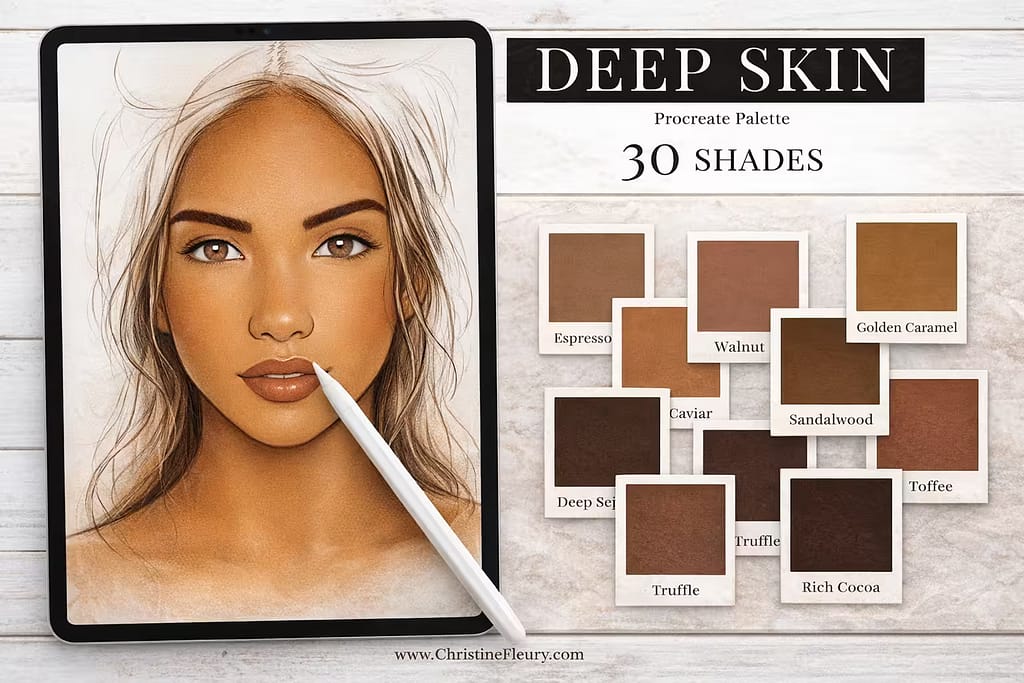
cf58bd627cec05a8d2d24176b0a5c0ba 0 1774183941 8965
Verdict: Painting deep, melanin-rich skin tones is notoriously difficult—if you pick the wrong shadows, the skin can look "ashy" or grayish. I highly recommend this specialized palette. It provides 30 rich, warm, and perfectly calibrated shades (from golden caramel to rich cocoa) to ensure your dark-skinned portraits glow.

Why I picked it:

  • Prevents Ashy Shadows:I found that the shadow tones are perfectly warmed up with red and orange undertones to keep the skin looking alive.
  • Beautiful Highlights:I loved the lighter swatches included for adding those striking, glossy highlights on the cheekbones and nose.
  • Essential Companion:I consider this a mandatory companion palette to pair with the basic skin tones set from earlier in this list.
🔒 Secure checkout via Creative Fabrica • Commercial License included
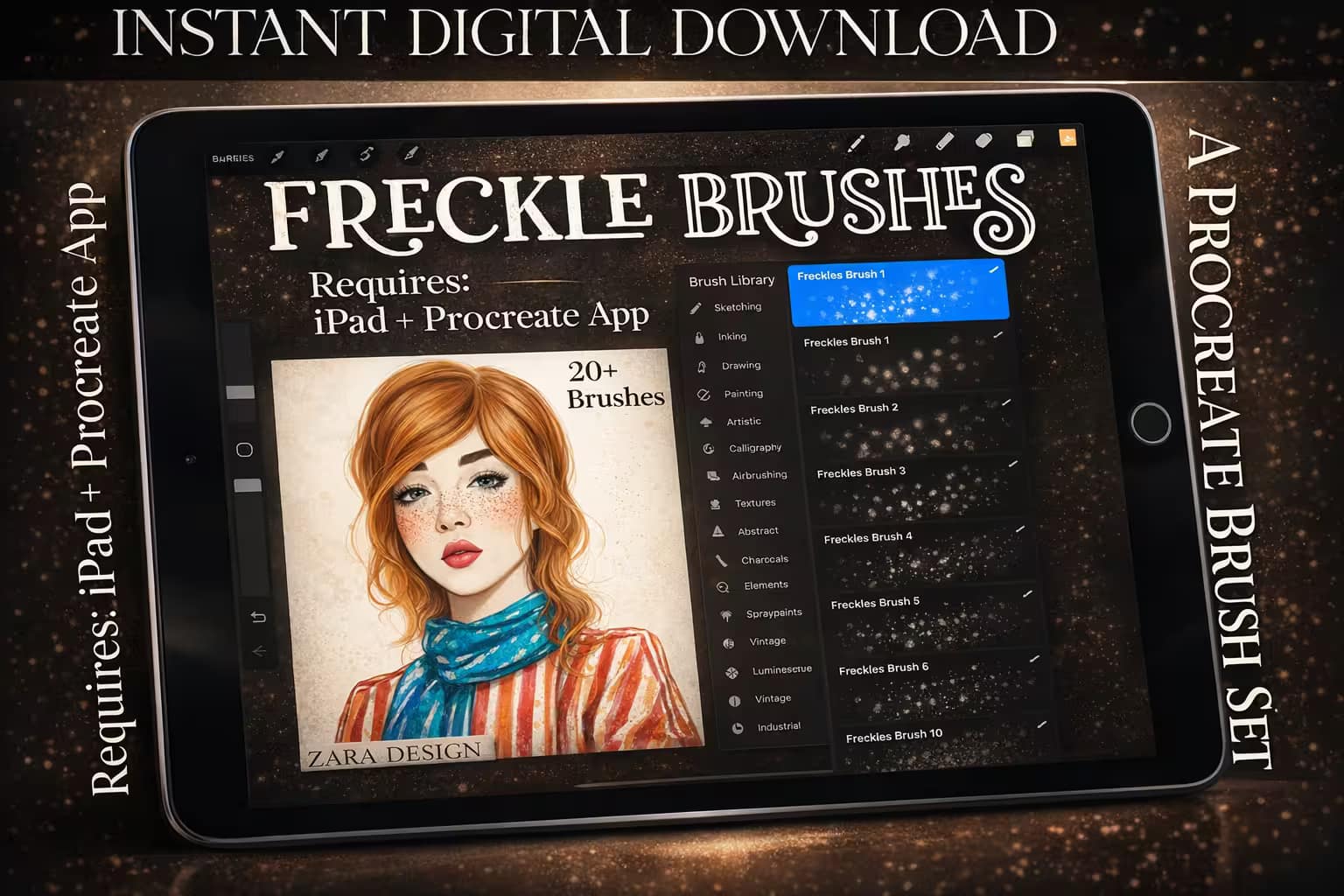
90b05664a37b982d9e0d674e0aa2a07b 0 1774184249 1574
Verdict: Freckles add an incredible amount of youth, character, and realism to a face. But drawing them one by one is exhausting. I tested this dedicated freckle pack, and it is flawless. With a single swipe across the nose and cheeks, you can lay down perfectly scattered, organic-looking freckles and beauty marks.

Why I picked it:

  • Organic Scattering:I noticed the brushes perfectly randomize the size and opacity of the dots, so the freckles never look like a stamped pattern.
  • Multiple Densities:I found it very useful to have options ranging from a light, sun-kissed dusting to heavy, dense freckle clusters.
  • Also Great for Pores:By lowering the opacity and choosing a skin-matched color, I also used these to add subtle skin pores.
🔒 Secure checkout via Creative Fabrica • Commercial License included
94c2012c71c7b129abd8f7f01dffe34c 0 1774188098 2467
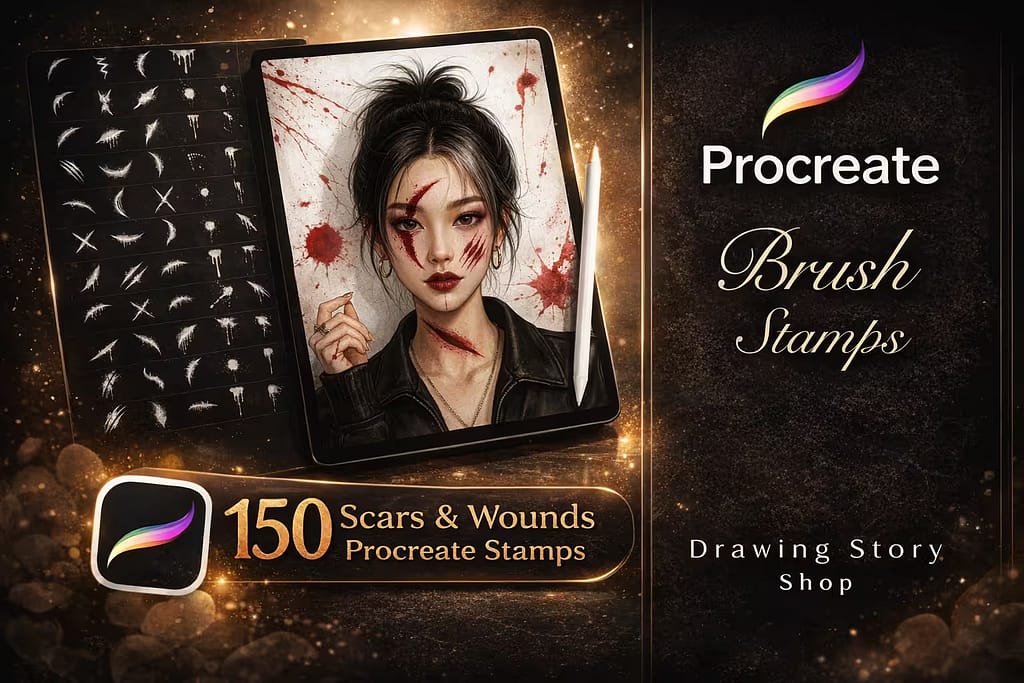
Verdict: If you draw fantasy warriors, anime fighters, or horror/Halloween concepts, pristine skin won't cut it. I tested this massive pack of 150 stamps, and it is a game-changer for adding grit. You can instantly apply highly detailed scars, fresh scratches, stitches, and blood splatters directly onto your character's skin.

Why I picked it:

  • Storytelling Details:I found that adding a healed scar or a fresh cheek scratch instantly gave my characters a deeper backstory and tough aesthetic.
  • Huge Variety:I loved the range—from tiny lip splits and band-aids to massive sword slashes and bleeding wounds.
  • Easy to Blend:Using Procreate’s "Multiply" blend mode, I noticed the stamps sit perfectly over existing skin tones.
🔒 Secure checkout via Creative Fabrica • Commercial License included
f19a1f5fd35e89cbae2fad235da5f967 0 1774188916 9903
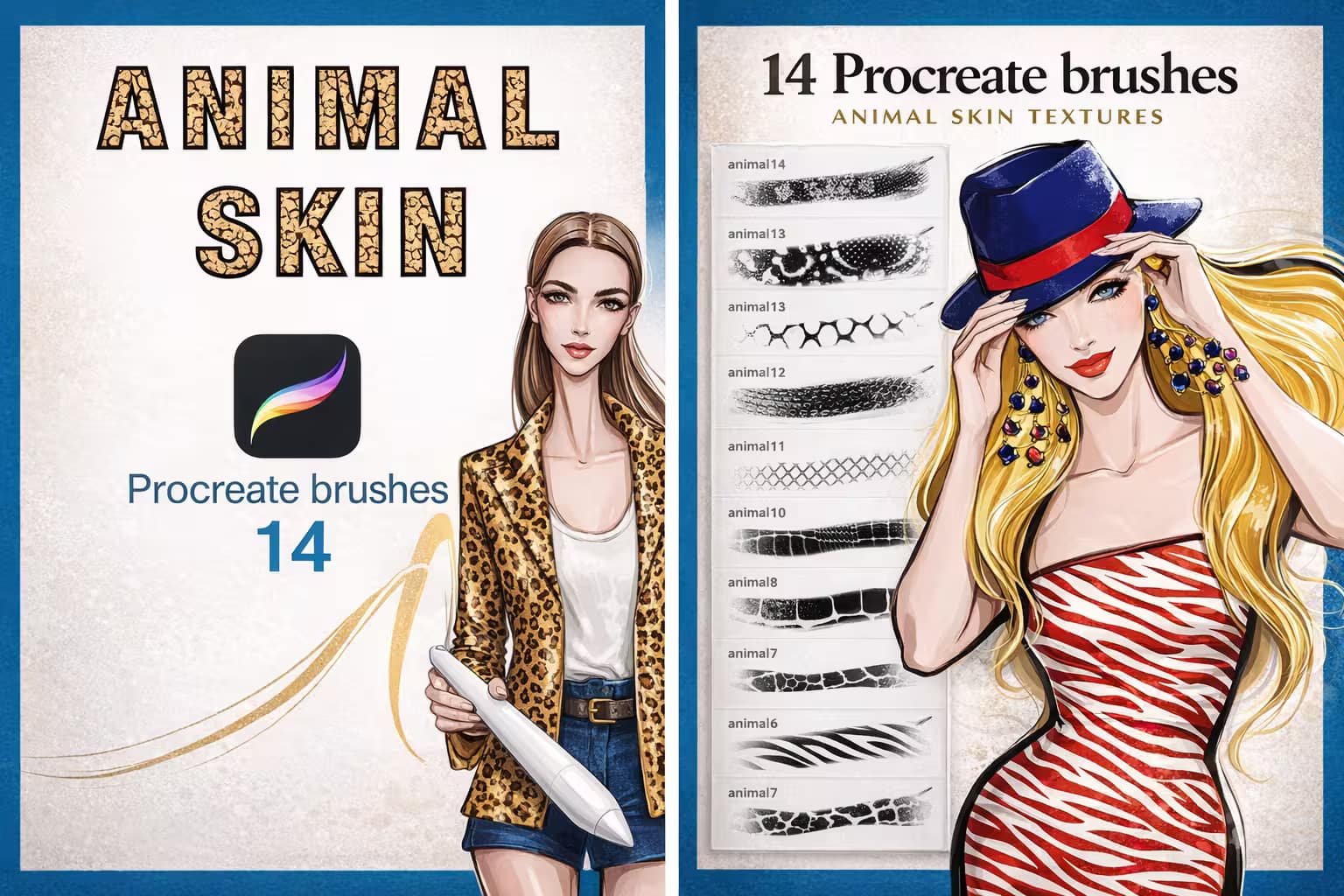
Verdict: Transitioning from human to animal skin—if you are a fashion illustrator or character designer, drawing animal prints on clothing is incredibly tedious. I tested these 14 seamless pattern brushes, and they instantly map flawless leopard, zebra, and cheetah skin textures across your canvas with a single stroke.

Why I picked it:

  • Seamless Patterns:I was impressed that no matter how large an area I painted, the animal skin patterns never showed visible "seams" or breaks.
  • Fashion Lifesaver:I found this essential for quickly texturing jackets, bags, and shoes in modern fashion sketches.
  • Scalable Density:Adjusting the brush size easily changes the scale of the animal spots, giving you complete control over the print size.
🔒 Secure checkout via Creative Fabrica • Commercial License included
c73df6159ef38fa690e2048ed064ff63 0 1773115442 3370
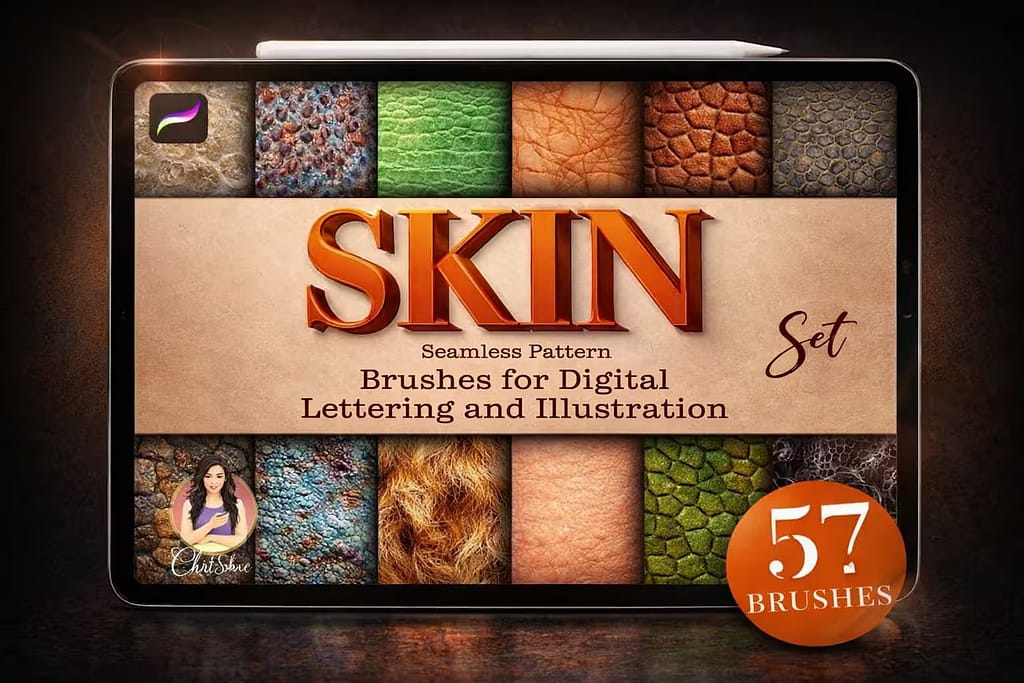
Verdict: This is a fascinating hybrid bundle. I tested these 57 brushes and found a wild mix of human skin pores alongside hyper-detailed snake, frog, and reptile scales. If you design D&D monsters, aliens, or fantasy creatures, this single pack provides every skin texture you could possibly need.

Why I picked it:

  • Amazing Reptile Scales:I loved using the snake and lizard textures to quickly detail dragons and fantasy creature concepts.
  • Great Value:I appreciate the versatility; jumping from painting a human face to a scaly monster within the same brush folder is super convenient.
  • High Detail Density:I noticed the bump-mapping on the animal textures is very strong, creating an instant 3D, tactile illusion.
🔒 Secure checkout via Creative Fabrica • Commercial License included
1c94e106234dab6379ebef58e669e2d8 0 1774189259 8608
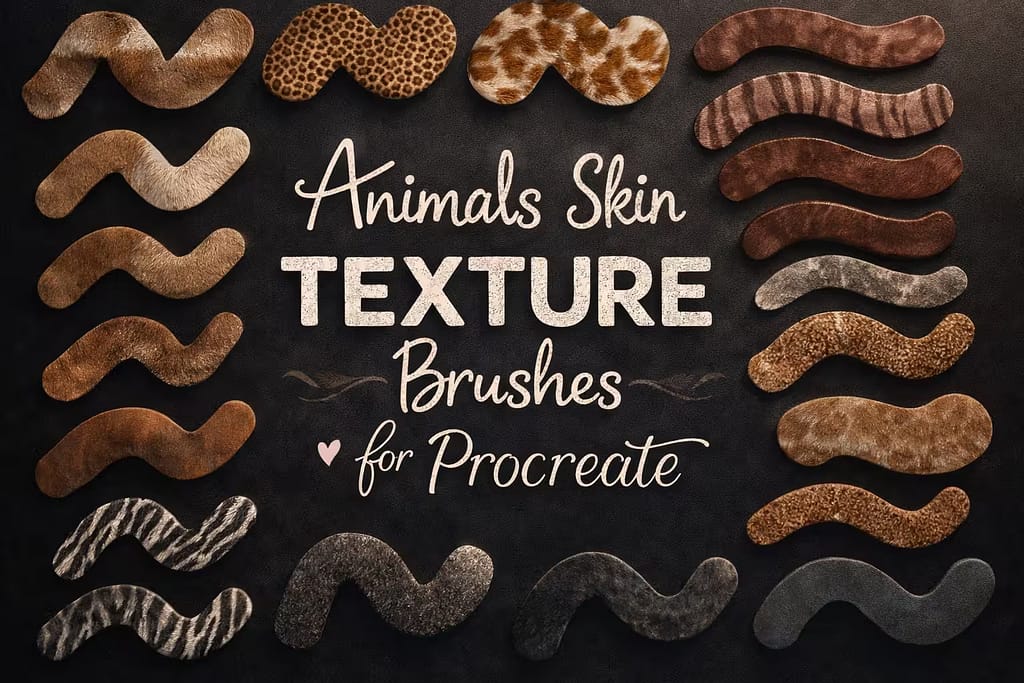
Verdict: Similar to the fashion print pack, but with a heavier focus on diverse wildlife. I tested these 36 brushes, and they include fantastic textures ranging from spotted big cats to intricate reptilian scales. The bonus 60-color palette included in the pack makes color-matching the fur and skin effortless.

Why I picked it:

  • Free Color Palette:I found the included 60-color swatch file incredibly useful for getting realistic earth tones for the animal skins.
  • Wide Variety:I loved the diversity, covering everything from safari animals to subtle, leathery textures.
  • Pressure Sensitive:I noticed the brushes react beautifully to the Apple Pencil, allowing you to fade the animal print into shadows naturally.
🔒 Secure checkout via Creative Fabrica • Commercial License included
125e8b23063f6e8b83f184b2776e235a 0 1772384928 8489
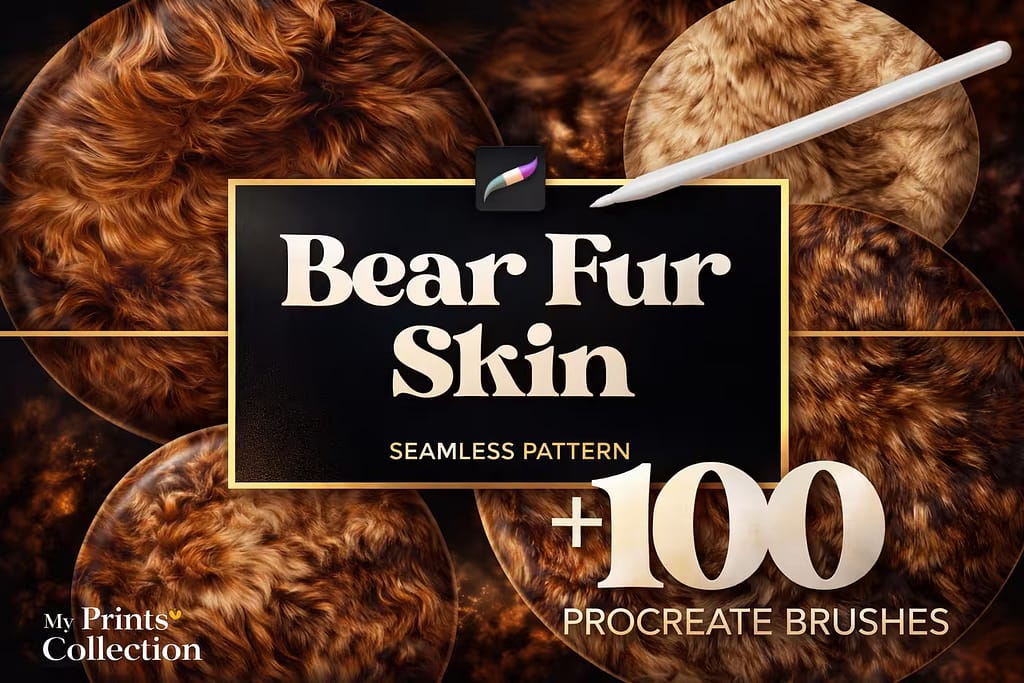
Verdict: To close out the list, we move from skin and scales to thick animal pelts. Rendering realistic fur is a notoriously difficult task. I tested this massive bundle of 100+ seamless bear fur brushes, and it lays down incredibly dense, realistic, and directional hair textures that would take days to draw by hand.

Why I picked it:

  • Incredible Detail:I was blown away by the sharpness of the individual hair strands; it literally looks like a high-res photograph.
  • Seamless Application:I found it incredibly easy to fill large areas of a canvas without the fur pattern looking repetitive or boxy.
  • Great for Pet Portraits:While marketed as "bear fur," I used these to add realistic texture to dog and cat portraits with phenomenal success.
🔒 Secure checkout via Creative Fabrica • Commercial License included

FAQ

The biggest mistake beginners make is using the default Soft Airbrush to blend colors, which creates a dirty, artificial look. Instead, select the Smudge Tool and use a dedicated, textured blending brush. Gently pull the colors together with short strokes. This retains the natural grain and pores of the skin while smoothing the transition.

While you can manually color-pick from photos, it's tedious. The best way to get professional skin tone palettes for free is by activating a Creative Fabrica All-Access Free Trial. This gives you instant, zero-cost access to premium swatches covering deep skin tones, anime bases, and pale textures with exact highlight and shadow matches.

Realism comes from micro-details. After you lay down your base colors and blend the shadows, create a new layer. Use specialized skin brushes to lightly tap in pores on the cheeks and nose, add scattered freckles, and draw fine wrinkles. Keep this texture layer on a low opacity or set the Blend Mode to "Multiply" for a natural finish.

Yes! If you are drawing fantasy creatures, reptiles, or designing fashion prints, you don't need to draw every scale by hand. There are seamless pattern brushes designed specifically for animal skin—such as snake scales, leopard spots, and bear fur—that you can paint over large areas in seconds.