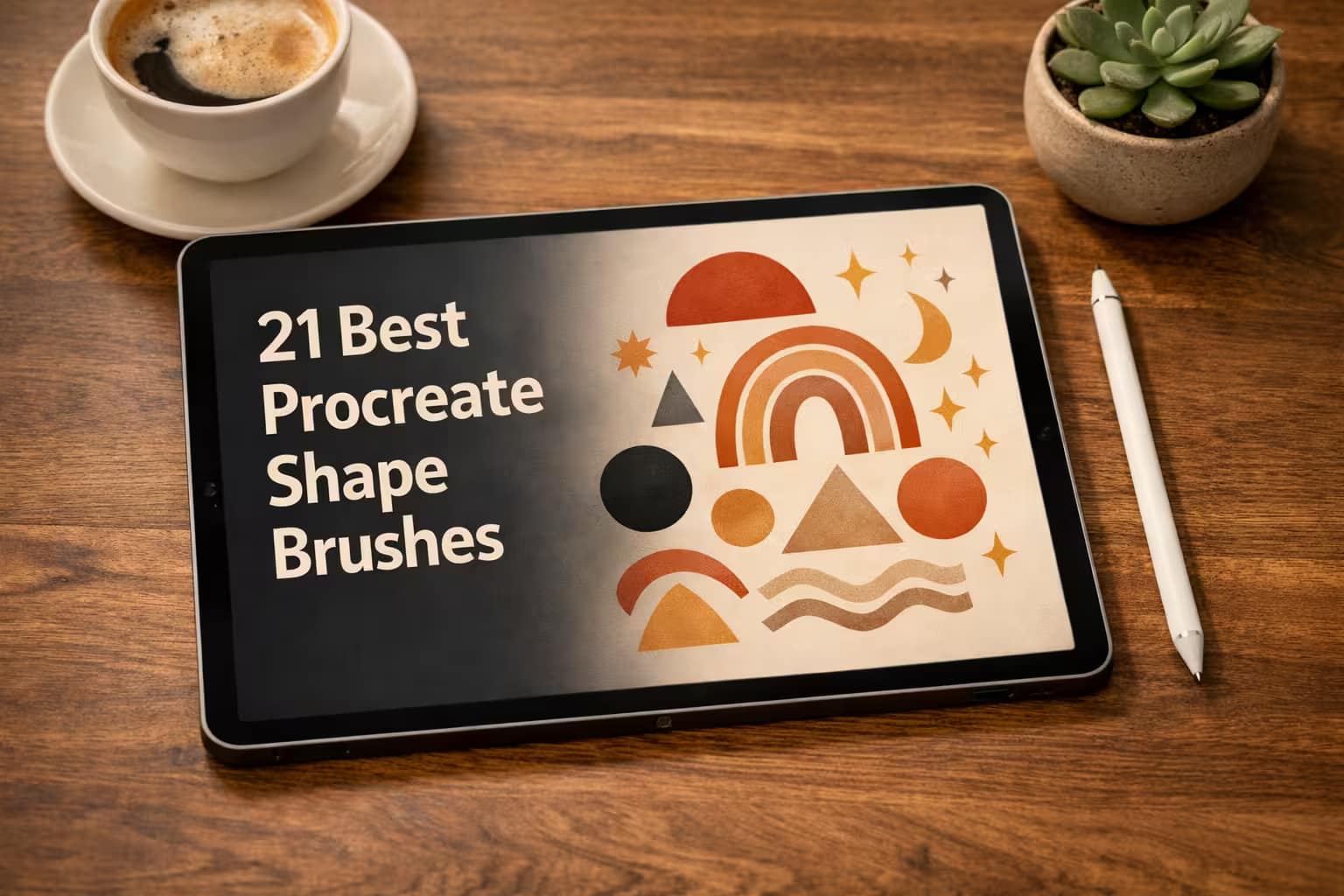
Drawing a perfectly symmetrical mandala or getting character head proportions right from scratch can completely break your creative flow. Sometimes, you don't need a drawing brush—you need a smart layout tool.
That’s exactly what shape brushes (or "stamps") do. I’ve searched the market and curated the 21 best Procreate shape brushes. Whether you need trendy boho abstracts, strict geometric structures, or instant anatomy guides—these stamp collections will save you hours of structural sketching. Let's find your new cheat code.
🏆 Editor’s Choice
The 4 most essential shape and stamp collections for Procreate.

120 Boho Stamps
The absolute best-selling pack for creating trendy abstract art, Instagram highlights, and aesthetic prints in seconds.
VIEW BUNDLE →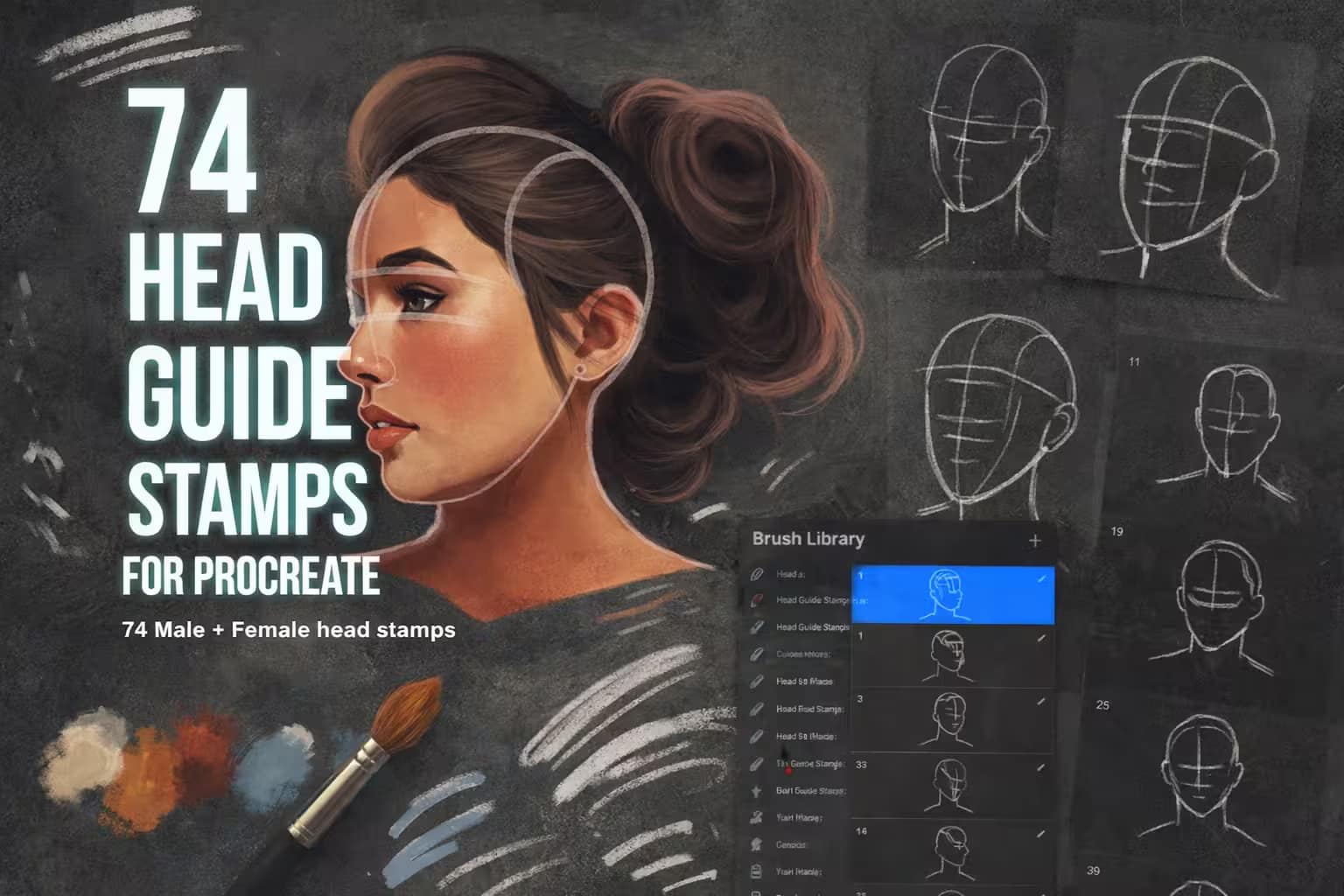
74 Head Guides
Struggling with face proportions? These highly detailed head stamps at different angles are the ultimate cheat code for artists.
VIEW BUNDLE →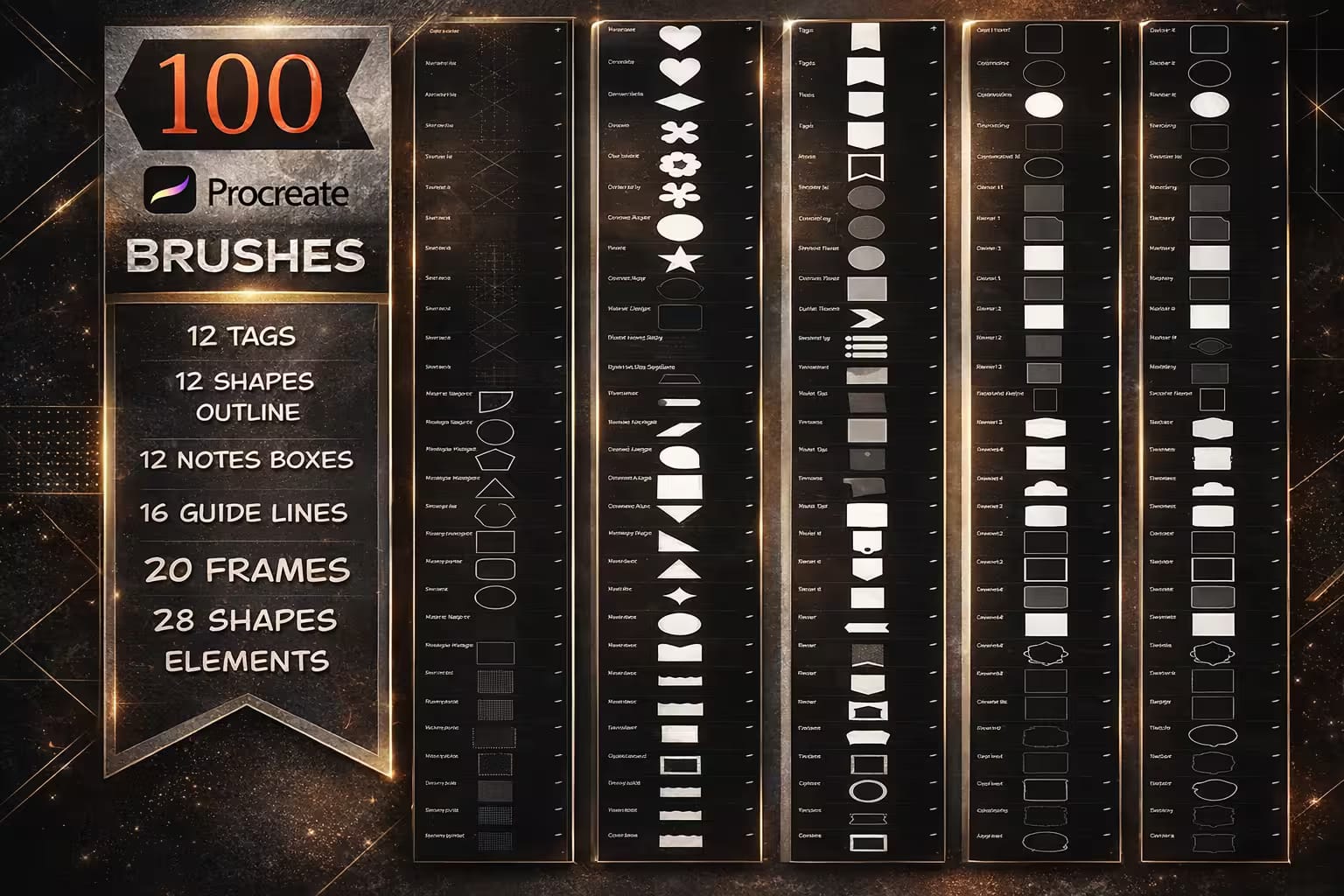
100 Geometric Elements
A massive library of clean, sharp vectors. Perfect for UI design, digital planners, and building complex symmetrical layouts.
VIEW BUNDLE →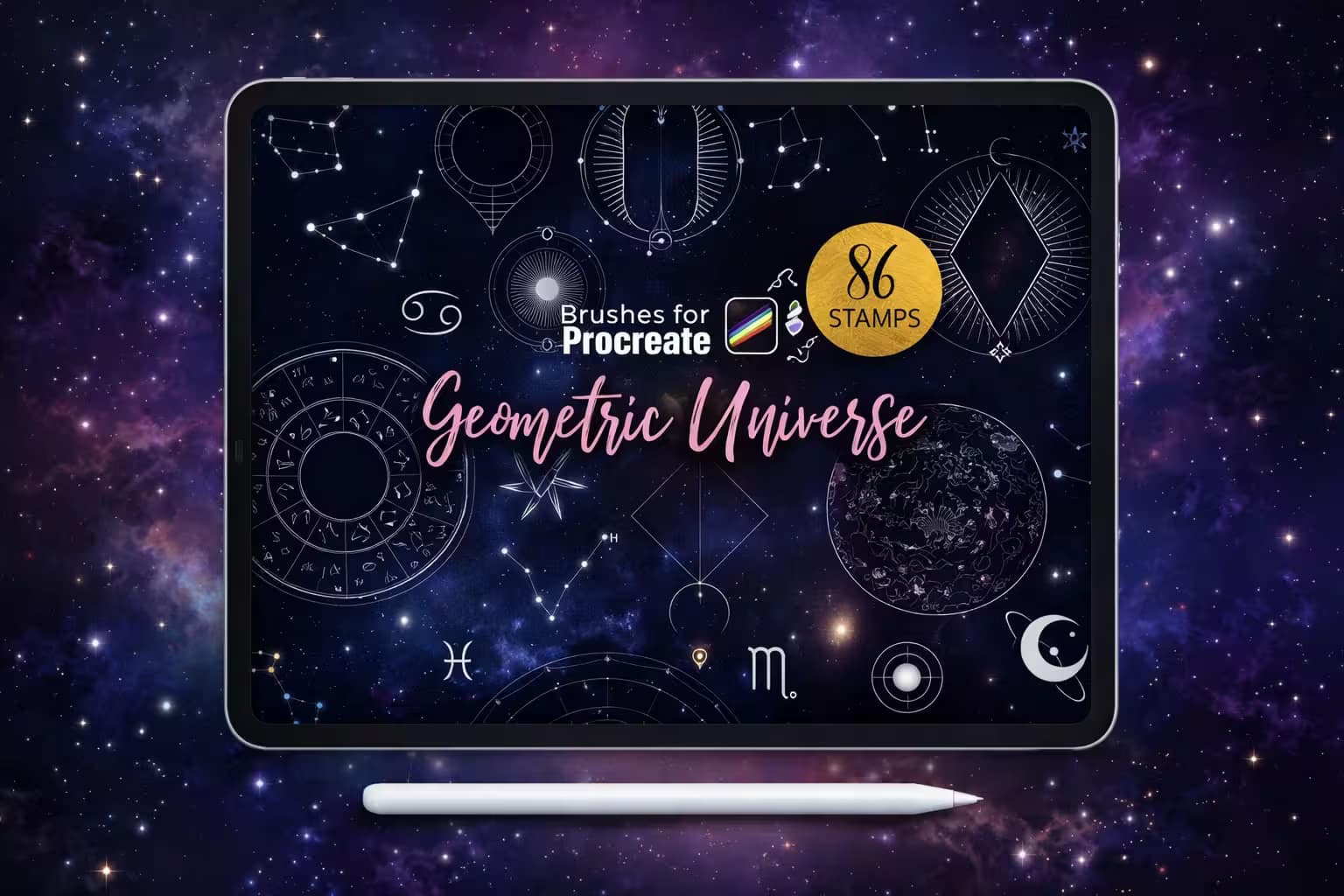
Geometric Universe
Beautiful, intricate celestial shapes combining sacred geometry, moons, and stars. Essential for mystical tattoo designs.
VIEW BUNDLE →Get All Shape Stamps for Free!
Why buy shape packs individually? You can unlock and download ALL 21 premium sets from this list immediately without paying full price.
Pro Tip: Activate the Creative Fabrica Subscription Trial to get unlimited, legal access to thousands of Procreate tools for $0 today.
⚙️ How to Change a Brush Shape in Procreate
Open Shape Editor
Tap your brush to open the Brush Studio. On the left menu, select Shape. Tap the Edit button next to the Shape Source preview at the top.
Import New Shape
In the Shape Editor, tap Import. You can choose Source Library to pick a default Procreate shape, or Import a photo to paste your own custom black-and-white design.
Invert & Save
Procreate uses white for the solid stamp and black for transparency. If your imported shape has a white background, simply tap the image with two fingers to invert it. Tap Done.
The 21 Best Procreate Shape Brushes (Ranked)
Below is the full curated list. I’ve organized them logically—starting with essential Boho and Geometric layouts, moving into incredibly useful Character Anatomy Guides (for perfect face and body shapes), and finishing with decorative stars and hearts to polish your artwork.
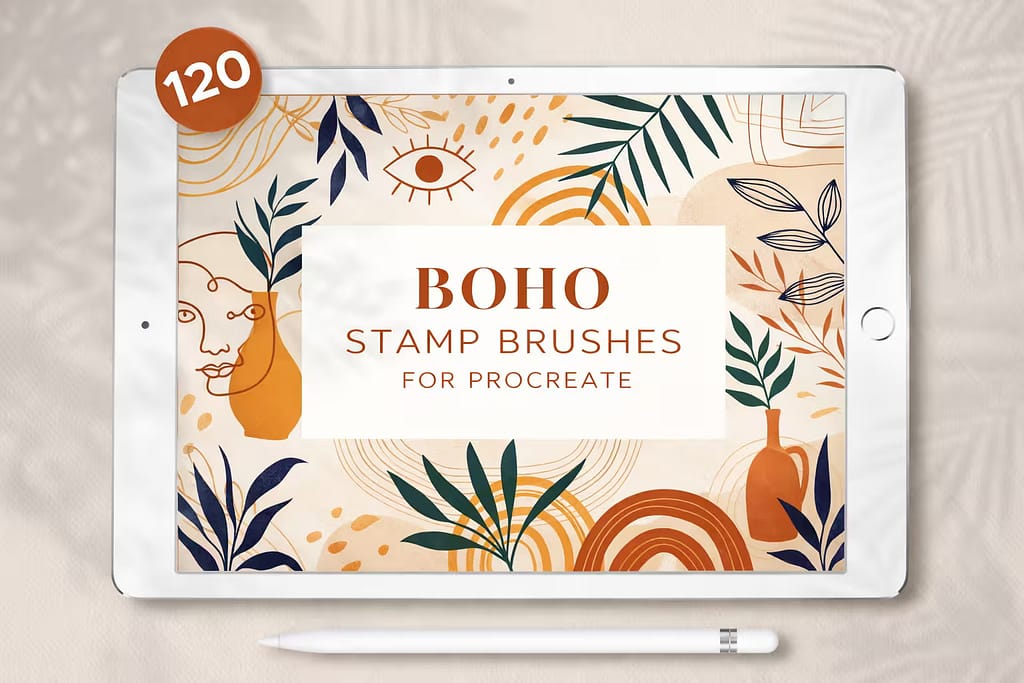
Why I picked it:
- ✅ Trend-Ready: The shapes perfectly capture the modern, minimalist aesthetic that is currently dominating Pinterest and Etsy.
- ✅ Massive Variety: With 120 stamps, I never feel like my abstract backgrounds look repetitive.
- ✅ Easy Layering: Stamping a solid color blob and layering an abstract line-art stamp over it looks instantly professional.

Why I picked it:
- ✅ Perfect Proportions: The loomis-style construction lines help me place eyes and ears exactly where they belong.
- ✅ Dynamic Angles: Includes difficult extreme up-and-down angles, saving me hours of referencing.
- ✅ Male & Female: The subtle structural differences between male and female skulls are mapped out perfectly.

Why I picked it:
- ✅ Flawless Vectors: Even scaled up to the maximum brush size, the lines remain incredibly sharp without pixelation.
- ✅ Planner Ready: The included note boxes and tags are perfect for creating custom GoodNotes planners.
- ✅ Design Essential: It's a foundational tool; I use these solid and outline shapes as clipping masks constantly.
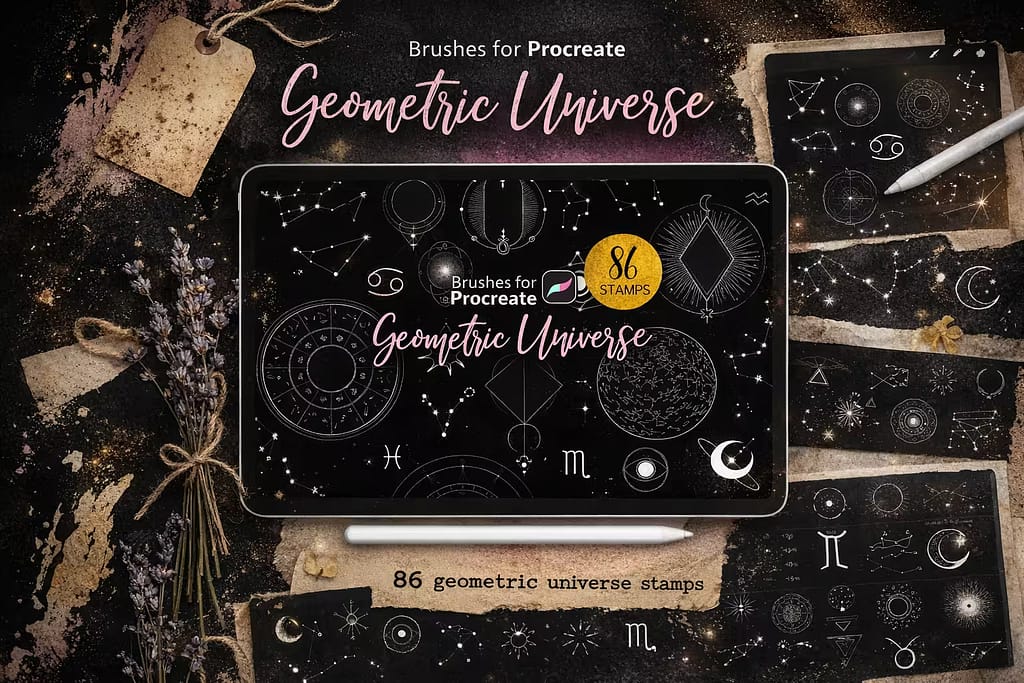
Why I picked it:
- ✅ Intricate Details: The fine lines of the star maps and moon phases are meticulously crafted.
- ✅ Tattoo Ready: The high-contrast line art makes perfect stencils for fine-line geometry tattoos.
- ✅ Zodiac Magic: Includes beautifully designed astrology symbols that sell incredibly well on apparel.
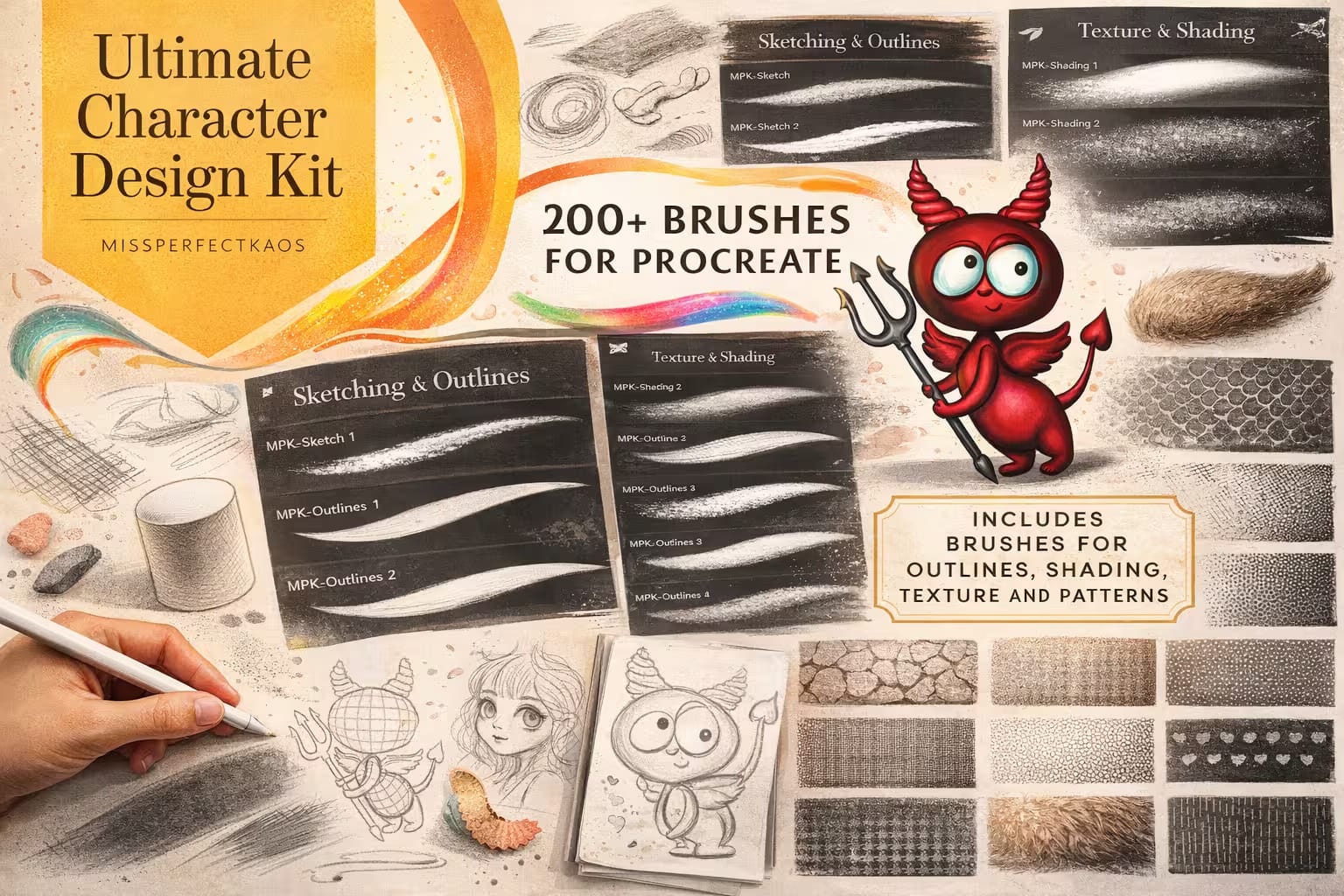
Why I picked it:
- ✅ Massive Library: You get every conceivable body part needed for animal, fantasy, or alien character design.
- ✅ Mix & Match: Stamping different eyes and mouths onto a base body shape completely changes the character's vibe instantly.
- ✅ Breaks Art Block: When I don't know what to draw, assembling these shapes sparks immediate inspiration.
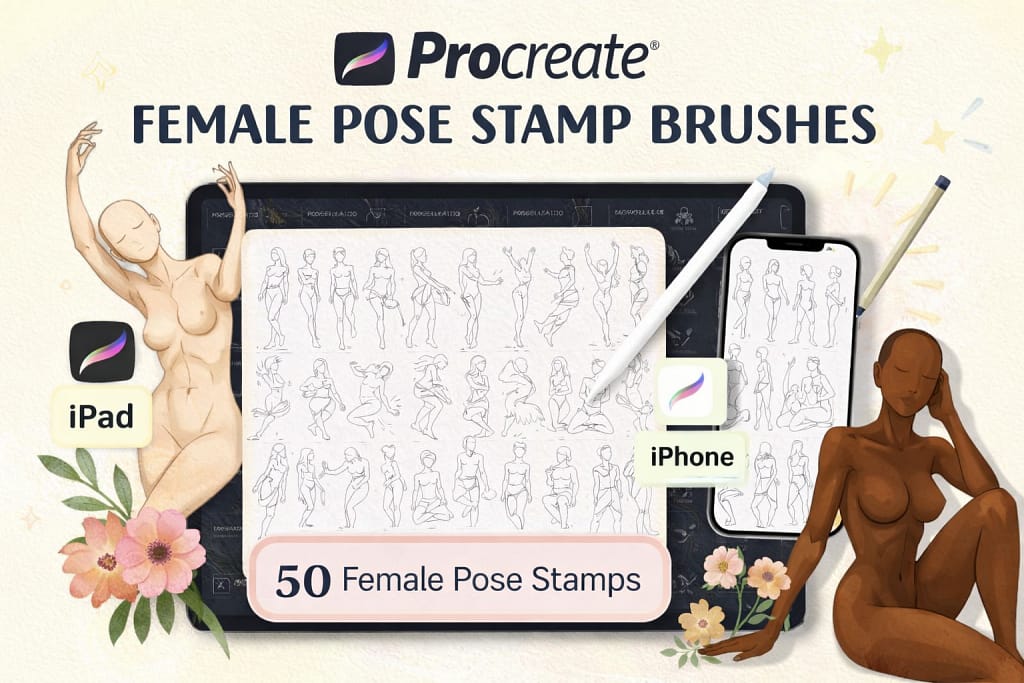
Why I picked it:
- ✅ Accurate Anatomy: The weight distribution and muscle structure are realistic and natural.
- ✅ Action Poses: It includes sitting, standing, and dynamic action angles to fit any scene.
- ✅ Speeds up Workflow: I skip the stick-figure phase completely and jump straight into drawing clothes and hair.
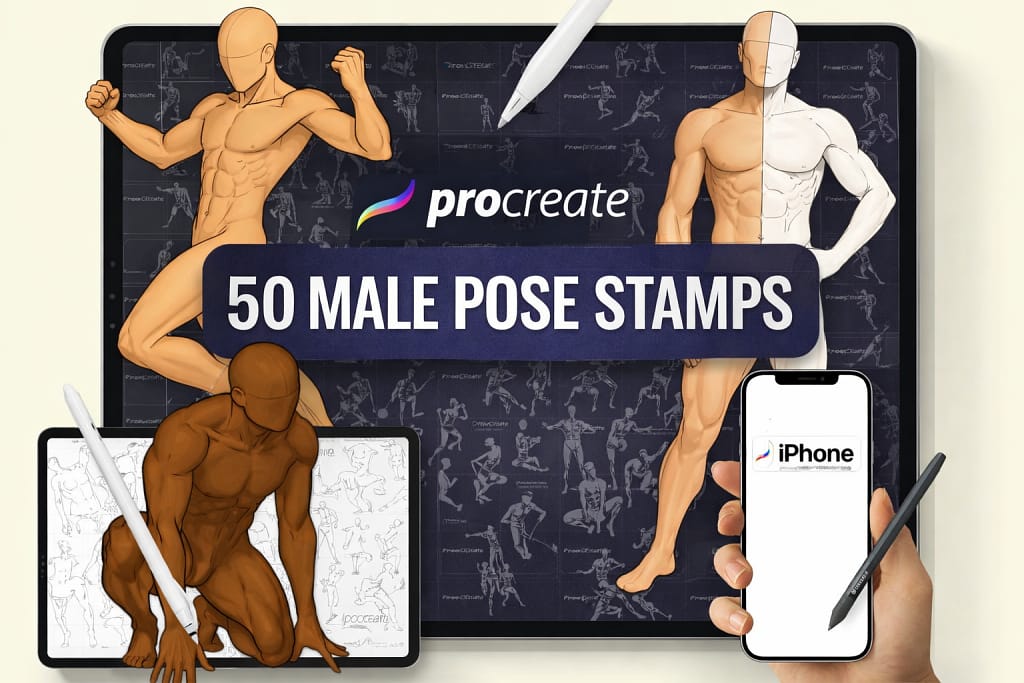
Why I picked it:
- ✅ Muscle Definition: The clear blocking of the chest and arms makes rendering male anatomy much easier.
- ✅ Dynamic Angles: Excellent high and low perspective angles that are usually very hard to draw from imagination.
- ✅ Perfect Base: Drop the opacity to 20% and use it as an infallible blueprint for your character art.
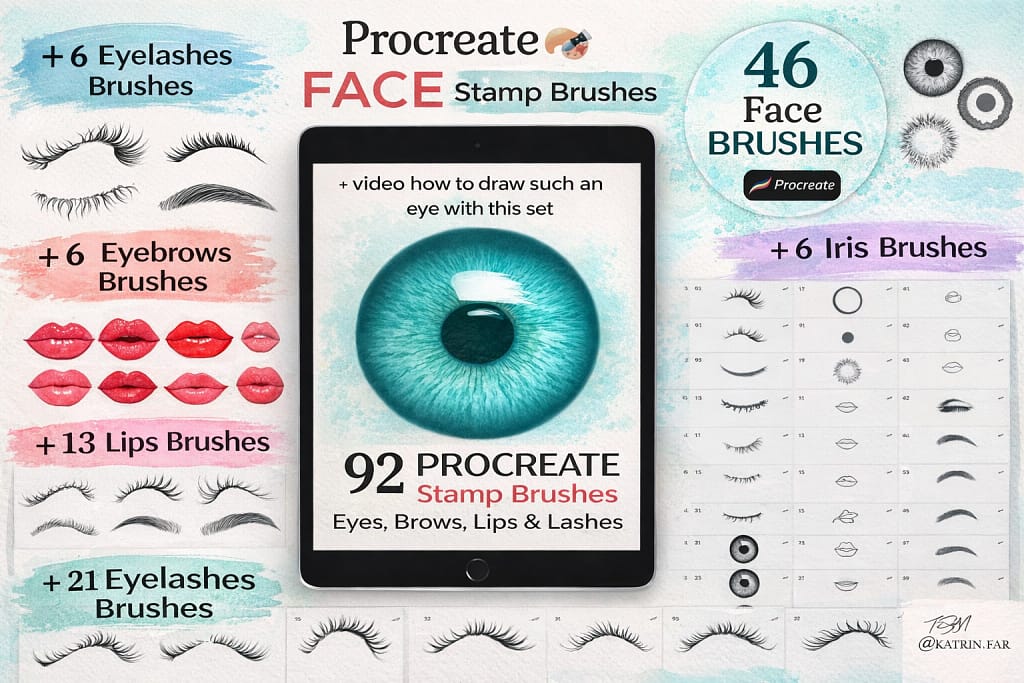
Why I picked it:
- ✅ Symmetry Solved: Instantly fixes the "one eye looks better than the other" problem.
- ✅ High Detail: The eyelashes and irises are highly detailed, saving you intricate brushwork.
- ✅ Easy Customization: I stamp them, lock the alpha channel, and color over them to match my character's palette.
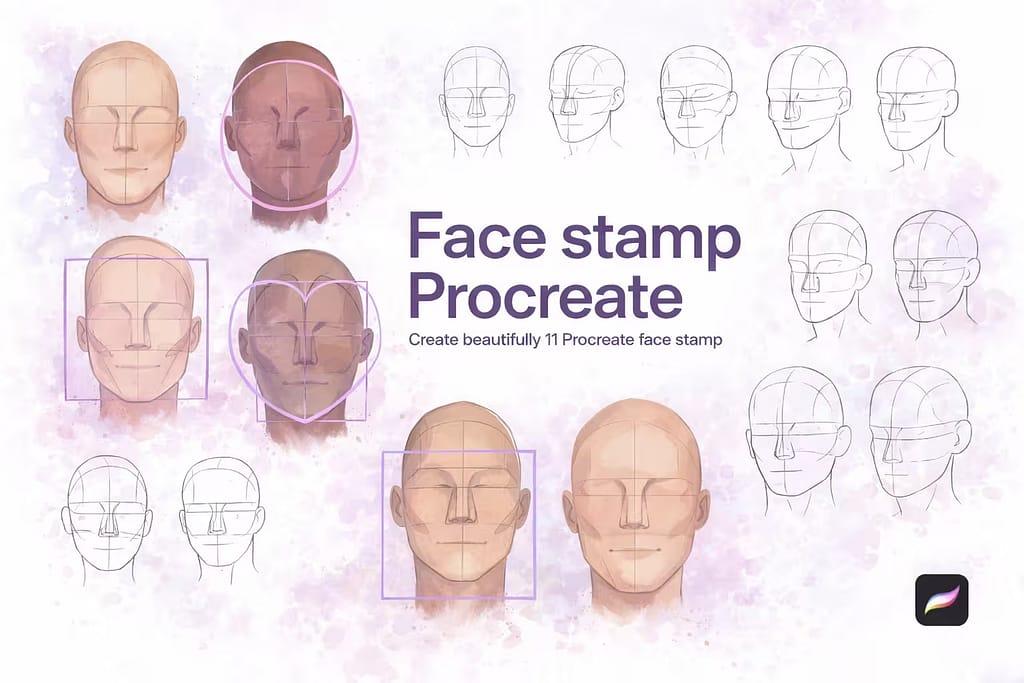
Why I picked it:
- ✅ Clean Wireframes: The minimal lines don't clutter your sketch layer, making it easy to ink over.
- ✅ Shape Variety: Includes different face silhouettes like round, heart, and sharp angular jawlines.
- ✅ Fast Sketching: Ideal for churning out multiple character concepts on a single sheet rapidly.
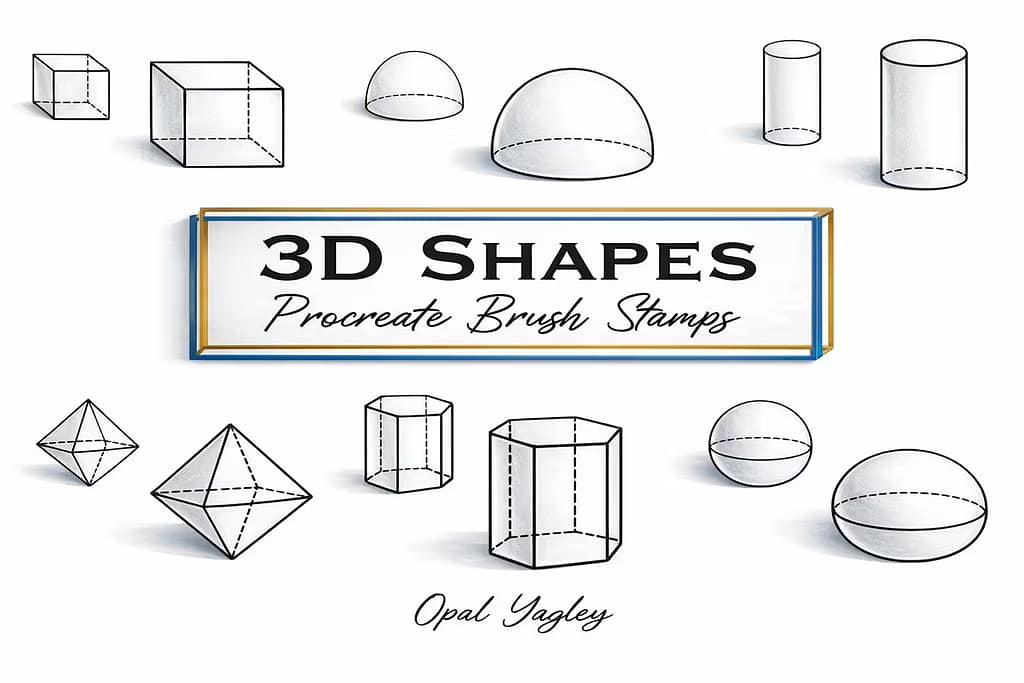
Why I picked it:
- ✅ Perfect Perspective: The isometric angles are mathematically correct, making great bases for props or buildings.
- ✅ Solid & Wireframe: I really appreciated having both dashed transparent versions and solid blocks.
- ✅ Practice Essential: The best way to improve your rendering is by shading these core shapes daily.
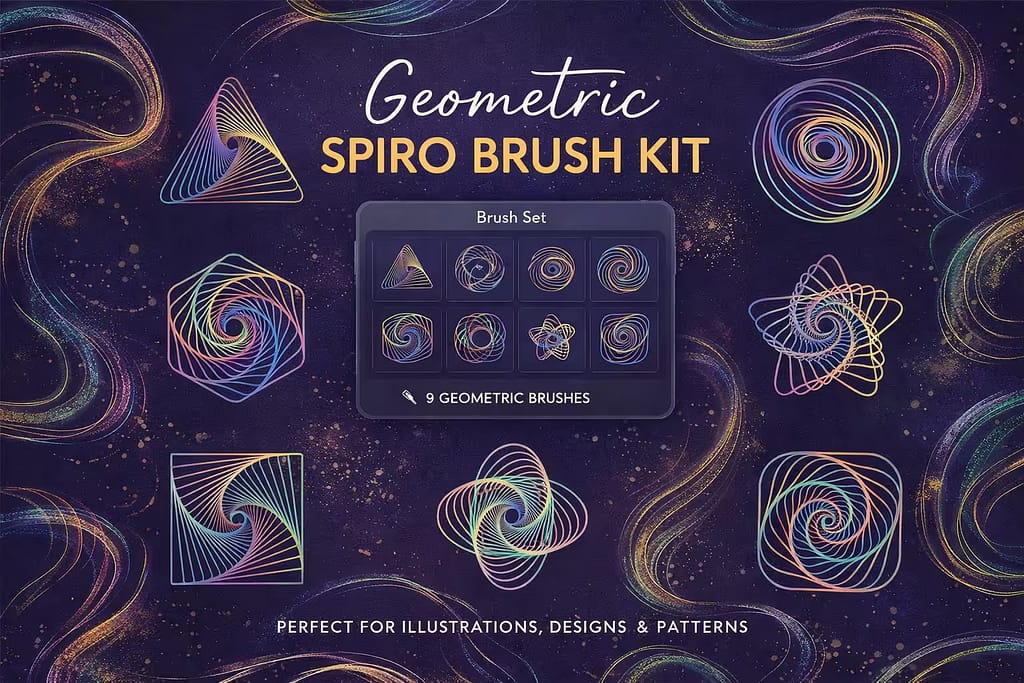
Why I picked it:
- ✅ Complex Math Art: The moiré patterns create beautiful optical illusions that trick the eye.
- ✅ Crisp Vectors: Even with hundreds of overlapping lines, the stamp remains incredibly sharp and clean.
- ✅ Eye-Catching: Perfect as a centerpiece for album covers, techno posters, or modern branding.
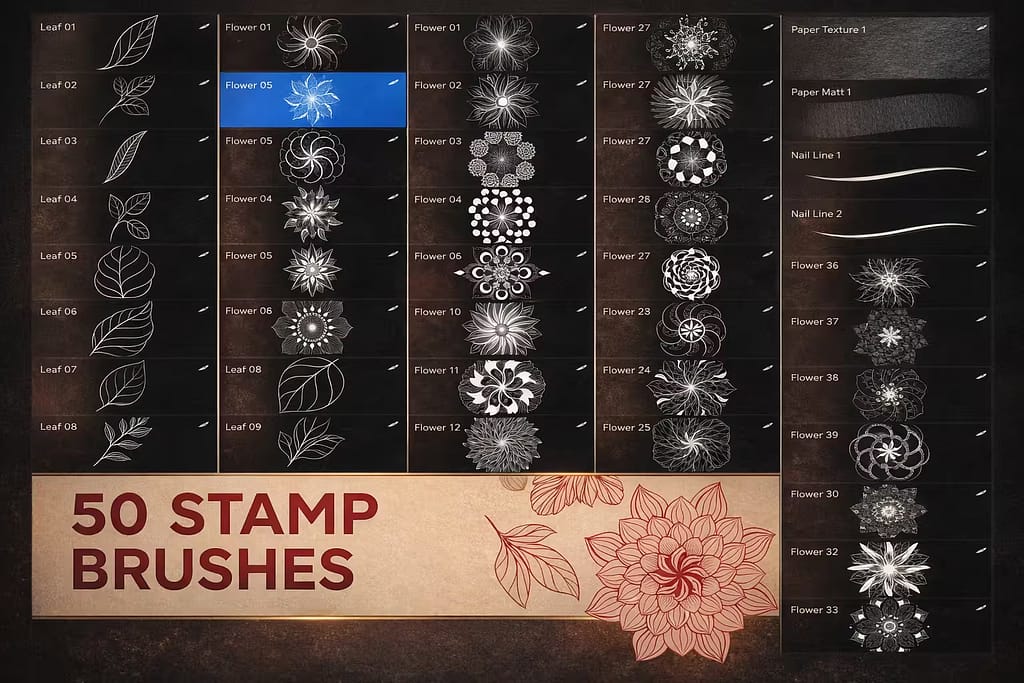
Why I picked it:
- ✅ Complex Math Art: The moiré patterns create beautiful optical illusions that trick the eye.
- ✅ Crisp Vectors: Even with hundreds of overlapping lines, the stamp remains incredibly sharp and clean.
- ✅ Eye-Catching: Perfect as a centerpiece for album covers, techno posters, or modern branding.
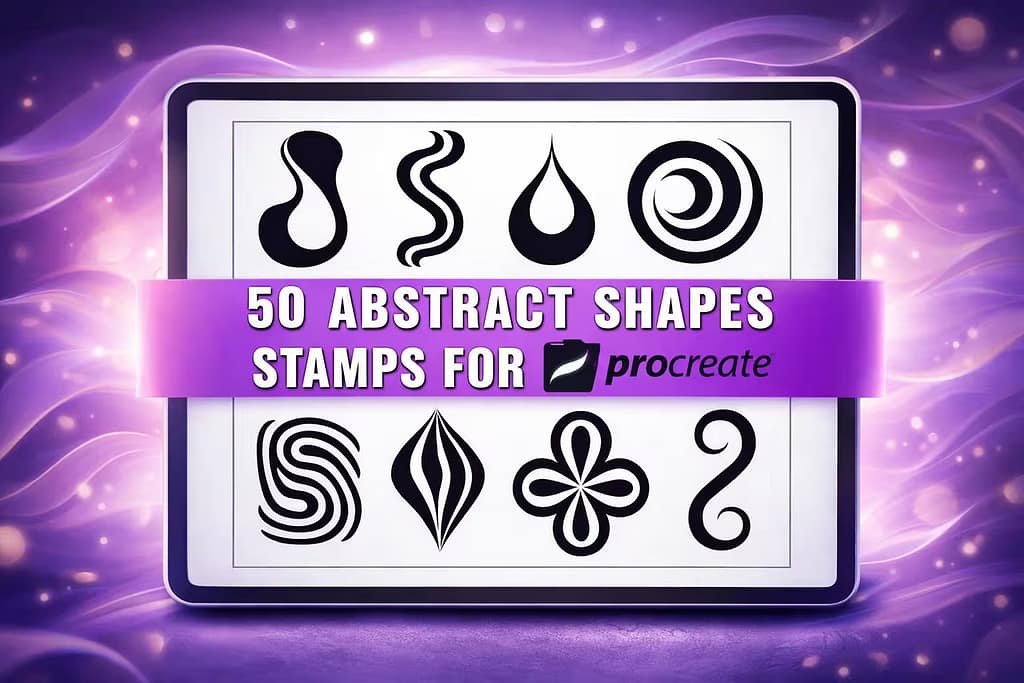
Why I picked it:
- ✅ Trendy Vibe: The spikes and liquid shapes perfectly mimic 2000s cyber-sigilism and tribal tattoos.
- ✅ Sharp Vectors: The points taper beautifully, making them look hand-drawn but perfectly clean.
- ✅ Apparel Ready: Highly effective when arranged into repeating patterns for T-shirts or skateboard decks.
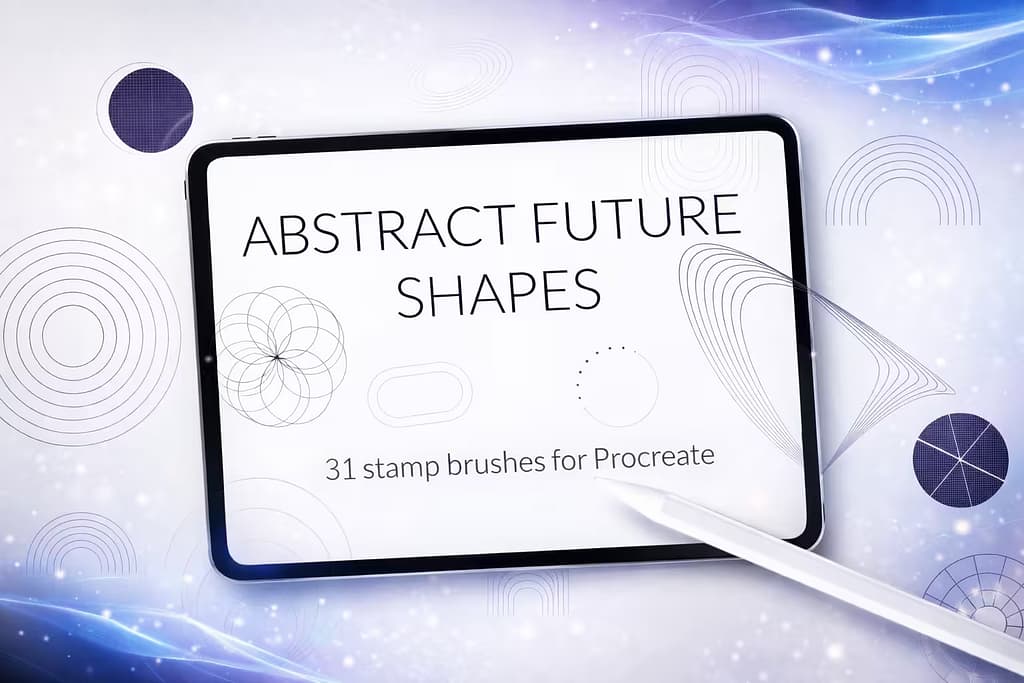
Why I picked it:
- ✅ Tech Aesthetic: Instantly adds that complex, data-driven look to mechanical concept art.
- ✅ Clean Lines: The shapes rely on minimal line weight, ensuring they don't overpower the main artwork.
- ✅ Perfect for UI: Great for designers building sci-fi user interfaces or overlay graphics.
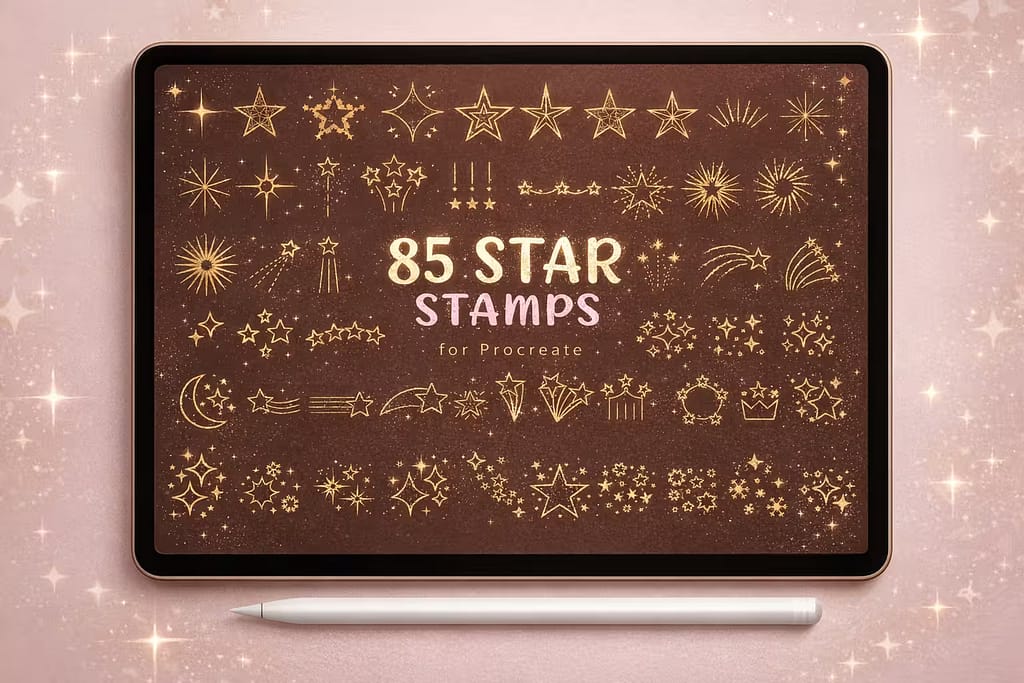
Why I picked it:
- ✅ Huge Variety: From retro dingbats to modern glimmers, there’s a star for every art style.
- ✅ Lens Flares Included: The glowing burst stamps look incredible when set to the "Add" blend mode in Procreate.
- ✅ Instant Polish: Scattering a few sparkles around a character immediately makes the piece pop.

Why I picked it:
- ✅ Organic Feel: The wobbly lines and textured shading give them a charming, authentic doodle aesthetic.
- ✅ Great for Stickers: They have thick enough outlines to easily cut out as digital or physical planners.
- ✅ Multiple Styles: Includes solid, outlined, stitched, and melting heart variations.
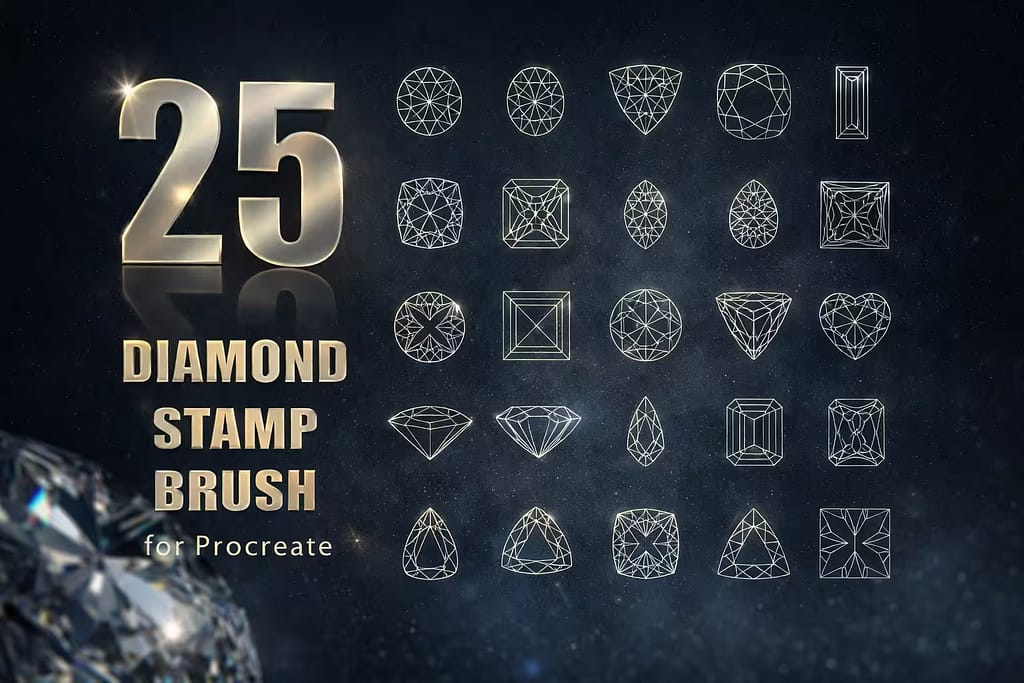
Why I picked it:
- ✅ Perfect Facets: The intricate inner line-work makes shading the refractions incredibly easy.
- ✅ Multiple Cuts: Includes round brilliant, emerald, pear, and rough crystal shapes.
- ✅ Easy Coloring: Using the ColorDrop tool inside these closed shapes is fast and satisfying.
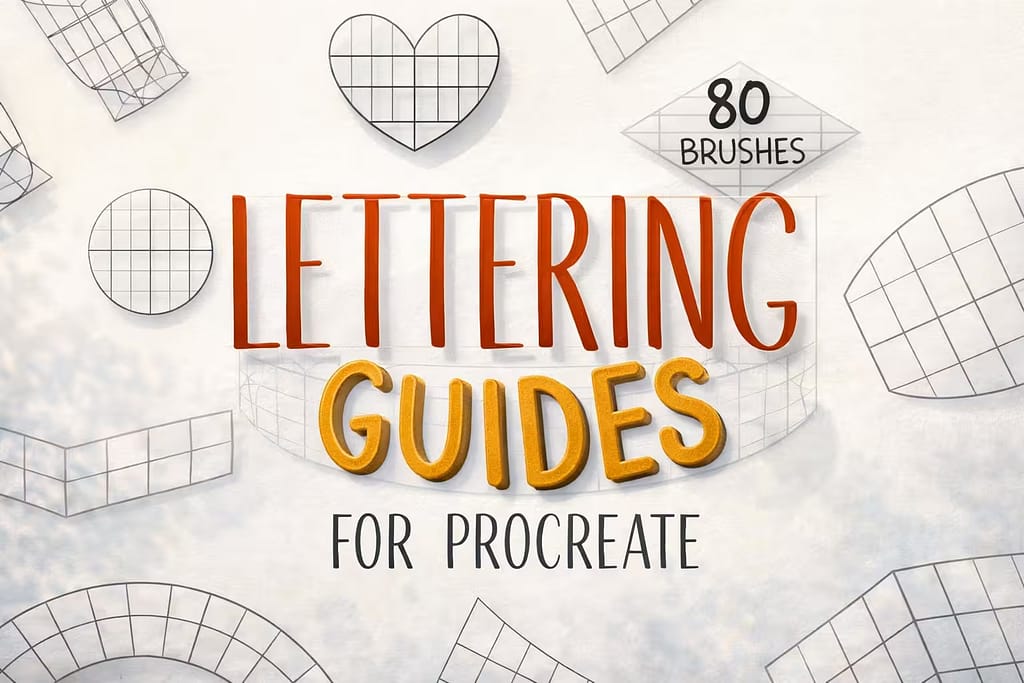
Why I picked it:
- ✅ Perfect Arcs: Keeps your letters from warping when drawing curved ribbon banners or badges.
- ✅ Perspective Grids: Makes 3D lettering and retro extruded typography a breeze.
- ✅ Massive Toolset: 80 different layouts ensure you'll never run out of compositional ideas.

Why I picked it:
- ✅ Planner Ready: The designs fit perfectly into GoodNotes layouts and digital journals.
- ✅ Thick Outlines: The uniform stroke width gives them a cohesive, professional vector look.
- ✅ Playful Style: Excellent for decorating Instagram stories or casual graphic design templates.
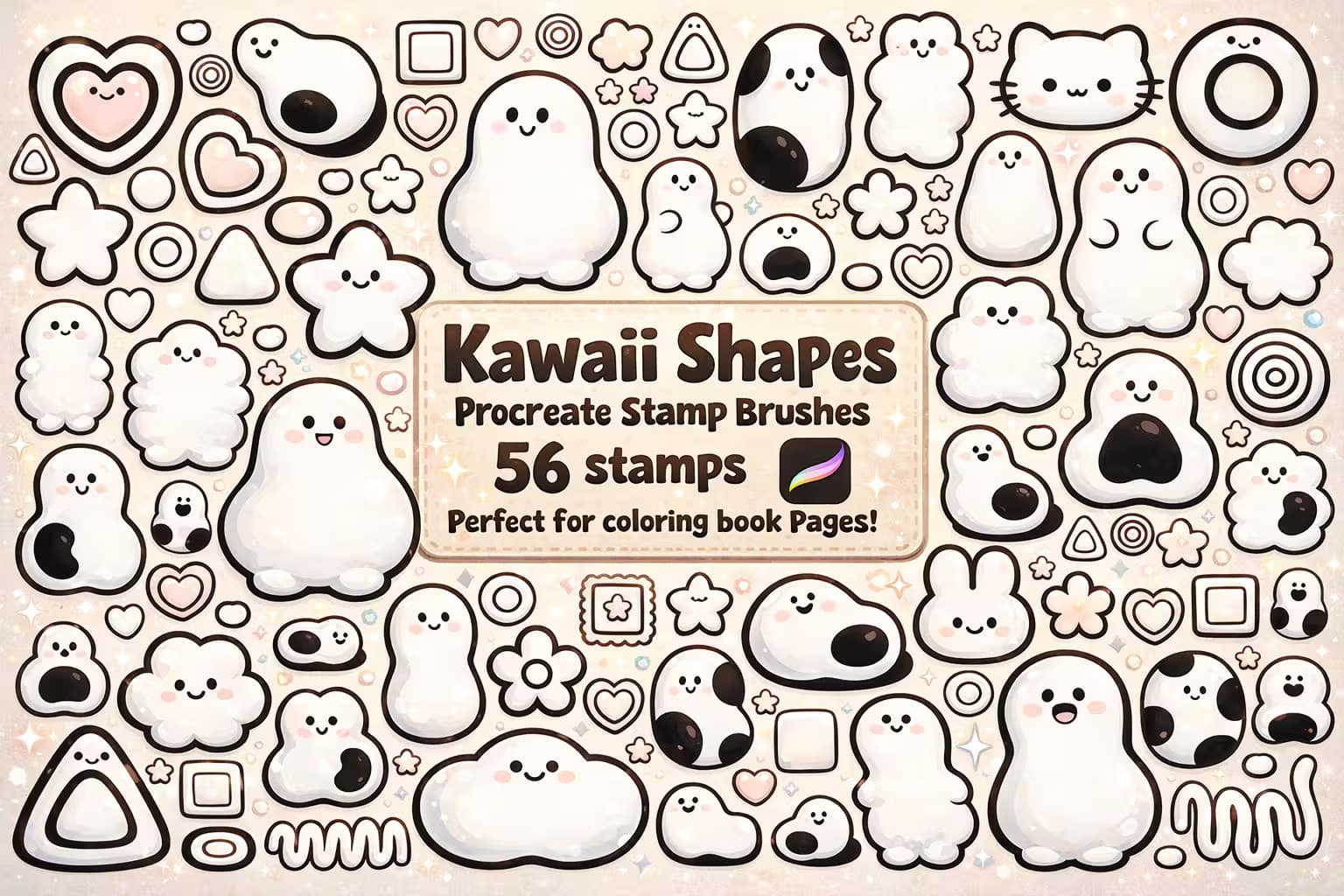
Why I picked it:
- ✅ Adorable Expressions: The little faces instantly inject personality into otherwise basic shapes.
- ✅ Sticker Ready: Perfectly formatted to be printed, cut, and sold as physical merch.
- ✅ Fun to Color: The closed line-art makes them incredibly satisfying to fill with pastel palettes.
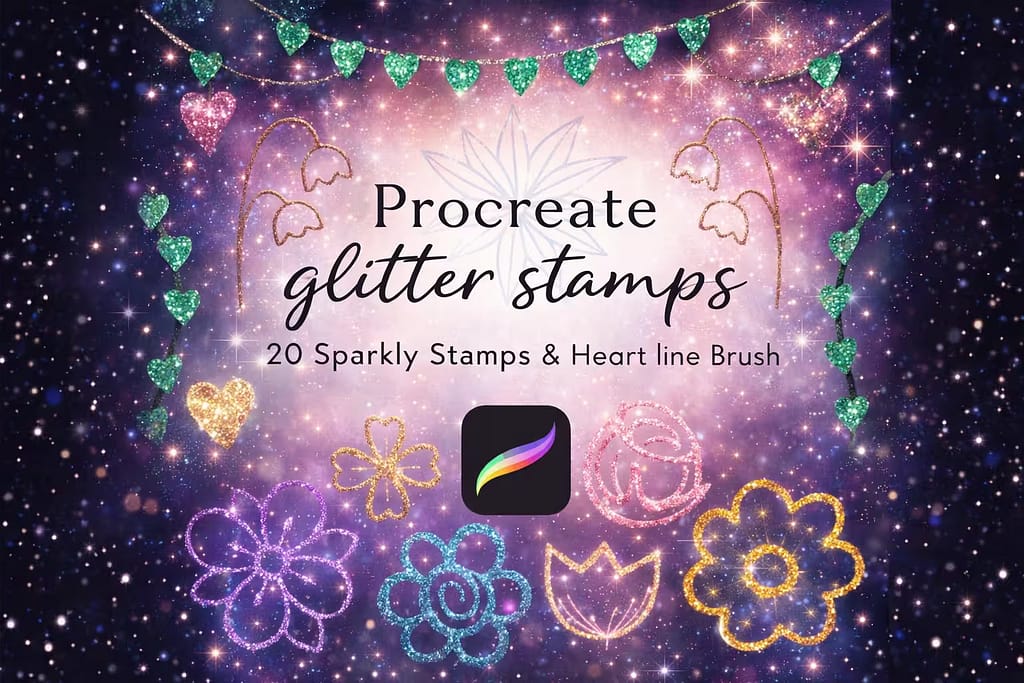
Why I picked it:
- ✅ Built-in Shimmer: You don't need a clipping mask; the brush stamps realistic glitter right out of the box.
- ✅ Metallic Look: The contrast in the texture creates a highly convincing gold or silver foil illusion.
- ✅ Scrapbook Ready: Ideal for digital scrapbooking, wedding invitations, and elegant typography frames.
FAQ
You can easily modify the tip of any existing brush. Tap the brush you want to edit to open the Brush Studio, and select the Shape tab on the left. Tap Edit next to the Shape Source preview, then tap Import. You can choose a new shape from Procreate's default Source Library, or import your own image from your iPad's files. Tap Done to save your new brush tip.
First, draw your design in solid black on a square canvas. Go to the Actions menu (wrench icon) and tap Copy Canvas. Next, create a new brush, go to the Shape menu, tap Edit > Import > Paste. Use a two-finger tap on the image to invert the colors (the background must be black and the shape white). Finally, go to the Stroke Path menu and set the Spacing slider to Maximum (100%) so it stamps rather than draws a continuous line.
Procreate comes with a variety of basic shapes hidden inside its default "Source Library" (accessible via the Brush Studio). However, for specialized designs like complex mandalas, character head guides, or boho abstracts, you'll need custom packs. You can download all the premium shape bundles featured in this article for free by starting a Creative Fabrica Free Trial.
Shape stamps are incredibly versatile tools. Instead of dragging your Apple Pencil to create a stroke, simply tap the screen once to place the shape. For the best workflow, always place your stamp on a new, separate layer. This allows you to scale, rotate, or warp the shape without affecting the rest of your artwork. You can also turn on Alpha Lock on the stamp layer to easily recolor it or add texture gradients.
Yes! When you download the premium shape brushes listed in our guide through Creative Fabrica, they come with a commercial license. This means you can legally use these geometric elements, boho stamps, and decorative templates to create and sell physical products, such as stickers, apparel designs, tattoo stencils, or printable wall art.


