
Drawing intricate lace, realistic brick walls, or plaid fabric by hand is a test of patience that most artists want to avoid. Manually aligning repeating elements to ensure they are perfectly seamless is even harder.
Why waste hours on repetitive geometry? I’ve tested and curated the 18 best Procreate pattern brushes that allow you to paint complex textures with a single stroke. From high-fashion plaid and delicate lace to industrial bricks and organic botanical repeats—let's find the tools that will automate your workflow.
🏆 Editor’s Choice
The 4 most versatile seamless pattern collections for Procreate.
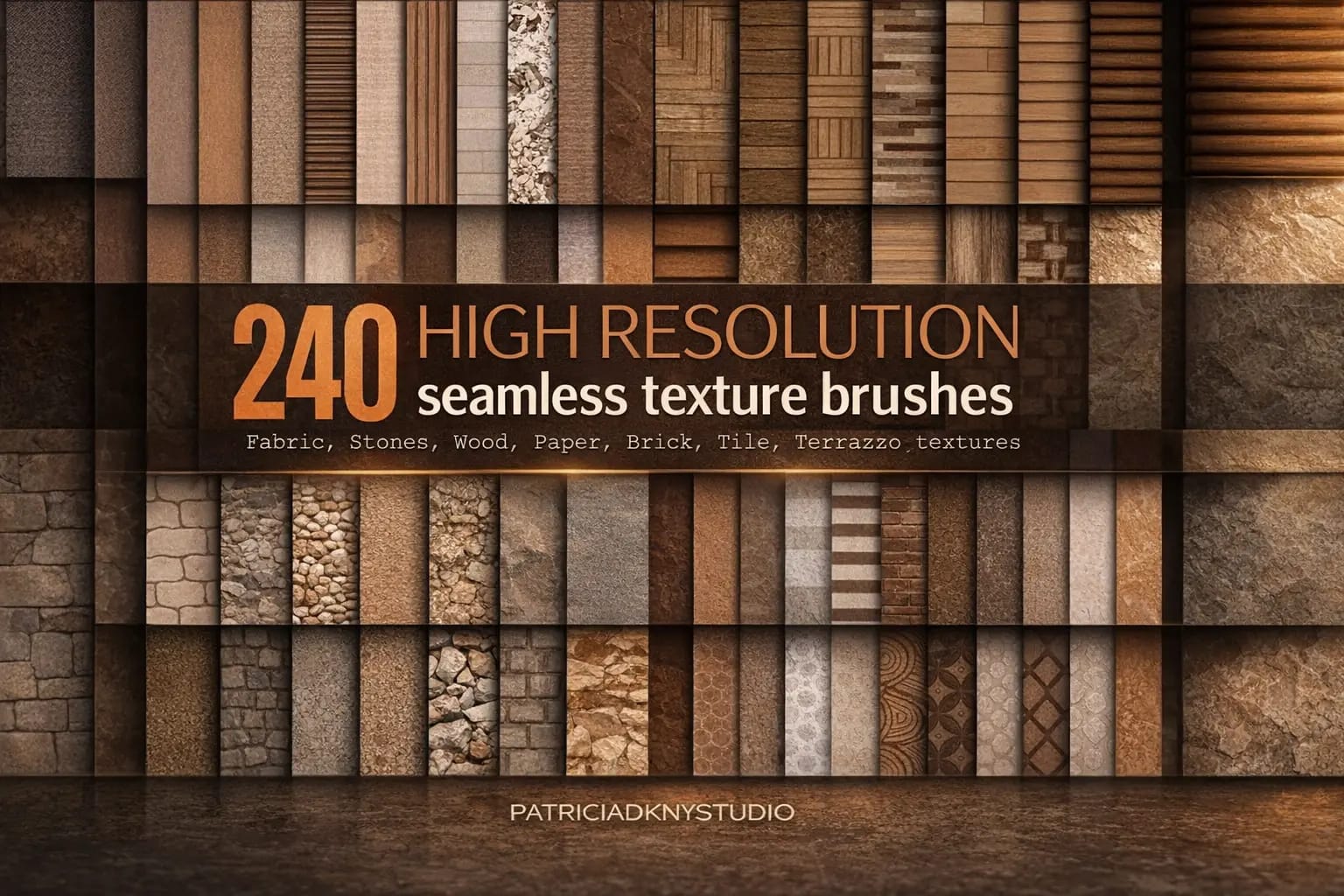
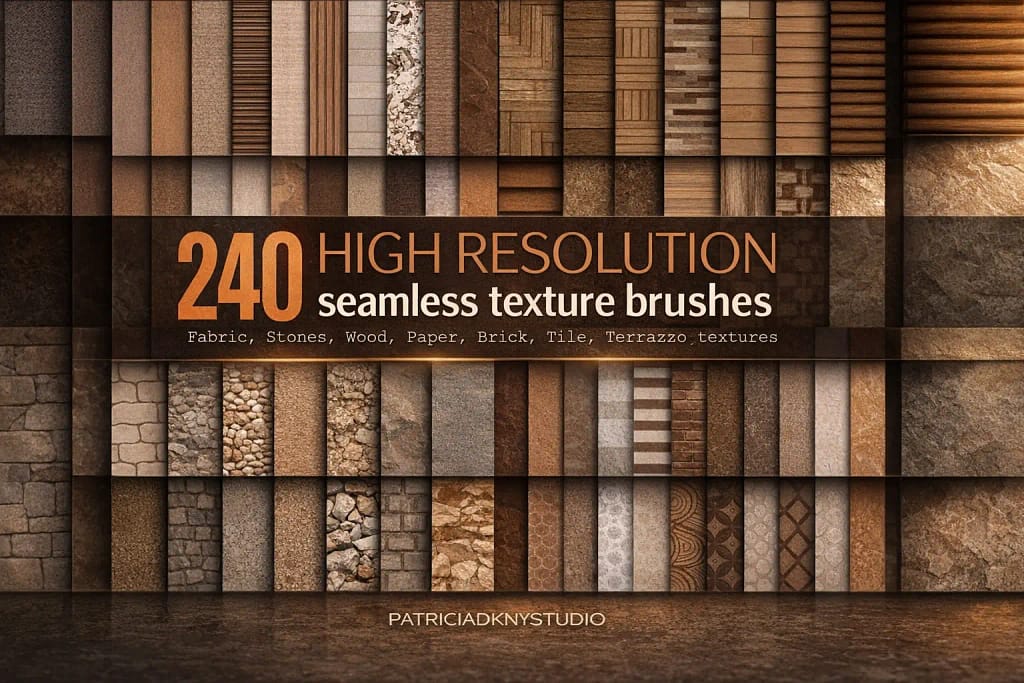
240 Texture Brushes
The ultimate megapack. Includes 240 high-res brushes for brick, stone, wood, and paper textures. One set to rule them all.
VIEW BUNDLE →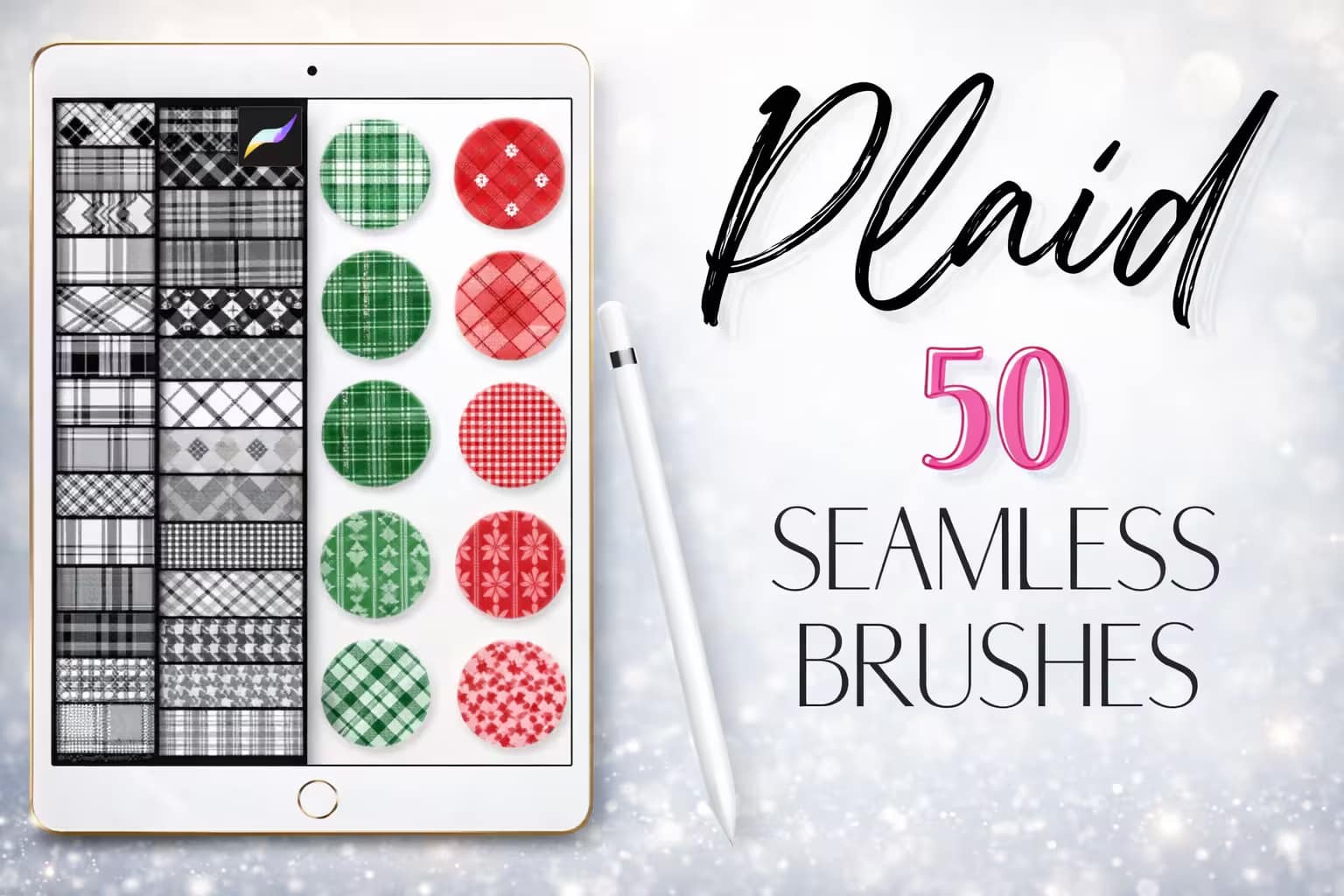
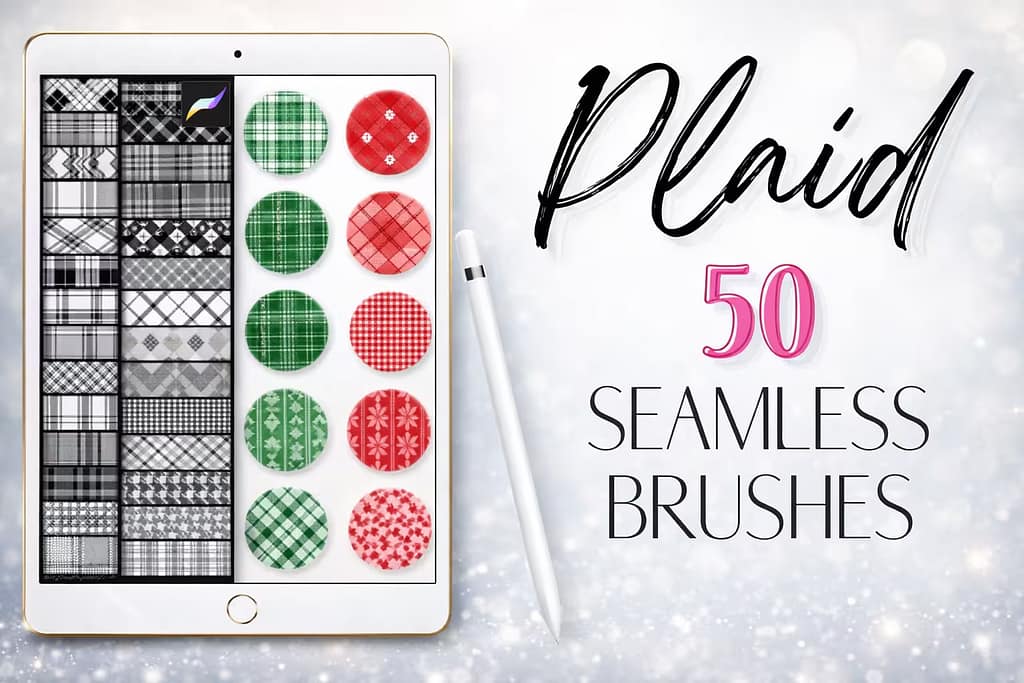
50 Plaid Brushes
Essential for fashion designers. Instantly add realistic plaid, checkered, and tartan patterns to clothing illustrations.
VIEW BUNDLE →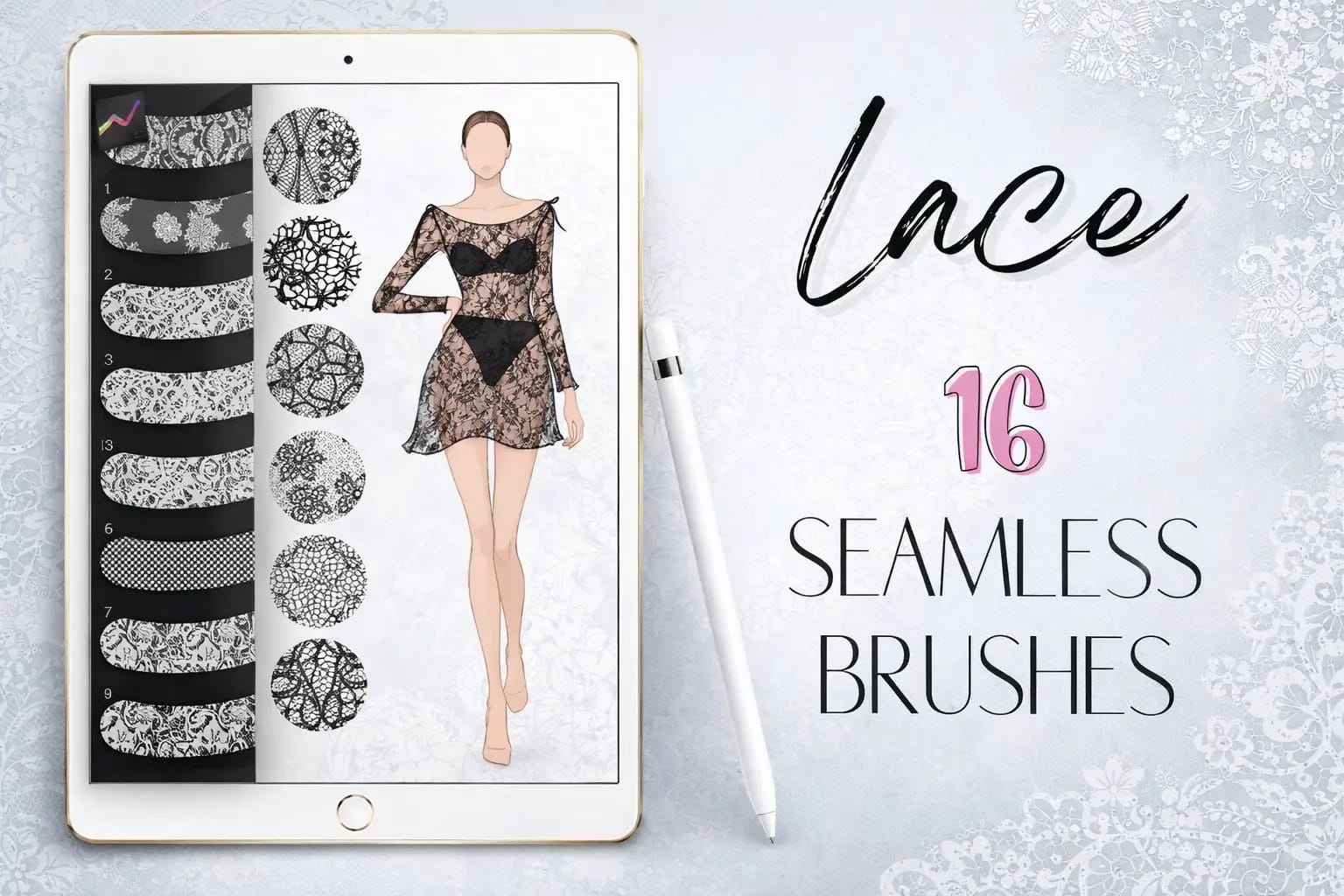
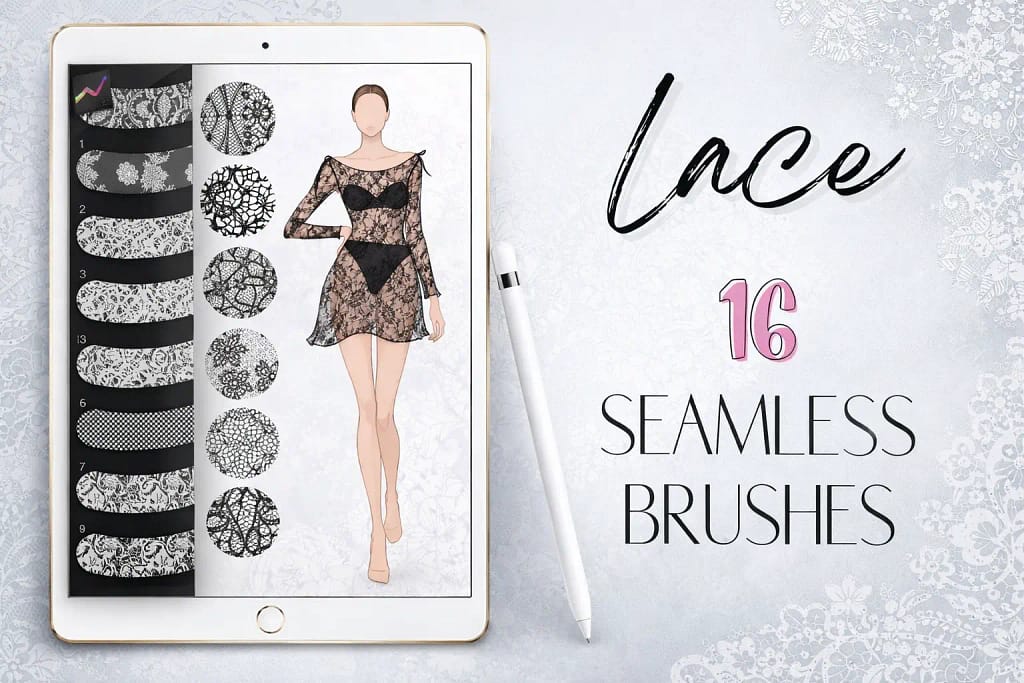
16 Lace Patterns
Exquisite, high-detail lace brushes. Perfect for wedding illustrations, lingerie design, or delicate ornamental borders.
VIEW BUNDLE →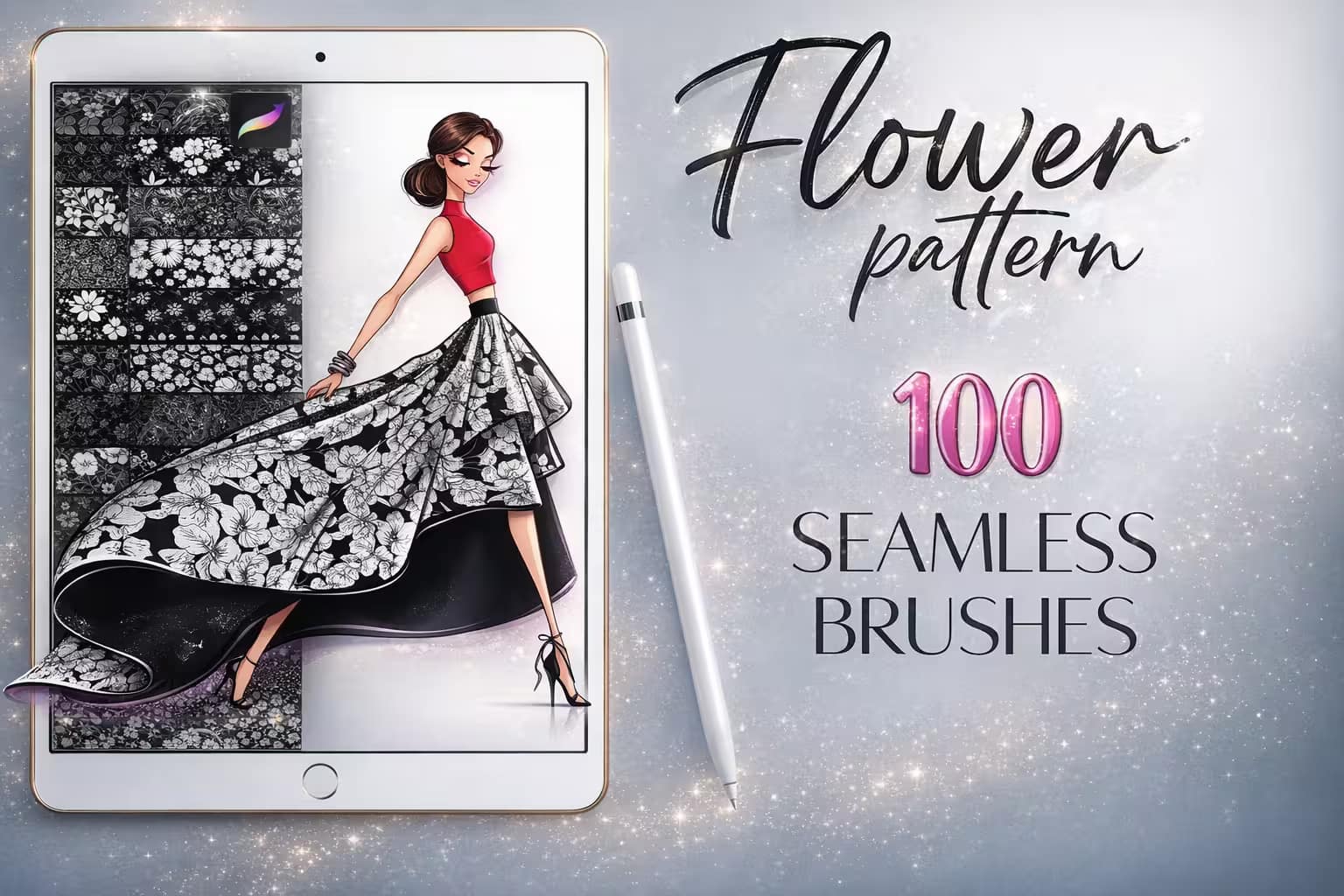
100 Flower Patterns
Lush floral repeats. Ideal for creating aesthetic wallpapers, textile prints, and organic backgrounds with zero effort.
VIEW BUNDLE →Download Every Pattern for Free!
Why pay for each pack? You can unlock ALL 18 premium sets on this list (and 150k+ more) for $0 right now.
Pro Tip: Use the Creative Fabrica Free Trial to get instant, legal access to professional Procreate tools.
⚙️ Quick Guide: How to Make a Seamless Pattern in Procreate
Design & Duplicate
Draw your design in the center of a square canvas. Duplicate the layer 4 times. Move each layer to one of the 4 corners using the Snapping tool to ensure perfect alignment.
Fill the Gaps
Once the corners are set, you'll see empty space in the center. Draw new elements there to hide the "seams" but do not touch the edges of the canvas this time.
Test the Repeat
Copy your canvas. Open the Brush Studio > Grain > Edit > Import > Paste. Set the Scale to see your pattern repeat infinitely. If the seams disappear, you’ve nailed it!
The 18 Best Procreate Pattern Brushes (Ranked)
Below is the full collection of seamless repeats. I’ve ranked them based on their texture resolution, tileability, and practical use in Digital Illustration, Fashion Design, and Concept Art. Let's find the perfect pattern for your next masterpiece.
Why I picked it:
- ✅ Unrivaled Quantity: With 240 brushes, it covers stone, wood, paper, and even terrazzo—it's likely the only texture set you'll ever need.
- ✅ High-Res Grain: I zoomed in to 300%, and the textures remained crisp and professional without any digital artifacts.
- ✅ Time Saver: It completely removes the need to manually build textures from photos; just paint and go.
Why I picked it:
- ✅ Classic Patterns: Includes everything from cozy flannels to sophisticated tartans and checks.
- ✅ Adjustable Scale: I found it very easy to resize the pattern within the brush settings to match the scale of my subject.
- ✅ Clean Geometry: The lines are perfectly straight and the repeats are invisible, making for a professional finish.
Why I picked it:
- ✅ Exquisite Detail: The floral and mesh patterns within the lace are delicate and highly realistic.
- ✅ Perfect for Framing: I love using these as ornamental borders or as texture overlays on character clothing.
- ✅ Layering Potential: Setting these to "Overlay" or "Soft Light" over a fabric color creates a stunning 3D textile effect.
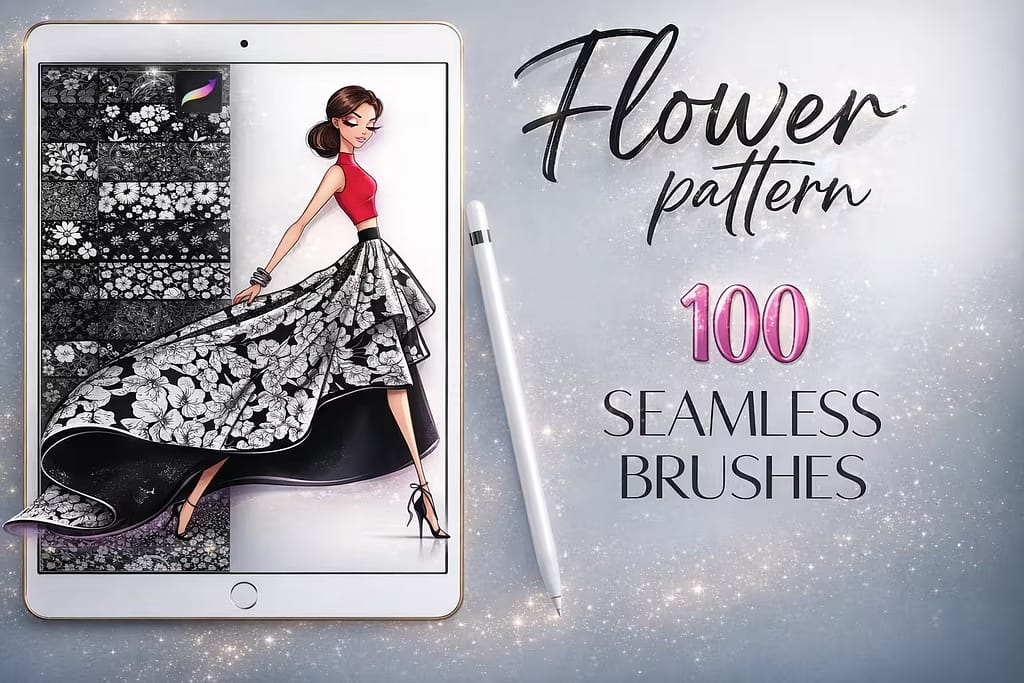
Why I picked it:
- ✅ Instant Aesthetic: Perfect for "cottagecore" art or modern botanical illustrations without any manual drafting.
- ✅ Great for Stationary: I found these ideal for designing printable greeting cards and patterned digital papers.
- ✅ Transparent Backgrounds: The patterns are easy to color-pick and customize, fitting into any existing palette seamlessly.
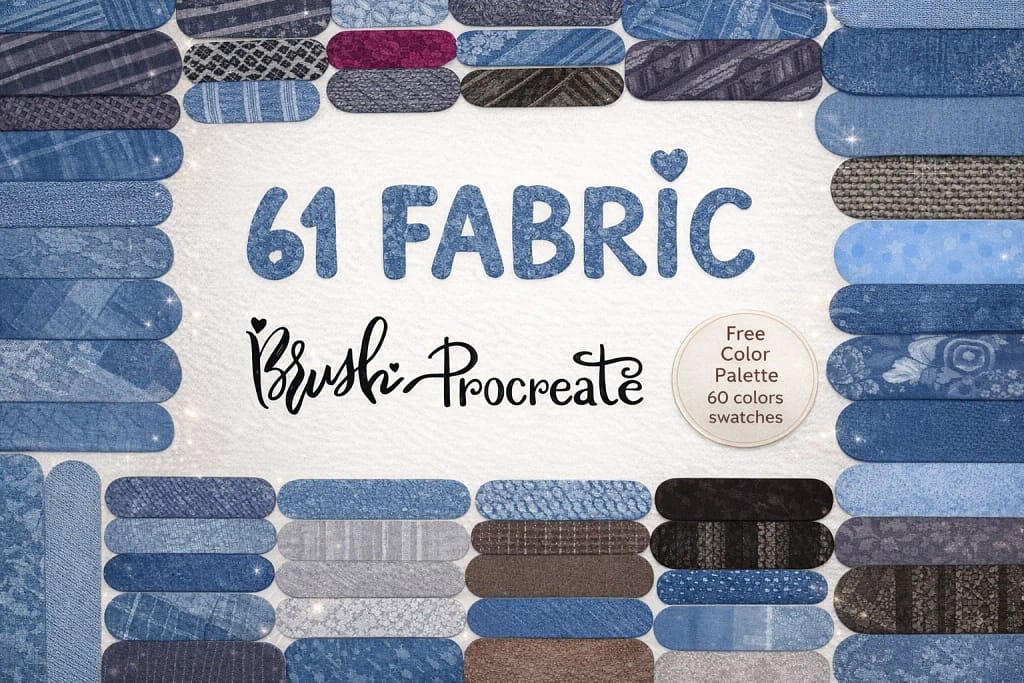
Why I picked it:
- ✅ Authentic Weave: Captures the rough, tactile feel of heavy-duty denim and canvas fabrics.
- ✅ Seamless Transitions: Even on large areas, the pattern repeats without any visible lines or "tiling" artifacts.
- ✅ Color Responsive: I found the texture responds perfectly to light and shadow when used with blending modes.
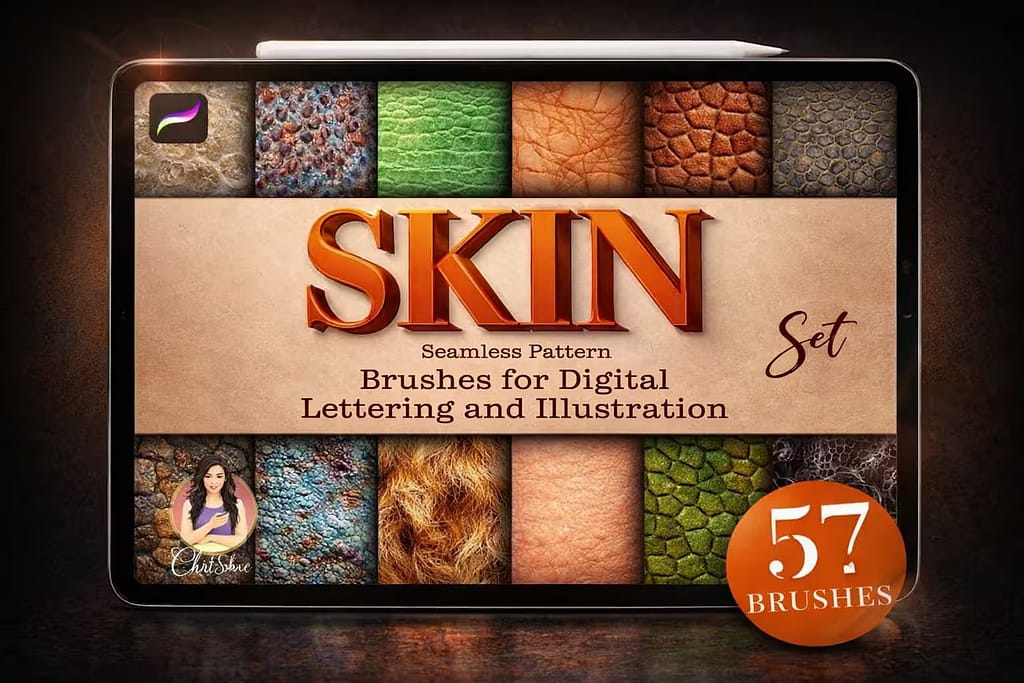
Why I picked it:
- ✅ Creature Constructor: Excellent for dragon scales, snake skin, and alien textures.
- ✅ Realistic Pores: I found these essential for adding that last 10% of realism to high-detail portraits.
- ✅ Texture Overlays: Great for breaking up flat colors with organic "imperfections" that feel natural.
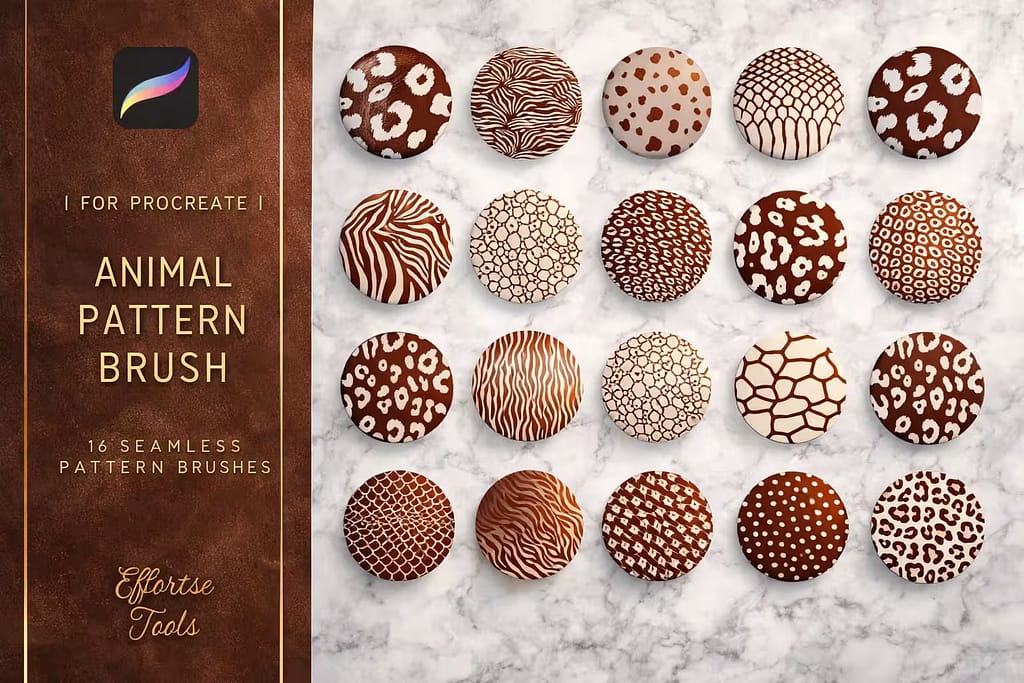
Why I picked it:
- ✅ Natural Variety: Includes tiger stripes, giraffe patterns, and cheetah spots that don't look overly "computerized."
- ✅ Speed Painting: Populating a zoo or a jungle scene takes a fraction of the time with these seamless stamps.
- ✅ Bold & Crisp: The high contrast in these patterns makes them pop immediately on the canvas.

Why I picked it:
- ✅ Instant Sparkle: The brushes add repeating rows of rhinestones and beads in one single stroke.
- ✅ Highly Intricate: The geometry of each gem is precisely rendered, looking sharp and high-end.
- ✅ Texture Rich: Perfect for adding metallic and crystal details to fashion illustrations and fantasy gear.

Why I picked it:
- ✅ Hand-Drawn Soul: The patterns have subtle imperfections that add character and warmth to your art.
- ✅ Great for Flat Art: Ideal for creating trendy, flat-style vector art with textured background interest.
- ✅ Easy Blending: I found these work beautifully as subtle overlays to break up large, boring flat color areas.
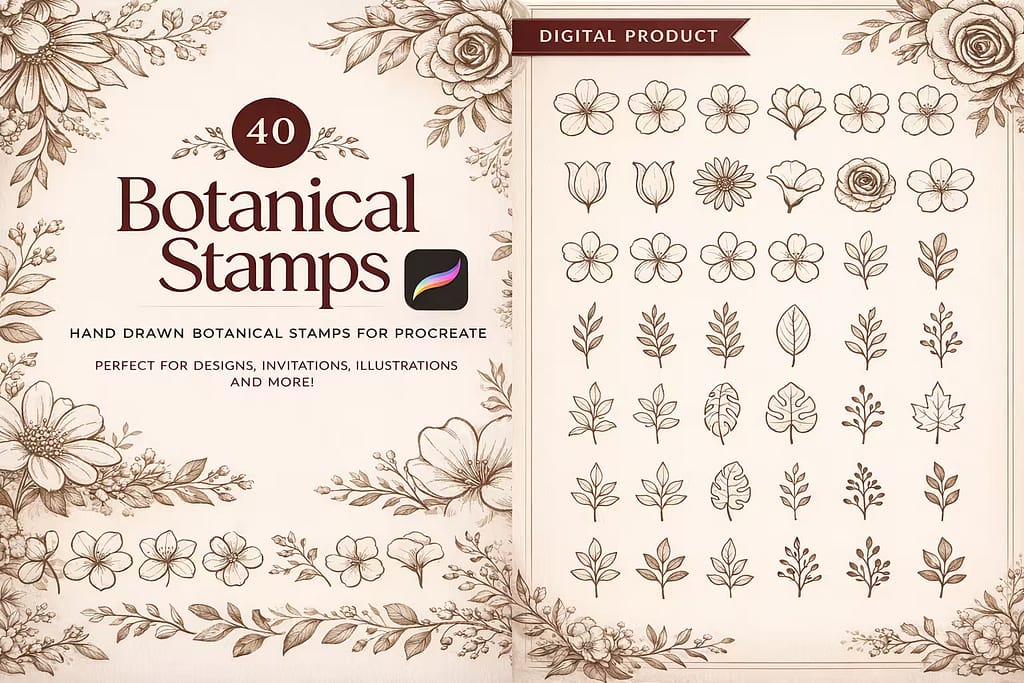
Why I picked it:
- ✅ Line Art Perfection: The clean ink lines look like they were drawn in a real sketchbook.
- ✅ Pattern Diversity: Includes a good mix of dense repeats and sparse, delicate botanical arrangements.
- ✅ Easy Coloring: The patterns are easy to color-pick, allowing you to match your specific palette effortlessly.
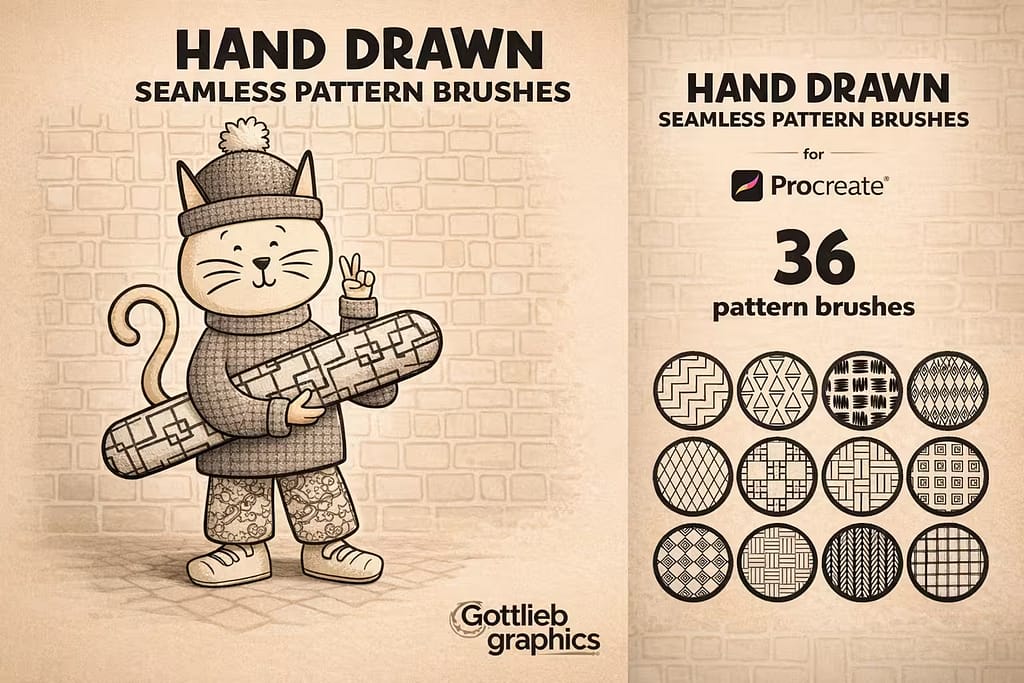
Why I picked it:
- ✅ Casual Vibe: Perfect for when you don't want your art to look too "stiff" or over-polished.
- ✅ Great for Comics: The hatching patterns are excellent for manga-style shading and backgrounds.
- ✅ Quick Import: The file is optimized and loads instantly without any lag on older iPads.
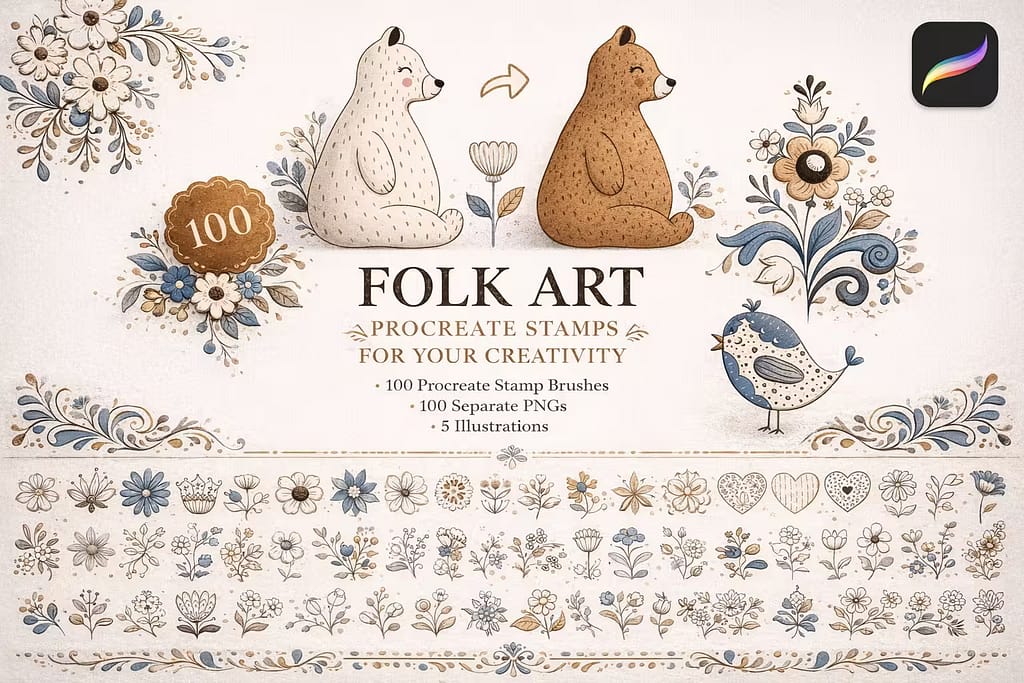
Why I picked it:
- ✅ Traditional Motifs: Includes beautiful birds, flowers, and animals in a traditional Scandinavian/Slavic folk style.
- ✅ Perfect Symmetry: The stamps are flawlessly balanced, making it easy to create symmetrical layouts.
- ✅ Gift Wrap Ready: I found these ideal for creating repeating patterns for wrapping paper or fabric prints.
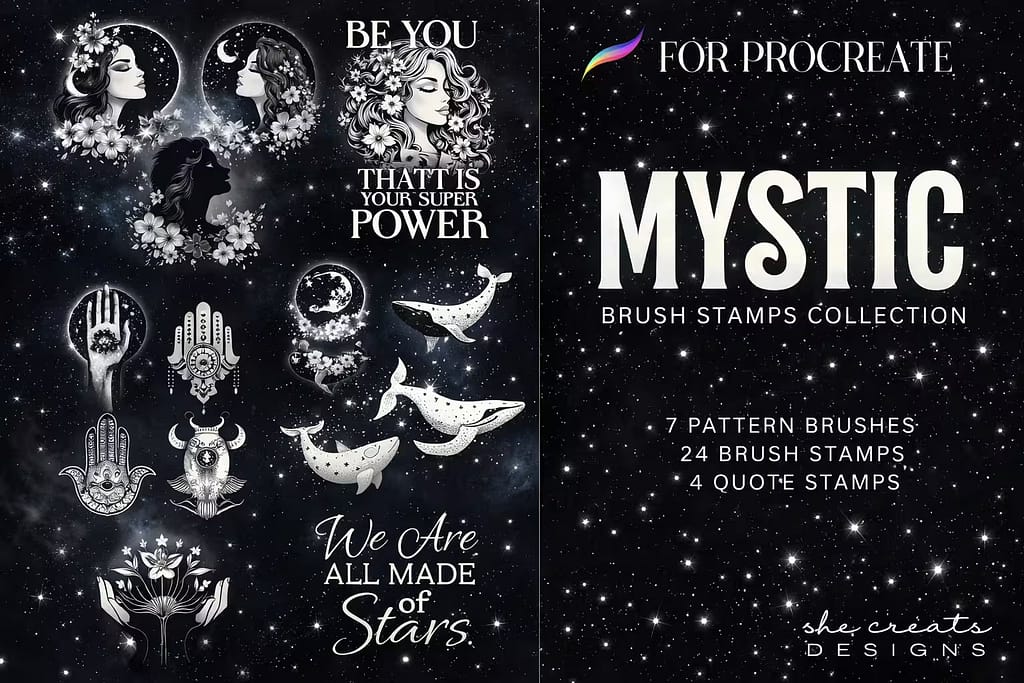
Why I picked it:
- ✅ Magic Aesthetic: Instantly adds that trendy, mystical vibe with moon phases and constellation patterns.
- ✅ Tattoo Foundations: Excellent as base shapes for celestial-themed fine line tattoos.
- ✅ Gold-Paint Ready: I found these look incredible when painted with a gold or metallic glitter brush.

Why I picked it:
- ✅ Decorative Variety: Includes boho shapes, dots, lines, and hearts to frame any type of illustration.
- ✅ Consistent Width: The borders maintain a perfect uniform width as you draw, ensuring a professional look.
- ✅ Lettering Support: I found these fantastic for adding borders around quotes and digital hand-lettering pieces.
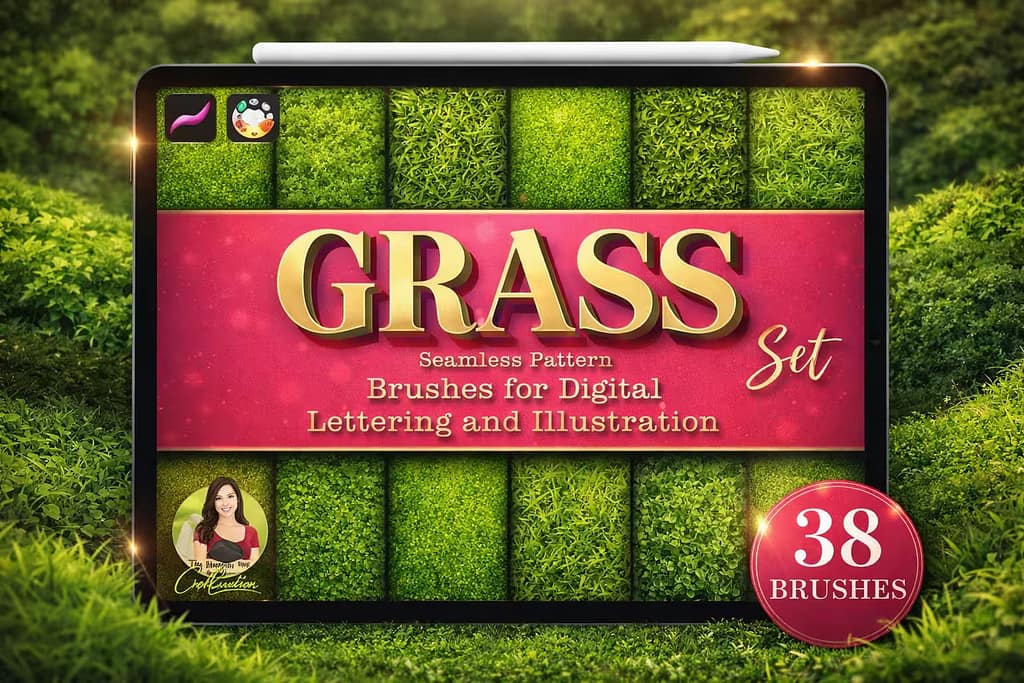
Why I picked it:
- ✅ Lush Meadow Effect: The patterns capture the dense, varied look of a natural summer meadow.
- ✅ Landscape Essential: A must-have for concept artists who need to populate ground cover quickly.
- ✅ Directional Flow: I found the patterns blended well, allowing for a natural transition between different ground types.
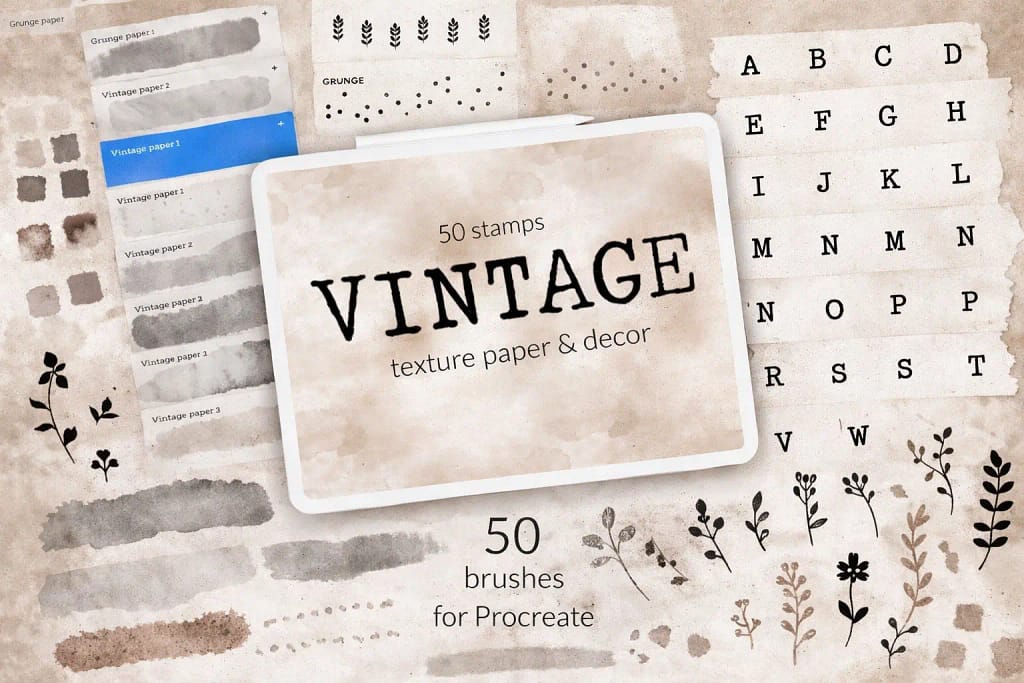
Why I picked it:
- ✅ Old World Charm: Includes yellowed parchment, aged kraft paper, and textured fiber patterns.
- ✅ Multiply Mode Ready: I found these work best when set to "Multiply" mode at around 30% opacity for a subtle paper grain.
- ✅ High Quality Scans: The repeats are based on real paper scans, ensuring a natural, non-digital look.
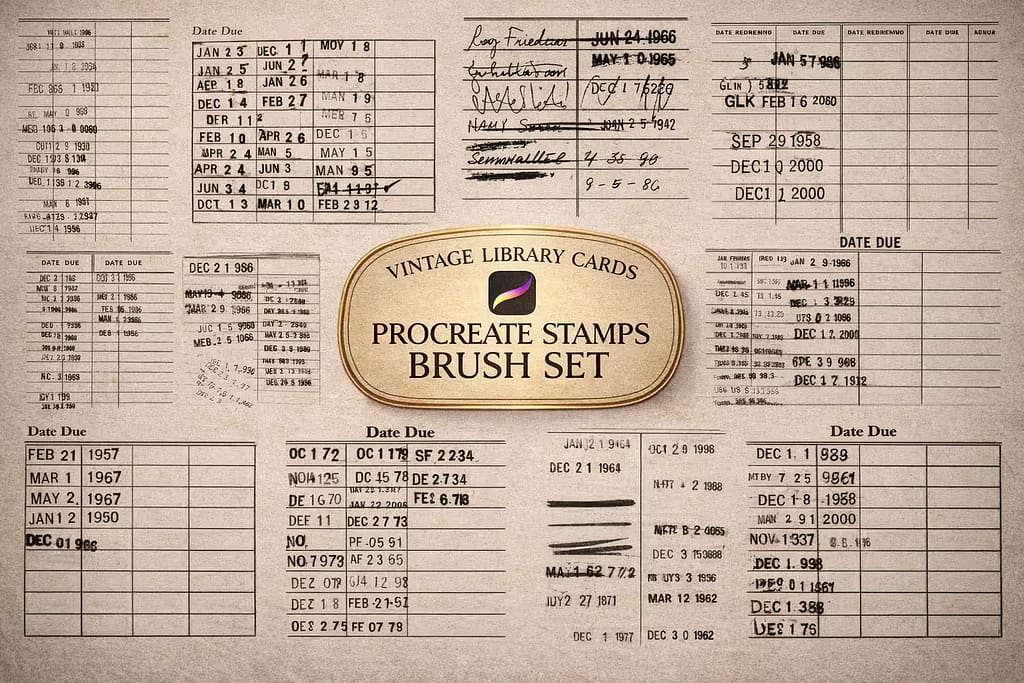
Why I picked it:
- ✅ Archive Textures: Perfect for making digital art look like it was found in a dusty old library drawer.
- ✅ Stamp & Pattern Mix: Includes both individual library stamps and seamless repeating paper patterns.
- ✅ Highly Unique: A great way to stand out from the typical "clean" digital art styles.
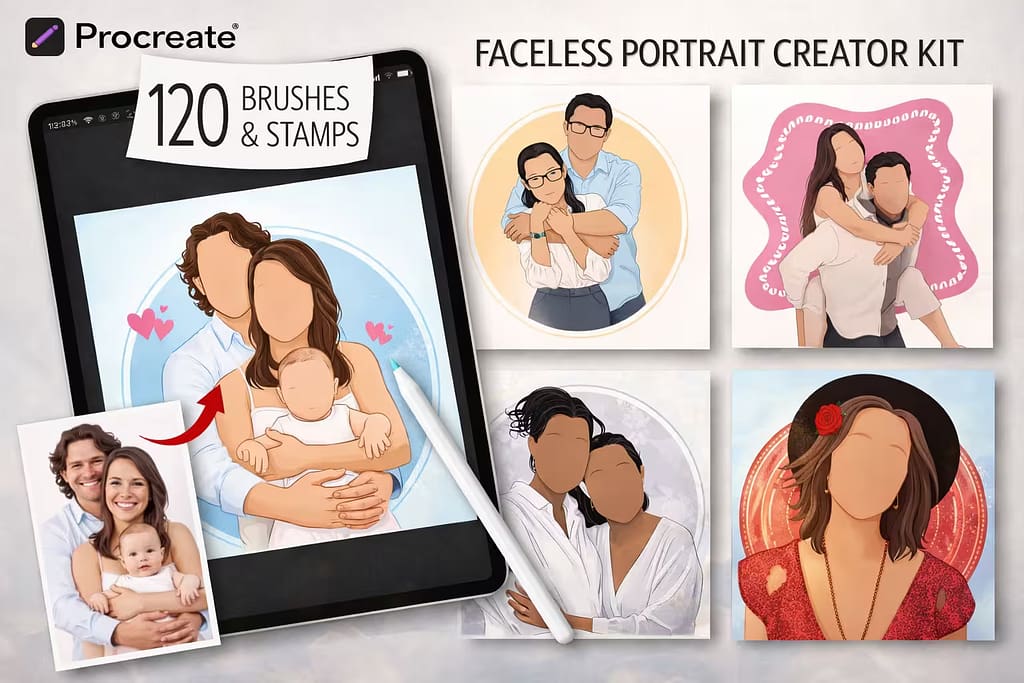
Why I picked it:
- ✅ Apparel Friendly: Includes modern geometric and abstract patterns that look great on t-shirts and dresses.
- ✅ Minimalist Aesthetic: Perfect for the popular "faceless portrait" art trend on Etsy and Instagram.
- ✅ Bonus Tools: The drafting and trim brushes are a nice addition for refining your garment sketches.
FAQ
To create a seamless pattern, start by drawing your elements in the center of a square canvas, ensuring you don't touch the edges. Duplicate your layer four times and move each copy to a different corner using the Snapping tool to align them perfectly. Once the corners are set, fill the empty space in the middle with more drawings. This method ensures that when the canvas tiles, the edges match up without visible seams.
First, copy your seamless pattern canvas to the clipboard. Create a new brush in the Brush Library and go to the Grain tab. Tap Edit > Import > Paste. Important: use a two-finger tap to invert the image (Procreate recognizes white as the texture and black as transparent). Set the Grain Behavior to "Texturized" and adjust the Scale slider to control how large or small the pattern appears when you paint.
A stamp brush is designed to place a single, static image with one tap (like a single heart or a star). A pattern brush uses a seamless grain source that repeats infinitely as you move your stylus. Pattern brushes are best for filling large areas like brick walls, fabric textures, or background foliage, as they automate the repetition process flawlessly.
Yes, pattern brushes are essential for fashion illustration. By using specific textures like Lace, Denim, or Plaid, you can instantly add realistic fabric details to your garment sketches. To make the patterns look more natural, I recommend using the Warp or Distort tools in Procreate after painting the pattern; this allows you to bend the texture to follow the curves and folds of the body.
If a pattern looks too big or too small, you don't need to resize your drawing. Simply open the Brush Studio, go to the Grain menu, and find the Scale slider. Moving it to the left will make the pattern smaller and more detailed, while moving it to the right will enlarge the texture. This allows you to use the same brush for both tiny intricate details and large background fills.
Procreate includes a small selection of basic textures in its default library under the "Textures" category. However, for professional-grade fabric, lace, or architectural patterns, premium sets are the industry standard. You can download all the premium pattern packs featured in this guide for free by starting a Creative Fabrica All-Access Free Trial, which is the best way to build a professional toolkit at no cost.


