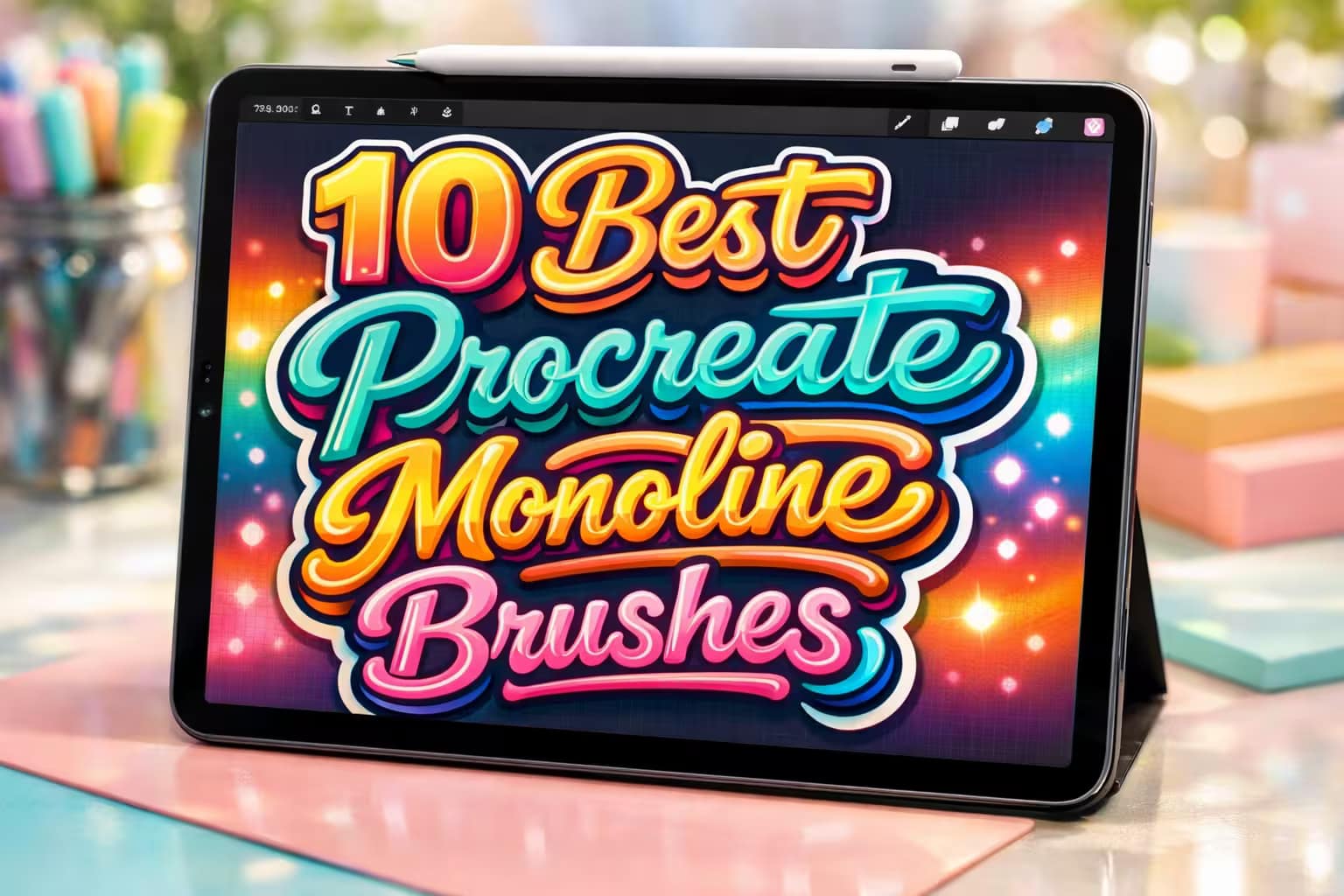
You are currently viewing 10 Best Procreate Monoline & Outline Brushes

10 Best Procreate Monoline & Outline Brushes

This post contains affiliate links. We may earn a commission if you make a purchase, at no extra cost to you.
🖋️

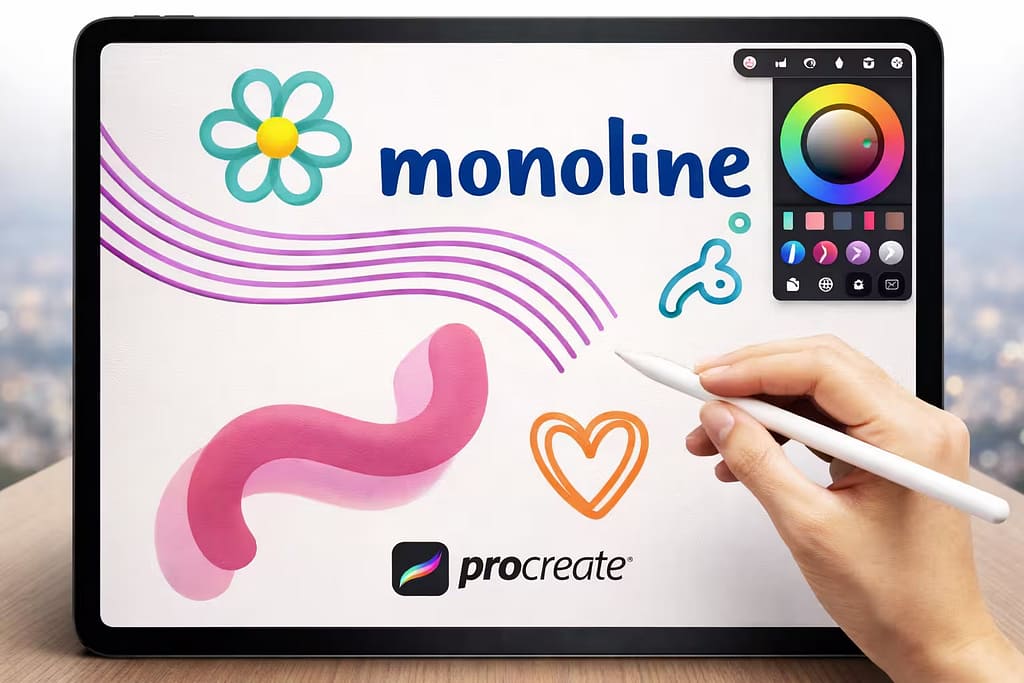
The monoline brush is the backbone of modern digital art. It’s perfect for everything from retro 70s typography to clean, satisfying sticker designs. While Procreate has a default monoline brush, professional artists quickly realize they need more—like hollow outlines, perfect 3D shadows, and multi-line trackers.

I’ve tested and curated the 10 best Procreate monoline brushes and outline kits. Whether you need a perfectly smooth flat marker or a massive bundle of 120+ outline variations, these tools will completely upgrade your lettering game.

🏆 Editor’s Choice

The 4 absolute best monoline, flat, and outline brush sets for Procreate.
🥇 Best Overall
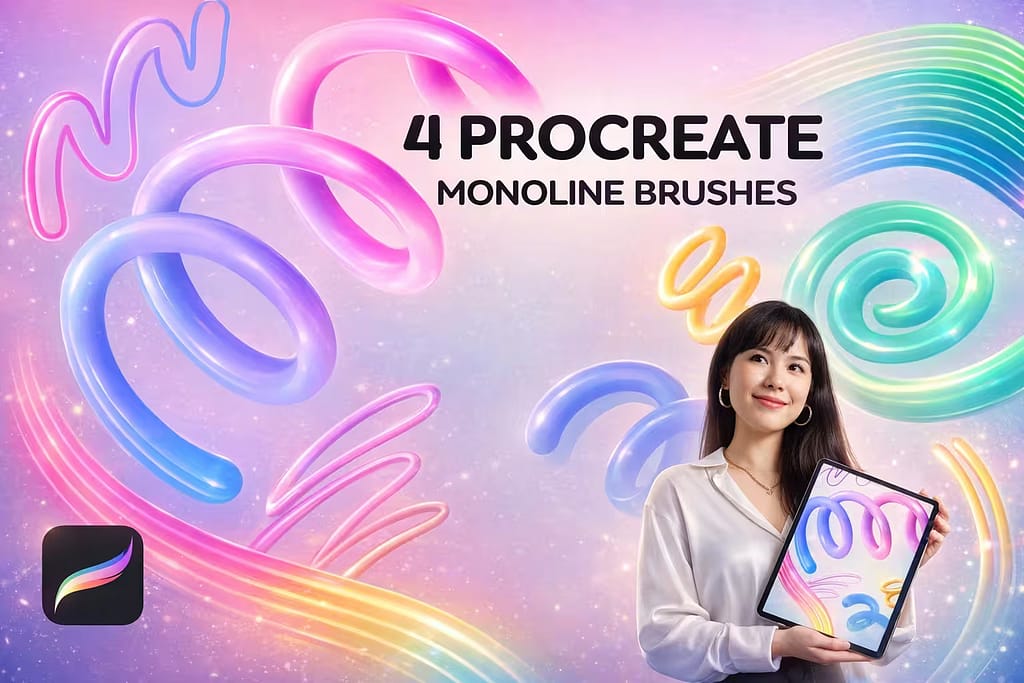
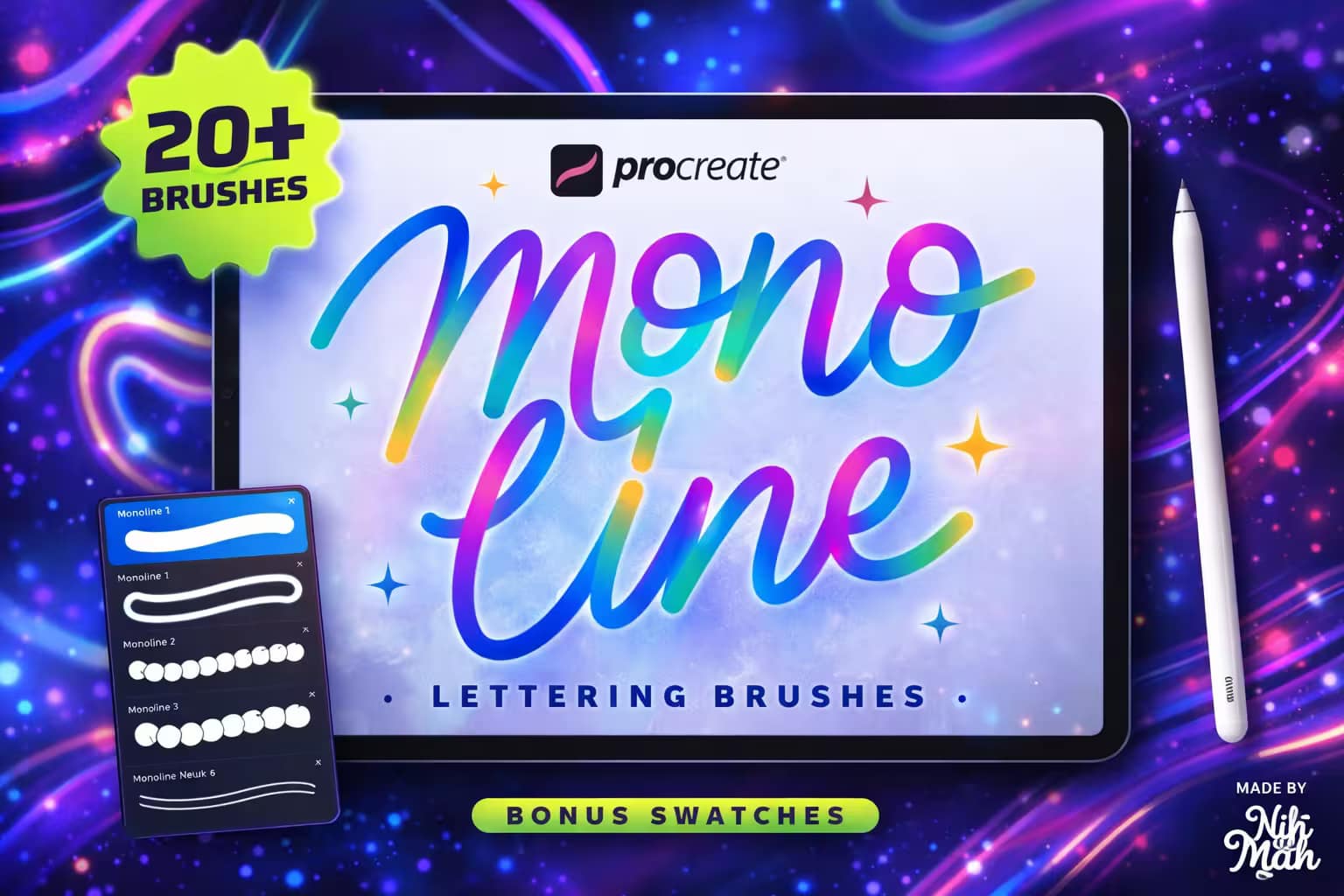
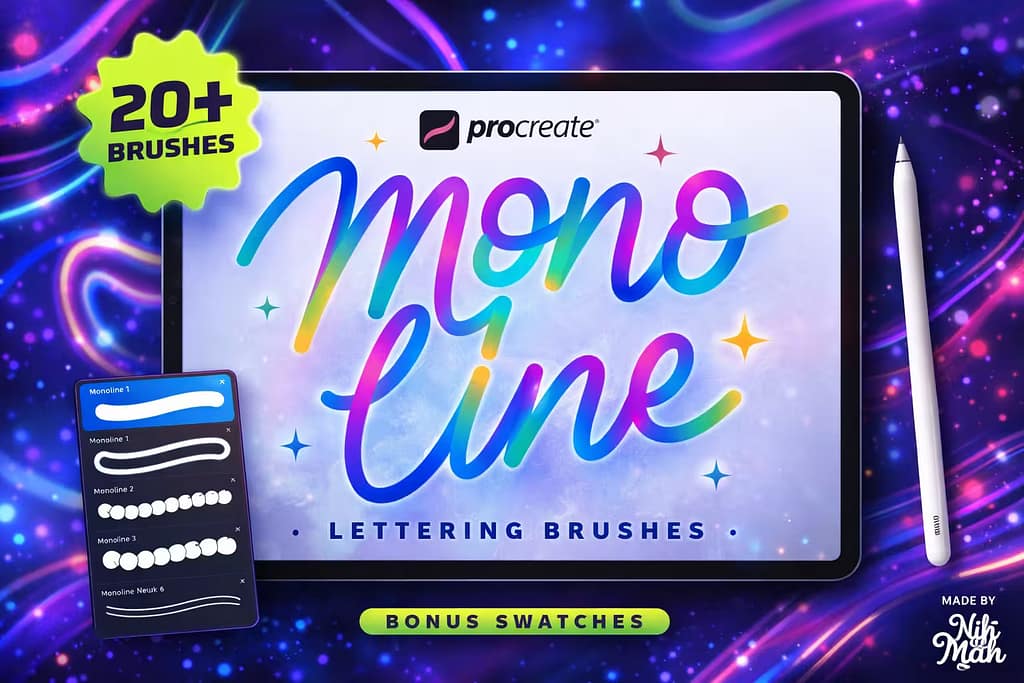
20+ Procreate Monoline Lettering Brushes

20+ Monoline Brushes

The ultimate foundation for any digital lettering artist. Features perfectly stabilized, pressure-smooth brushes with bonus neon and retro color palettes.

VIEW BUNDLE →
✍️ Best For Outlines
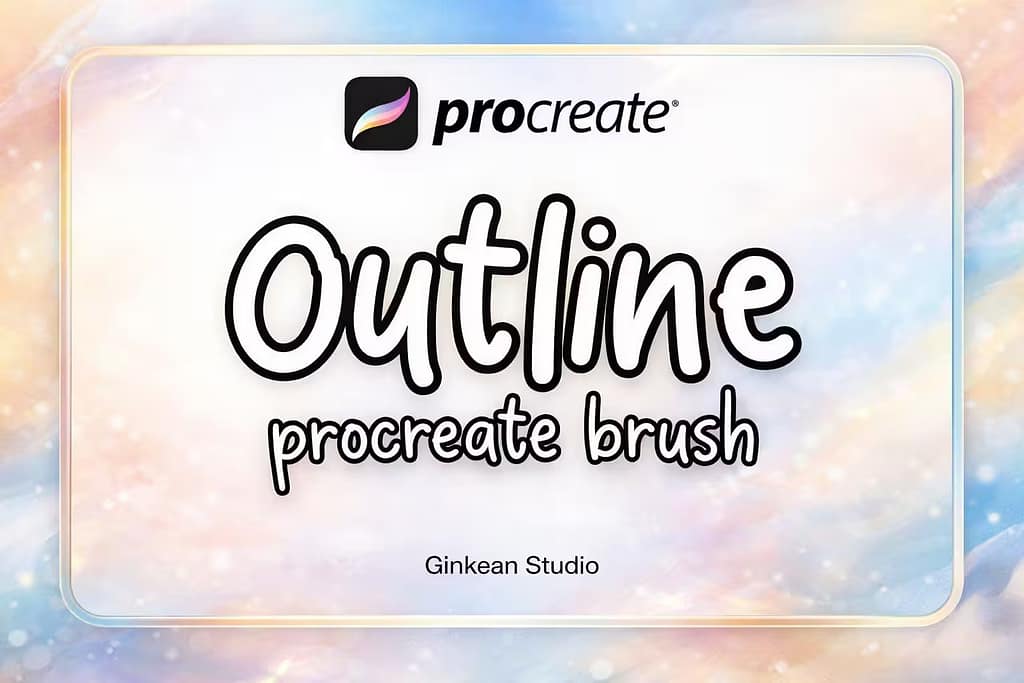
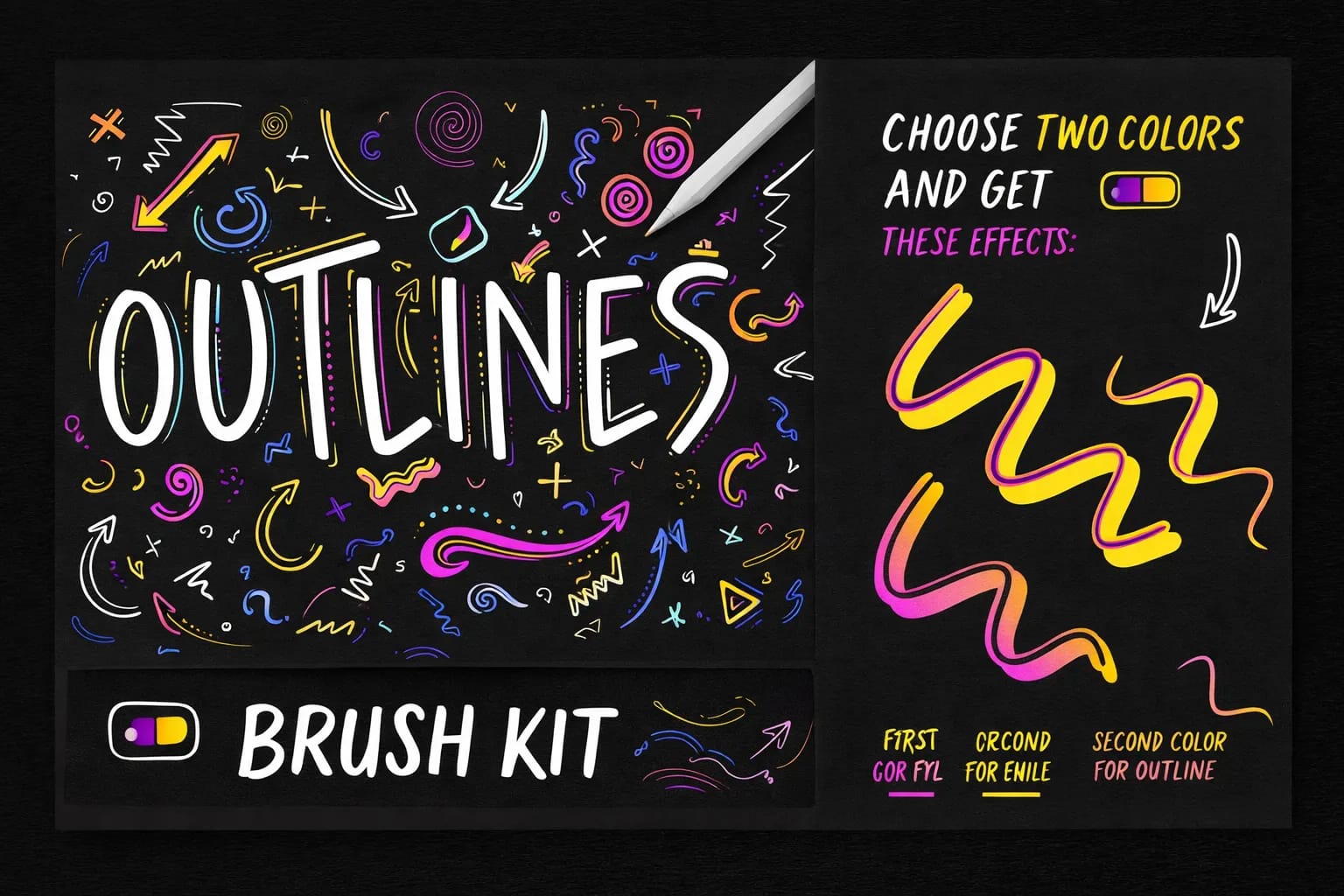
124 Outline Procreate Brushes

124 Outline Brushes

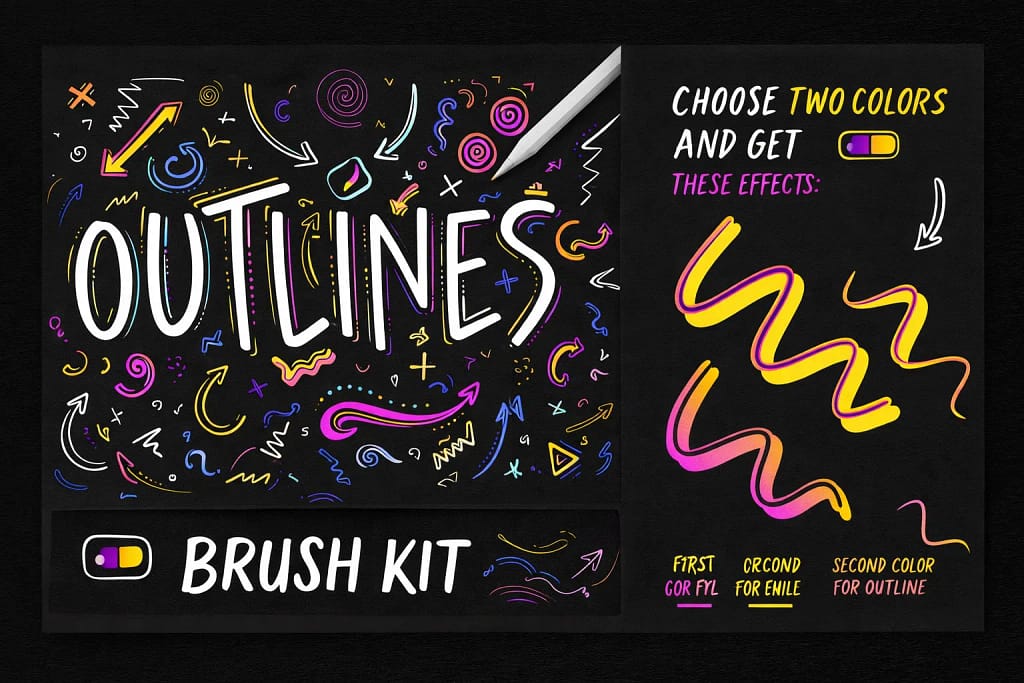
Stop drawing hollow letters by hand. This massive kit provides 124 variations of outline brushes, allowing you to draw borders and empty fills in one stroke.

VIEW BUNDLE →
🎀 Best For Stickers
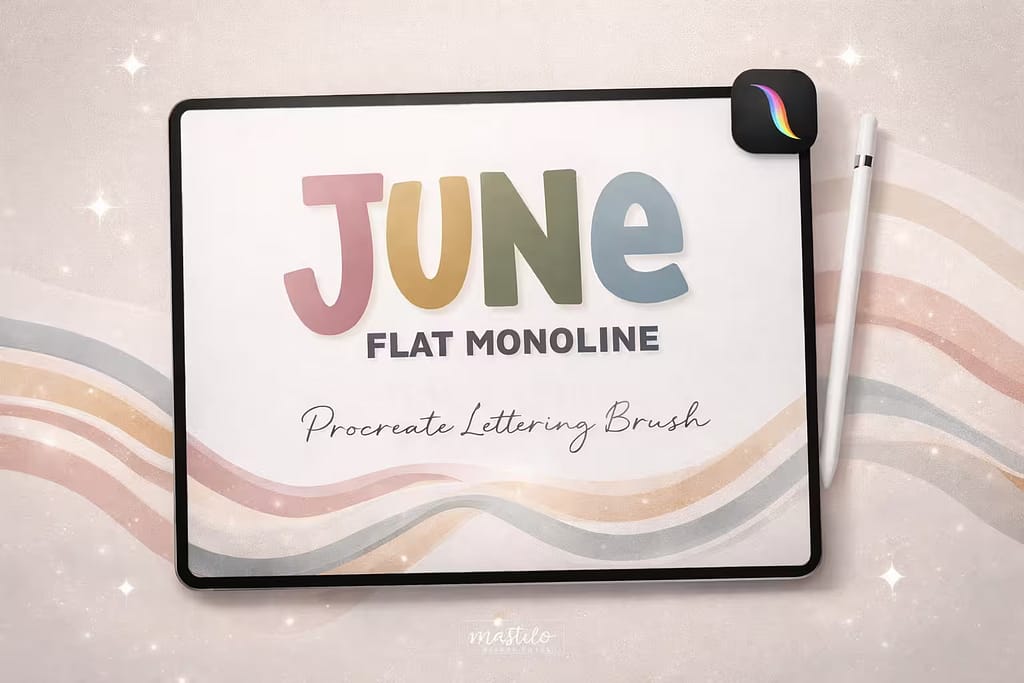
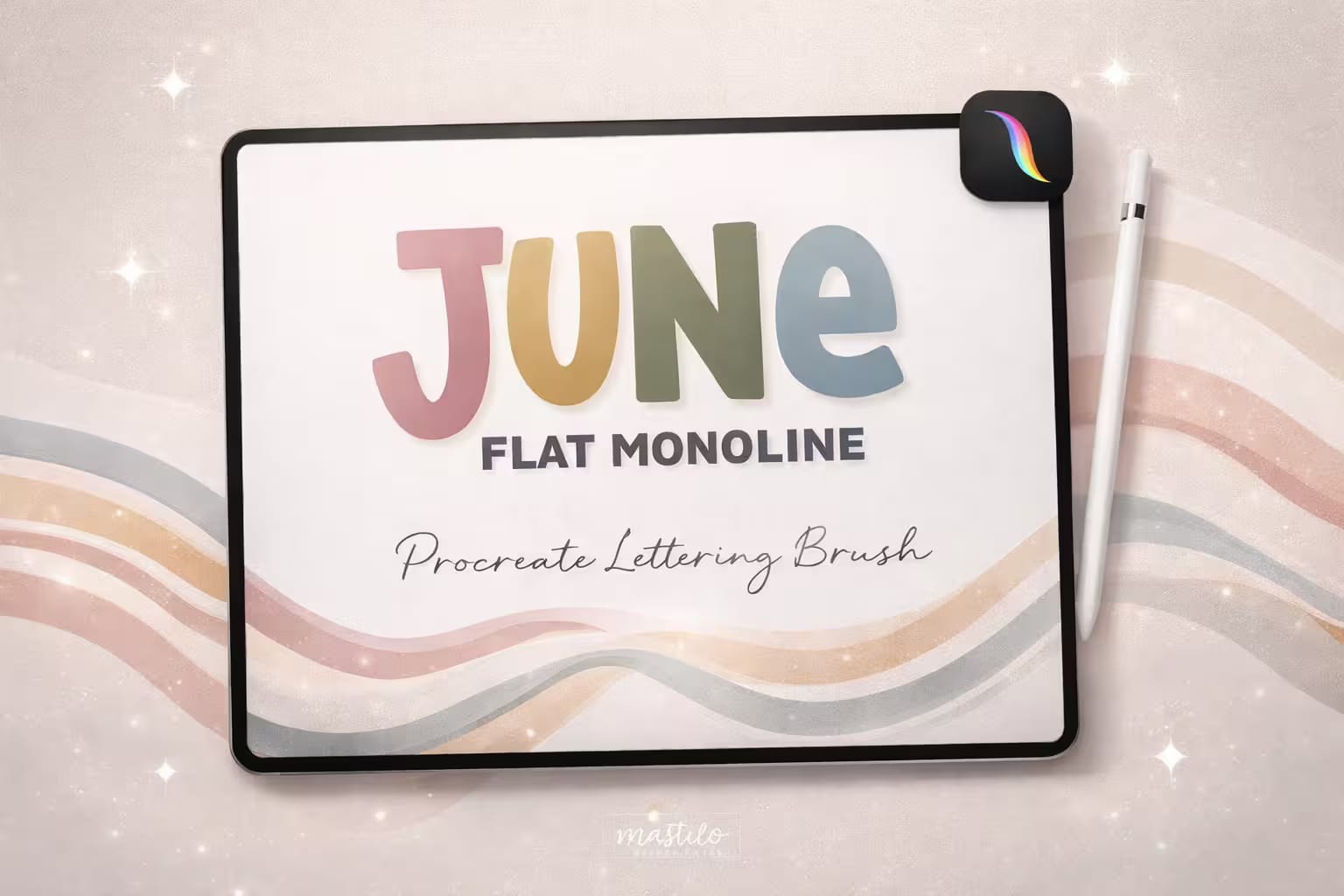
Flat Monoline Procreate Brush

Flat Monoline Brush

The trendy, "chubby" lettering aesthetic made easy. This flat marker brush is perfect for creating satisfying, bold typography for die-cut stickers.

VIEW BUNDLE →
🎨 Best 3D Effect
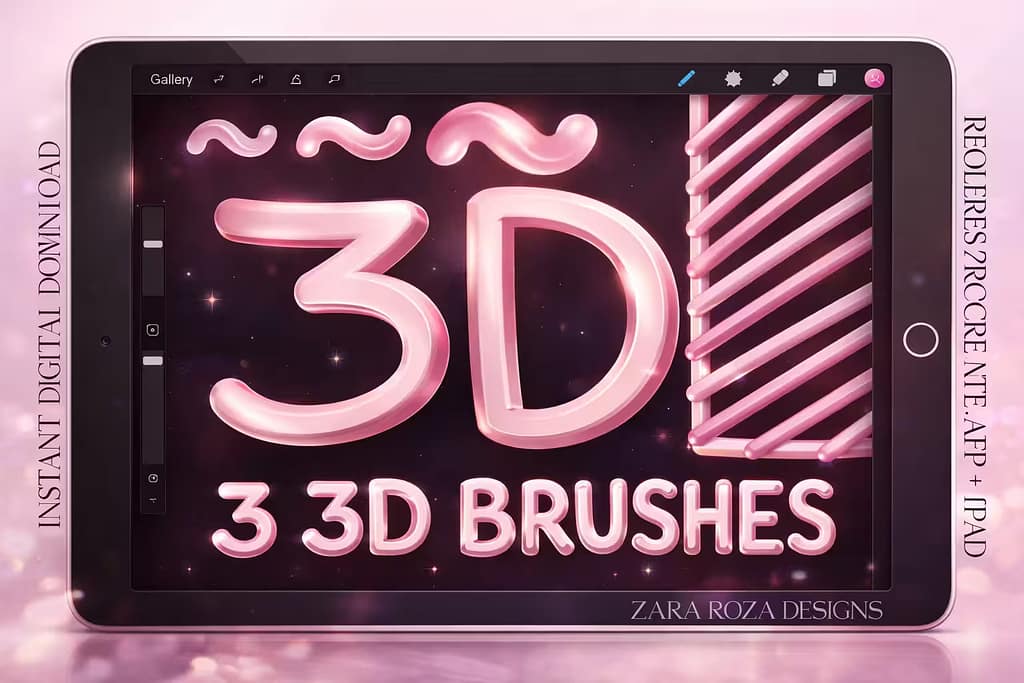
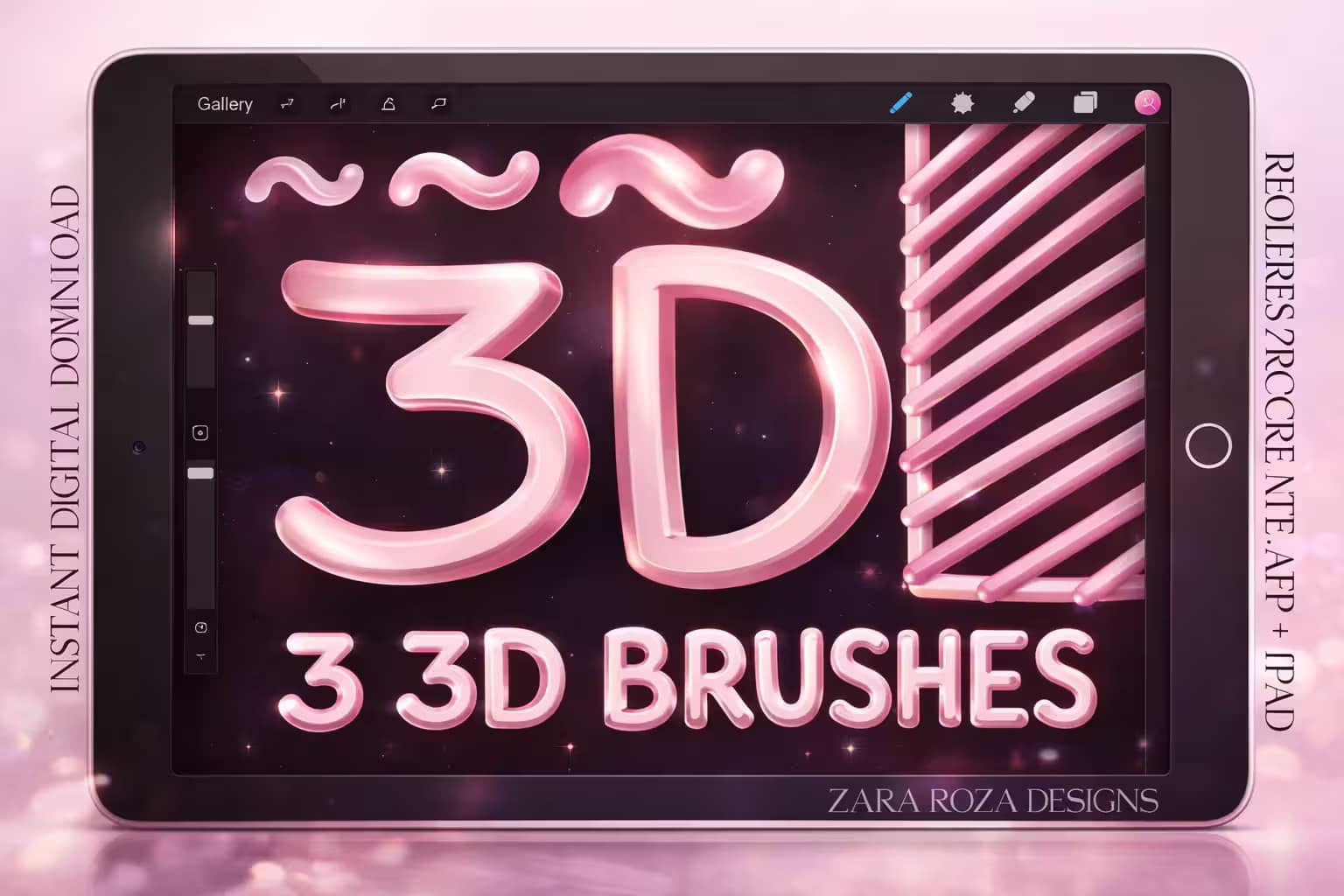
3D Brush Set Procreate Monoline Pens

3D Monoline Pens

Add instant depth without shading. These brushes automatically generate a 3D shadow or highlight as you write, perfect for retro poster designs.

VIEW BUNDLE →
💡

Download All Monoline & Outline Packs for Free!

Why purchase these brush sets individually? You can unlock ALL 10 premium packs on this list immediately for $0.
Pro Tip: Activate the Creative Fabrica All-Access Free Trial to instantly download unlimited outline pens, flat markers, and 3D lettering brushes.

⚙️ Quick Tip: Where is the Default Monoline Brush & How to Make an Outline

1
Find the Missing Brush

Did your default Monoline brush disappear? Don't panic! Open the Brush Library, scroll down to the Calligraphy folder, and you’ll find it there. If it’s gone, swipe left on the folder and tap "Reset".

2
DIY Outline Brush

Want to make your own hollow outline? Duplicate the Monoline brush twice. Tap the top copy, go to Properties, and slightly increase its Maximum Size. Finally, select both brushes in the menu and tap "Combine".

3
Perfect Your Curves

Monoline looks best when it’s buttery smooth. If your lines are jittery, tap the brush to open the Studio, go to Stabilization, and increase the "StreamLine" amount to 50-70%.

The 10 Best Procreate Monoline & Outline Brushes

Below is our fully ranked collection. I've organized these tools into logical categories—starting with massive bundles for hollow outlines and 3D lettering, moving to multi-line time savers, and finishing with highly textured fabric and retro markers.
0dc1cc7b422c59b1caecf004ecee09f2 0 1773152125 8101
Verdict: The default Procreate monoline is okay, but it lacks personality. I tested this upgraded kit for a sticker design project, and the difference is night and day. The stabilization is buttery smooth, and the inclusion of neon and double-line variations makes it the ultimate foundation for any lettering artist.

Why I picked it:

  • Perfect StreamLine:I noticed my curves were instantly smoother. The brush settings correct hand jitter beautifully without feeling stiff.
  • Bonus Color Swatches:I loved the included retro and neon color palettes, which are specifically curated to make monoline art pop.
  • Ready for Commercial Use:It’s incredibly versatile, making it my go-to choice for logo branding and print-on-demand merchandise.
🔒 Secure checkout via Creative Fabrica • Commercial License included
virtre converter
Verdict: If you're tired of manually drawing borders around your text, this pack is a lifesaver. I tested this colossal 124-brush bundle, and it solves the "outline" problem completely. You can draw a hollow, perfectly bordered line in a single stroke, making it an absolute must-have for graffiti and pop-art styles.

Why I picked it:

  • Massive Variety:I found every outline style imaginable: simple hollow lines, double borders, and even gradient-filled outlines.
  • Two-Color Magic:I was amazed by the dual-color brushes. You select one color for the border and another for the fill, painting both simultaneously!
  • Huge Time Saver:What used to take me 10 minutes of duplicating and recoloring layers now takes just one fluid stroke.
🔒 Secure checkout via Creative Fabrica • Commercial License included
f4dc4b22933ad8152e83a902e8773eba 0 1774330811 1174
Verdict: The "chubby", thick marker look is dominating Etsy and Instagram right now. I tested this specific flat monoline brush for a digital planner project, and it delivers that exact satisfying, chunky aesthetic. It lacks pressure sensitivity on purpose, ensuring every letter stays uniformly bold.

Why I picked it:

  • Perfectly Uniform:I love that no matter how hard I press the Apple Pencil, the line thickness stays strictly identical, perfect for clean die-cut stickers.
  • Crisp Edges:I zoomed in closely and noticed the edges are razor-sharp, meaning it will print beautifully without pixelation.
  • Beginner Friendly:Because there’s no pressure variance to manage, I found it incredibly easy for beginners to write confident, professional-looking quotes.
🔒 Secure checkout via Creative Fabrica • Commercial License included
fbab607f4f2e1e87db97596932d8a3b0 0 1774330956 2938 1
Verdict: Adding highlights and drop shadows to lettering manually is tedious. I tested these 3D brushes and was thrilled by the results. The brush engine is programmed to automatically calculate the light source, generating a perfect, shiny, three-dimensional tube effect as you write.

Why I picked it:

  • Instant 3D Volume:I was amazed that it requires zero shading skills. The brush handles the 3D optical illusion instantly.
  • Retro Nostalgia:I found this pack perfect for creating 80s and 90s inspired typography, reminiscent of puffy stickers or neon tubes.
  • Pressure Pen Variations:Alongside the strict monoline, I appreciated the 3 bonus pens that allow for a slight taper if you want a more calligraphic 3D look.
🔒 Secure checkout via Creative Fabrica • Commercial License included
e7f84ee322769da01777e5ee357693e6 0 1774332037 8298 1
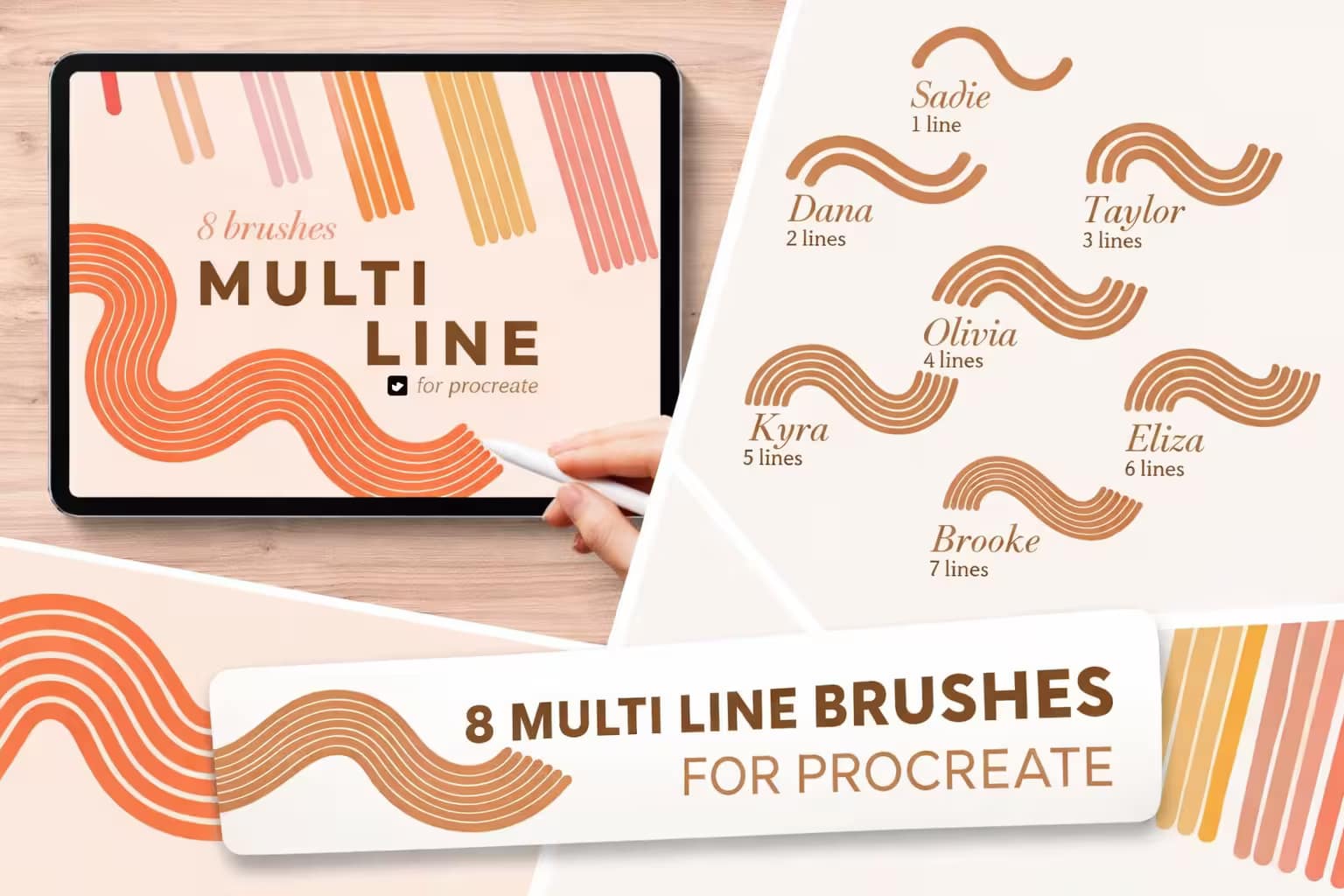
Verdict: If you've ever tried to draw five perfectly parallel lines to create a retro rainbow, you know it’s impossible. I tested this 8-brush set, and it is a stroke of genius. It features brushes that draw anywhere from two to seven parallel monoline tracks simultaneously, saving you endless frustration.

Why I picked it:

  • Flawless Parallel Curves:I loved how the lines perfectly follow the curve of your Apple Pencil without overlapping or breaking distance.
  • Color-Changing Bonus:I was pleasantly surprised by the "Beth" brush, which automatically cycles through colors as you draw your multi-line track.
  • Great for Graphic Design:I found it essential for creating trendy 70s swooshes, disco backgrounds, and groovy typography.
🔒 Secure checkout via Creative Fabrica • Commercial License included
c7ddcfb90b83f34bfb849029fad21203 0 1774332193 6275
Verdict: You don't always need a pack with 100+ brushes clogging up your library. I tested this minimalist kit, and it’s perfect for those who just want a straightforward, reliable outline tool. It contains four high-quality outline variations that are perfectly calibrated for everyday illustration and journaling.

Why I picked it:

  • Clean and Simple:I appreciated that it provides exactly what it promises—a crisp, perfectly hollow outline brush with no overly complex settings.
  • Great for Coloring:I found these brushes ideal for creating digital coloring pages, as the enclosed outlines hold ColorDrop fills perfectly.
  • Lightweight File:It’s a tiny zip file that imports instantly, keeping my Procreate brush menu neat and organized.
🔒 Secure checkout via Creative Fabrica • Commercial License included
84725108f88c8c5211883e11ed4e491a 0 1774332440 9785
Verdict: This is the "Swiss Army Knife" of monoline kits. I tested it and loved how the creator bundled four completely different tools into one micro-pack: a standard monoline, an outline, a drop-shadow brush, and a duo-color brush. It's an incredibly smart, high-utility collection.

Why I picked it:

  • All Bases Covered:I found that these 4 brushes alone are enough to complete almost any retro typography poster from sketch to final polish.
  • Shadow Brush Included:I loved the dedicated shadow brush, which instantly adds a slightly offset, darker border behind your letters for depth.
  • Bonus Paper Texture:The included paper texture canvas adds a beautiful, tactile feel to the smooth digital lines.
🔒 Secure checkout via Creative Fabrica • Commercial License included
5fa59ad08a18861337817a296a598375 0 1774332618 1083
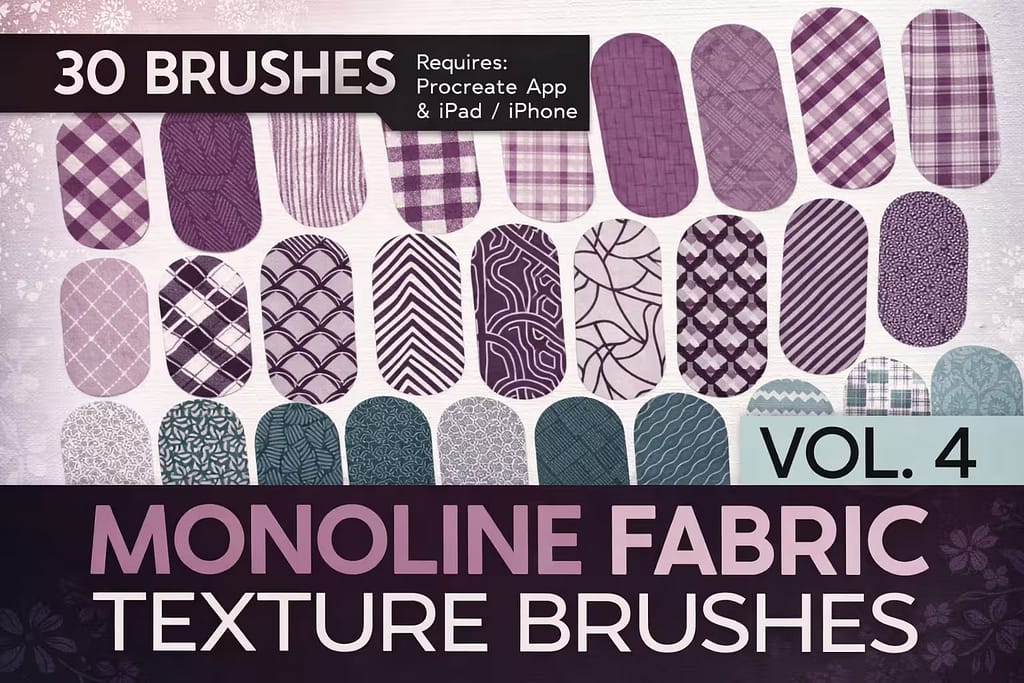
Verdict: This is a highly unique spin on the monoline concept. Instead of a solid color fill, these 30 brushes are infused with seamless fabric and clothing patterns (plaid, stripes, Art Deco). I tested them on a fashion illustration, and it saved me hours of manually drawing textile patterns onto character clothing.

Why I picked it:

  • Built-in Textures:I was amazed that you can literally "draw" a sweater or a scarf, and the complex plaid pattern maps perfectly inside the stroke.
  • Strict Monoline Width:I appreciate that there is no pressure sensitivity. The steady width keeps the textile patterns looking even and unwarped.
  • Great for Character Artists:I found it to be a game-changer for outfitting anime and cartoon characters quickly.
🔒 Secure checkout via Creative Fabrica • Commercial License included
9c10c0675bfd2e274f429a34514e010f 0 1774332727 9126
Verdict: A delightful, high-quality pack of 9 everyday monoline markers. I tested this kit and found the brushes to be exceptionally smooth with a great "snap" to them. They are perfect for daily bullet journaling, neat handwriting, and drawing clean vector-style icons in Procreate.

Why I picked it:

  • Excellent Flow:I noticed the streamline settings are dialed in perfectly, making it very satisfying to draw long, continuous loops.
  • Subtle Edge Variations:I liked that while they are monoline, some brushes offer slightly softer edges for a marker-like feel rather than a harsh digital line.
  • Reliable Toolkit:I found myself returning to these brushes simply because they behave predictably and consistently every time.
🔒 Secure checkout via Creative Fabrica • Commercial License included
390108793e49cbbf4d4b55d84334d60b 0 1774333053 3661
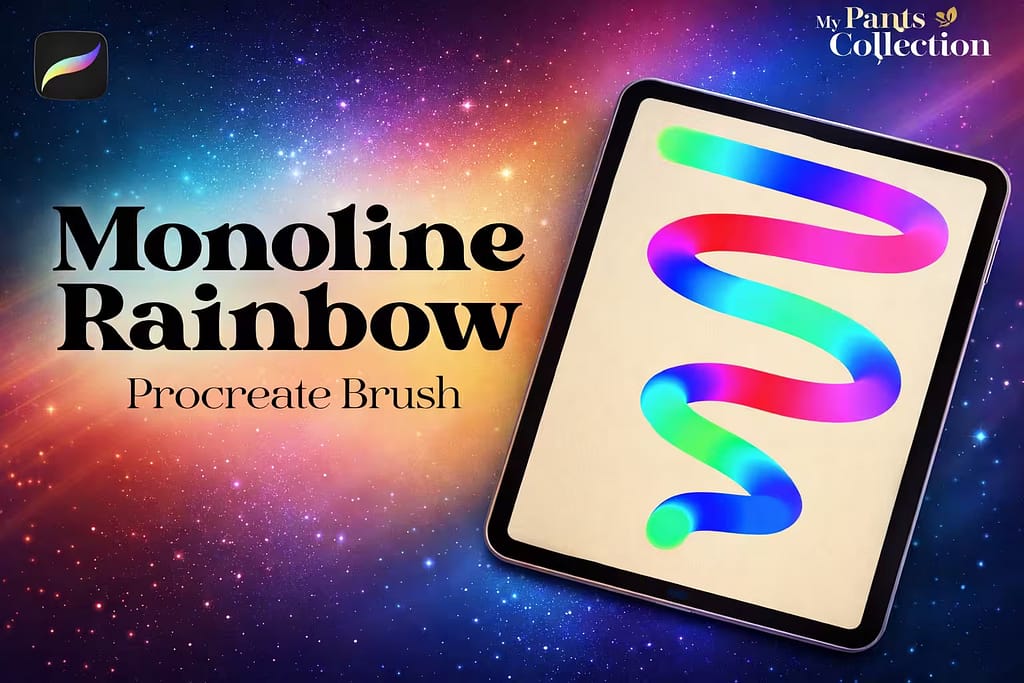
Verdict: Sometimes one unique brush is all it takes to spark inspiration. I tested this single monoline brush, and it is pure magic. As you draw, it seamlessly transitions through a vibrant neon rainbow gradient. It’s an incredibly fun, specialized tool for creating psychedelic lettering and trippy background art.

Why I picked it:

  • Automatic Gradients:I was mesmerized by the built-in color dynamics. You don’t need to change colors; the brush does the heavy lifting for you.
  • Bold Neon Vibe:I found the colors to be incredibly saturated, making them pop brilliantly against a dark or pitch-black canvas.
  • Super Smooth:Despite the complex color engine, the monoline stroke remains buttery smooth and lag-free.
🔒 Secure checkout via Creative Fabrica • Commercial License included

FAQ

It’s common to accidentally delete or overwrite default brushes. The original Monoline brush is located in the Calligraphy folder. If it’s missing, simply swipe left on the "Calligraphy" category folder and tap "Reset." This will restore the Monoline brush and all other default pens to their original state.

To make your own hollow outline brush, duplicate the Monoline brush twice. Tap the top copy to open Brush Studio, go to Properties, and increase the "Maximum Size" slightly. Then, go back to your brush library, swipe right on the bottom copy to select both brushes, and tap "Combine" at the top right. You now have a custom outline brush!

If your monoline brush is too thick even at 1%, open the Brush Studio, go to the Properties tab, and decrease the "Maximum Size" slider. To make a square monoline brush, go to the Shape tab, tap "Edit" on the Shape Source, and import a solid white square from the Procreate Library.

While you can make an outline brush manually, it’s much faster to use professional kits with dynamic 3D shadows and perfectly calibrated hollow centers. The best way to get these premium outline and monoline bundles for free is by activating a Creative Fabrica All-Access Free Trial, which lets you download hundreds of professional lettering tools at no cost.