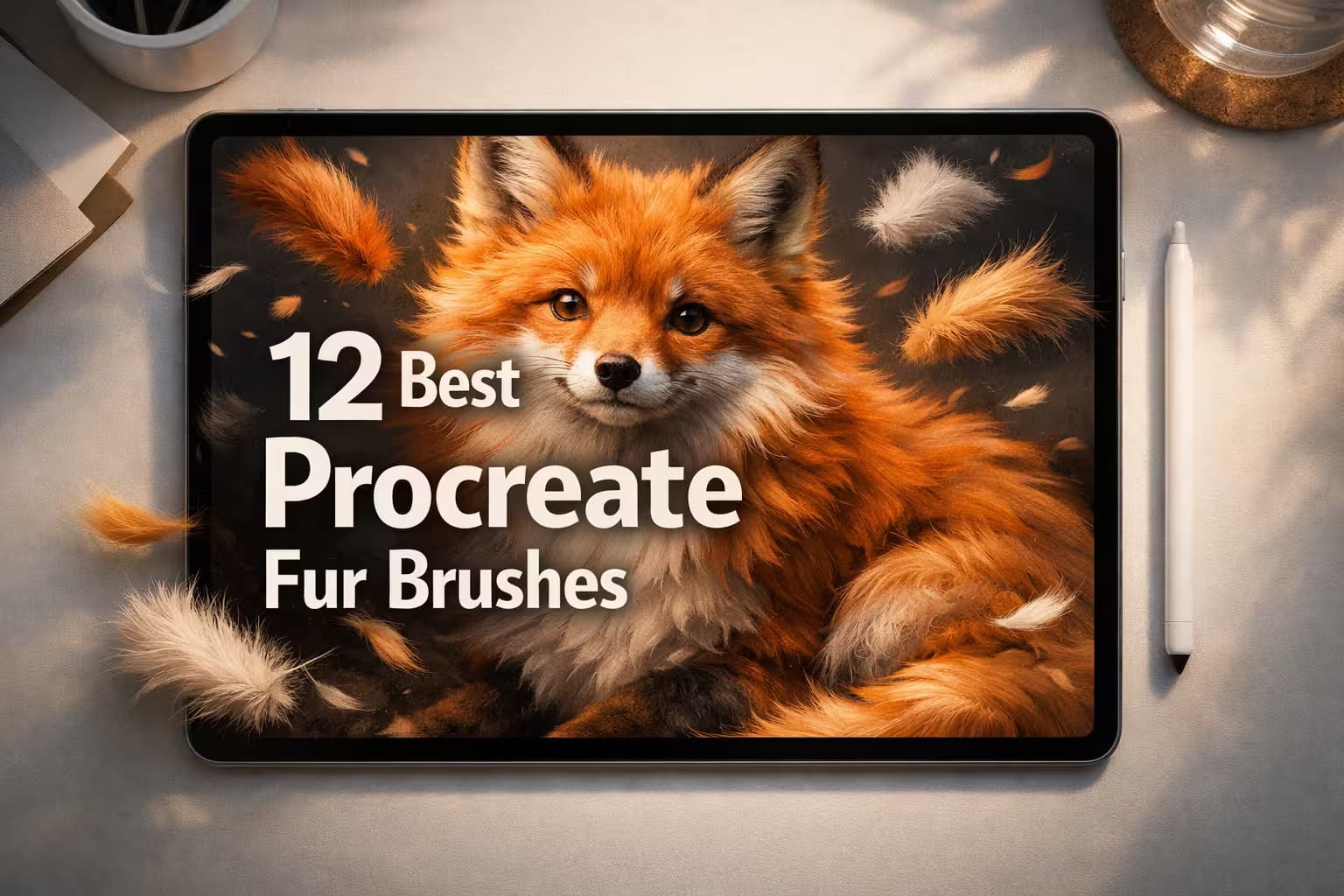
Drawing realistic fur takes hours of painstaking work. One wrong stroke, and your fluffy cat looks like a spiky hedgehog. Default Procreate brushes just don't cut it for authentic animal hair.
To fix this, I tested dozens of packs and selected the top 12 fur brushes that offer realistic textures, soft fluff, and perfect hair strokes. Whether you draw pet portraits, cartoon animals, or furry monsters — there is a perfect tool for you here.
🏆 Editor’s Choice
The 4 most essential fur & hair kits for Procreate.
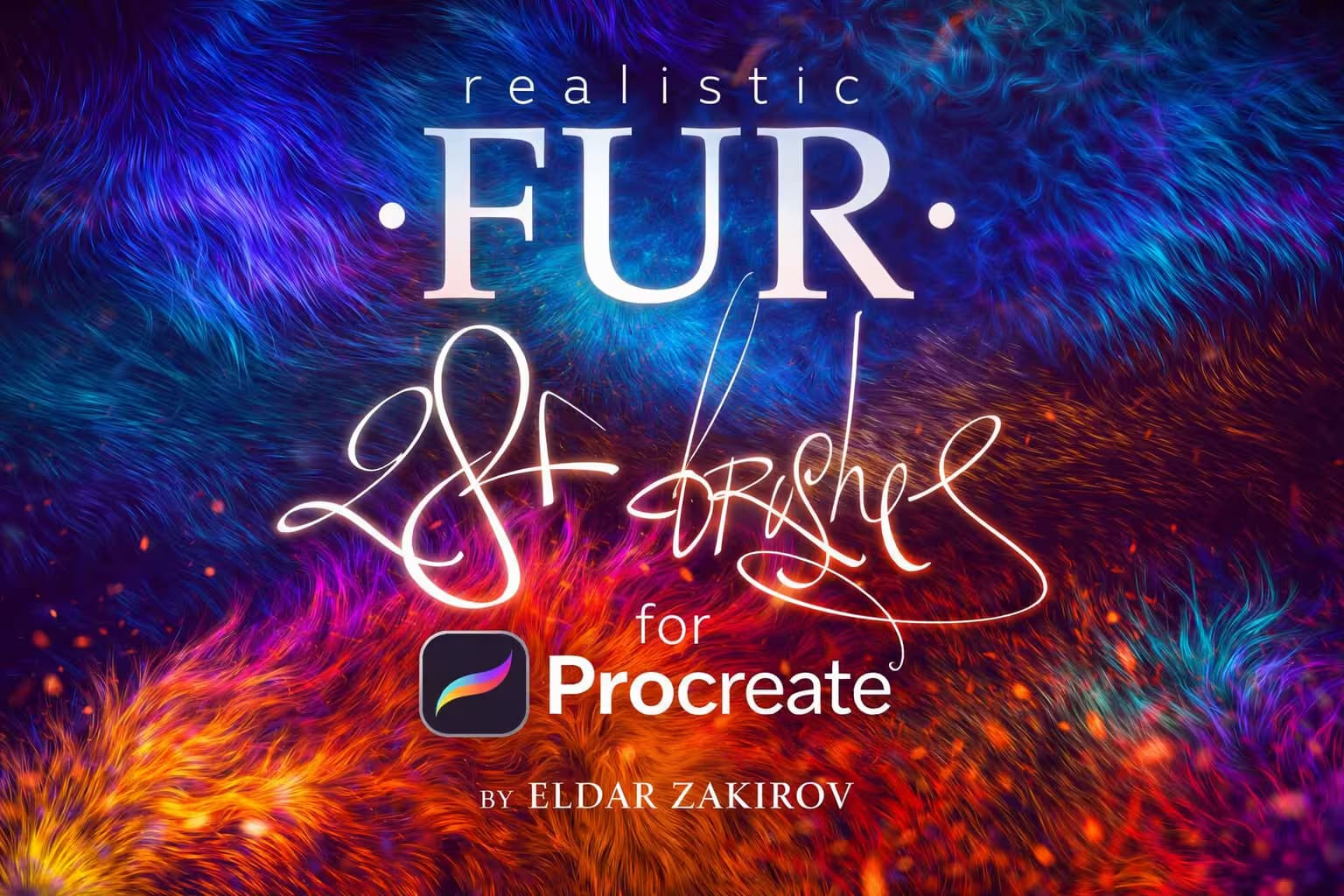
Realistic FUR Brushes
Master pet portraits with 28 highly detailed brushes. Perfect for authentic wool and animal hair direction.
VIEW BUNDLE →
Animal Fur 90 Brushes
A massive collection of 90 premium brushes. Everything you need for fluffy cats, dogs, and wildlife.
VIEW BUNDLE →
12 Cartoon Fur Brushes
Pressure-sensitive brushes ideal for cute, stylized, and fluffy 2D characters and monsters.
VIEW BUNDLE →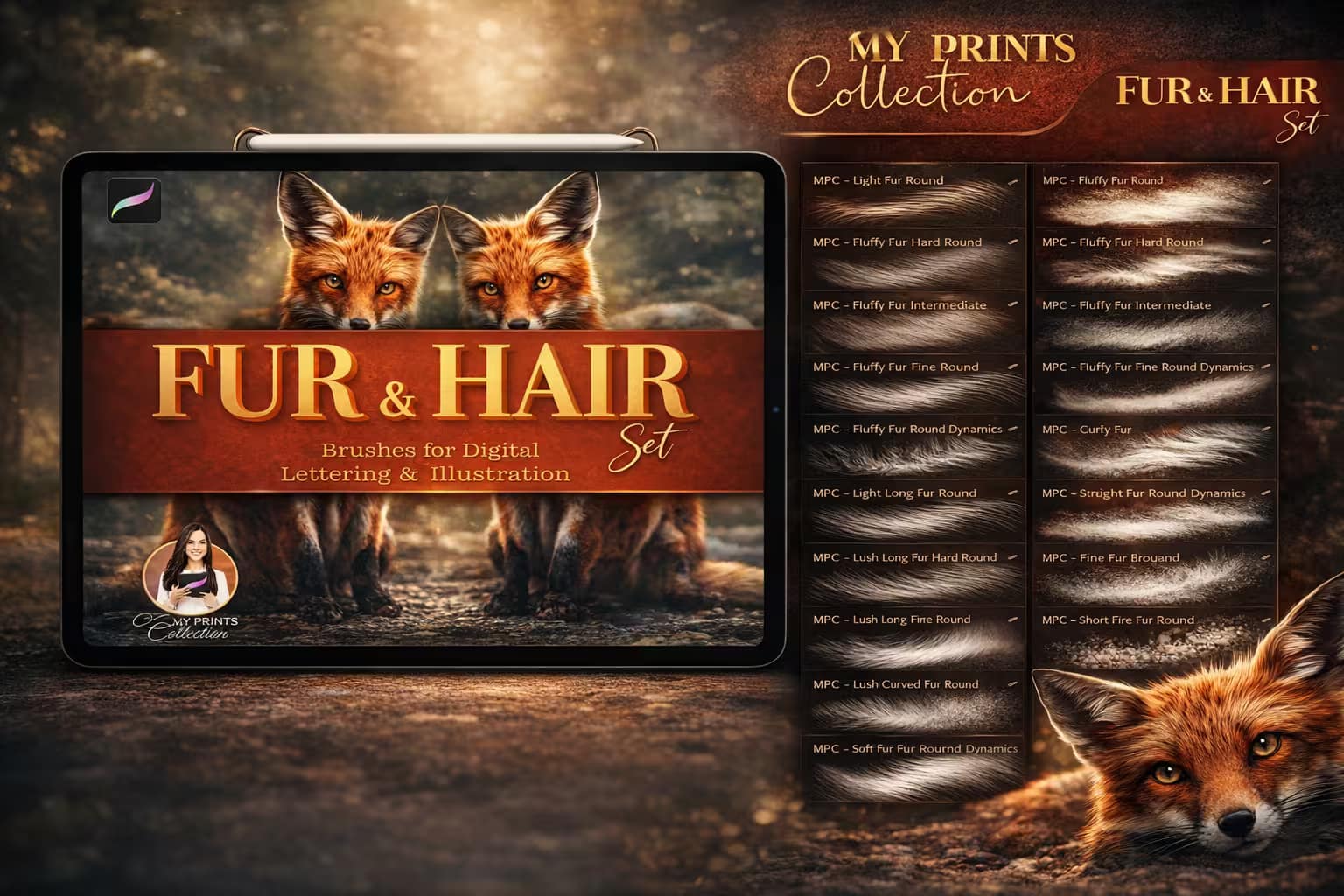
87 Fur & Hair Set
87 brushes for wool, curly hair, and grizzly effects. Includes unique color-changing fur brushes!
VIEW BUNDLE →Looking for Free Brushes?
I know freebies are tempting, but they often lack resolution and pressure sensitivity.
Pro Tip: You can get any premium pack from this list for free by using the $1 All-Access Trial. It’s the smartest way to download professional tools legally.
The 12 Best Procreate Fur Brushes (Ranked)
Below is my curated list of the fluffiest, most realistic, and stylized fur tools. I’ve categorized them by style—from Realistic Pet Portraits for detailed animal art to Cartoon Fluff for cute character design—so you can stop drawing single hairs and find the perfect brush pack immediately.

Why I picked it:
- ✅ Directional Control: I love that the side-view brushes come in left and right variations. It makes rendering realistic fur flow around the animal's body incredibly intuitive.
- ✅ Flawless Layering: The strokes don't turn into a muddy smudge. If you start with a halftone base and layer these on top, the volume and lighting build up almost automatically.
- ✅ Crisp Detailing: Unlike generic hair tools, the crispness of each individual strand remains sharp and highly textured, even when working on large, high-resolution canvases.
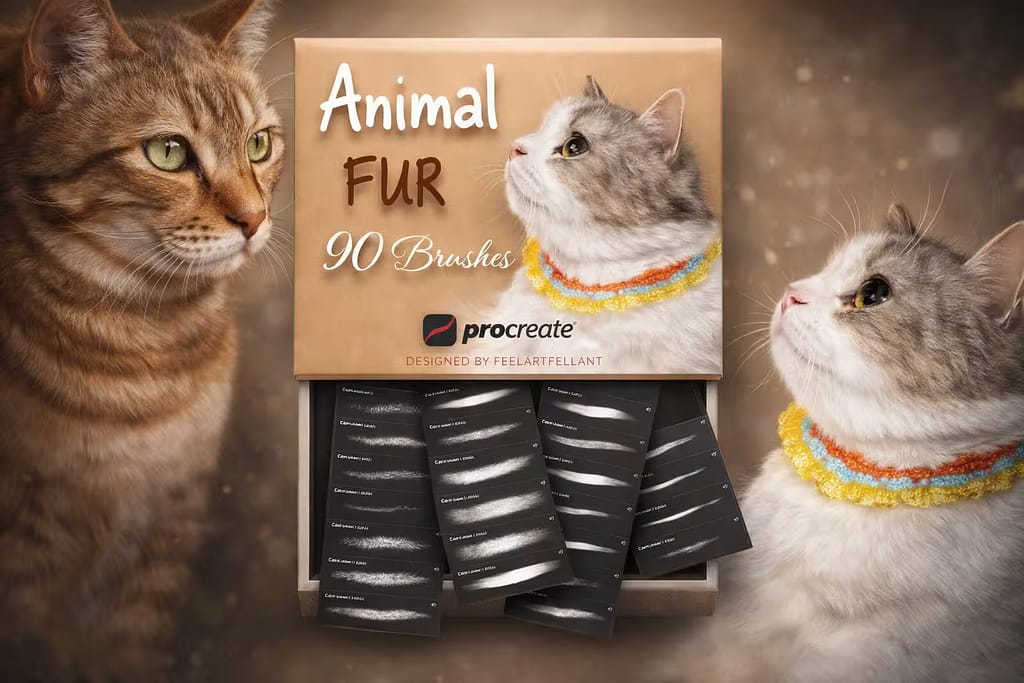
Why I picked it:
- ✅ Unmatched Variety: Having 90 different brushes means you never have to rely on a single repetitive stamp. I found it incredibly easy to mix and match for complex, multi-layered coats.
- ✅ Plug-and-Play Experience: The pressure sensitivity is calibrated perfectly right out of the box. I didn't have to dive into Procreate's brush studio to tweak the settings for a natural taper.
- ✅ Effortless Volume: I noticed that layering these brushes builds depth extremely well. The soft fluff brushes underneath paired with sharp top-coat brushes give a stunning 3D effect.
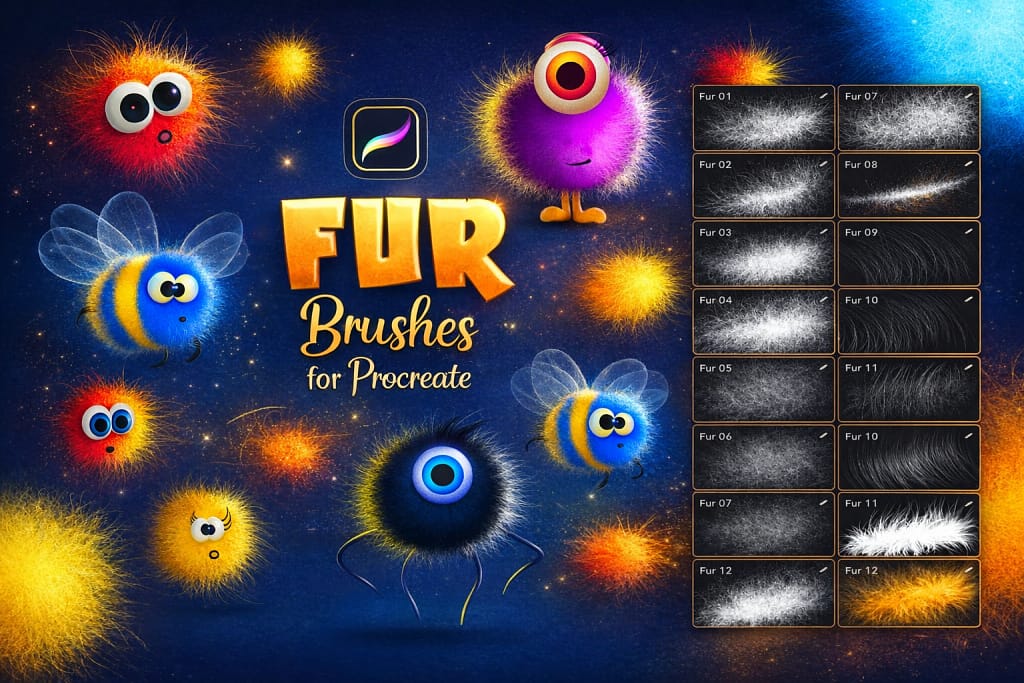
Why I picked it:
- ✅ Flawless Pressure Control: I immediately noticed how well the pen pressure dictates both opacity and thickness. Drawing a long, sweeping cartoon tail or short, stubby fluff feels completely natural.
- ✅ Clean Stylization: Realistic brushes can sometimes make a cartoon character look creepy. These brushes provide bold, graphic fur shapes that fit modern 2D illustration styles perfectly.
- ✅ Beginner-Friendly: You don't need advanced shading skills to make these look good. I just picked a vibrant color, laid down the strokes, and let the brush engine do the heavy lifting.
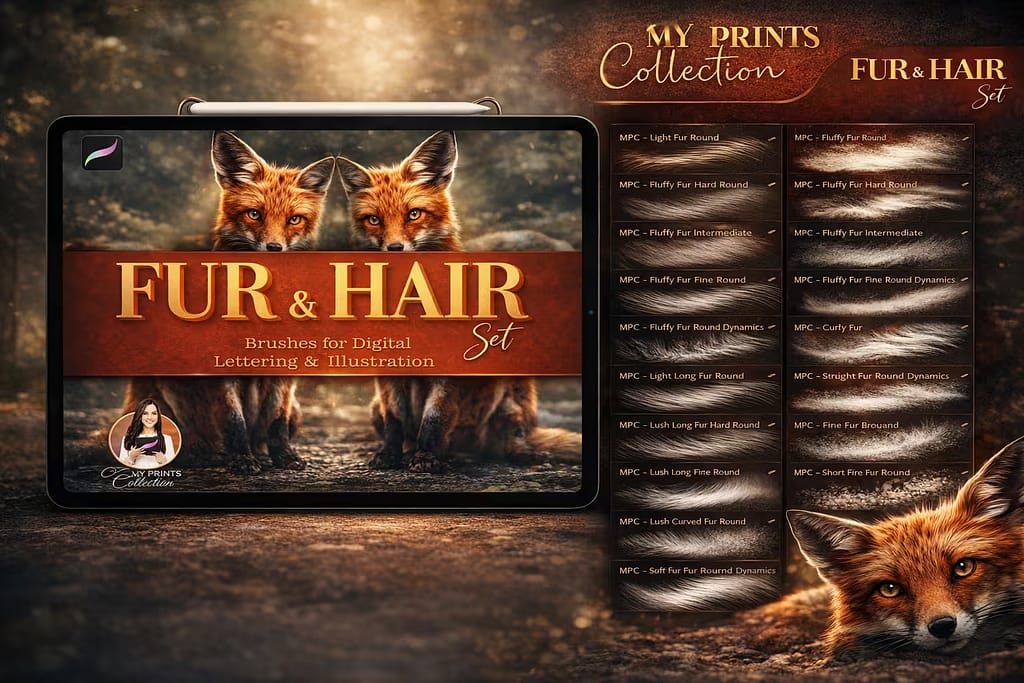
Why I picked it:
- ✅ Color-Changing Magic: This feature is pure joy. I found that the brush slightly shifts its tint based on pressure, creating a naturally highlighted, multi-dimensional coat without switching colors.
- ✅ Master of Curls & Wool: Most packs struggle with curly fur, but this one excels. It's my go-to when drawing sheep, poodles, or any animal with a thick, textured undercoat.
- ✅ Huge Brush Roster: With 87 unique options, I never feel limited. Whether I need a soft, wispy tail or a coarse, grizzly mane, the perfect tool is always in the library.

Why I picked it:
- ✅ Flawless Seamless Tiling: I was amazed by how perfectly these patterns connect. You can swipe across the entire iPad screen and get an uninterrupted pelt without any awkward repeating seams.
- ✅ Insane Texture Variety: With 200 options ranging from short-haired slick coats to heavy, matted wool, I never struggle to find the exact surface material I need for my illustrations.
- ✅ The Ultimate Time-Saver: For flat 2D illustrations, comic backgrounds, or character fashion where you just need the *illusion* of fur quickly, I found this pack to be an absolute lifesaver.

Why I picked it:
- ✅ Coarse Wildlife Textures: I found that these brushes perfectly mimic the dense, slightly matted look of wild animals. It’s an absolute must-have for forest creatures and monsters.
- ✅ Seamless Integration: Just like the previous set, these are seamless pattern brushes. I was able to block in the entire body of a bear with continuous, highly detailed fur without lifting my Apple Pencil.
- ✅ Crisp Detailing: Even though they are pattern-based, the resolution is incredibly high. I zoomed in up to 300% on my canvas, and the individual coarse hairs remained tack-sharp.
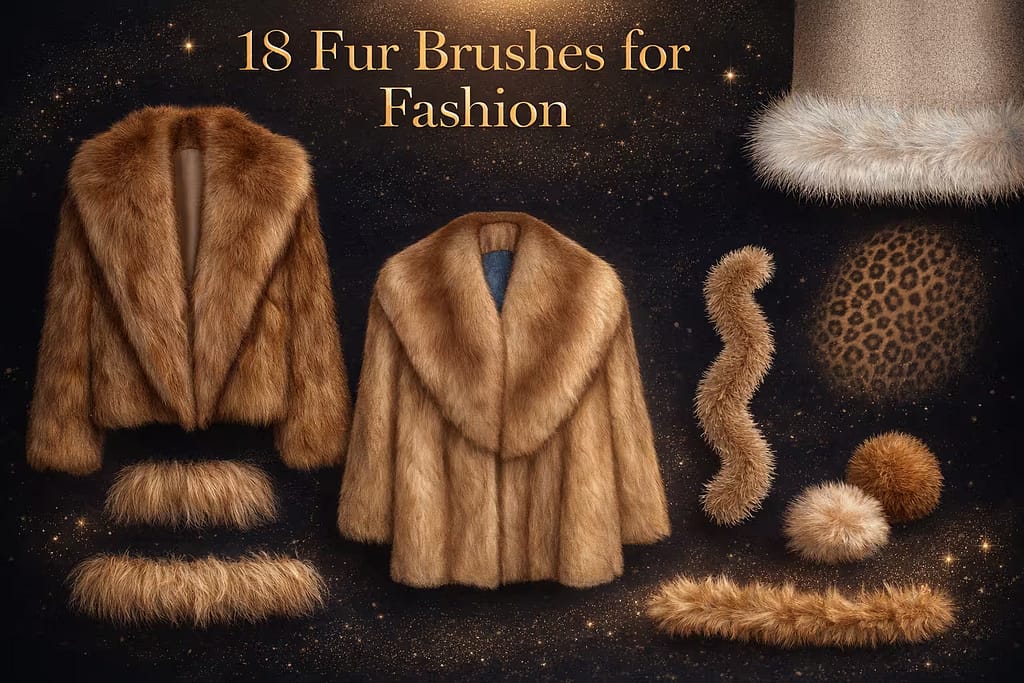
Why I picked it:
- ✅ Apparel-Focused: I love that these brushes are designed specifically to follow the curves of clothing. They are perfect for quickly rendering trims, cuffs, and winter hoodies.
- ✅ Built-in Animal Prints: It includes brilliant brushes that blend soft fur textures with bold leopard, jaguar, and cheetah patterns, saving me the hassle of texturing prints manually.
- ✅ Specialty Tools: The dedicated Pom-Pom and Teddy Fur brushes are a massive time-saver. I found them incredibly useful for drawing cute winter accessories and plush textures.

Why I picked it:
- ✅ Traditional Ink Vibe: I love how these brushes capture that authentic, sketchy aesthetic. They are absolutely perfect for raw, expressive character concepts and storybook pages.
- ✅ Versatile Textures: The pack isn't just one style. I found distinct brushes for soft teddy bear fluff, harsh inky spikes, and delicate wisps, giving me a lot of creative freedom.
- ✅ Great with Blend Modes: By simply lowering the opacity and playing with Procreate's blend tools, I could easily transition from bold, stylized outlines to soft, subtle shading.
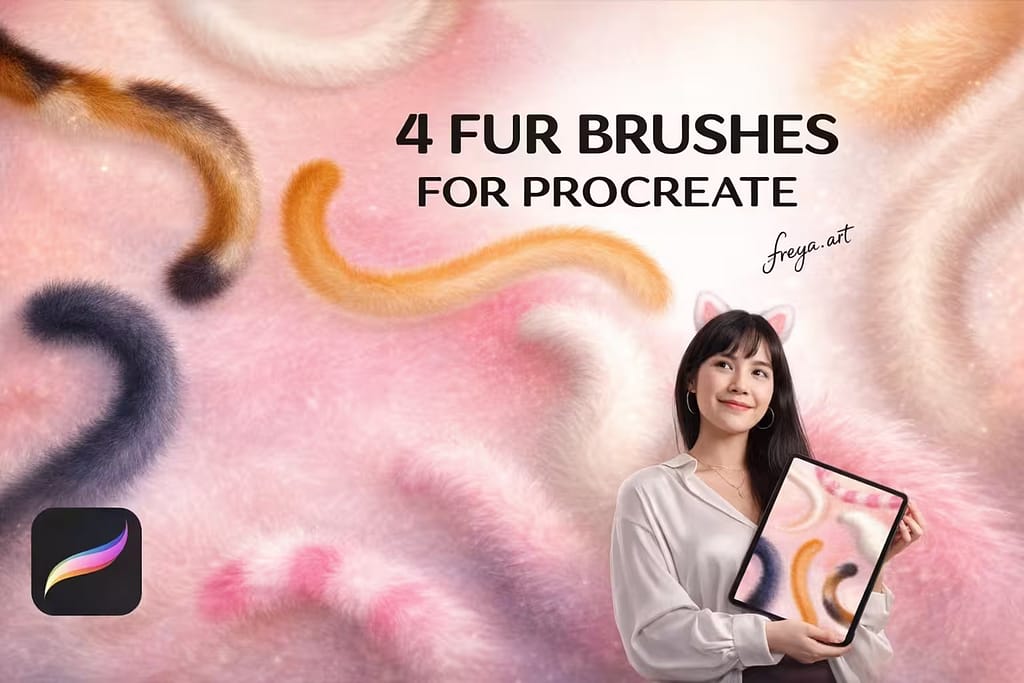
Why I picked it:
- ✅ Zero Clutter: I love the "quality over quantity" approach. You get exactly what you need to start drawing: a soft fluff, a monoline fluff, and a standard fur brush.
- ✅ Fluff Lettering Tool: This is a rare find! I tested the included fluffy lettering brush for typography, and it perfectly matches the cute vibe of the character art.
- ✅ Bonus Paper Texture: The pack includes a beautiful traditional paper texture canvas. When I applied the soft fur strokes over it, my digital illustration instantly felt warmer and more organic.

Why I picked it:
- ✅ Instant Complexity: With 13 distinct feather effects, I was able to lay down base feathers and intricate top layers in a fraction of the time it normally takes.
- ✅ Specialty Barb Tool: The dedicated brush for drawing the fine "barbs" (the tiny hairs of the feather) is pure genius. It gives a hyper-detailed finish without the manual labor.
- ✅ Dedicated Color Brush: I found the special coloring brush perfect for adding fantasy, iridescent effects to the wings, making it ideal for magical concept art.

Why I picked it:
- ✅ Rainbow Color Dynamics: I love how these brushes automatically shift colors as you draw. It’s absolutely perfect for rendering festive, eye-catching apparel and magical creature accents.
- ✅ Seamless Boas: Because the brushes are seamless, I could draw long, continuous fluffy trims and feather boas without the texture breaking or looking like a cheap stamp.
- ✅ Easy Solid Colors: If you don't want the rainbow effect, I found it super easy to just lock the layer and fill it with a solid color, giving you beautiful, monochromatic fluffy shapes.

Why I picked it:
- ✅ Massive Variety: With 120 unique brushes, I never ran out of options. Whether I needed snake-like belly scales or hard dragon armor, the perfect texture was right there.
- ✅ Paintable, Not Just Stamps: I love that you can actually paint with them to create flow and direction, rather than just stamping a flat image. It makes the creature feel 3D and alive.
- ✅ Procreate Ready: Even though these are high-quality Photoshop brushes (.abr), they imported perfectly into Procreate 5.0+ without any issues or loss of detail.
FAQ
Yes, there are many free brushes available online, but they often lack high resolution and proper pressure sensitivity settings. If you want professional-quality results without spending money, I recommend using the Creative Fabrica Free Trial. It allows you to download premium brush sets (like the ones listed in this article) for free with a commercial license, which is much safer and higher quality than random freebies found on forums.
To create your own fur brush, you need to adjust the Shape and Grain sources in the Brush Studio.
Go to the Shape tab and choose a shape that resembles a few hair strands.
In the Stroke Path menu, increase the Jitter slightly to make it look organic.
Most importantly, go to Taper and adjust the pressure sensitivity so the hair fades out naturally at the ends.
Note: While making brushes is fun, downloading a pre-made pack like the "90 Animal Fur Brushes" saves hours of tweaking settings.
For short-haired dogs (like Boxers or Beagles), you need a brush with a dense, short texture pattern. For long-haired cats or Golden Retrievers, you need a "strand" brush that reacts to directional strokes. The "Realistic FUR Brushes" set (Top #1 in this list) is the best all-rounder because it includes specific brushes for both left and right hair growth directions, making it perfect for pet portraits.
The secret to realism is layering. Don't try to paint every single hair at once.
Base Layer: Fill the shape with a mid-tone solid color.
Shadows: Use a darker, soft texture brush to paint the shadows where the fur clumps together.
Highlights: Finally, use a fine "liner" fur brush to add light strokes on top.
Using a dedicated "Fur Texture" brush (like Set #5) for the base layer can speed up this process significantly.
Yes! If you download these brushes from Creative Fabrica (even during the free trial), they come with a Commercial License. This means you can legally sell the pet portraits, stickers, or commission work you create using these tools without worrying about copyright issues. Always check the specific license details on the download page to be sure.


