Painting realistic or stylized clouds is notoriously difficult. Without the right textures, they often end up looking like flat, muddy smudges instead of light, airy, and voluminous masterpieces. Whether you're aiming for photorealism or that iconic Studio Ghibli sky, your brushes matter.
I’ve tested and curated the 12 best Procreate cloud brushes and stamps that will instantly bring atmosphere and depth to your digital landscapes. Let’s build your perfect sky.
🏆 Editor’s Choice
The 4 must-have cloud, anime sky, and atmospheric sets for Procreate.

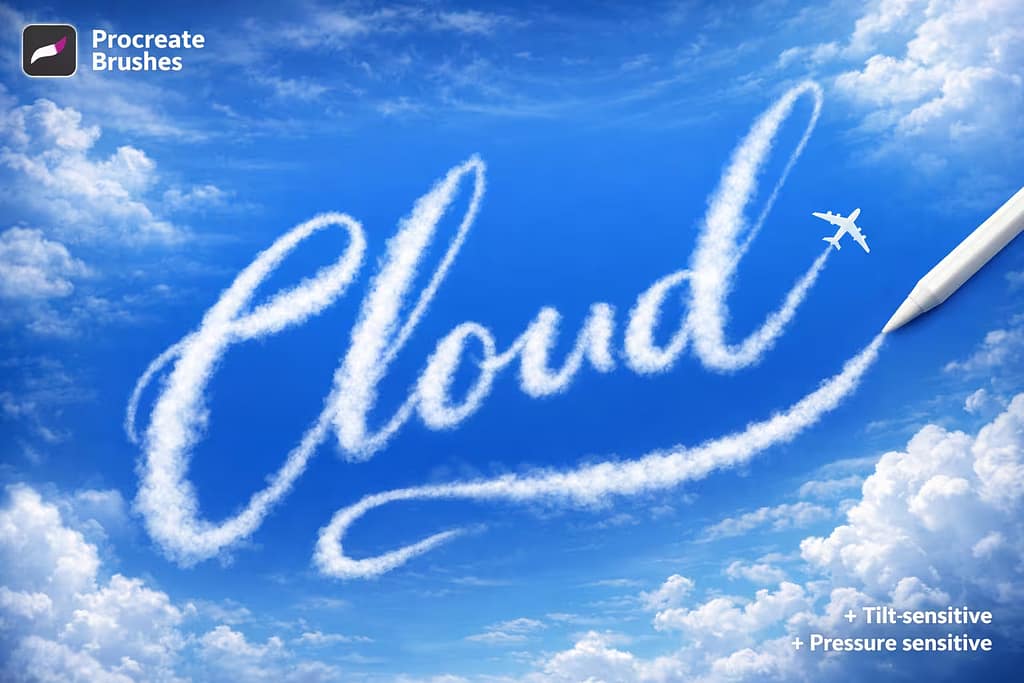
Cloud Brushes Set
The professional standard for photorealistic skies. These brushes capture the delicate, airy texture of real cumulus clouds with incredible pressure sensitivity.
VIEW BUNDLE →
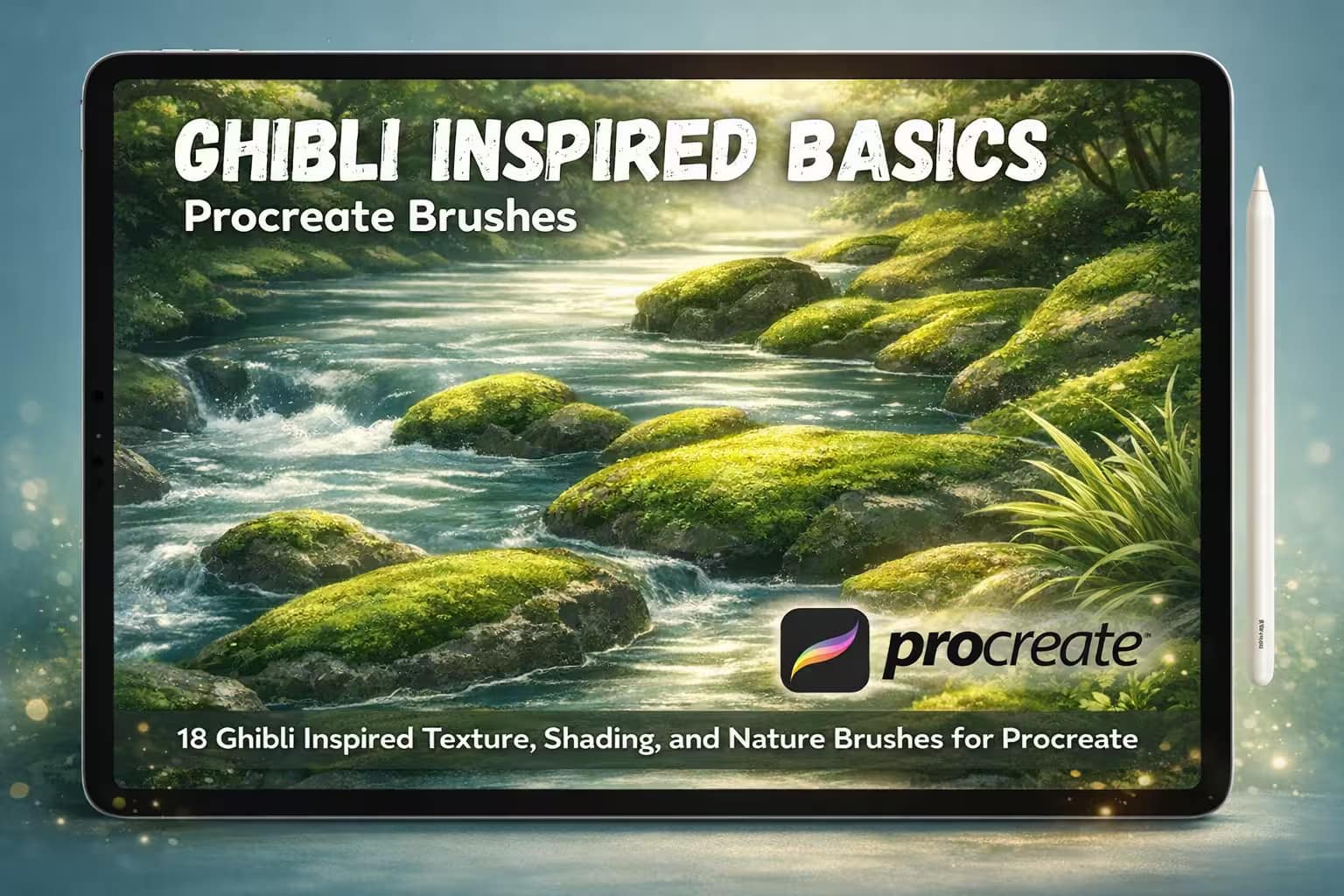
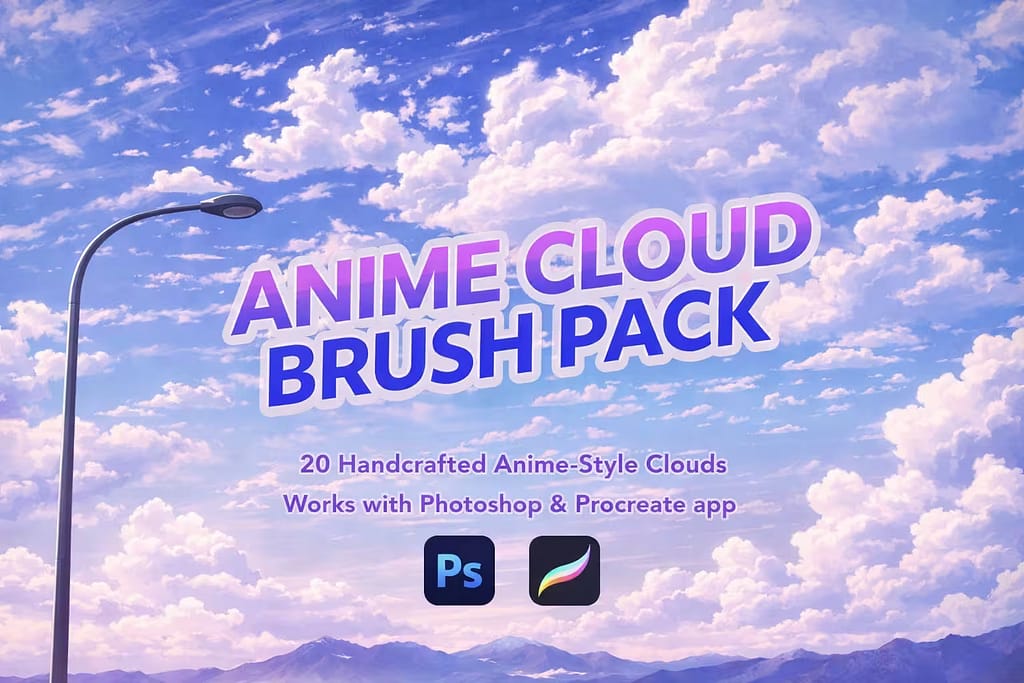
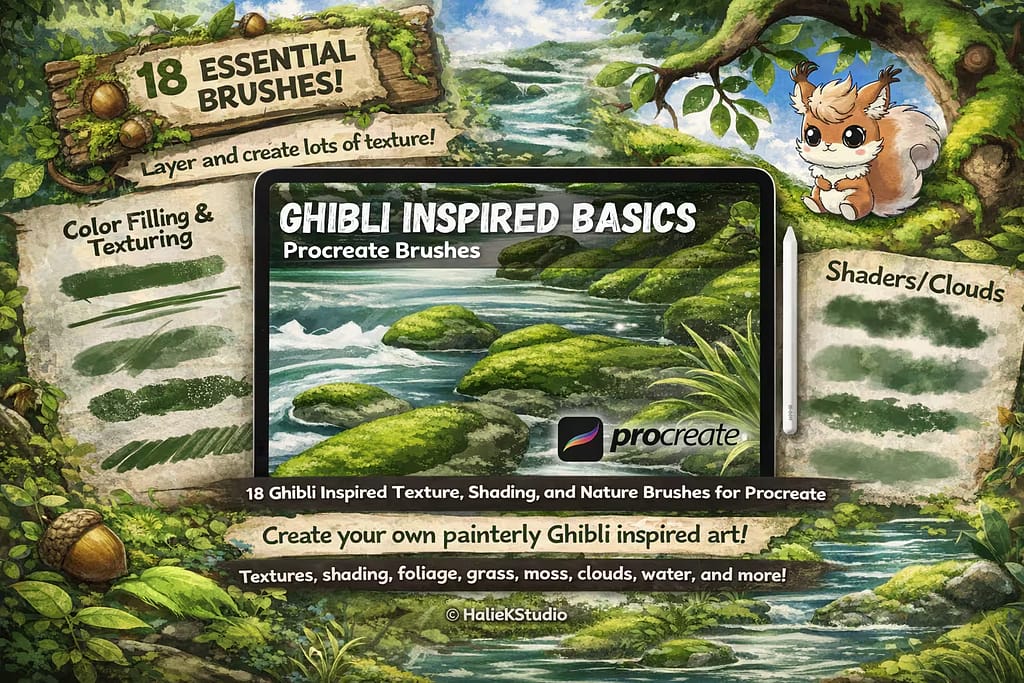
Ghibli Basics Kit
Master the iconic hand-painted look of Studio Ghibli. Perfectly calibrated for creating those vibrant, dynamic, and stylized clouds we all love.
VIEW BUNDLE →
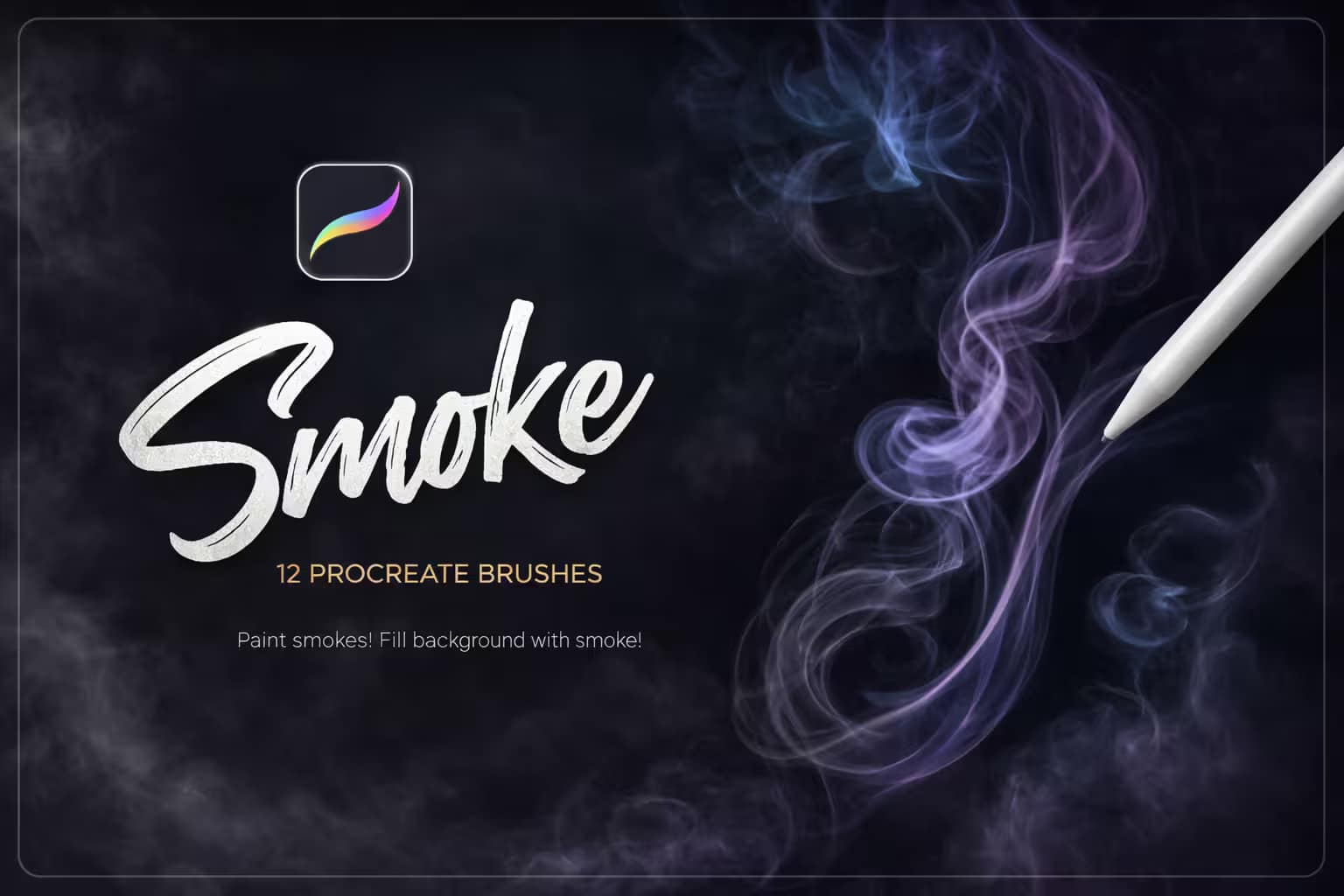
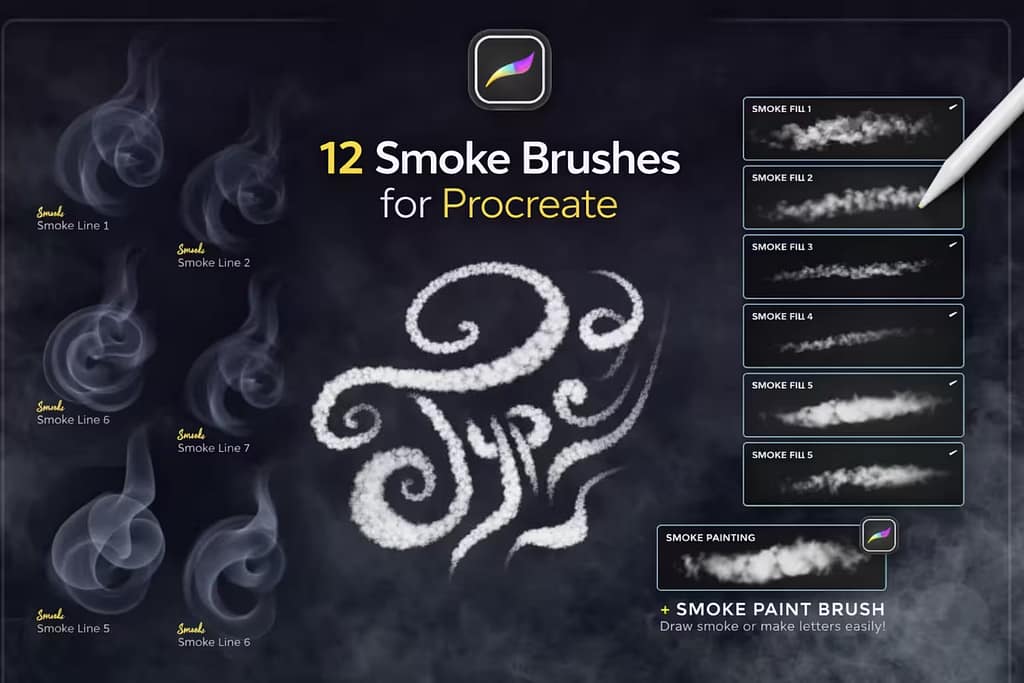
Smoke & Fog Set
The secret weapon for mood. Use these to add realistic mist, low-hanging clouds, or dramatic smoke trails to your atmospheric backgrounds.
VIEW BUNDLE →
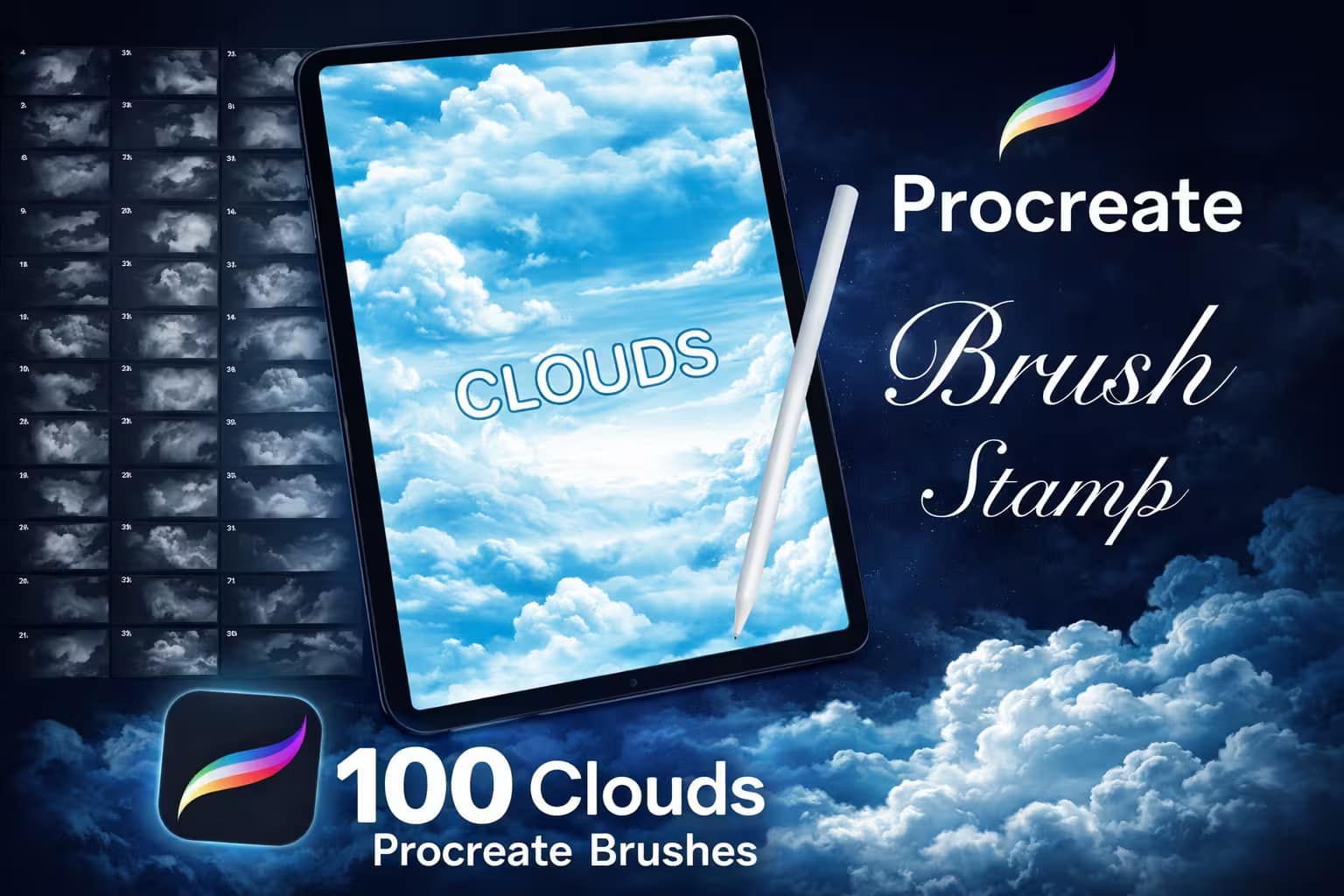
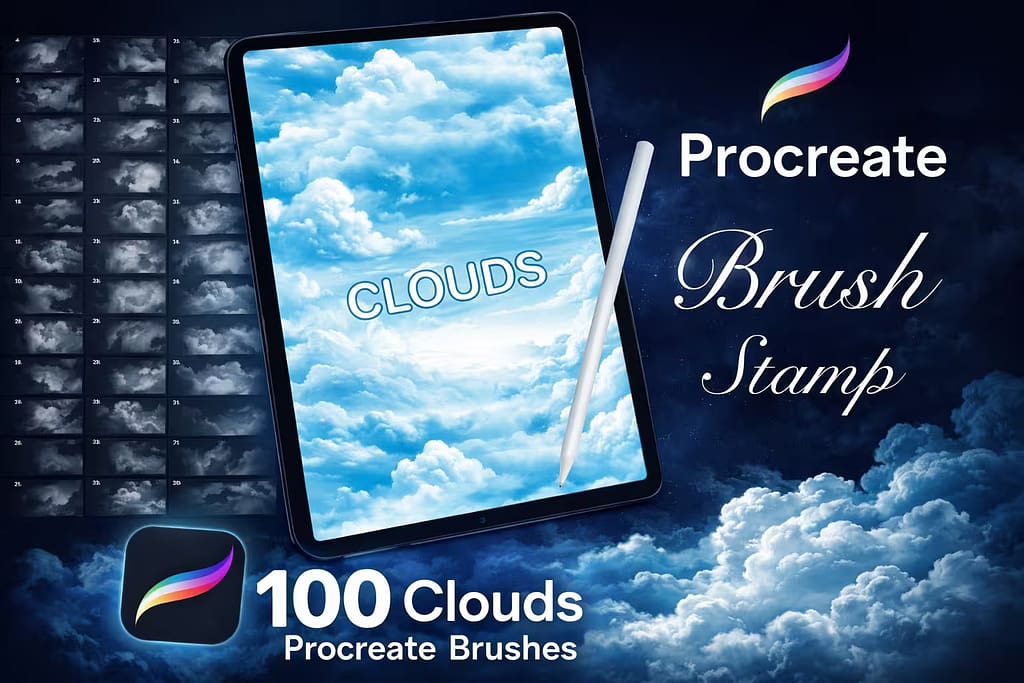
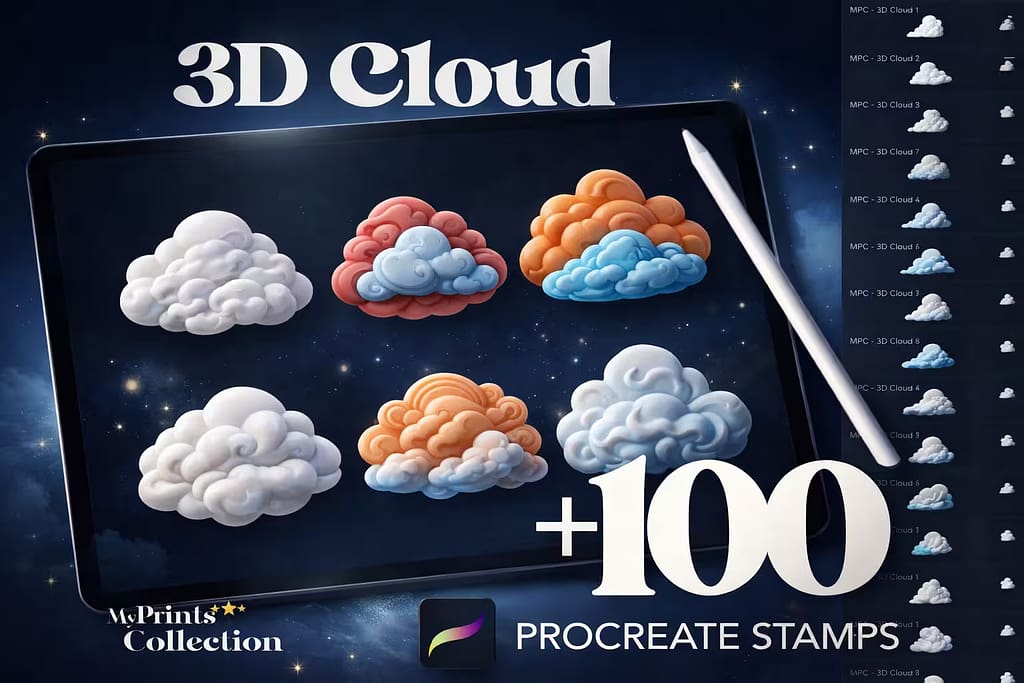
100 Cloud Stamps
Stop drawing link by link. This massive collection of 100 stamps allows you to build a complex, beautiful sky with just a few strategic taps.
VIEW BUNDLE →Download All Cloud & Sky Packs for Free!
Why purchase these brush sets individually? You can unlock ALL 12 premium packs on this list immediately for $0.
Pro Tip: Activate the Creative Fabrica All-Access Free Trial to instantly download unlimited cloud stamps, anime brushes, and atmospheric textures.
⚙️ Quick Guide: 3 Steps to Painting Realistic Clouds in Procreate
Block the Base Shape
Start with a mid-tone sky color. Use a Soft Airbrush to block in the general, rough silhouette of your cloud. Don't worry about details yet—just focus on the "mass".
Add Texture & Light
Pick a cloud brush from our list. Using a brighter tone, paint the "fluffy" tops where the sun hits. I found that layering strokes with different pressures creates instant 3D volume.
Blend the Edges
Select the Smudge Tool and pick a textured cloud brush. Gently smudge the bottom and outer edges to blend them into the sky for that realistic, airy finish.
The 12 Best Procreate Cloud Brushes & Sky Textures
Below is our fully ranked collection. I've organized these tools into logical categories—starting with massive bundles for photorealistic and Ghibli-style anime skies, moving to atmospheric smoke and fog tools, and finishing with handy stamps and shadow utilities for landscape artists.

Why I picked it:
- ✅ Photorealistic Textures: I was amazed by how the brush tips leave behind tiny, realistic wisps of vapor that look completely natural.
- ✅ Tilt & Pressure Sensitive: I found that tilting the Apple Pencil perfectly mimics the effect of a wide brush, great for shading the dark underbelly of a storm cloud.
- ✅ Effortless Blending: The strokes layer seamlessly, meaning you don't have to rely heavily on the Smudge tool to get a soft look.

Why I picked it:
- ✅ Authentic Gouache Feel: I noticed the brushes have a slightly dry, painterly edge, completely avoiding the artificial "airbrush" look.
- ✅ Great for Beginners: The kit is curated specifically to not overwhelm you. It has just enough brushes to block, shade, and detail a perfect anime sky.
- ✅ Includes Nature Brushes: As a bonus, I loved the included texture brushes for painting lush green grass and trees to complete the landscape.

Why I picked it:
- ✅ Incredible Volume: I was impressed by how drawing in a circular motion instantly builds a dense, realistic 3D smoke plume.
- ✅ Perfect for Mood: These brushes are essential for adding mystery to fantasy illustrations, creating ground fog, or drawing distant storm fronts.
- ✅ Highly Responsive: I found the angle sensitivity excellent. You can easily twist the pencil to change the direction of the vapor trail.

Why I picked it:
- ✅ One-Tap Skies: I love that each stamp is pre-rendered with perfect shading and texture. Just pick a color, tap, and you have a flawless cloud.
- ✅ Huge Variety: With 100 options, I found everything from wispy cirrus clouds to heavy, dramatic cumulonimbus formations.
- ✅ Great for Compositing: These stamps are perfect for dropping into the background of character portraits to quickly establish a scene.

Why I picked it:
- ✅ The Perfect Hybrid: I loved using the stamps to block out the main sky, and then using the painting brushes to add custom wisps and details.
- ✅ Vibrant Results: The texture of these brushes reacts beautifully with vibrant blues and pinks, capturing that nostalgic anime sunset vibe.
- ✅ Crisp Edges: I noticed the brushes maintain the sharp, stylized edges typical of 2D animation backgrounds.

Why I picked it:
- ✅ Airplane Trail Effect: I was amazed by how the specific lettering brushes mimic the dispersion of smoke written by an aircraft.
- ✅ Highly Customizable: I found it incredibly easy to adjust the scatter and texture to make the clouds look either dense or wind-blown.
- ✅ Includes Backgrounds: It comes with 2 extra brushes specifically for laying down a soft, realistic blue sky base before you start writing.

Why I picked it:
- ✅ Built-In Shading: I loved that the 3D highlights and shadows are pre-rendered in the brush. Just pick a color and stamp!
- ✅ Crisp Details: I noticed the anatomy of the clouds is incredibly crisp, making them look like miniature, tactile sculptures on the canvas.
- ✅ Versatile Usage: Beyond skies, I found these perfect for adding playful, dream-like elements to modern graphic design projects.

Why I picked it:
- ✅ Authentic Edo Aesthetic: I was deeply impressed by the historical accuracy of the swirls and waves. It looks like genuine traditional ink work.
- ✅ Flawless Linework: I found the edges to be razor-sharp, making these stamps perfect for printing stencil flash sheets for tattooing.
- ✅ Easy Composition: You can easily overlap these stamps to create complex, flowing background filler behind dragons or koi fish.

Why I picked it:
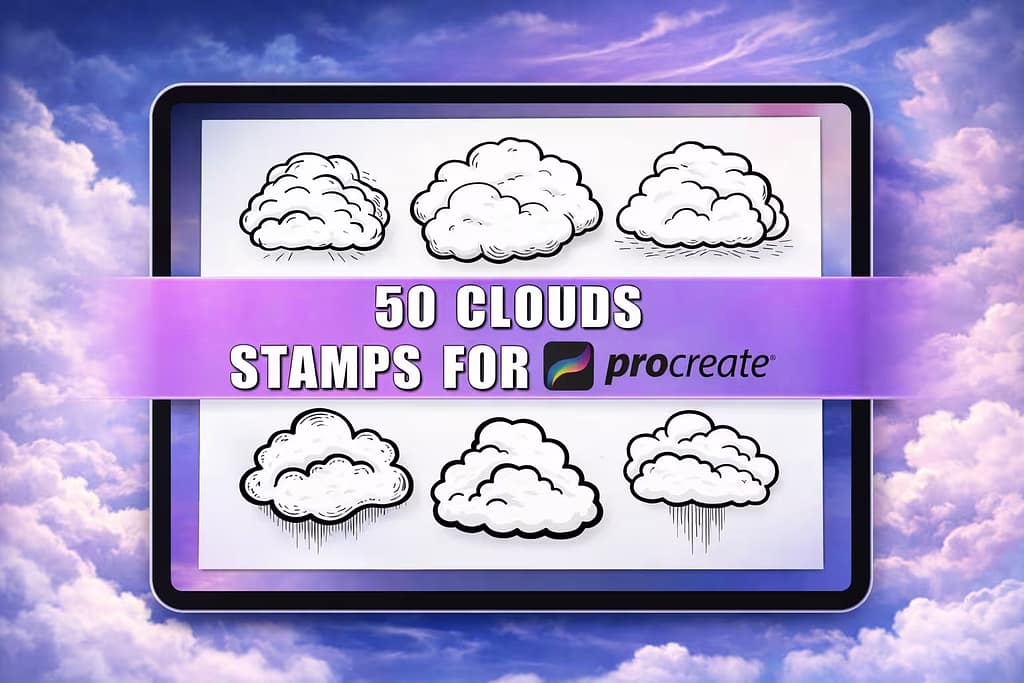
- ✅ Clean & Scalable: I noticed the linework remains perfectly crisp even when scaled up, making them ideal for high-res print projects.
- ✅ Weather Variations: I loved that the set includes storm clouds with lightning bolts and rain, adding great variety to simple illustrations.
- ✅ Easy to ColorDrop: Because the shapes are fully enclosed outlines, I found it super easy to just drag and drop colors inside them in Procreate.

Why I picked it:
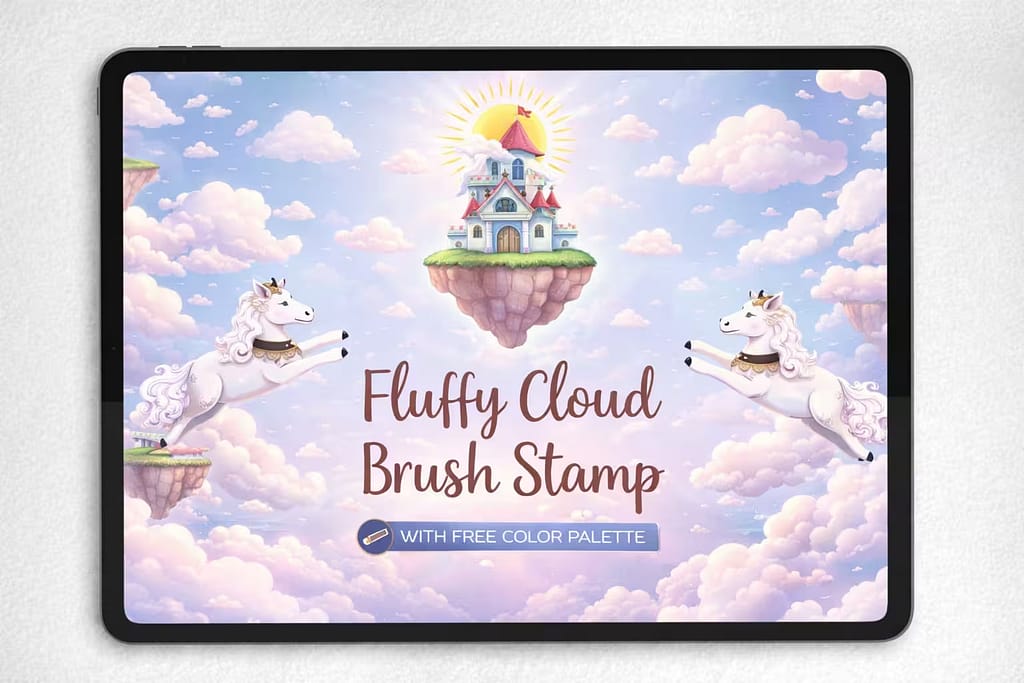
- ✅ Whimsical Aesthetic: I love the soft, rounded edges that give these clouds a distinctly friendly and magical fairy-tale vibe.
- ✅ Watercolor Base: I noticed the brush has a subtle paper/watercolor texture built into it, preventing it from looking too flat or digital.
- ✅ Free Color Palette: The inclusion of a 30-color swatch file saved me a lot of time finding the perfect soft pastel sky tones.

Why I picked it:
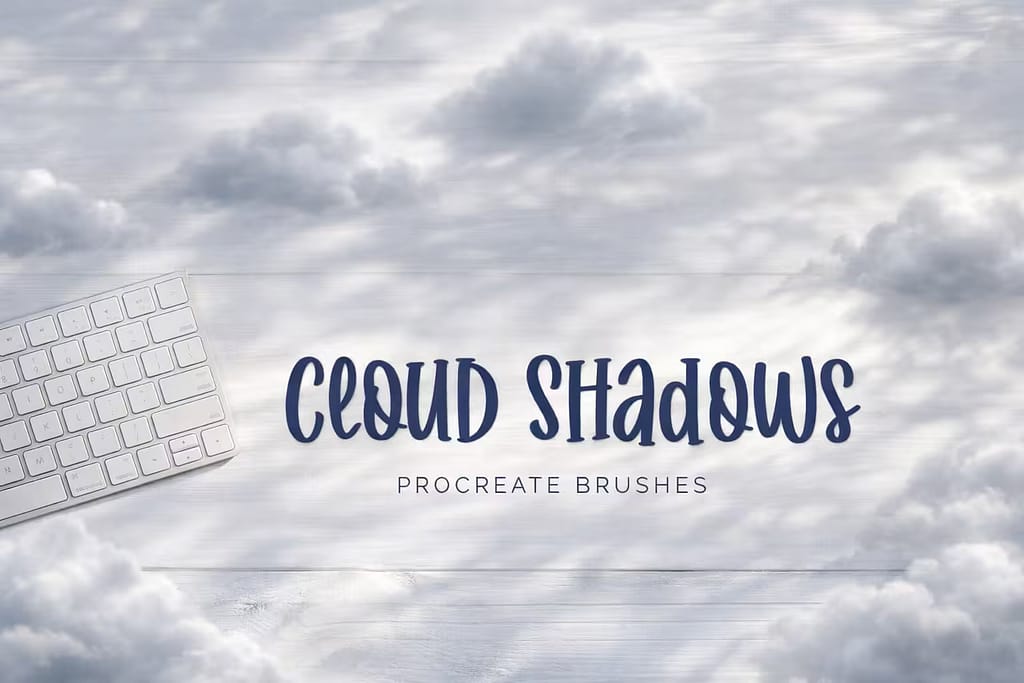
- ✅ Instant Depth: I found that laying down one of these shadow strokes over a flat landscape immediately establishes the scale of the sky above.
- ✅ Realistic Terrain Shading: The edges are perfectly softened to mimic how sunlight diffuses around massive cloud structures.
- ✅ Easy Blending: By setting the layer mode to "Multiply," I noticed these brushes integrate flawlessly with whatever grass or ocean textures lie beneath.

Why I picked it:
- ✅ Authentic Style: I appreciate the cultural accuracy of the smooth, overlapping ribbon-like swirls that define Chinese cloud art.
- ✅ Highly Scalable: I tested scaling them up significantly for a poster background, and the sketch-style linework remained perfectly sharp.
- ✅ Great Decorative Filler: I found them incredibly useful for filling empty spaces around typography or framing a central illustration.
FAQ
Painting fluffy, realistic clouds requires layering and the right tools. Start by blocking out the general shape with a soft airbrush on a solid blue background. Then, use a textured Procreate cloud brush with a lighter color to build volume and highlights where the sun hits. Finally, use the Smudge tool with a textured brush to soften the bottom edges and blend them into the sky.
While you can find basic free cloud brushes online, they often lack high-resolution textures, scatter dynamics, and commercial use licenses. The smartest way to get premium sky tools for free is by activating a Creative Fabrica All-Access Free Trial. This allows you to download professional Ghibli-style brushes, photorealistic stamps, and atmospheric smoke kits at zero cost.
To make your own cloud brush, draw a textured, smoky shape in white on a pure black, square canvas and copy it. Open the Brush Library, tap the "+" icon, go to the "Shape" menu, and paste your drawing into the Shape Source. Then, go to the "Stroke Path" and "Shape" settings to increase the "Scatter," "Jitter," and "Rotation" so the brush creates random, fluffy patterns as you draw.
A standard cloud brush is a continuous, pressure-sensitive tool used for dynamically painting and building the volume of a sky stroke by stroke. A cloud stamp, however, is a pre-drawn, high-resolution image of a cloud that appears perfectly with just one tap. Stamps are massive time-savers for quickly filling backgrounds, while brushes are best for custom, detailed illustrations.