You are currently viewing 15 Best Procreate Chain & Jewelry Brushes

15 Best Procreate Chain & Jewelry Brushes

This post contains affiliate links. We may earn a commission if you make a purchase, at no extra cost to you.
⛓️

Drawing chains link by link is a repetitive nightmare that completely breaks your creative flow. Whether you are designing fashion illustrations with delicate diamond jewelry, or illustrating a dark fantasy character wearing heavy metal chains and ropes, doing it manually takes hours.

Thankfully, seamless pattern brushes exist. I’ve tested and curated the 15 best Procreate chain and jewelry brushes that will let you lay down perfect, repeating links in a single stroke. Let's upgrade your toolkit.

🏆 Editor’s Choice

The 4 must-have chain, rope, and jewelry sets for Procreate.
🥇 Best Overall
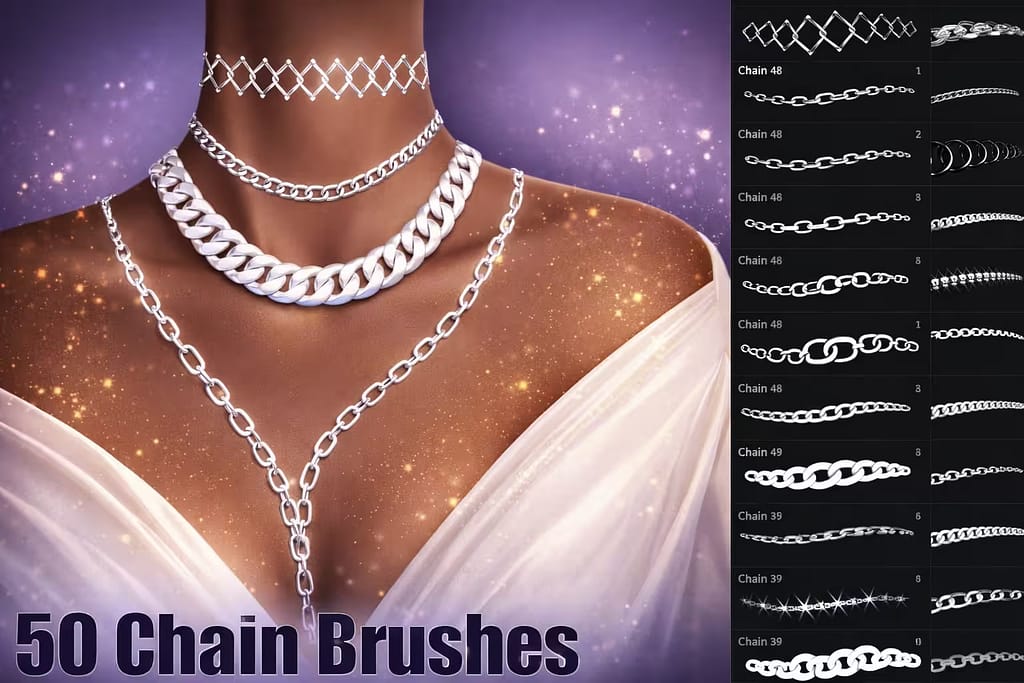
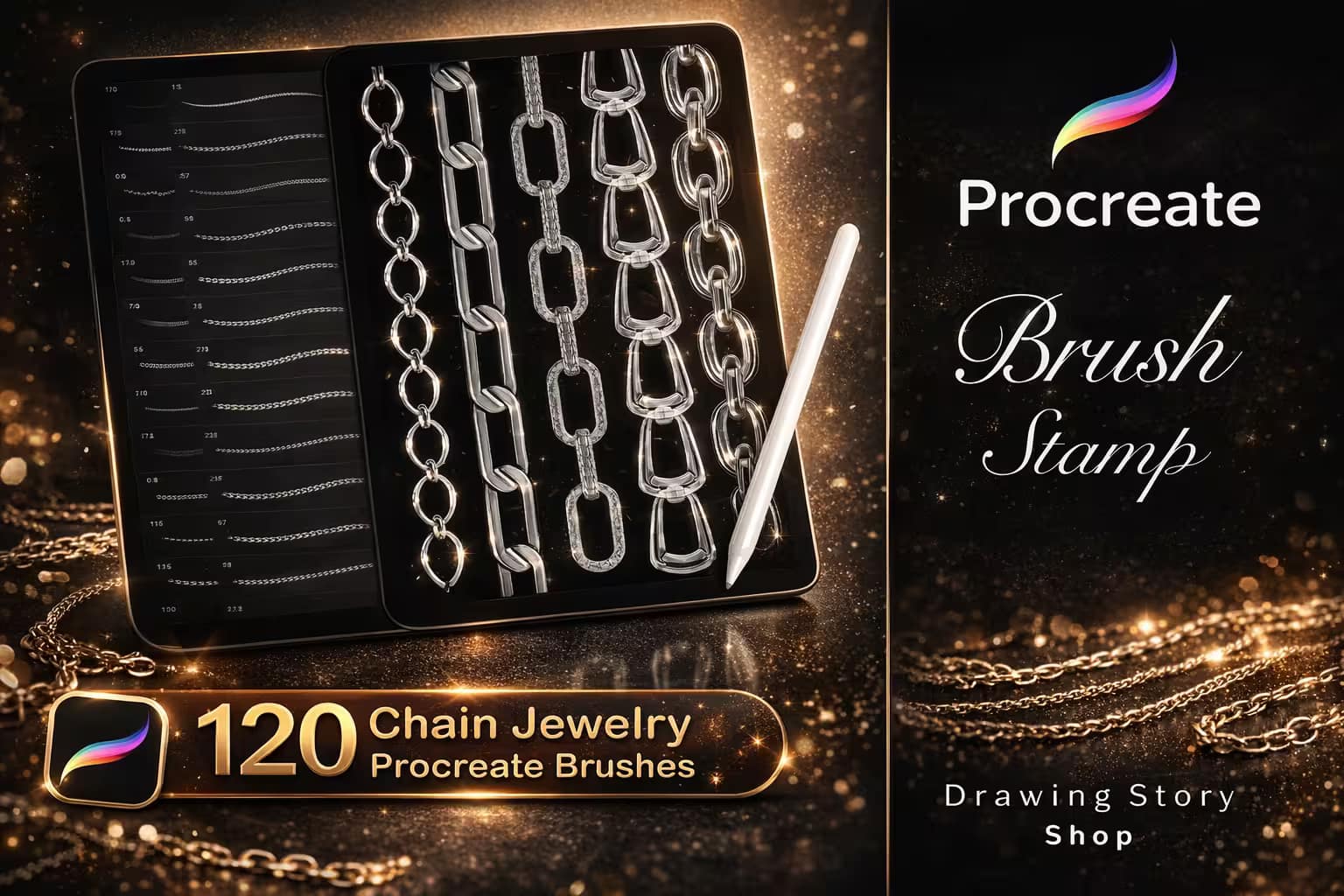
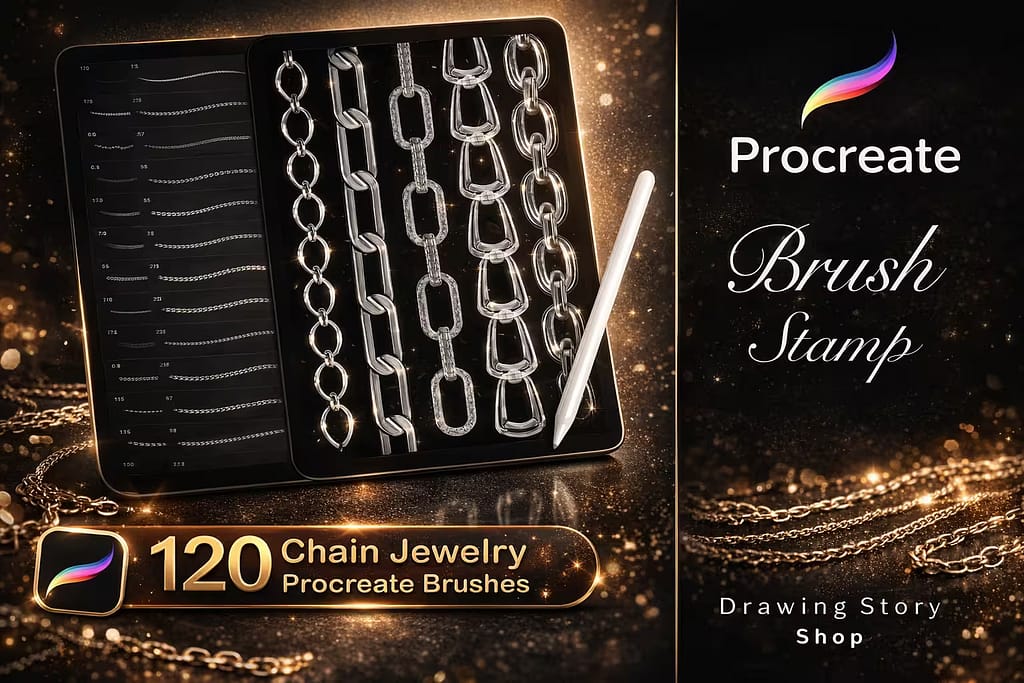
120 Procreate Chain Jewelry Brushes

120 Chain Brushes

The ultimate metal chain toolkit. Includes 120 different styles of links, from heavy industrial chains to delicate fashion accessories.

VIEW BUNDLE →
💎 Best for Bling
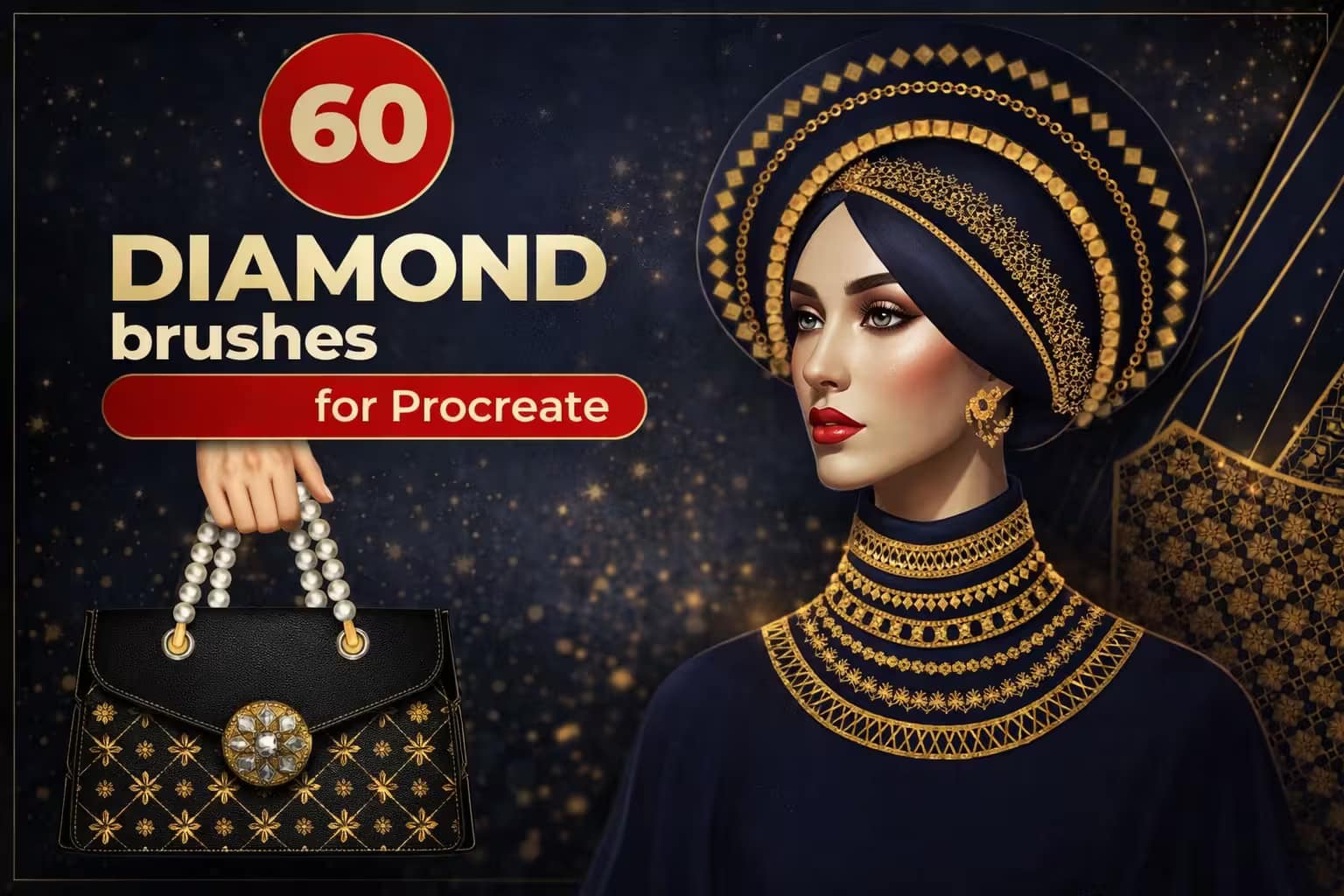
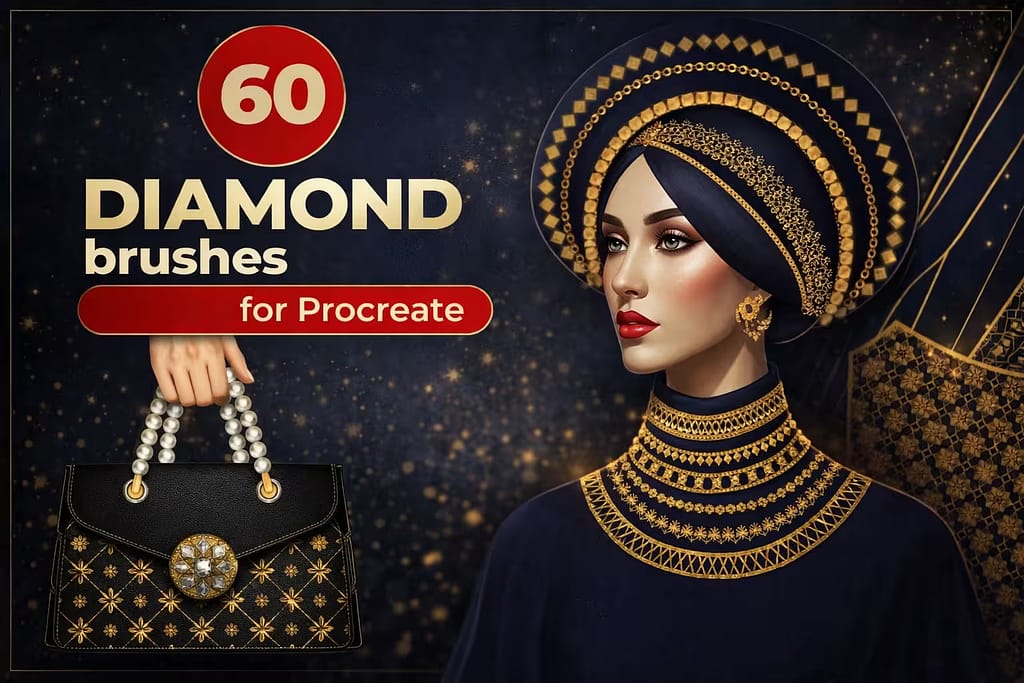
60 Diamond Jewelry Procreate Brushes

60 Diamond Brushes

Perfect for luxury design. Instantly paint seamless strings of rhinestones, pearls, and highly detailed faceted diamonds.

VIEW BUNDLE →
📿 Best Necklaces
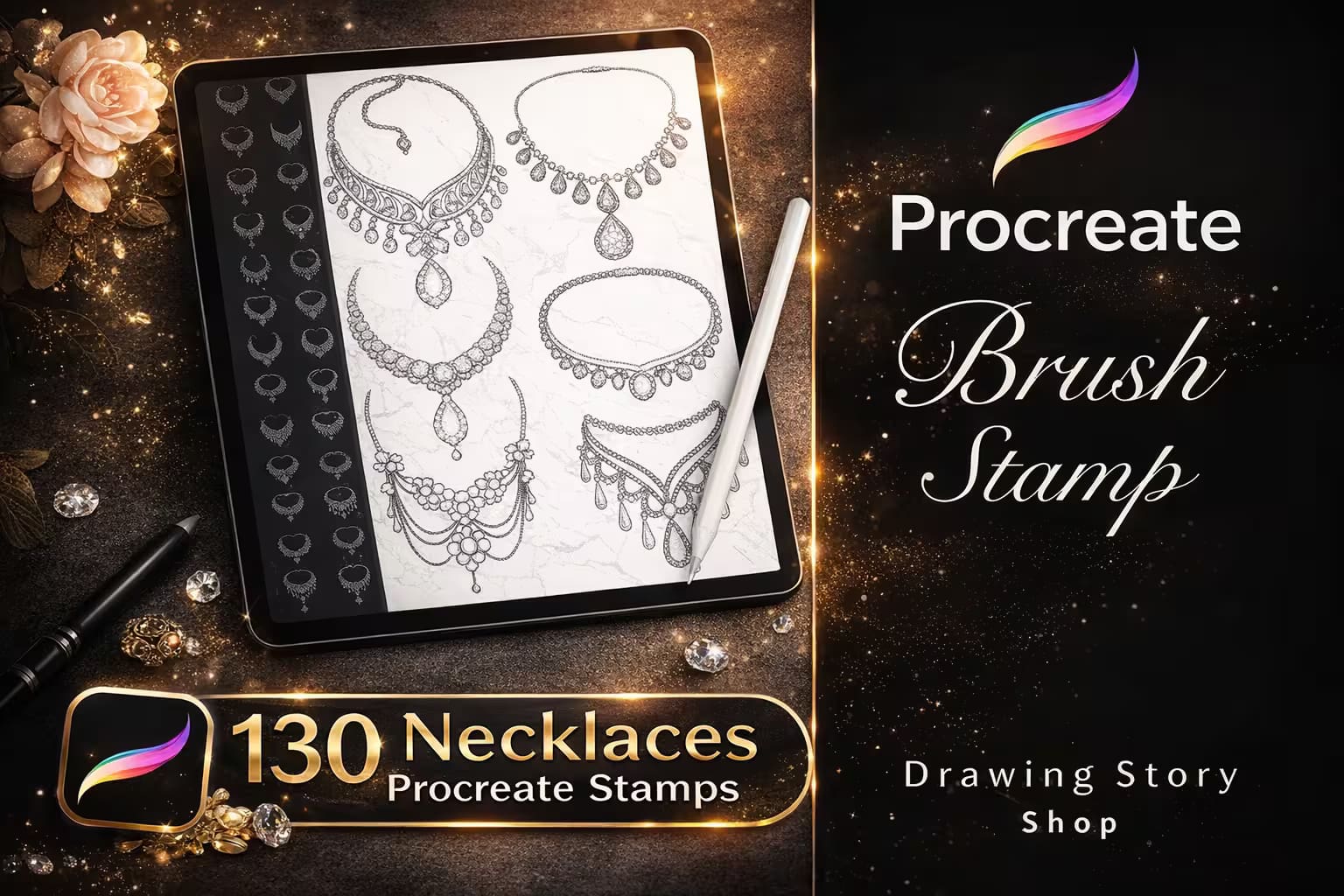
130 Procreate Necklace Brushes Stamps

130 Necklace Stamps

A massive time-saver for portrait artists. These are pre-drawn, beautifully draped necklace stamps ready to be placed on your characters.

VIEW BUNDLE →
🪢 Best for Ropes
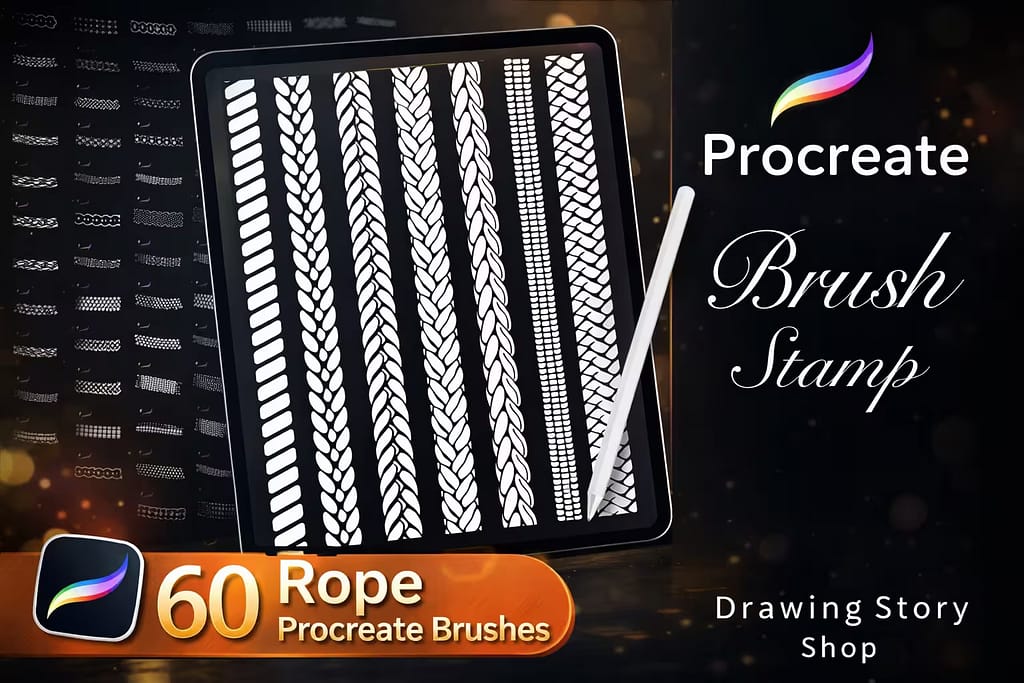
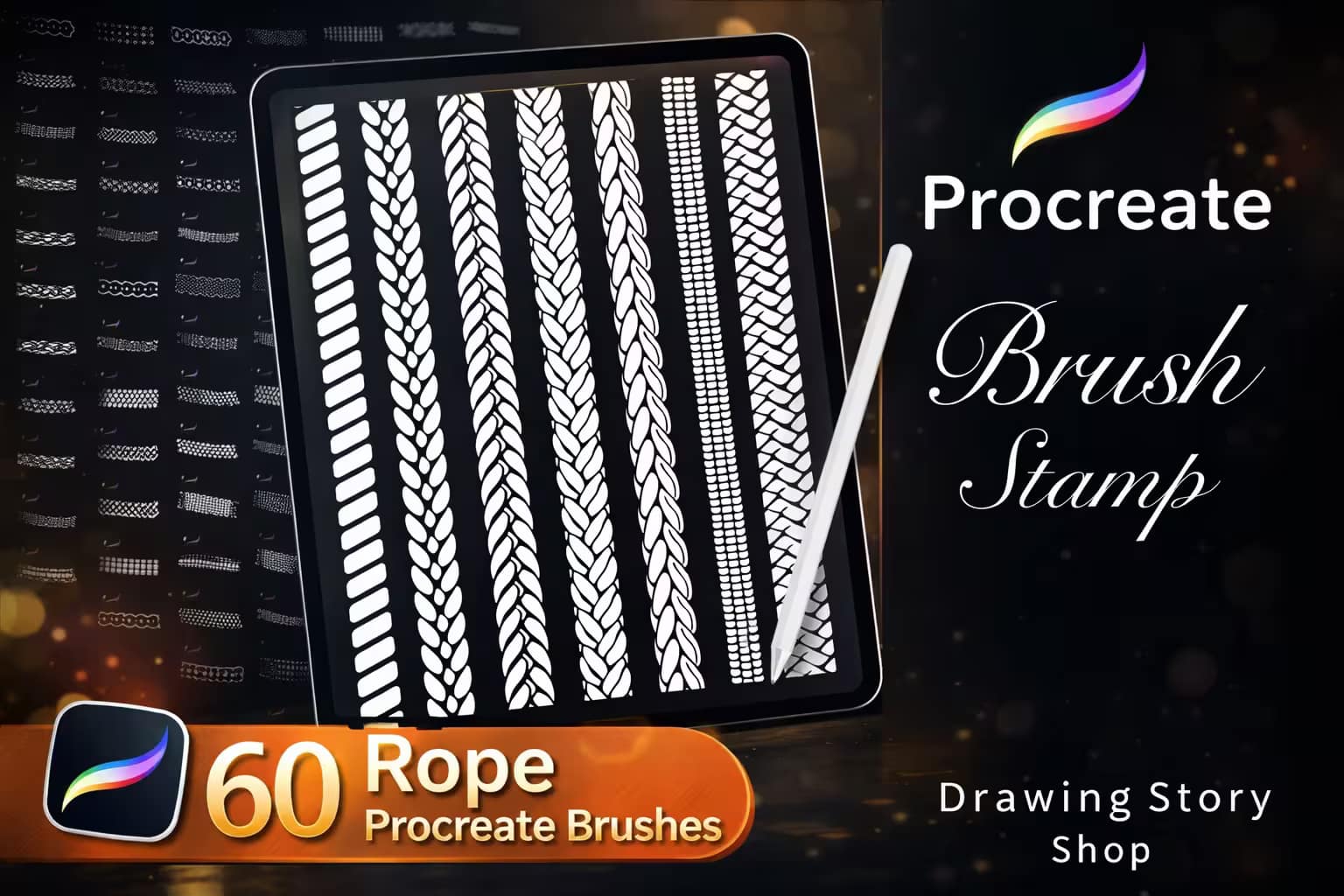
60 Procreate Rope Brushes

60 Rope Brushes

The perfect companion to chains. Draw flawless twisted ropes, braided cords, and intricate knots with a single pen stroke.

VIEW BUNDLE →
💡

Download All Jewelry & Chain Packs for Free!

Why purchase these brush sets individually? You can unlock ALL 15 premium packs on this list immediately for $0.
Pro Tip: Activate the Creative Fabrica All-Access Free Trial to instantly download unlimited chains, diamonds, and rope brushes.

⚙️ Quick Guide: How to Make a Chain Brush in Procreate

1
Draw One Link

Open a square canvas. Draw a single, interlocking chain link using solid white on a pure black background. Copy the canvas to your clipboard.

2
Import the Shape

Create a new brush. Go to the Shape menu > Edit > Import > Paste. Ensure your link is white (tap with two fingers to invert colors if needed), then tap Done.

3
Adjust Stroke & Spacing

Go to the Stroke Path menu and increase the Spacing until the links separate perfectly. Go back to the Shape menu and turn on Orient to Screen so the chain follows your Apple Pencil stroke!

The 15 Best Procreate Chain & Jewelry Brushes

Below is our fully ranked collection. I've organized these tools into logical categories—starting with heavy industrial chains and ropes for concept art, moving into highly detailed necklaces and diamond brushes for character portraits, and finishing with beautiful crystal and lace accents.
bed17e0884c41a11fdd541042d640ca2 0 1773298384 8153
Verdict: I use this pack constantly for everything from fashion sketches to dark fantasy character designs. With 120 different links—including classic curbs, Cuban links, and intricate braided metal—it completely eliminates the tedious process of drawing chains by hand.

Why I picked it:

  • Seamless Flow: The links follow your Apple Pencil stroke perfectly, wrapping around curves without breaking or distorting.
  • Massive Variety: It covers both heavy industrial metal chains and delicate jewelry links in one single bundle.
  • Time-Saver: What used to take an hour of manual line-work now takes exactly two seconds to swipe across the canvas.
🔒 Secure checkout via Creative Fabrica • Commercial License included
141b9bc2db7ea30b4cdb6d2ce6750c50 0 1773298844 5972
Verdict: Drawing sparkling gems is incredibly time-consuming. I tested these diamond brushes on a luxury portrait, and they lay down flawless, repeating strings of rhinestones and beads in a single stroke. It's the ultimate tool for adding expensive, high-end details to your art.

Why I picked it:

  • Instant Sparkle: The high-contrast repeating patterns look like real glittering diamonds right out of the box.
  • Realistic Facets: The internal geometry of the gems is highly detailed, making them pop under digital lighting.
  • Apparel Ready: Perfect for texturing royalty dresses, crowns, and fantasy armor with jewel encrustations.
🔒 Secure checkout via Creative Fabrica • Commercial License included
057c64dd5ad14b90b6c5a82e246e96d9 0 1773299348 8400
Verdict: Getting a necklace to drape naturally over a character's collarbone takes solid anatomy skills. I love this pack because these are pre-drawn, perfectly draped necklace stamps. I just stamp them directly onto my character's chest and start coloring.

Why I picked it:

  • Perfect Drape: The gravity and curves of the necklaces are already calculated and drawn flawlessly.
  • Huge Library: With 130 options, you have everything from simple gold chains to complex gothic chokers.
  • Layerable: The lines are clean, meaning you can easily lock the alpha channel and paint them gold or silver.
🔒 Secure checkout via Creative Fabrica • Commercial License included
42ddb0da9d19e04caf19a32ce3d9ea48 0 1773299464 6912
Verdict: Chains and ropes go hand in hand. I found these rope brushes essential for nautical themes, fashion details, and fantasy props. The twisted texture is mathematically perfect, curving seamlessly along the stroke without any awkward overlapping.

Why I picked it:

  • Seamless Twists: The 3D illusion of the braided fibers is incredibly convincing as you draw.
  • High Resolution: Even at maximum brush size, the thread details remain sharp and crisp.
  • Great for Fashion: Includes variations for shoelaces, drawstrings, and thick sailing ropes.
🔒 Secure checkout via Creative Fabrica • Commercial License included
ce031e19aa37db0da7d9291b31a6833f 0 1773386908 5564
Verdict: If you need heavy-duty metal for urban backgrounds or edgy character design, this is a fantastic alternative. I specifically loved the barbed wire and heavy anchor chains in this pack, which gave my street-style concept art a gritty, realistic edge.

Why I picked it:

  • Barbed Wire Included: The seamless barbed wire brush is an absolute must-have for dark art and tattoo stencils.
  • Edgy Aesthetic: Features thick, brutalist chain designs that fit perfectly into cyberpunk or grunge themes.
  • Smooth Curves: The orient-to-screen settings are dialed in, so the chains bend naturally around objects.
🔒 Secure checkout via Creative Fabrica • Commercial License included
487f6961029d0a1a312a961273454b03 0 1773387118 9099
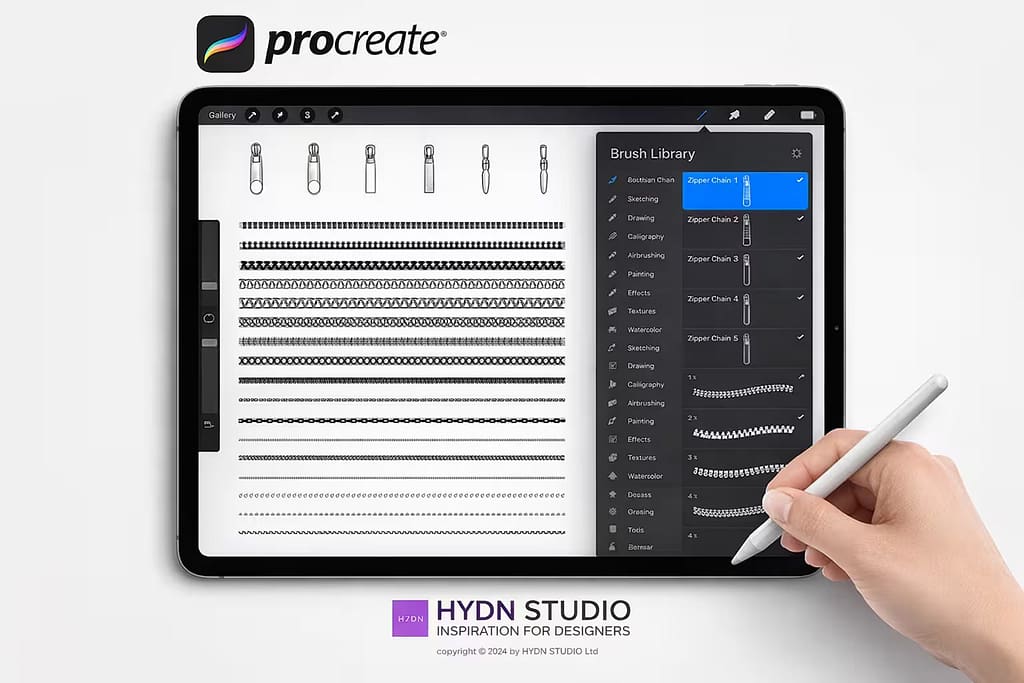
Verdict: Fashion illustrators, this is for you. I tested these zipper and stitch brushes on a jacket concept, and it saved me hours of micro-detailing. The zippers actually look like interlocking metal teeth, making clothing concepts look incredibly professional.

Why I picked it:

  • Zippers & Sliders: It comes with both the repeating zipper chains and stamps for the actual zipper pulls.
  • Stitch Variations: Includes incredibly useful seam brushes for adding realistic stitching to denim and leather.
  • Clean Geometry: The details are sharp, ensuring your fashion flats are clear and readable for production.
🔒 Secure checkout via Creative Fabrica • Commercial License included
8e96873a36d1dc28de22f584e5ddd2d1 0 1773387217 4447
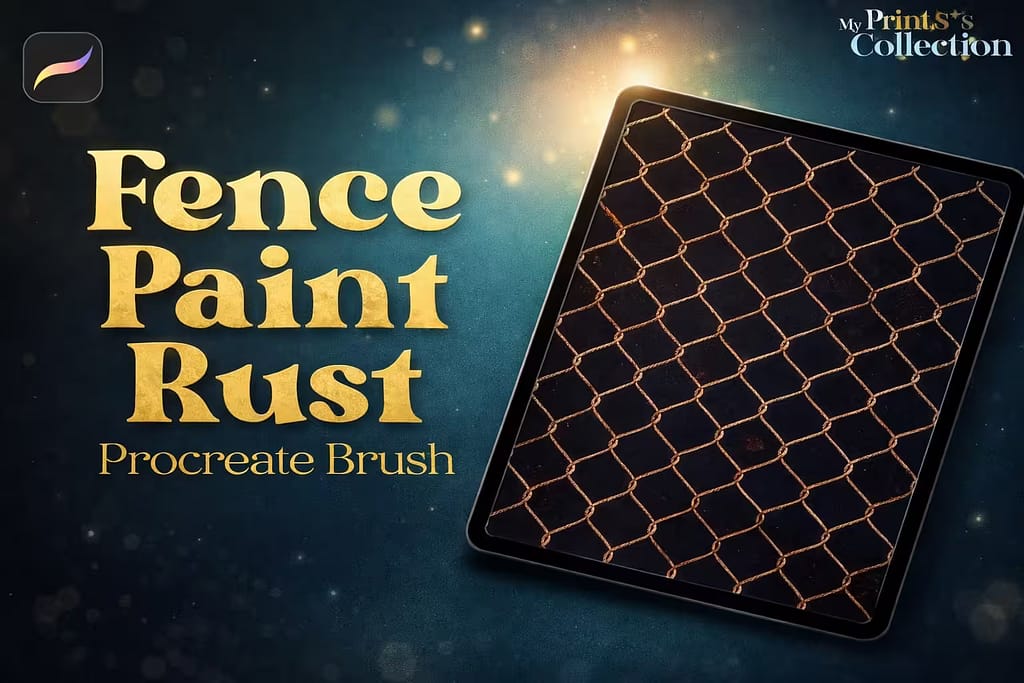
Verdict: Drawing a chain-link fence by hand is a perspective nightmare. I used this seamless fence pattern brush to block out an urban background in seconds. It even includes rusted metal textures to make the wire look weathered and hyper-realistic.

Why I picked it:

  • Instant Chain-link: Fills large areas with perfect diamond-shaped wire mesh effortlessly.
  • Rust Textures: The bonus rust brushes help blend the fence into gritty, apocalyptic, or urban environments.
  • Background Builder: An absolute essential tool for comic artists and environment concept designers.
🔒 Secure checkout via Creative Fabrica • Commercial License included
f7229d6640f174eb052dda8079aded31 0 1773387360 5089
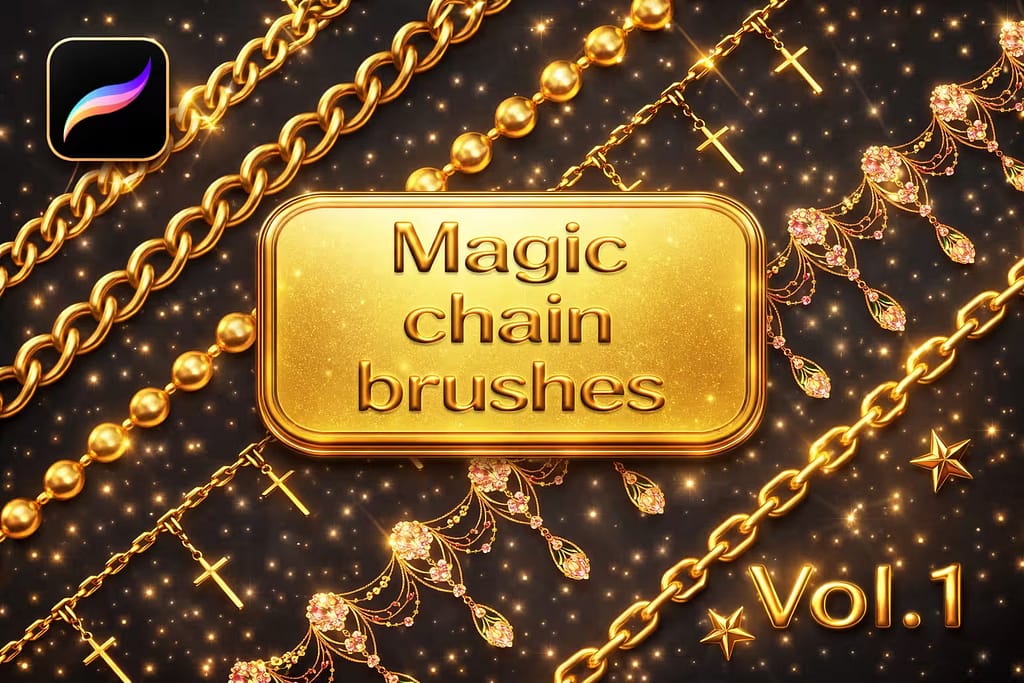
Verdict: These aren't just shapes; they are fully rendered, glowing golden chains. I tested them on a fantasy illustration, and the pre-painted metallic reflections are stunning. They respond beautifully to the ColorDrop tool, allowing for instant recoloring.

Why I picked it:

  • Pre-Rendered Gold: You don't need to manually shade the metal; the 3D lighting is built directly into the brush.
  • Glowing Effects: Perfect for magical bindings, enchanted amulets, or anime-style magical girl transformations.
  • Color Responsive: Easily switch from yellow gold to silver or glowing neon by changing your primary color.
🔒 Secure checkout via Creative Fabrica • Commercial License included
224026afb92b657280823697b57cf61c 0 1773387524 1686
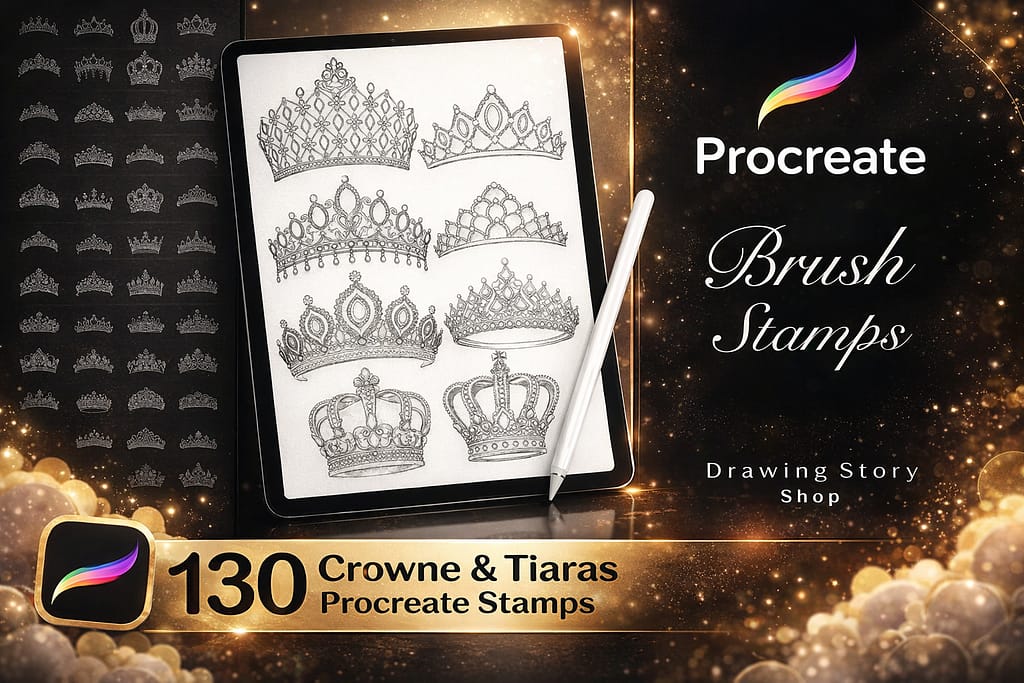
Verdict: Designing royal headpieces requires perfect symmetry, which is tough to sketch freehand. I use these high-quality crown and tiara stamps as a structural base. They are incredibly detailed, allowing you to easily ink over them for your character art.

Why I picked it:

  • Flawless Symmetry: Ensures the jewels and arches on your crowns are perfectly balanced every time.
  • Tiaras & Crowns: A huge variety, ranging from massive king's crowns to delicate princess tiaras.
  • Fast Workflows: Stamp it on a multiply layer, lower the opacity, and start painting your gold textures instantly.
🔒 Secure checkout via Creative Fabrica • Commercial License included
9c421f8a9d2fb5f655b1c03b45cd268e 0 1773387606 9156
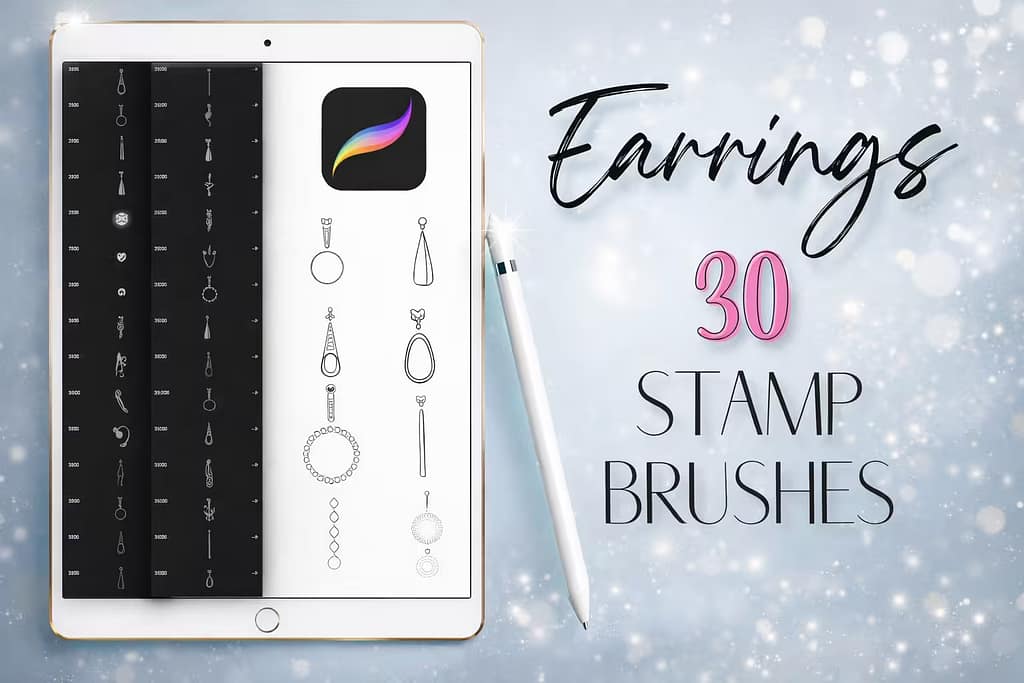
Verdict: It's easy to forget small accessories, but they bring portraits to life. This set of 30 earring stamps is my go-to for adding quick, elegant jewelry to character faces. From simple hoops to intricate dangling gems, it covers all the modern basics.

Why I picked it:

  • Portrait Ready: Instantly upgrades a plain character sketch into a fashionable, finished illustration.
  • Delicate Lines: The linework is thin and elegant, blending seamlessly with both realistic and anime art styles.
  • Modern Designs: Features highly trendy, contemporary earring shapes that look great on fashion flats.
🔒 Secure checkout via Creative Fabrica • Commercial License included
4752b8a3195a4aedd45db082b4e9f72c 0 1773387713 9784
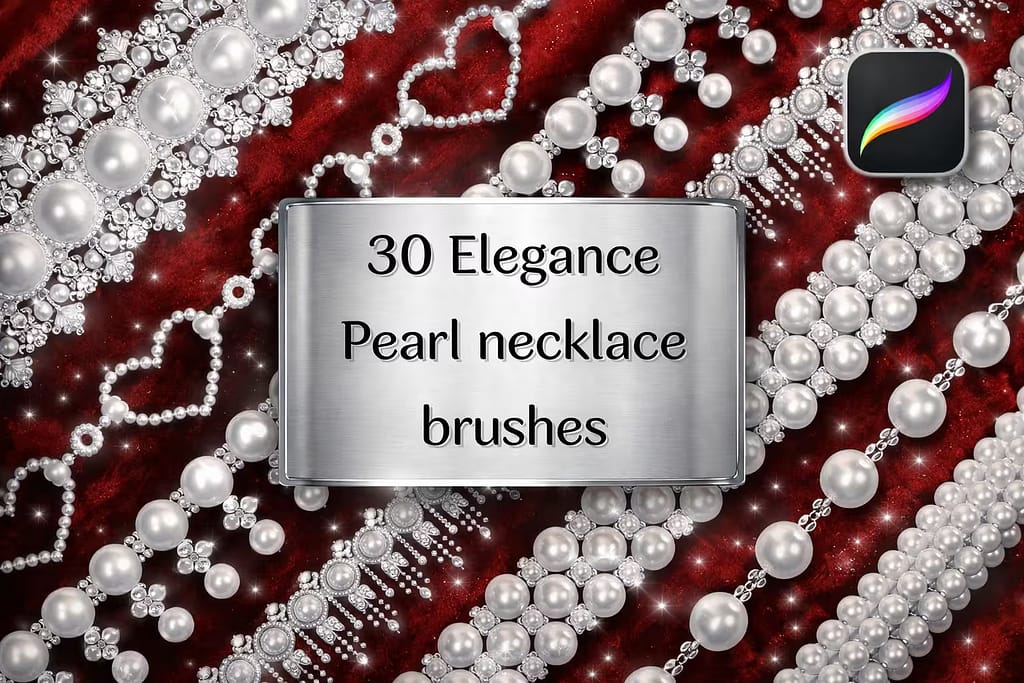
Verdict: Drawing perfectly round, evenly spaced pearls is mind-numbingly tedious. This specific brush set paints smooth, shaded pearl strings that curve naturally with your stylus. I found them invaluable for vintage fashion illustrations and bridal concepts.

Why I picked it:

  • Built-in Shading: The pearls have beautiful soft shadows and highlights baked directly into the brush stamp.
  • Natural Flow: The spacing is flawless, preventing the pearls from awkwardly overlapping when drawing curves.
  • Vintage Vibe: An absolute necessity for drawing classic 1920s fashion or elegant royalty portraits.
🔒 Secure checkout via Creative Fabrica • Commercial License included
0fc59e76ea351a63acf8c5837691387a 0 1773387884 5881
Verdict: When you need to draw a specific diamond cut—like a marquise, emerald, or princess cut—the facet geometry has to be perfect. These 70 stamps provide flawless wireframes of gemstones, making them incredibly easy to shade and color accurately.

Why I picked it:

  • Accurate Geometry: Takes the guesswork out of drawing complex internal refractions and light bounces.
  • Multiple Cuts: Contains every major gemstone shape, from classic round brilliants to vintage teardrops.
  • Easy to Shade: Just use the ColorDrop tool inside the clean vector lines to build realistic jewels quickly.
🔒 Secure checkout via Creative Fabrica • Commercial License included
cd834ba07174e62cc550669a1e146121 0 1773388050 8431
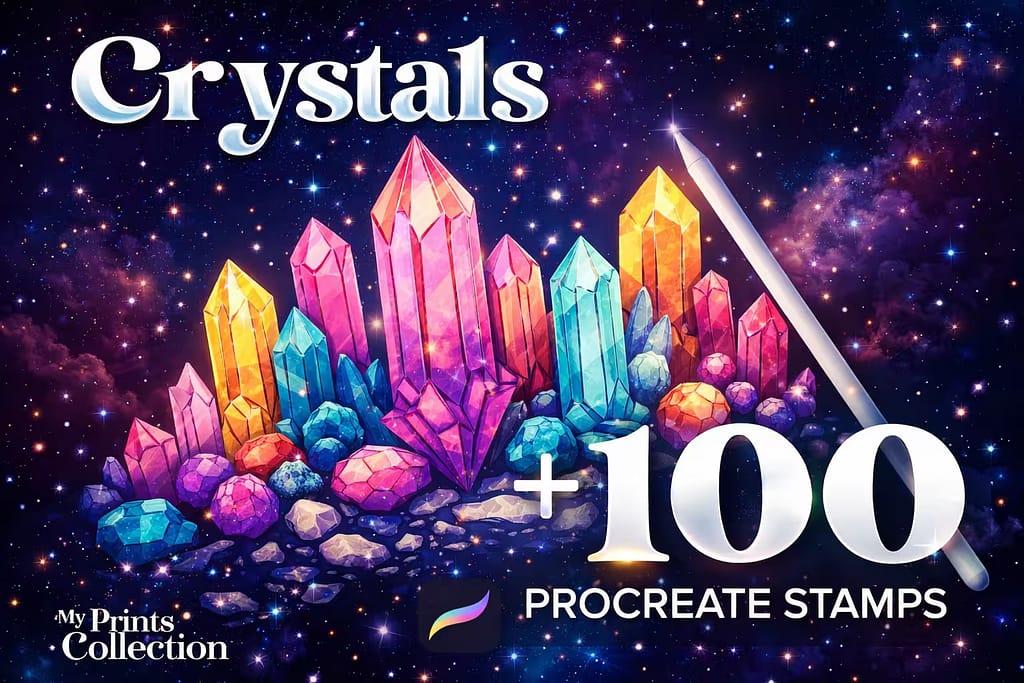
Verdict: If you prefer raw, organic gems over perfectly cut diamonds, this pack is phenomenal. I stamped these clusters to create a magical cave background, and the overlapping jagged shapes saved me so much time. Perfect for esoteric and fantasy environments.

Why I picked it:

  • Organic Clusters: The irregular, natural formations look much better than drawing stiff, straight lines.
  • Crisp Line Art: Great for coloring books, tattoo stencils, or as a base for glowing neon digital painting.
  • Great for Backgrounds: Easily builds out magical environments like crystal caverns or wizard studies in minutes.
🔒 Secure checkout via Creative Fabrica • Commercial License included
430fc019ad224f5e2e0de0aef8663e50 0 1773388182 1789
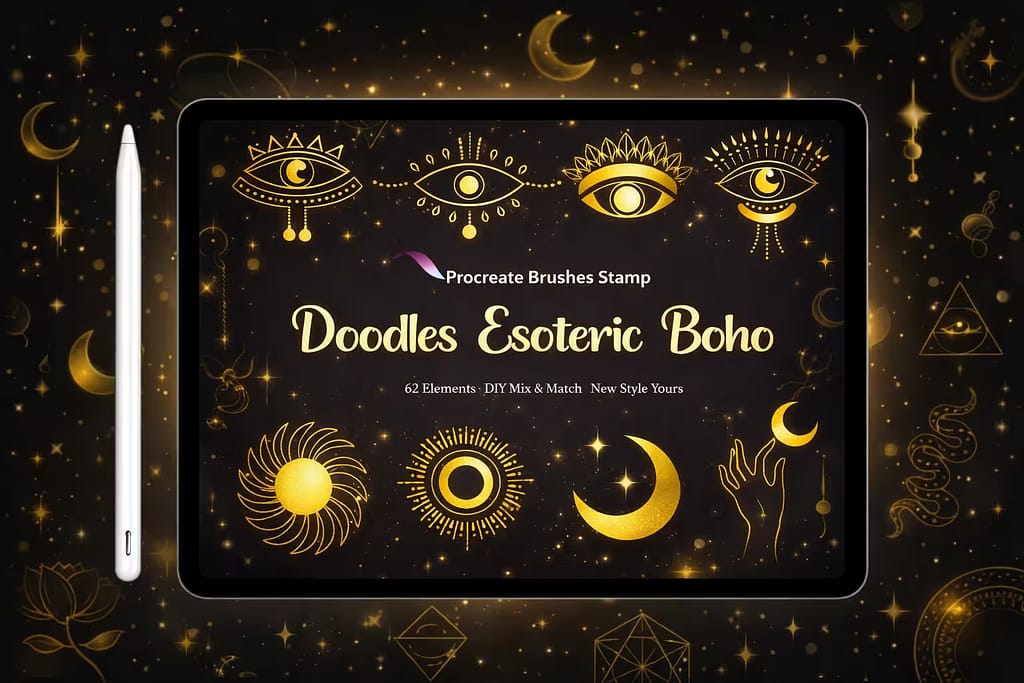
Verdict: This is a beautiful toolkit for creating custom jewelry pieces. It includes mystical moons, stars, and tiny pendants. I love mixing these stamps with a standard chain brush to design unique, trendy boho necklaces and magical digital stickers.

Why I picked it:

  • Custom Combinations: Allows you to build your own charm bracelets and necklaces by snapping pendants onto chains.
  • Trendy Aesthetic: Hits the highly popular esoteric, witchy, and boho art trends perfectly.
  • Clean Vectors: The lines are thick and consistent, making them ideal for die-cut planners and merch.
🔒 Secure checkout via Creative Fabrica • Commercial License included
e233aaa0a76055dfea2c22710ed2574d 0 1771567406 2754
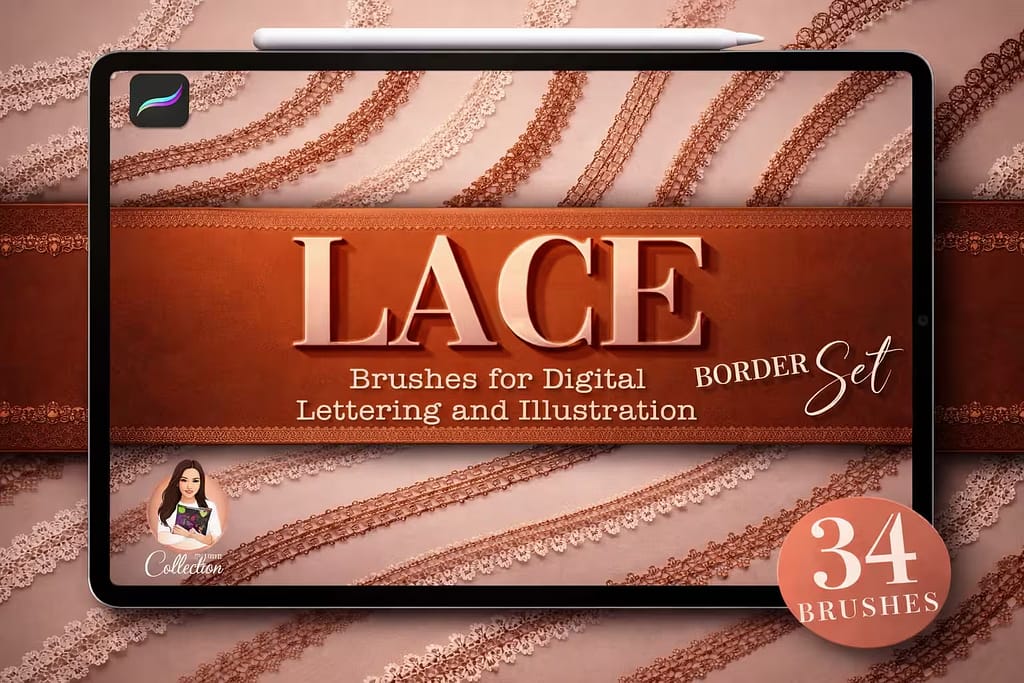
Verdict: I included this because lace borders are frequently used alongside chains for gothic or Victorian fashion (especially as chokers). I tested these seamless lace ribbons on a character's neck, and the intricate webbed textures look absolutely gorgeous.

Why I picked it:

  • Delicate Textures: The semi-transparent weave of the lace looks incredibly realistic against skin tones.
  • Gothic & Victorian: A mandatory addition if you draw gothic jewelry, corsets, or historical fashion.
  • Perfect for Outfits: Easily wraps around dress hems and sleeves using Procreate's warp tool for perfect 3D form.
🔒 Secure checkout via Creative Fabrica • Commercial License included

FAQ

To create a chain brush, first draw a single, seamless, interlocking chain link in white on a black background and copy the canvas. Create a new brush, go to the Shape source, tap Edit > Import > Paste, and hit Done. The crucial step is in the Stroke Path settings: increase the Spacing until the links separate perfectly. Finally, in the Shape menu, toggle on Orient to Screen so the chain follows the direction of your Apple Pencil.

Yes, many professional jewelry designers use Procreate for sketching and concept art before moving to 3D CAD software (like Rhino or Matrix). Using high-quality diamond stamps, pearl brushes, and metallic chains allows designers to quickly prototype elegant necklaces, rings, and earrings, rendering realistic light and facets to present to clients.

While you can make a basic chain brush yourself, creating highly realistic 3D metal links, barbed wire, or intricate diamond necklaces takes significant time. For professional results, we recommend the premium brush packs listed above. However, you can download all these premium jewelry and chain brushes for free by starting a Creative Fabrica All-Access Free Trial.

To make your chains look like real gold or silver, you need high contrast. Use a chain brush that has built-in 3D shading (dark shadows and white highlights). Paint your chain on a new layer, turn on Alpha Lock, and lightly airbrush a bright yellow/orange gradient for gold, or cool blue/grey for silver. Finally, add a few small white dots using a glitter or sparkle stamp at the brightest curves to simulate light flares.

If your chain links are overlapping awkwardly or breaking when you draw curved lines, you need to adjust two settings in the Brush Studio. First, go to the Stroke Path menu and fine-tune the Spacing slider so the links interlock perfectly. Second, go to the Shape menu and ensure Orient to Screen is turned ON. This forces the individual shape (the link) to rotate and follow the path of your stylus.