Drawing every single blade of grass by hand is the fastest way to drain the joy out of landscape painting. Whether you are creating a hyper-realistic meadow, an architectural visualization, or a cozy Studio Ghibli scene, doing it manually takes hours.
Thankfully, seamless pattern brushes exist. I’ve tested and curated the 10 best Procreate grass, foliage, and environment brushes that will help you lay down lush, perfect lawns in seconds. Let's upgrade your nature toolkit.
🏆 Editor’s Choice
The 4 absolute best grass, nature, and foliage sets for Procreate.

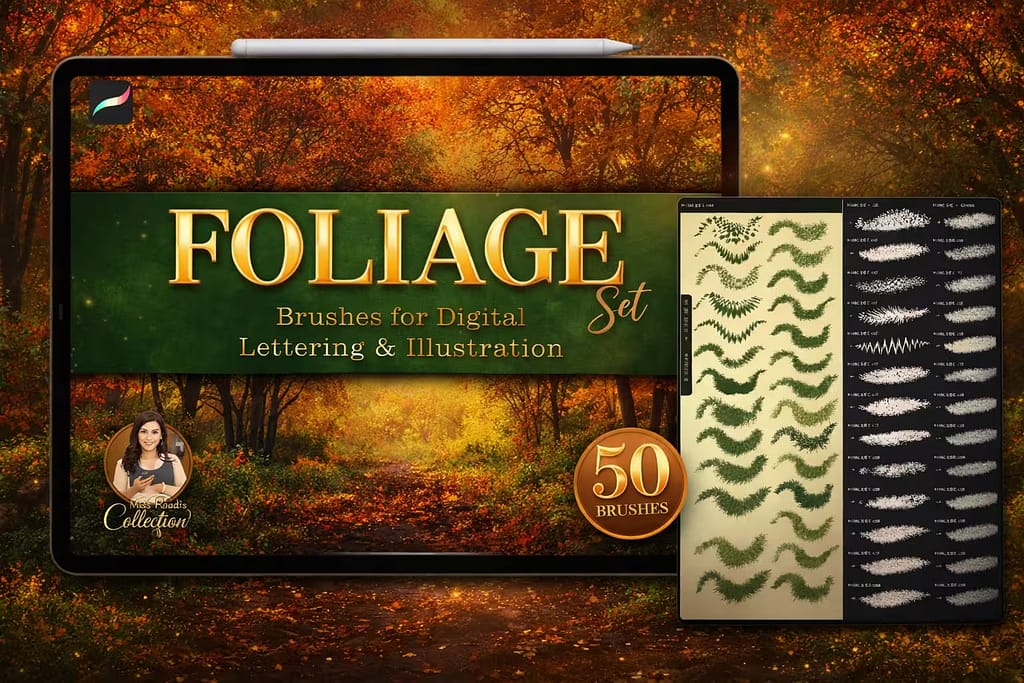
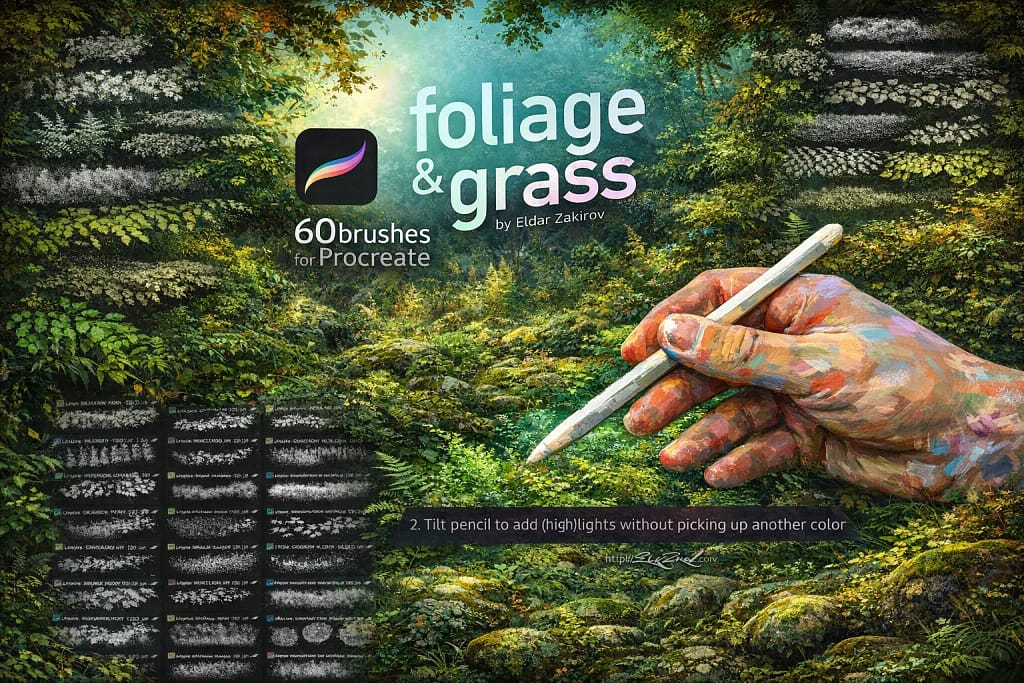
60 Foliage & Grass
The ultimate realism toolkit by Eldar Zakirov. Includes 60 highly detailed brushes for grass, moss, leaves, and rich forest floors.
VIEW BUNDLE →
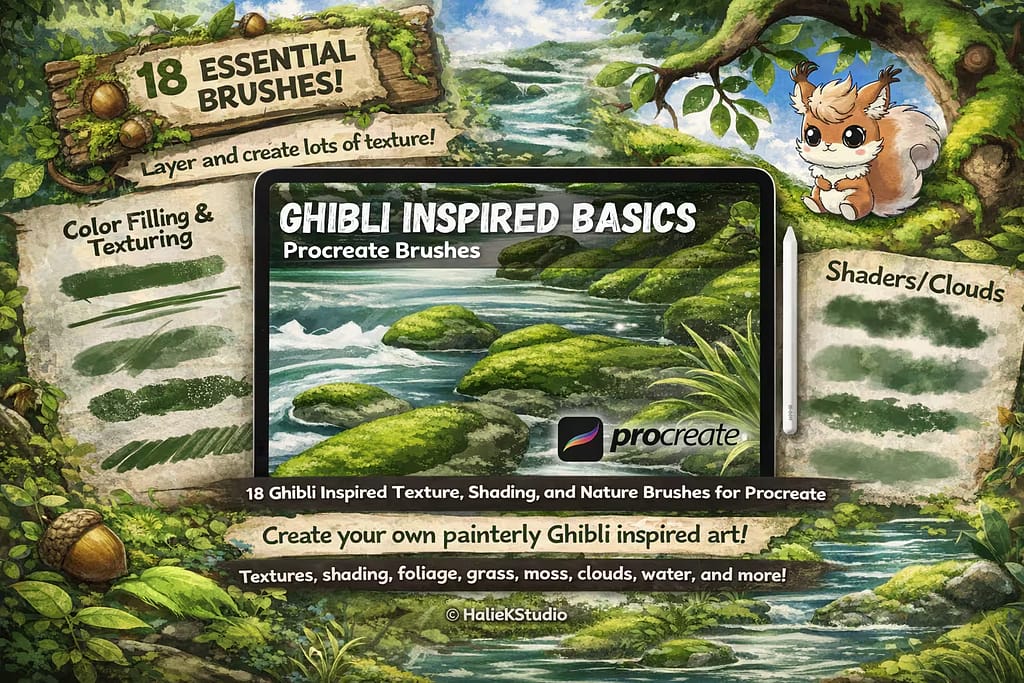
Ghibli-Inspired Basics
Perfect for stylized backgrounds. Instantly paint beautiful, vibrant anime-style grass, clouds, and nature textures.
VIEW BUNDLE →
12 Grass Brushes
A massive time-saver for quick sketches. Highly responsive to pen pressure, allowing you to create natural grassy fields effortlessly.
VIEW BUNDLE →
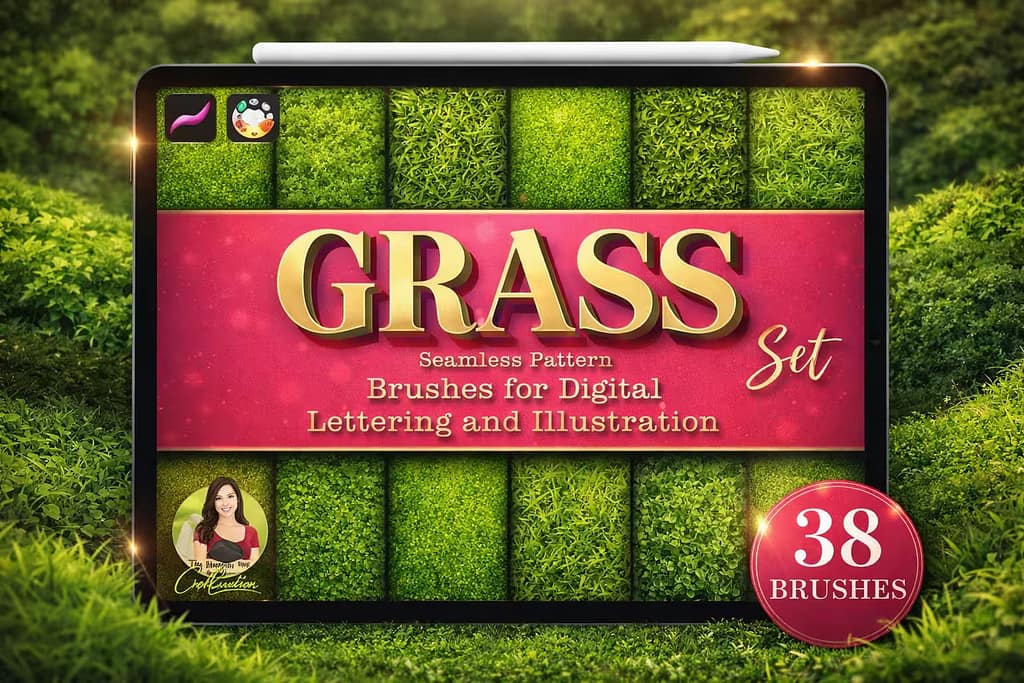
39 Grass Patterns
The ultimate solution for large canvases. Seamlessly fill massive areas with lawn, clover, and hay textures without any visible gaps.
VIEW BUNDLE →Download All Procreate Grass Brushes for Free!
Why purchase these environment sets individually? You can unlock ALL 10 premium packs on this list immediately for $0.
Pro Tip: Activate the Creative Fabrica All-Access Free Trial to instantly download unlimited realistic grass, anime nature, and foliage brushes.
⚙️ Quick Guide: How to Draw Grass in Procreate
Lay the Dark Foundation
Start with a large, soft brush to block in the darkest shadows of your lawn. Use a deep, desaturated green or even a dark teal. This creates the illusion of depth.
Build the Midtones
Select a textured pattern brush from the packs above. Pick a warmer, mid-tone green and gently sweep across the canvas, leaving the dark base visible in the deeper areas.
Add Bright Highlights
Finally, use a sharp blade brush (or a stamp) with a bright yellowish-green. Add these highlights only where the sun directly hits the tips of the grass for maximum realism!
The 10 Best Procreate Grass & Environment Brushes
Below is our fully ranked collection. I've organized these tools into logical categories—starting with hyper-realistic foliage and Ghibli-style nature for professional backgrounds, moving into versatile seamless pattern brushes, and finishing with beautiful floral stamps and stylized textures.
Why I picked it:
- ✅ Hyper-Realistic Ecosystem: I was blown away by the variety. You get everything from lush meadow grass and dry blades to rich moss and forest floor debris. It’s an entire environment-building studio in one pack.
- ✅ Incredible Detail & Texture: The textures are insane. I could zoom in and see the fine details on leaves and individual blades. There’s a cinematic quality here that makes digital art look professional.
- ✅ Intuitive & Responsive: These brushes feel amazing to use. They react perfectly to the Apple Pencil's pressure, allowing me to build up layers naturally without the scene feeling repetitive or fake.

Why I picked it:
- ✅ Authentic Ghibli Vibe: I was impressed by how well it nails the style. It includes brushes for soft grass, puffy clouds, and water textures, giving me everything needed for a complete anime landscape.
- ✅ Painterly & Blending-Friendly: Unlike sharp, realistic brushes, these are designed to be layered and blended. I found it easy to create soft gradients and a sense of depth without harsh lines.
- ✅ Inspires Creativity: Honestly, this set is just plain fun. It made me want to create peaceful, storybook scenes. It’s a toolkit that sparks joy and simplifies a complex art style.

Why I picked it:
- ✅ Effortless Pressure Control: The main reason I love this set. I could create a field of varying heights and densities just by changing my pen pressure, which felt incredibly natural and fast.
- ✅ Clean and Simple: No complex textures here, just pure, clean grass strokes. This makes it extremely versatile for a wide range of styles, from illustrations to concept art.
- ✅ Zero Lag: These brushes are lightweight and perfectly optimized. I experienced zero lag, even when making fast, sweeping strokes across a large canvas. A huge plus for workflow.

Why I picked it:
- ✅ Perfectly Seamless: I tested this on a huge canvas, and it’s flawless. The textures repeat without any visible grid or lines, which is essential for professional work.
- ✅ Rich Variety of Textures: It’s not just one repeating pattern. I found brushes for neat lawns, wild clover fields, and dry hay, giving me options for different environments.
- ✅ Great for Architectural Renders: For architects or illustrators who need to add a quick, clean lawn to a building render, this is a must-have. It's faster and looks better than a photo texture.

Why I picked it:
- ✅ Build a Complete Scene: The inclusion of tree stamps is a game-changer. I could create a full environment, not just a field, which is great for landscape artists.
- ✅ High-Quality Stamps: The stamps for leaves, clover, and grass are high-resolution and perfect for adding those little details that make a scene feel alive.

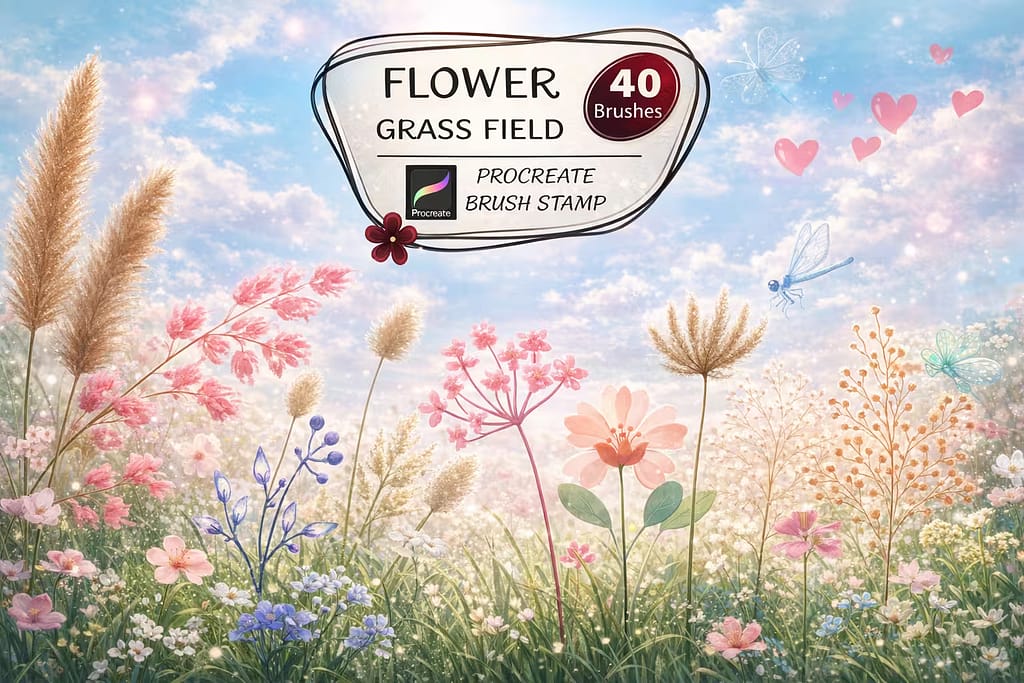
Why I picked it:
- ✅ Create Beautiful Meadows: With stamps for dandelions, daisies, and lavender, I could turn a boring field into a vibrant, narrative scene instantly.
- ✅ Great for Foreground Detail: I used these stamps to add sharp, detailed flowers in the foreground of my paintings, creating a professional sense of depth.

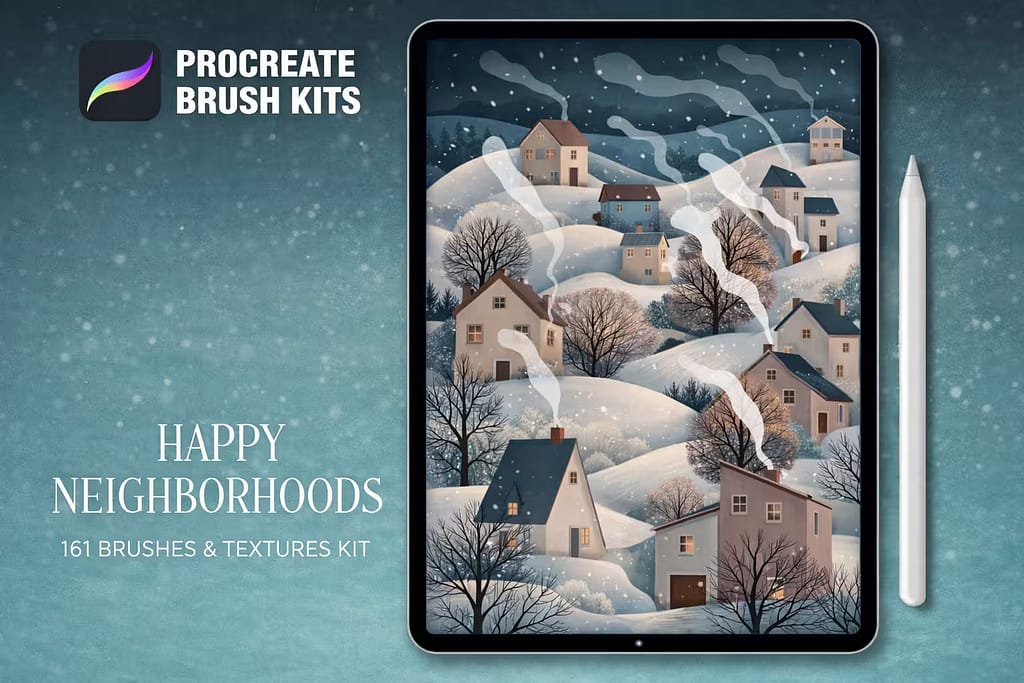
Why I picked it:
- ✅ Complete Stylized Toolkit: It’s more than just grass; it’s a whole world. I loved having brushes for houses, fences, and stones all in one cohesive, cute style.
- ✅ Perfect for Storytelling: This is a fantastic kit for creating narrative illustrations. You can quickly build a little scene that tells a story.

Why I picked it:
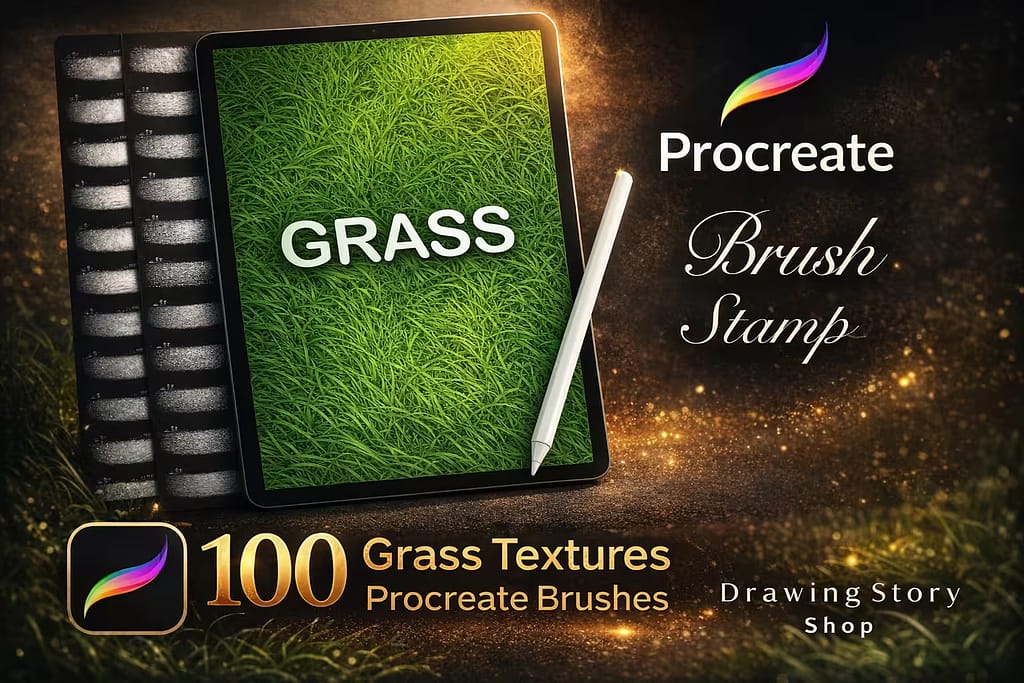
- ✅ Massive Library: With 100 different textures, I always found exactly the type of grass I was looking for. The variety is truly impressive.
- ✅ Great for Texturing: I found these incredibly useful for adding a grassy texture to objects or text, not just for creating landscapes.

Why I picked it:
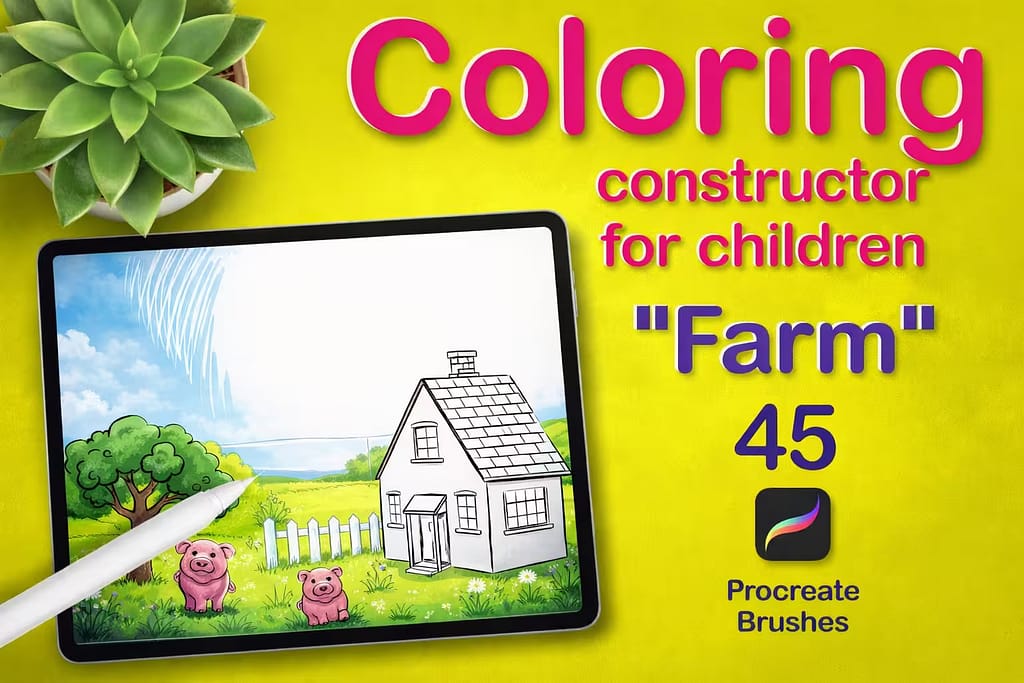
- ✅ Instant Coloring Pages: I could build a complete farm scene with animals, fences, and grass in under a minute. It’s a huge time-saver for a specific purpose.
- ✅ Clean, Simple Line Art: The stamps are perfectly clean and easy to color, making them ideal for kids and digital coloring apps.

Why I picked it:
- ✅ Automatic Color Variation: This is the key feature. It made my grass look less flat and digital with zero extra effort. I loved the natural-looking results.
- ✅ Simple and Effective: It's just one brush, making it incredibly easy to install and use right away. A great tool for beginners who want to elevate their landscapes.
FAQ
The best sets for realism are those that feature pressure-sensitive strokes and a variety of textures. The "60 Foliage & Grass" pack by Eldar Zakirov is currently the top choice for professional artists due to its high-resolution textures and natural behavior.
Yes. Many premium packs on Creative Fabrica can be downloaded for free if you sign up for their All-Access Free Trial. This allows you to test professional toolkits without any initial cost.
To install them, download the `.brushset` file to your iPad, open the Files app, and tap the file. It will automatically import into Procreate and appear at the top of your Brush Library.
Absolutely. For anime-style art, we recommend using "Ghibli-Inspired Basics." These brushes focus on vibrant colors and soft, painterly shapes that are characteristic of Japanese animation.
The secret is layering. Start with a dark base layer for shadows, then use a pattern brush for midtones, and finish with a sharp brush to add individual bright highlights where the sun hits the blades.