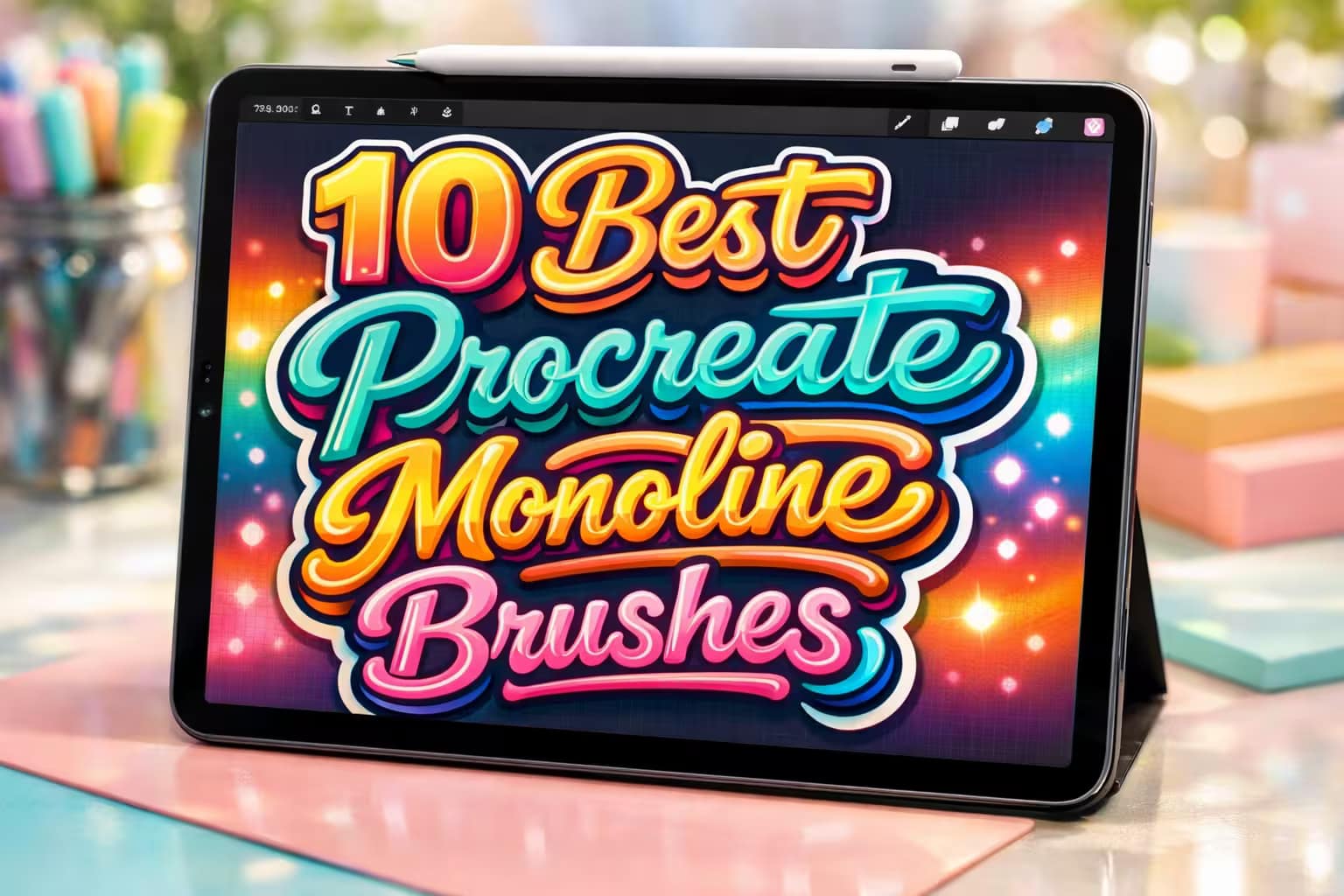
The monoline brush is the backbone of modern digital art. It’s perfect for everything from retro 70s typography to clean, satisfying sticker designs. While Procreate has a default monoline brush, professional artists quickly realize they need more—like hollow outlines, perfect 3D shadows, and multi-line trackers.
I’ve tested and curated the 10 best Procreate monoline brushes and outline kits. Whether you need a perfectly smooth flat marker or a massive bundle of 120+ outline variations, these tools will completely upgrade your lettering game.
🏆 Editor’s Choice
The 4 absolute best monoline, flat, and outline brush sets for Procreate.

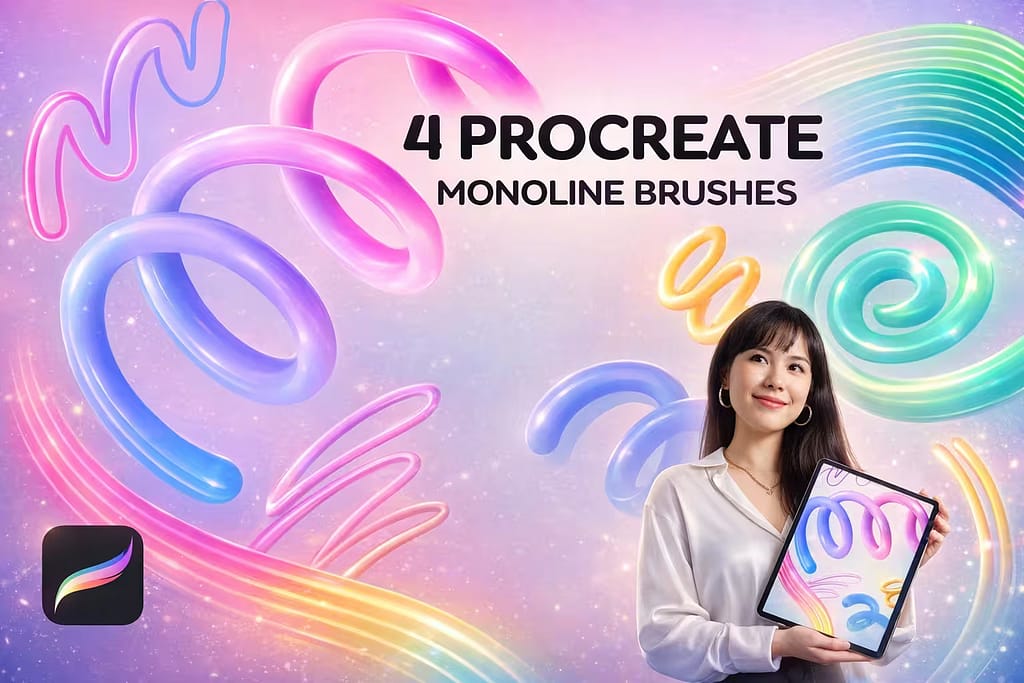
20+ Monoline Brushes
The ultimate foundation for any digital lettering artist. Features perfectly stabilized, pressure-smooth brushes with bonus neon and retro color palettes.
VIEW BUNDLE →
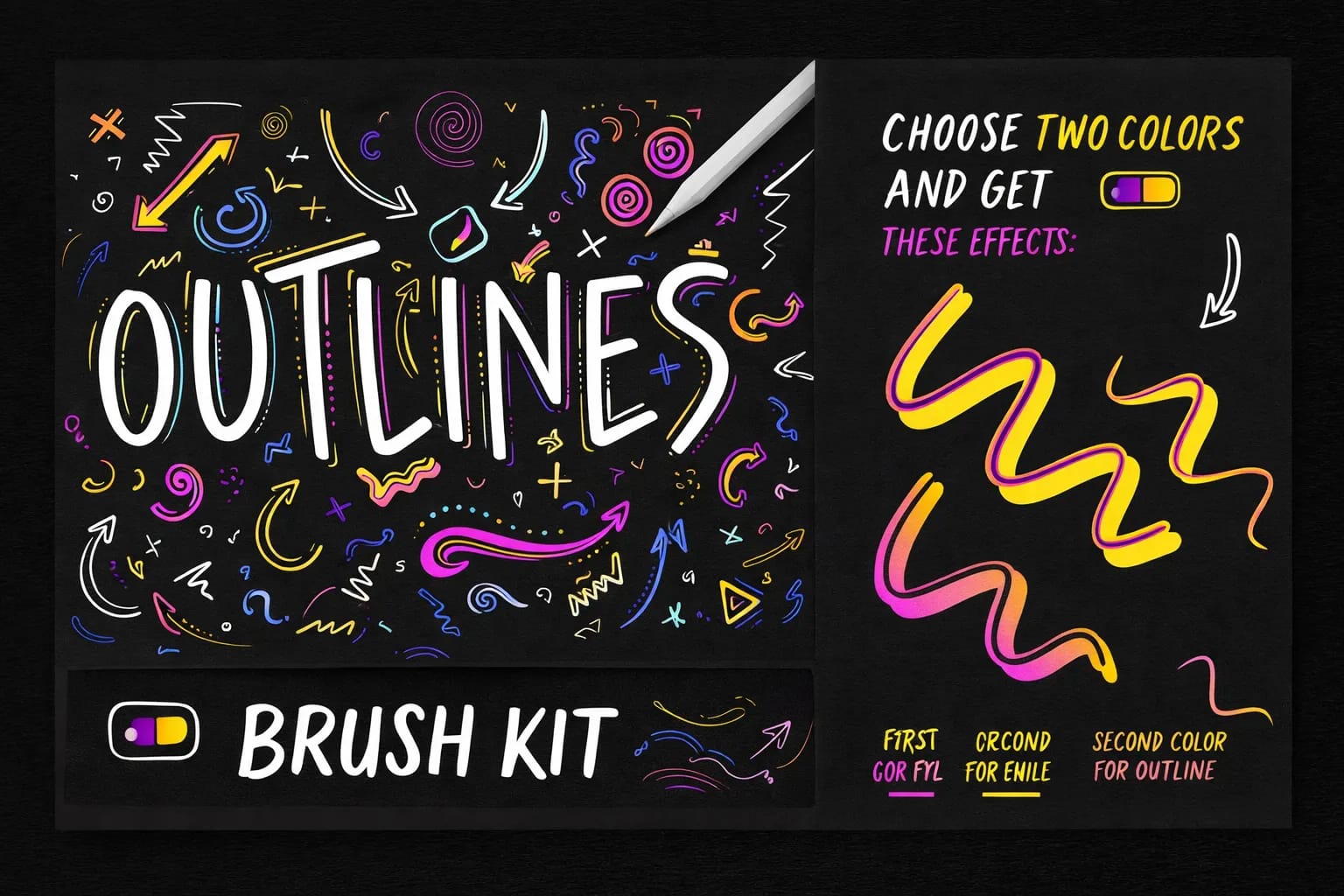
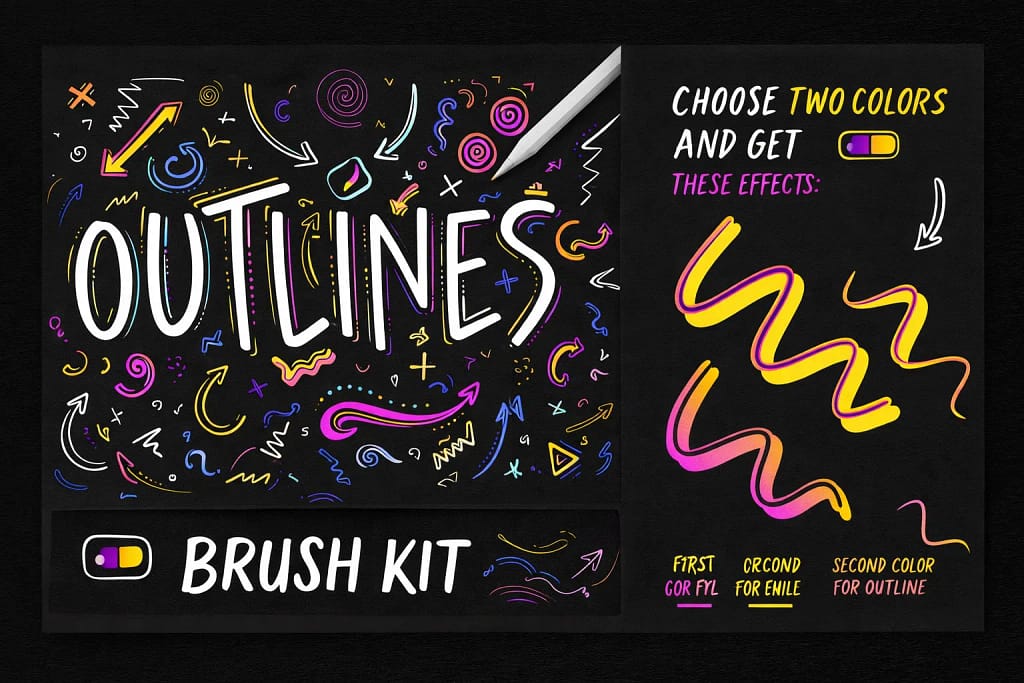
124 Outline Brushes
Stop drawing hollow letters by hand. This massive kit provides 124 variations of outline brushes, allowing you to draw borders and empty fills in one stroke.
VIEW BUNDLE →
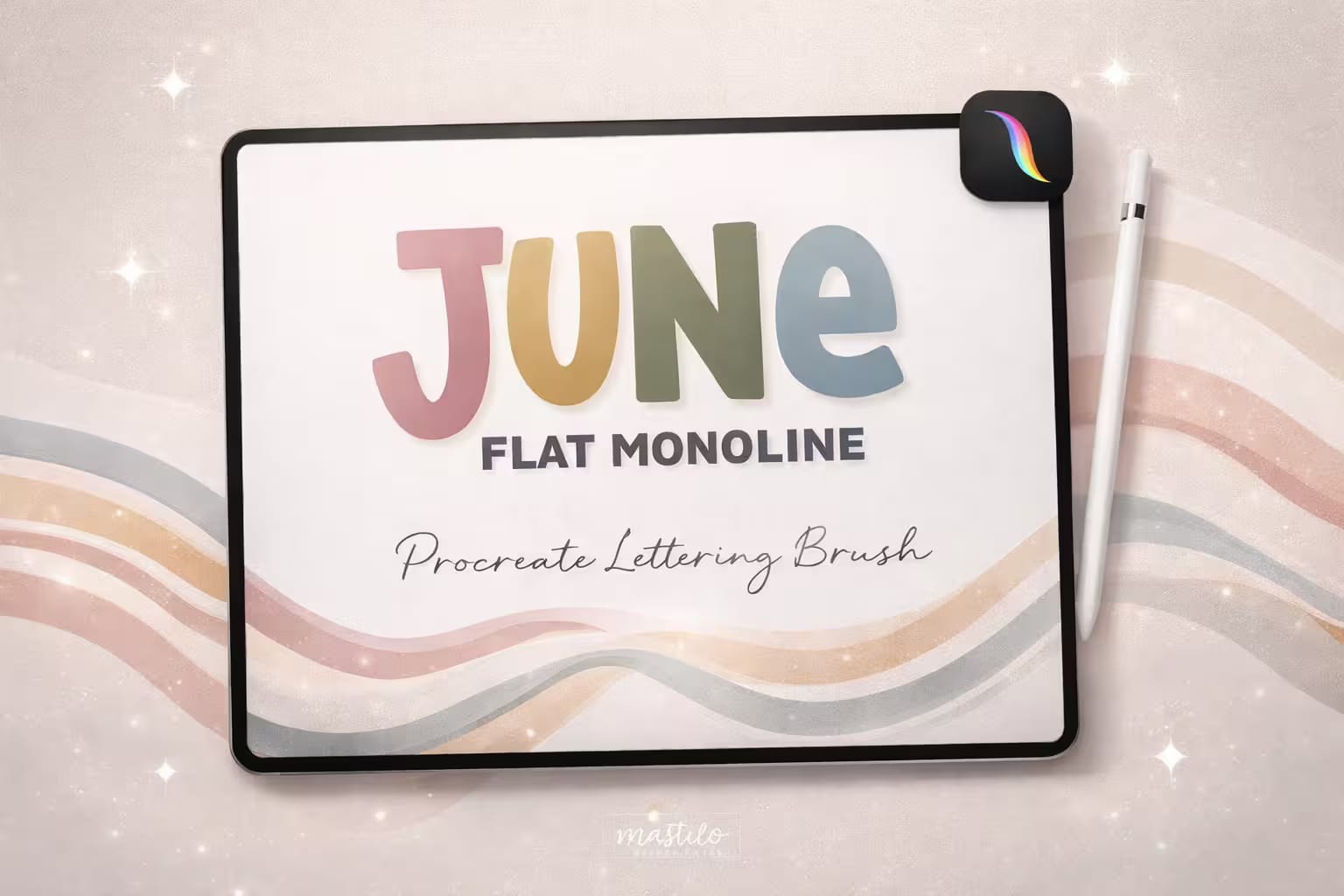
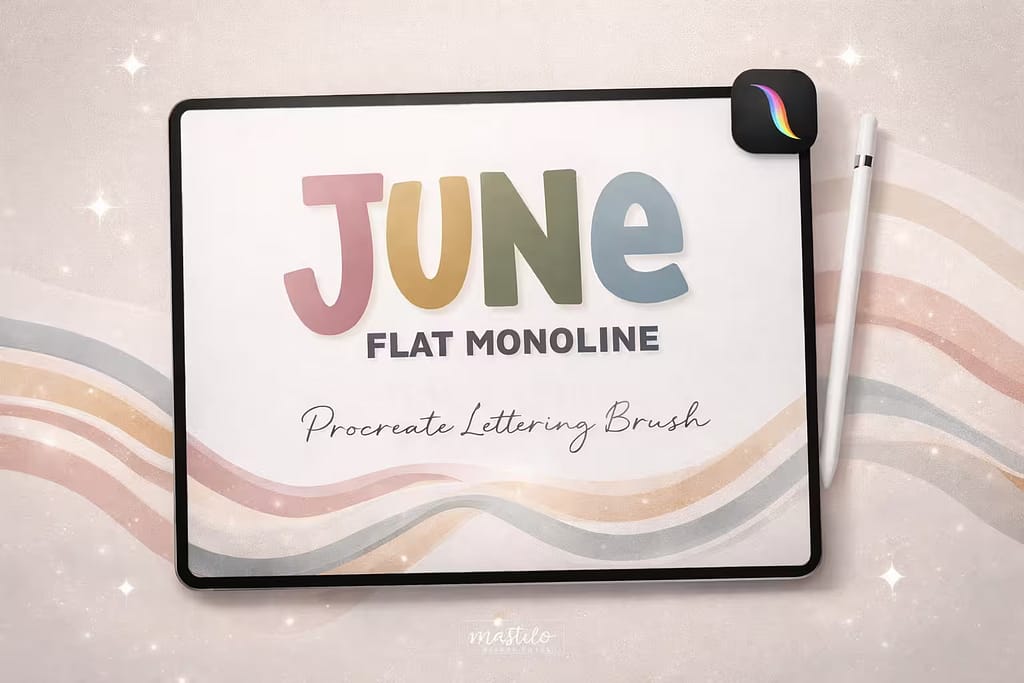
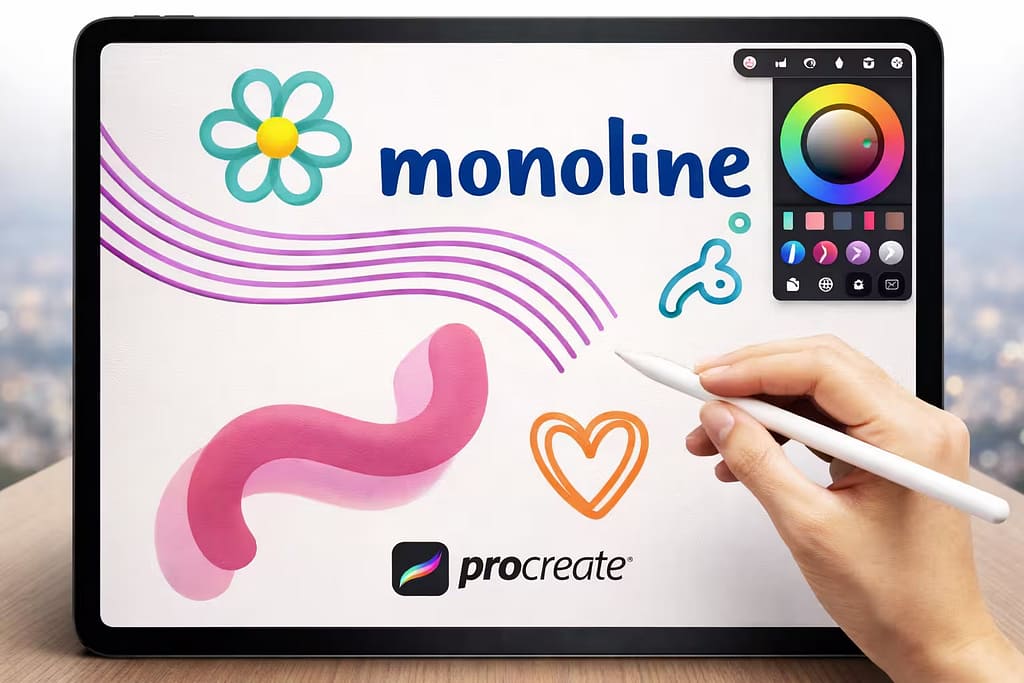
Flat Monoline Brush
The trendy, "chubby" lettering aesthetic made easy. This flat marker brush is perfect for creating satisfying, bold typography for die-cut stickers.
VIEW BUNDLE →
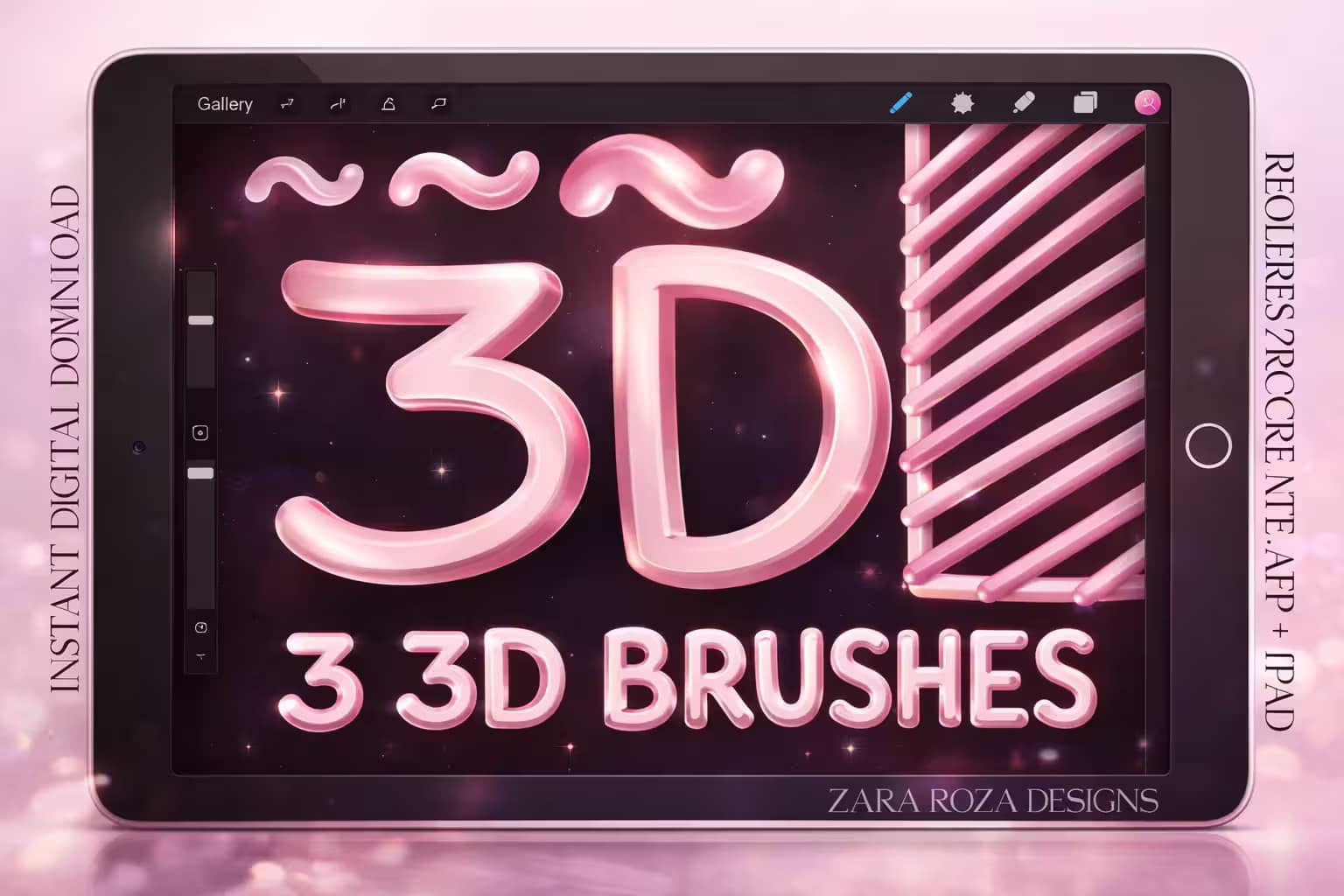
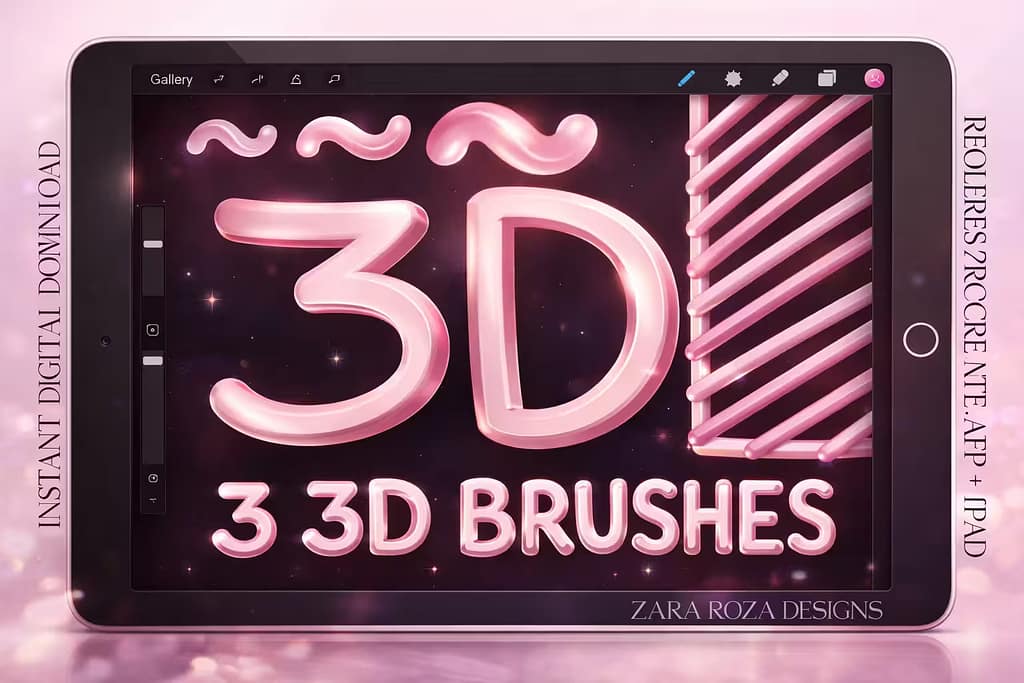
3D Monoline Pens
Add instant depth without shading. These brushes automatically generate a 3D shadow or highlight as you write, perfect for retro poster designs.
VIEW BUNDLE →Download All Monoline & Outline Packs for Free!
Why purchase these brush sets individually? You can unlock ALL 10 premium packs on this list immediately for $0.
Pro Tip: Activate the Creative Fabrica All-Access Free Trial to instantly download unlimited outline pens, flat markers, and 3D lettering brushes.
⚙️ Quick Tip: Where is the Default Monoline Brush & How to Make an Outline
Find the Missing Brush
Did your default Monoline brush disappear? Don't panic! Open the Brush Library, scroll down to the Calligraphy folder, and you’ll find it there. If it’s gone, swipe left on the folder and tap "Reset".
DIY Outline Brush
Want to make your own hollow outline? Duplicate the Monoline brush twice. Tap the top copy, go to Properties, and slightly increase its Maximum Size. Finally, select both brushes in the menu and tap "Combine".
Perfect Your Curves
Monoline looks best when it’s buttery smooth. If your lines are jittery, tap the brush to open the Studio, go to Stabilization, and increase the "StreamLine" amount to 50-70%.
The 10 Best Procreate Monoline & Outline Brushes
Below is our fully ranked collection. I've organized these tools into logical categories—starting with massive bundles for hollow outlines and 3D lettering, moving to multi-line time savers, and finishing with highly textured fabric and retro markers.
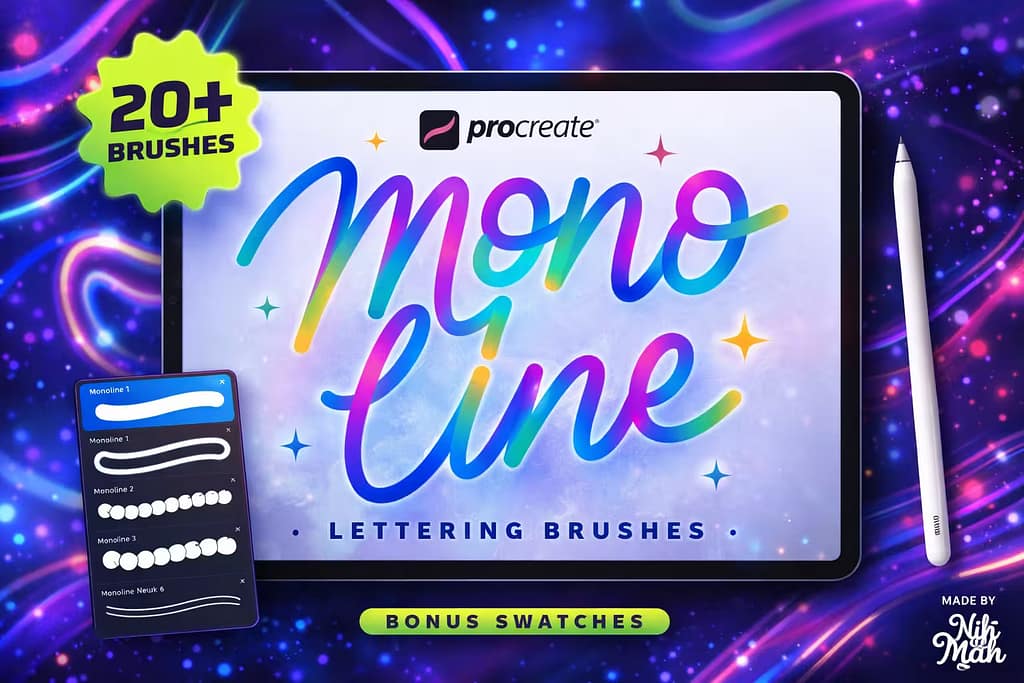
Why I picked it:
- ✅Perfect StreamLine:I noticed my curves were instantly smoother. The brush settings correct hand jitter beautifully without feeling stiff.
- ✅Bonus Color Swatches:I loved the included retro and neon color palettes, which are specifically curated to make monoline art pop.
- ✅Ready for Commercial Use:It’s incredibly versatile, making it my go-to choice for logo branding and print-on-demand merchandise.

Why I picked it:
- ✅Massive Variety:I found every outline style imaginable: simple hollow lines, double borders, and even gradient-filled outlines.
- ✅Two-Color Magic:I was amazed by the dual-color brushes. You select one color for the border and another for the fill, painting both simultaneously!
- ✅Huge Time Saver:What used to take me 10 minutes of duplicating and recoloring layers now takes just one fluid stroke.

Why I picked it:
- ✅Perfectly Uniform:I love that no matter how hard I press the Apple Pencil, the line thickness stays strictly identical, perfect for clean die-cut stickers.
- ✅Crisp Edges:I zoomed in closely and noticed the edges are razor-sharp, meaning it will print beautifully without pixelation.
- ✅Beginner Friendly:Because there’s no pressure variance to manage, I found it incredibly easy for beginners to write confident, professional-looking quotes.

Why I picked it:
- ✅Instant 3D Volume:I was amazed that it requires zero shading skills. The brush handles the 3D optical illusion instantly.
- ✅Retro Nostalgia:I found this pack perfect for creating 80s and 90s inspired typography, reminiscent of puffy stickers or neon tubes.
- ✅Pressure Pen Variations:Alongside the strict monoline, I appreciated the 3 bonus pens that allow for a slight taper if you want a more calligraphic 3D look.

Why I picked it:
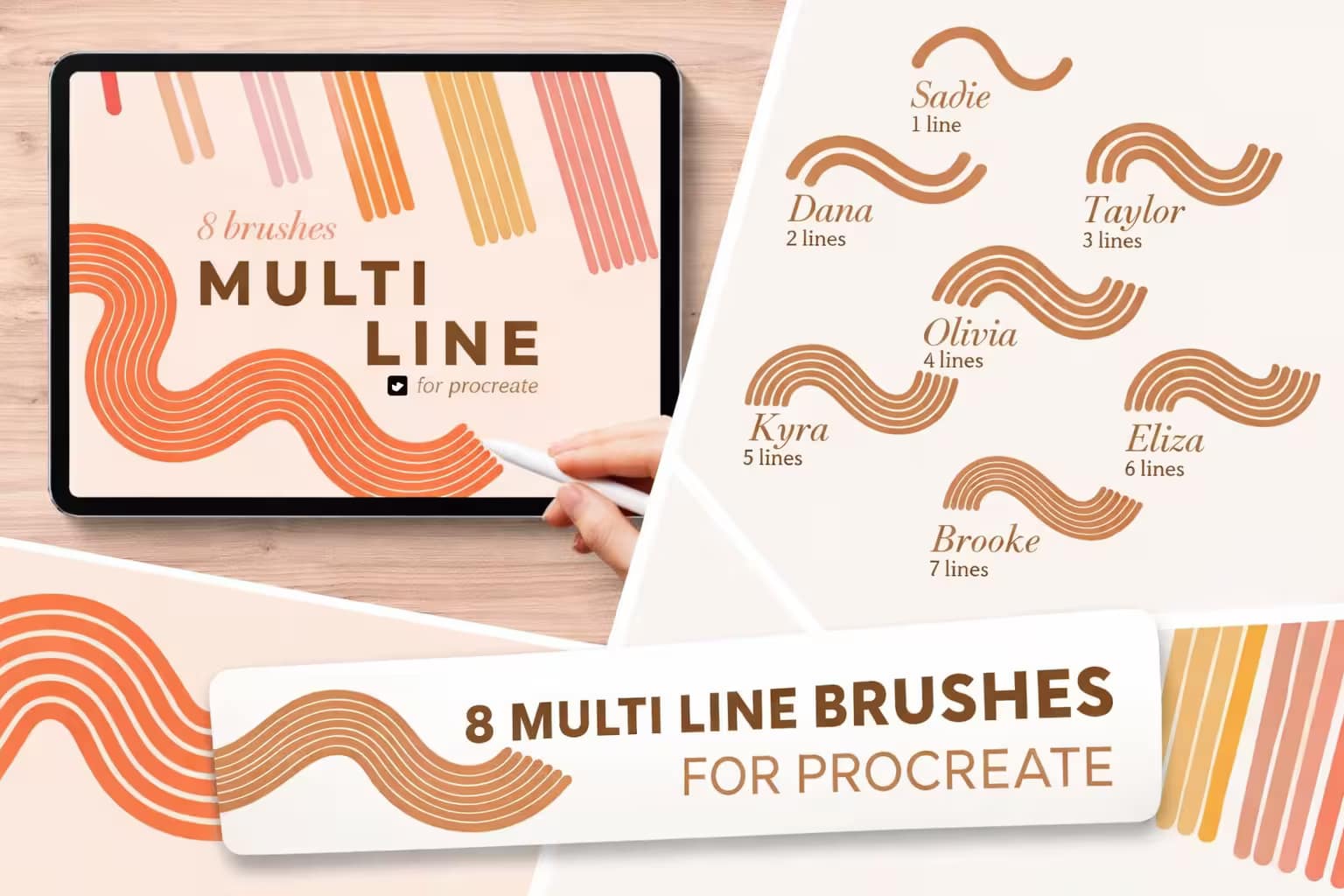
- ✅Flawless Parallel Curves:I loved how the lines perfectly follow the curve of your Apple Pencil without overlapping or breaking distance.
- ✅Color-Changing Bonus:I was pleasantly surprised by the "Beth" brush, which automatically cycles through colors as you draw your multi-line track.
- ✅Great for Graphic Design:I found it essential for creating trendy 70s swooshes, disco backgrounds, and groovy typography.

Why I picked it:
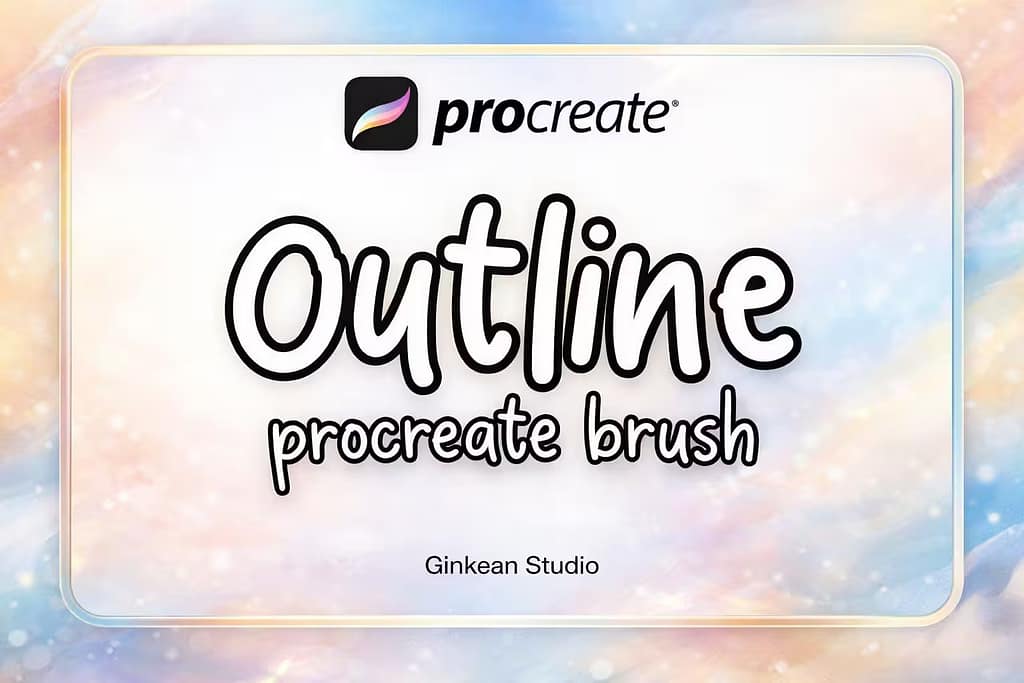
- ✅Clean and Simple:I appreciated that it provides exactly what it promises—a crisp, perfectly hollow outline brush with no overly complex settings.
- ✅Great for Coloring:I found these brushes ideal for creating digital coloring pages, as the enclosed outlines hold ColorDrop fills perfectly.
- ✅Lightweight File:It’s a tiny zip file that imports instantly, keeping my Procreate brush menu neat and organized.

Why I picked it:
- ✅All Bases Covered:I found that these 4 brushes alone are enough to complete almost any retro typography poster from sketch to final polish.
- ✅Shadow Brush Included:I loved the dedicated shadow brush, which instantly adds a slightly offset, darker border behind your letters for depth.
- ✅Bonus Paper Texture:The included paper texture canvas adds a beautiful, tactile feel to the smooth digital lines.

Why I picked it:
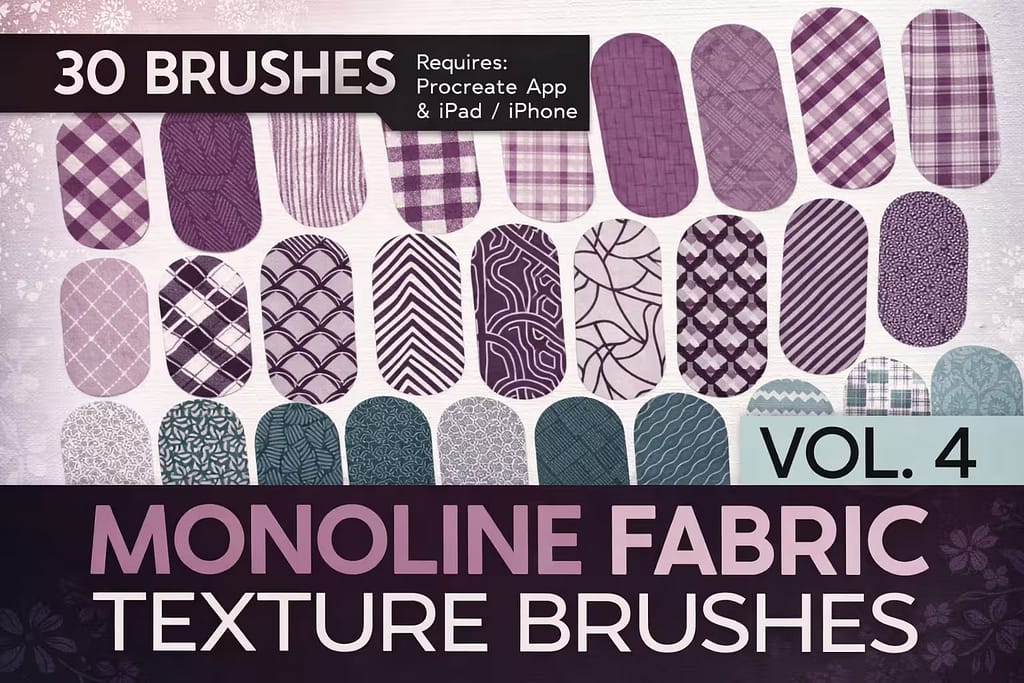
- ✅Built-in Textures:I was amazed that you can literally "draw" a sweater or a scarf, and the complex plaid pattern maps perfectly inside the stroke.
- ✅Strict Monoline Width:I appreciate that there is no pressure sensitivity. The steady width keeps the textile patterns looking even and unwarped.
- ✅Great for Character Artists:I found it to be a game-changer for outfitting anime and cartoon characters quickly.

Why I picked it:
- ✅Excellent Flow:I noticed the streamline settings are dialed in perfectly, making it very satisfying to draw long, continuous loops.
- ✅Subtle Edge Variations:I liked that while they are monoline, some brushes offer slightly softer edges for a marker-like feel rather than a harsh digital line.
- ✅Reliable Toolkit:I found myself returning to these brushes simply because they behave predictably and consistently every time.

Why I picked it:
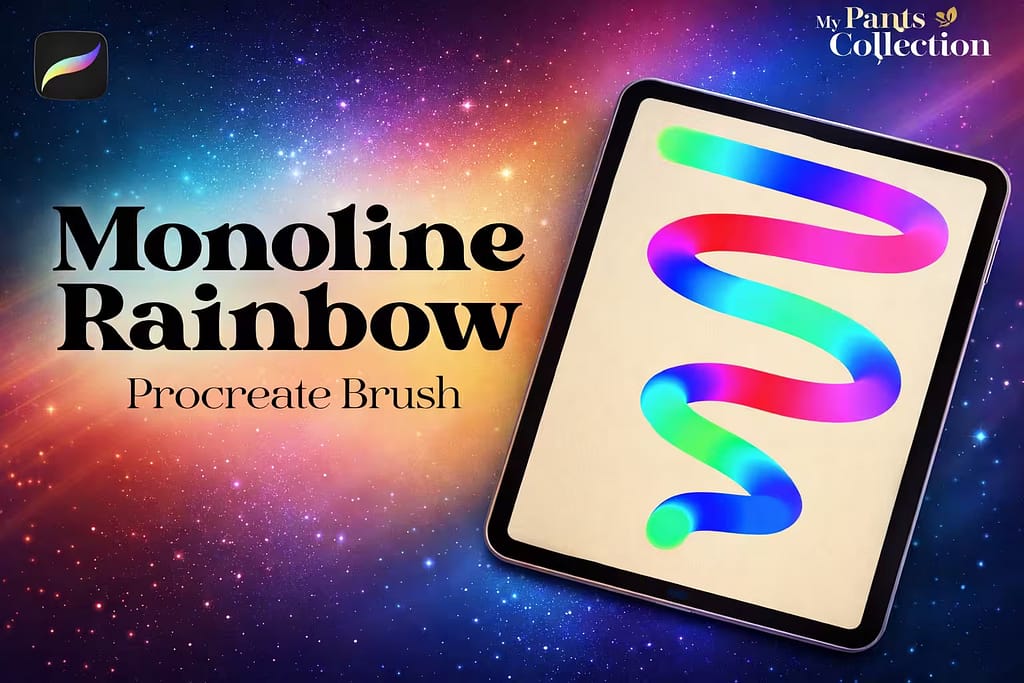
- ✅Automatic Gradients:I was mesmerized by the built-in color dynamics. You don’t need to change colors; the brush does the heavy lifting for you.
- ✅Bold Neon Vibe:I found the colors to be incredibly saturated, making them pop brilliantly against a dark or pitch-black canvas.
- ✅Super Smooth:Despite the complex color engine, the monoline stroke remains buttery smooth and lag-free.
FAQ
It’s common to accidentally delete or overwrite default brushes. The original Monoline brush is located in the Calligraphy folder. If it’s missing, simply swipe left on the "Calligraphy" category folder and tap "Reset." This will restore the Monoline brush and all other default pens to their original state.
To make your own hollow outline brush, duplicate the Monoline brush twice. Tap the top copy to open Brush Studio, go to Properties, and increase the "Maximum Size" slightly. Then, go back to your brush library, swipe right on the bottom copy to select both brushes, and tap "Combine" at the top right. You now have a custom outline brush!
If your monoline brush is too thick even at 1%, open the Brush Studio, go to the Properties tab, and decrease the "Maximum Size" slider. To make a square monoline brush, go to the Shape tab, tap "Edit" on the Shape Source, and import a solid white square from the Procreate Library.
While you can make an outline brush manually, it’s much faster to use professional kits with dynamic 3D shadows and perfectly calibrated hollow centers. The best way to get these premium outline and monoline bundles for free is by activating a Creative Fabrica All-Access Free Trial, which lets you download hundreds of professional lettering tools at no cost.