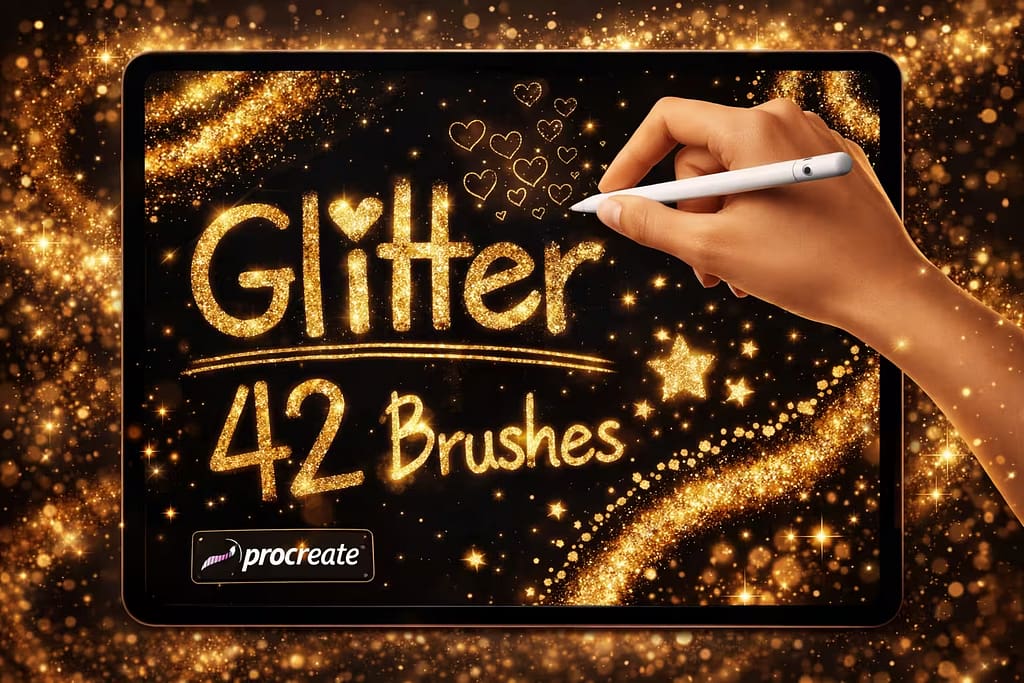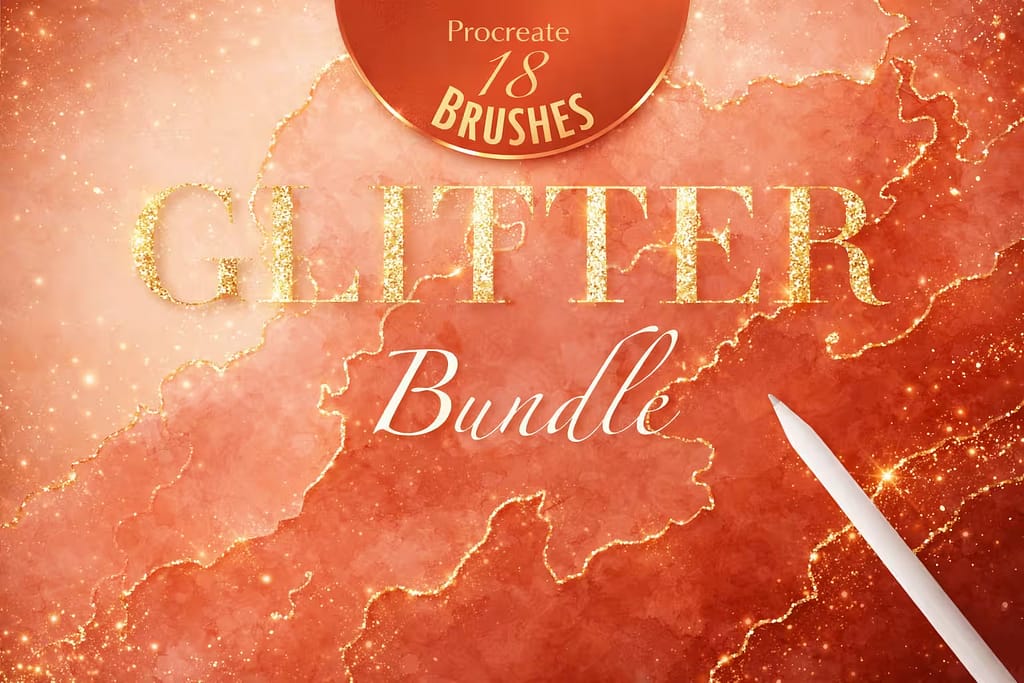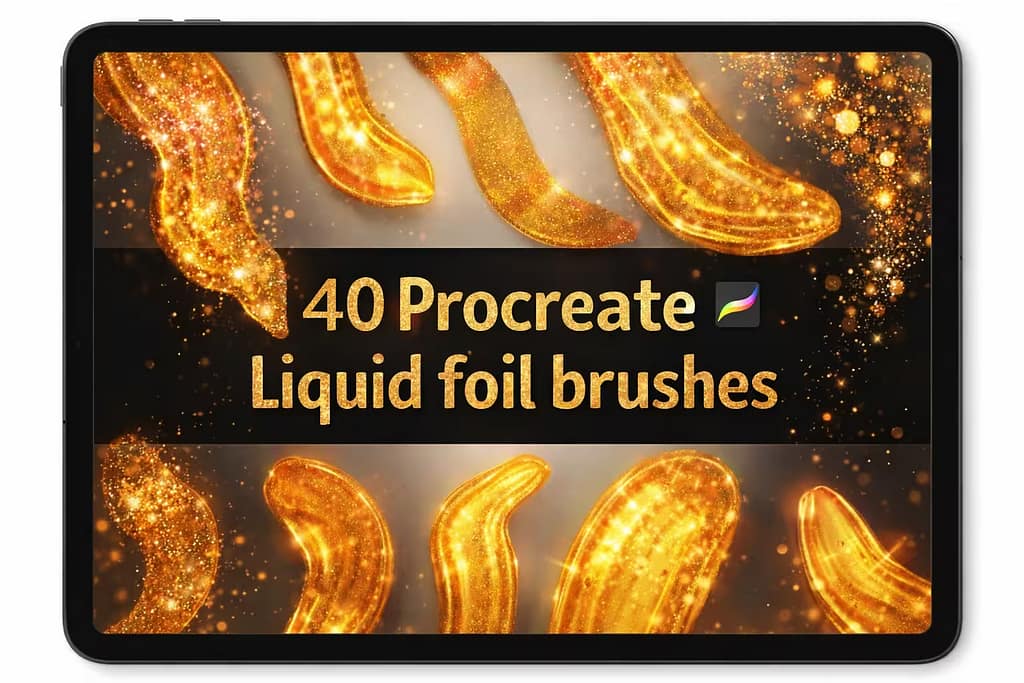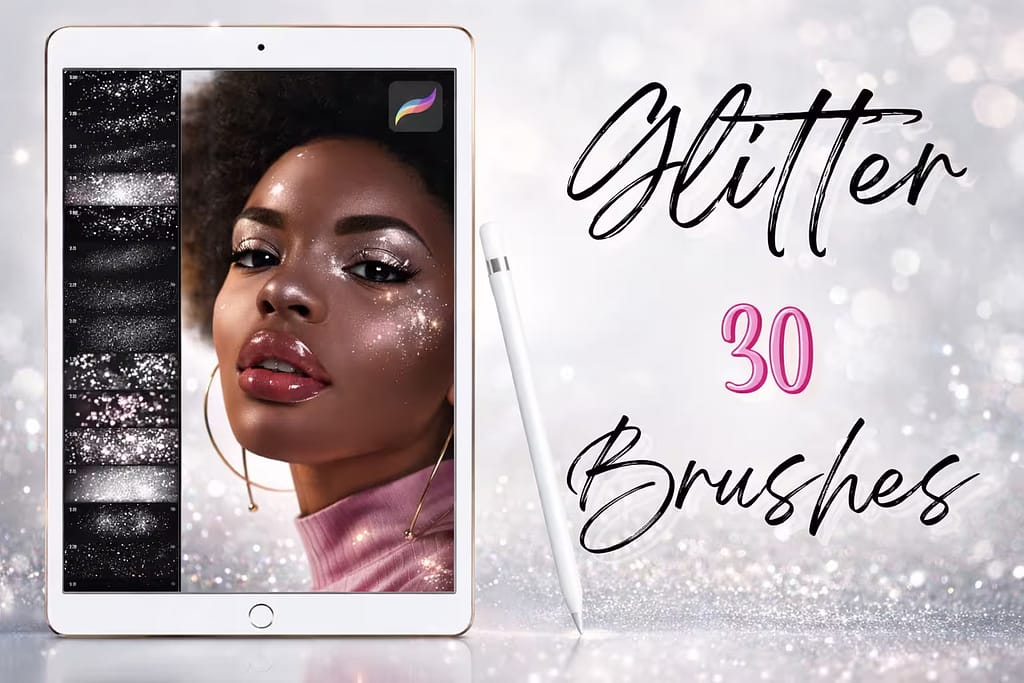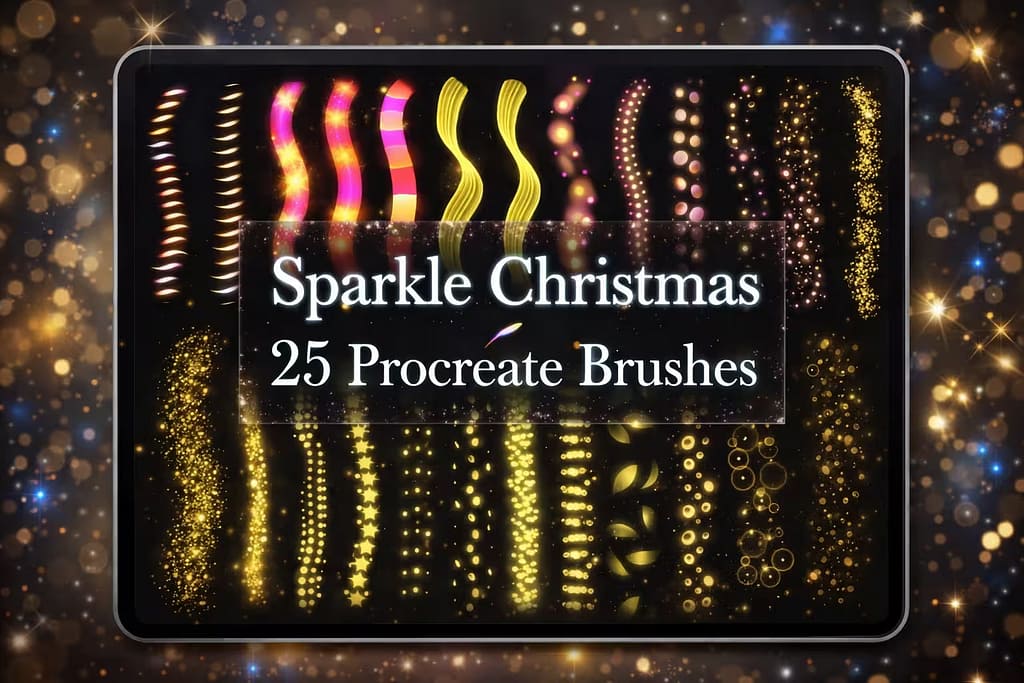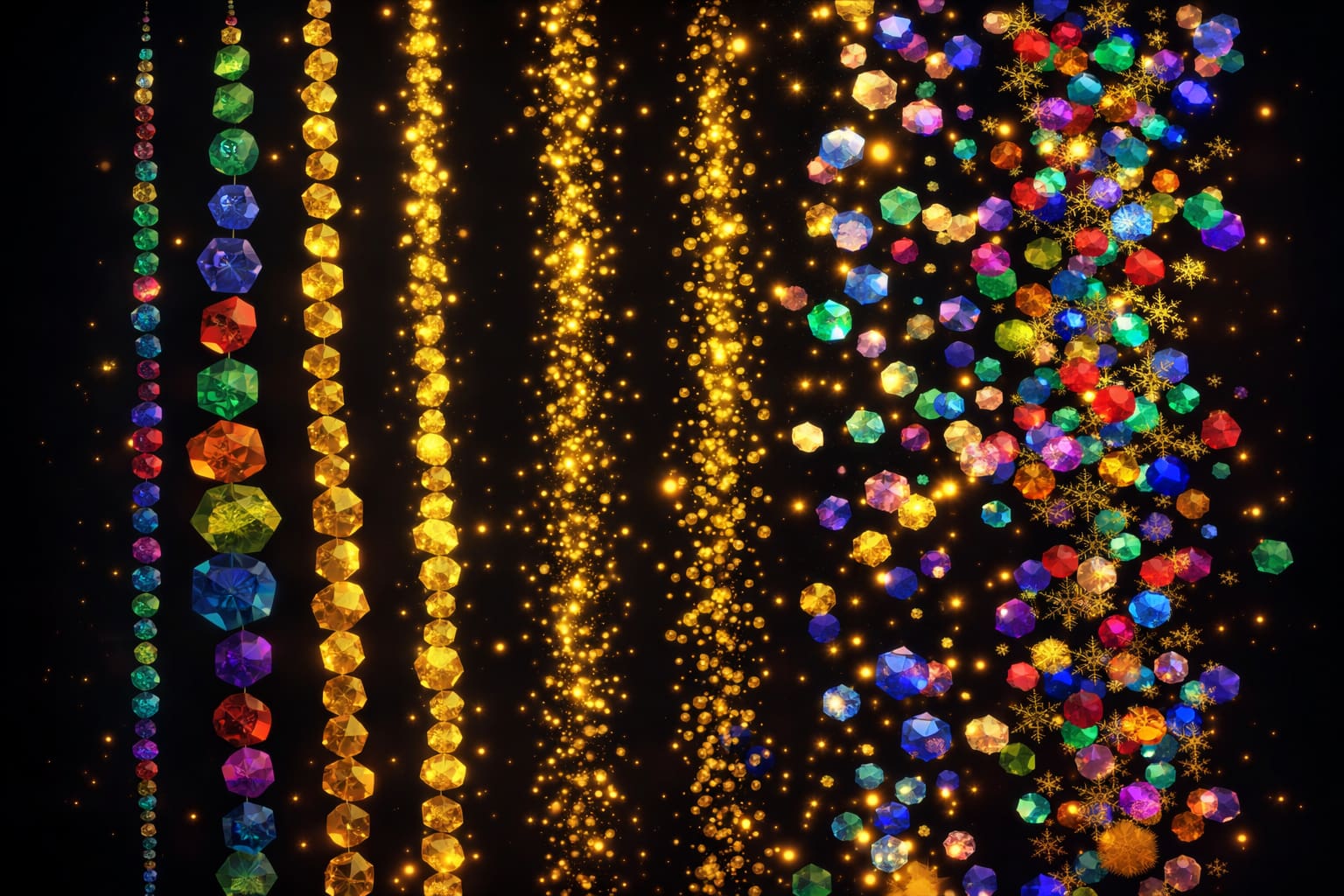
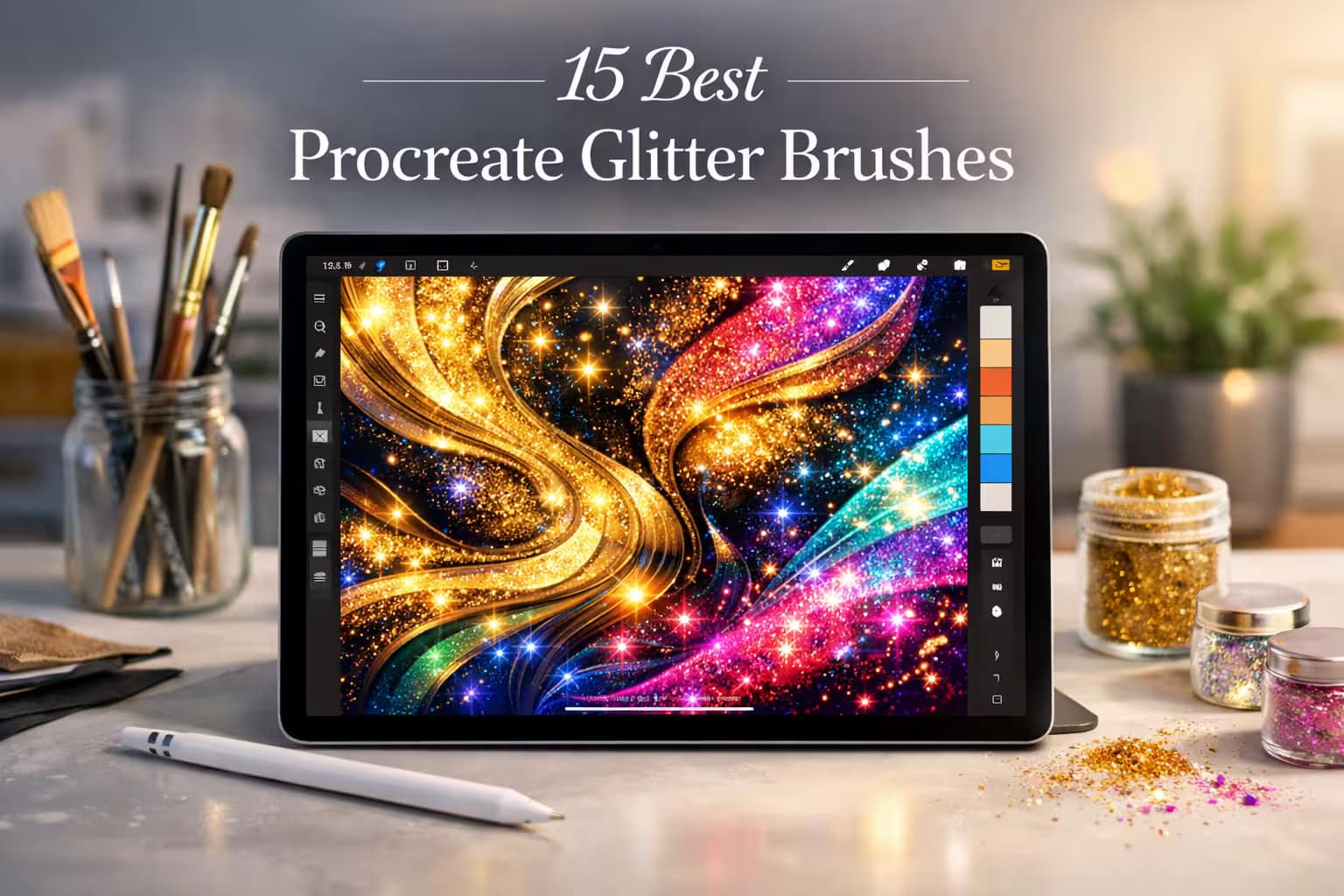
Adding glitter to your digital art can instantly elevate a piece from "flat" to "magical". But let’s be honest: drawing realistic sparkles manually takes forever, and default brushes often look like muddy gray pixels rather than glowing dust.
Whether you're creating glamorous fashion illustrations, drawing magical fantasy portraits, or lettering with gold foil, you need the right tools. I’ve tested and curated the 15 best Procreate glitter brushes that will make your artwork literally shine. Let's add some magic to your toolkit.
🏆 Editor’s Choice
The 4 must-have glitter, glow, and sparkle sets for Procreate.
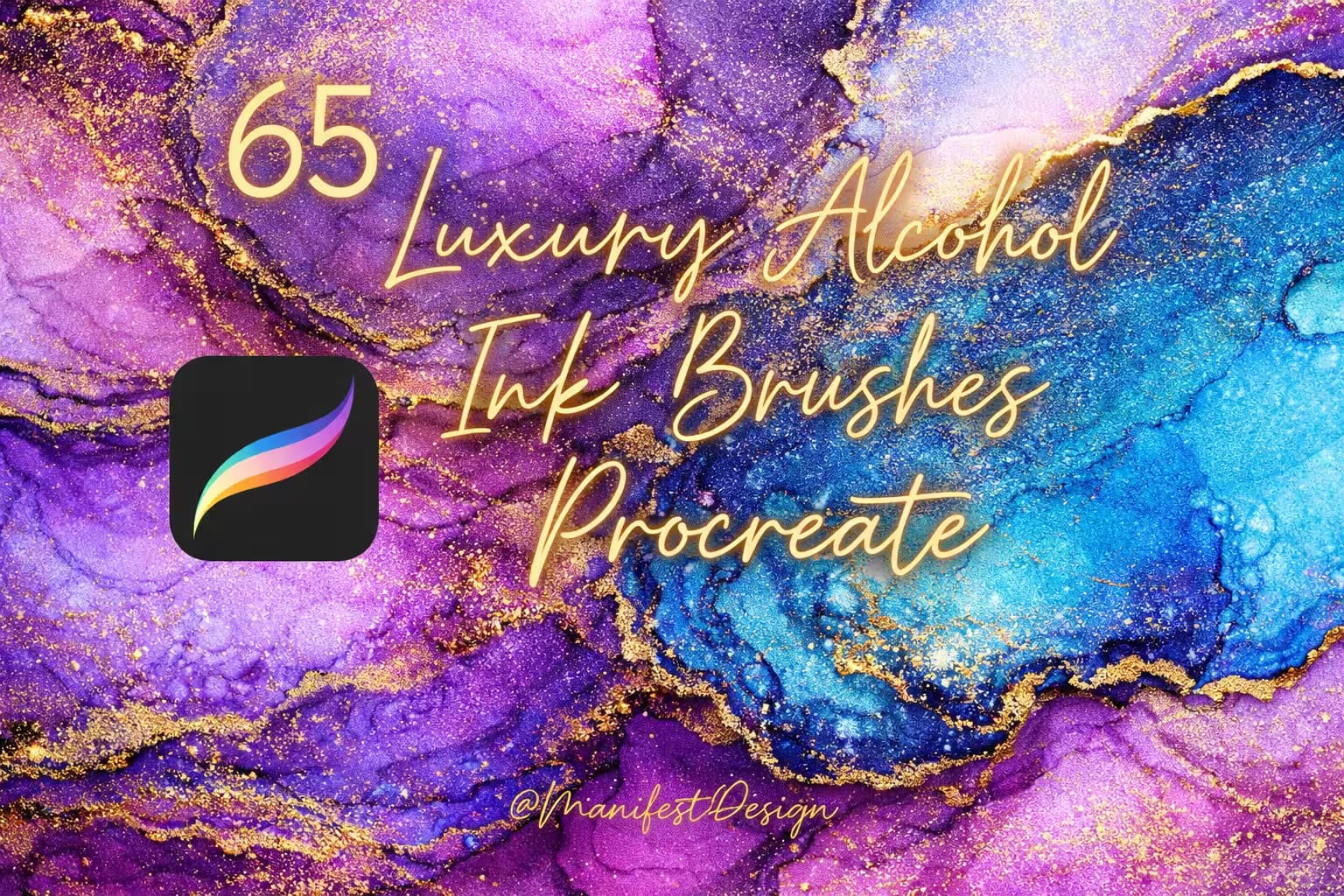
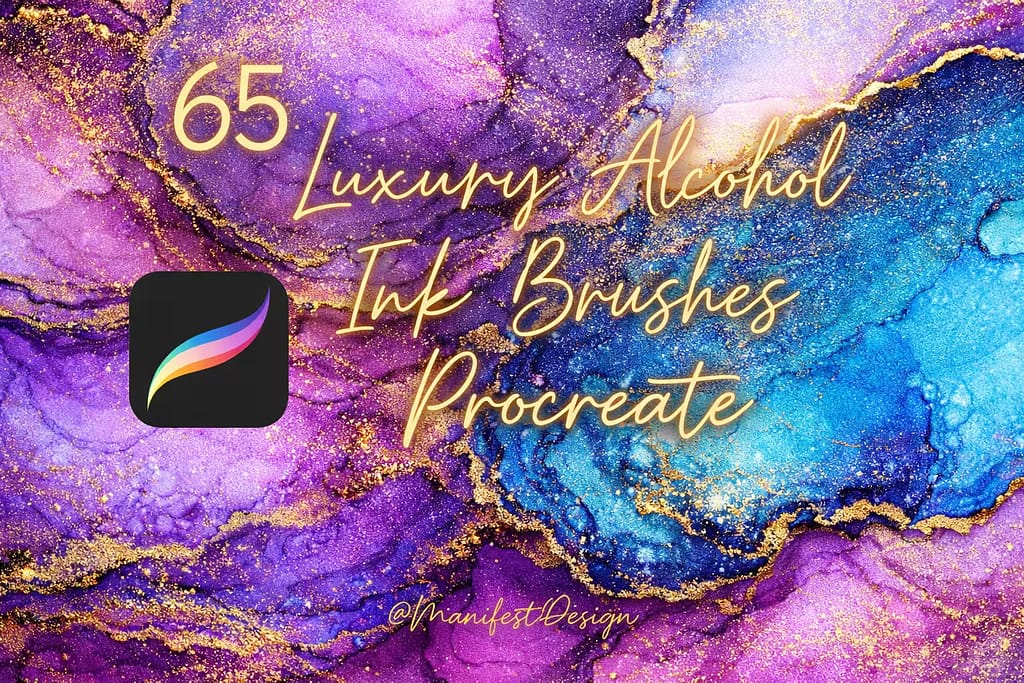
65 Luxury Ink & Glitter
An incredible bundle featuring gorgeous alcohol ink brushes, gold color palettes, and heavy glitter stamps that guarantee a premium, luxurious look.
VIEW BUNDLE →
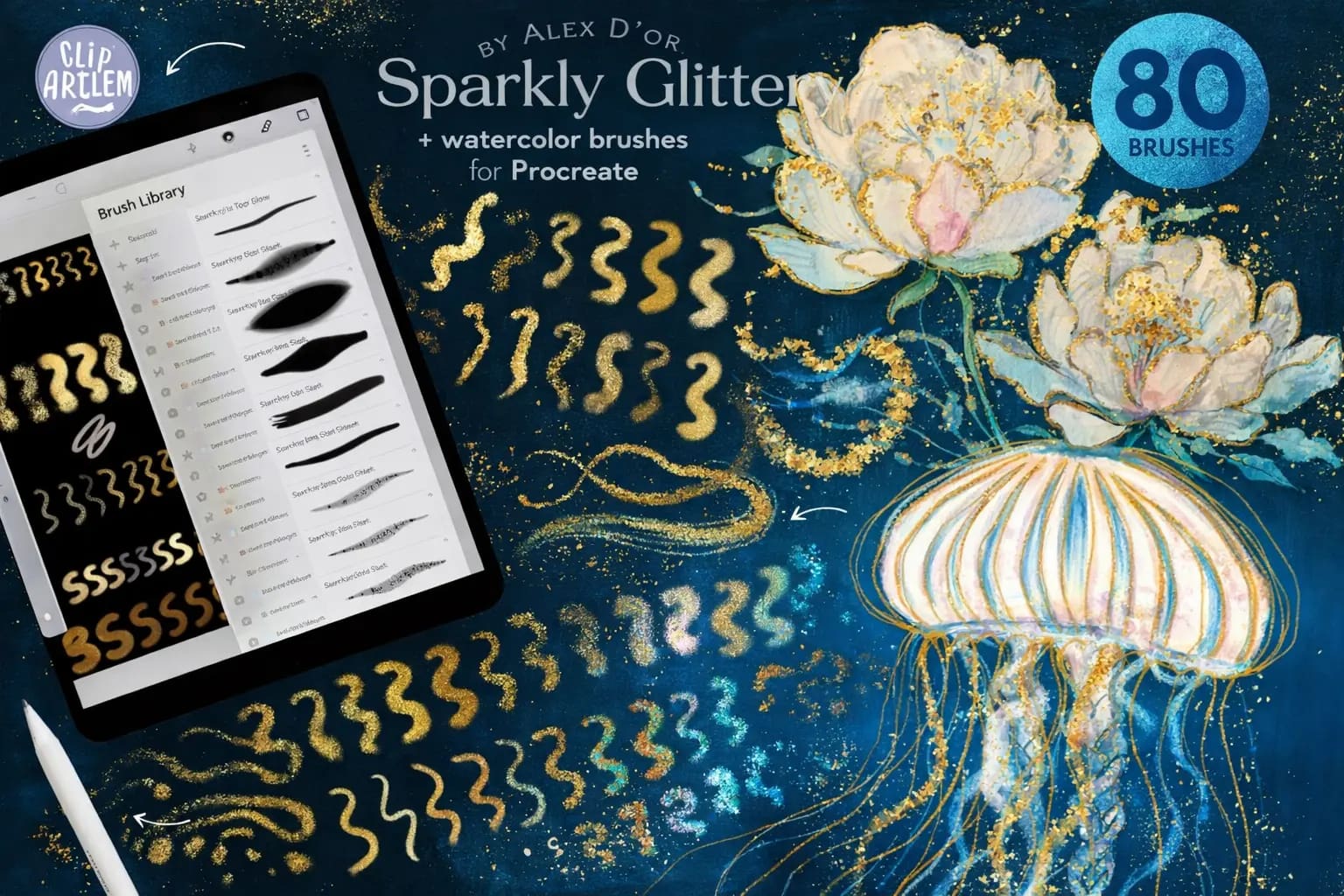
80 Glitter Watercolor
The ultimate fusion of soft watercolors and sparkling shimmer. Includes 80 high-quality brushes and 5 built-in texture canvases for realistic blending.
VIEW BUNDLE →
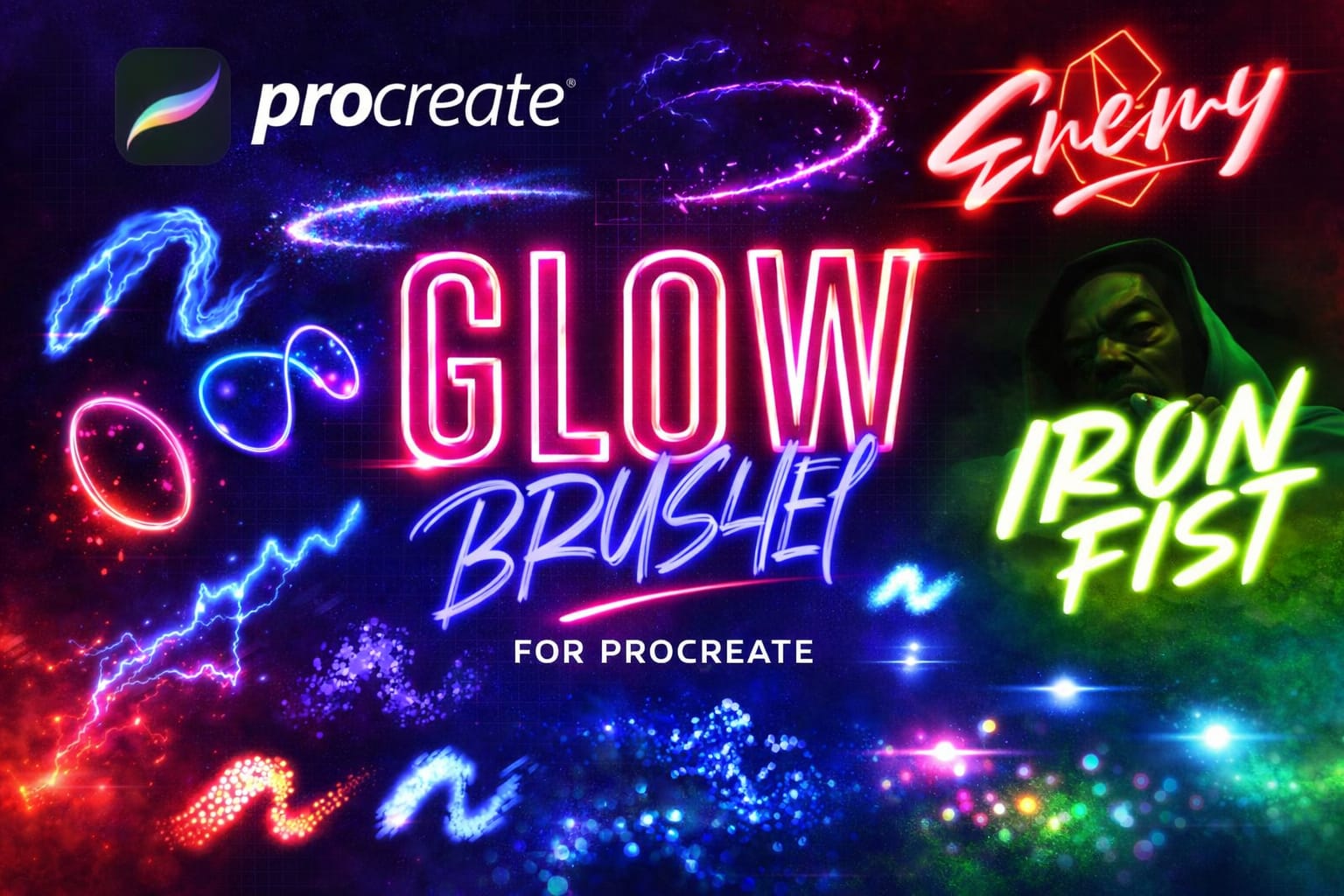
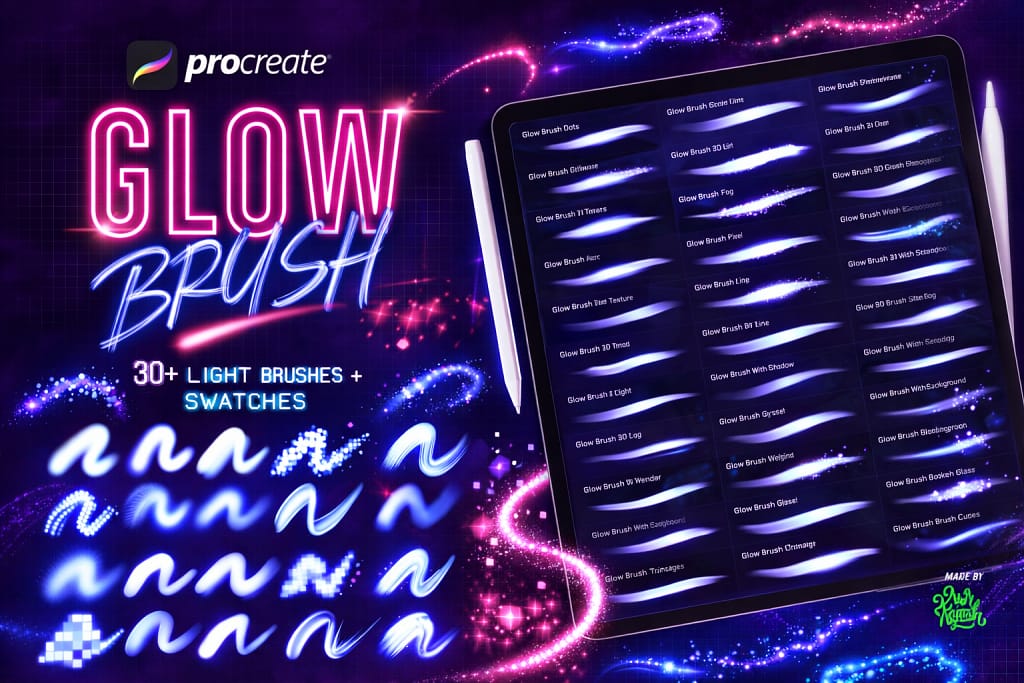
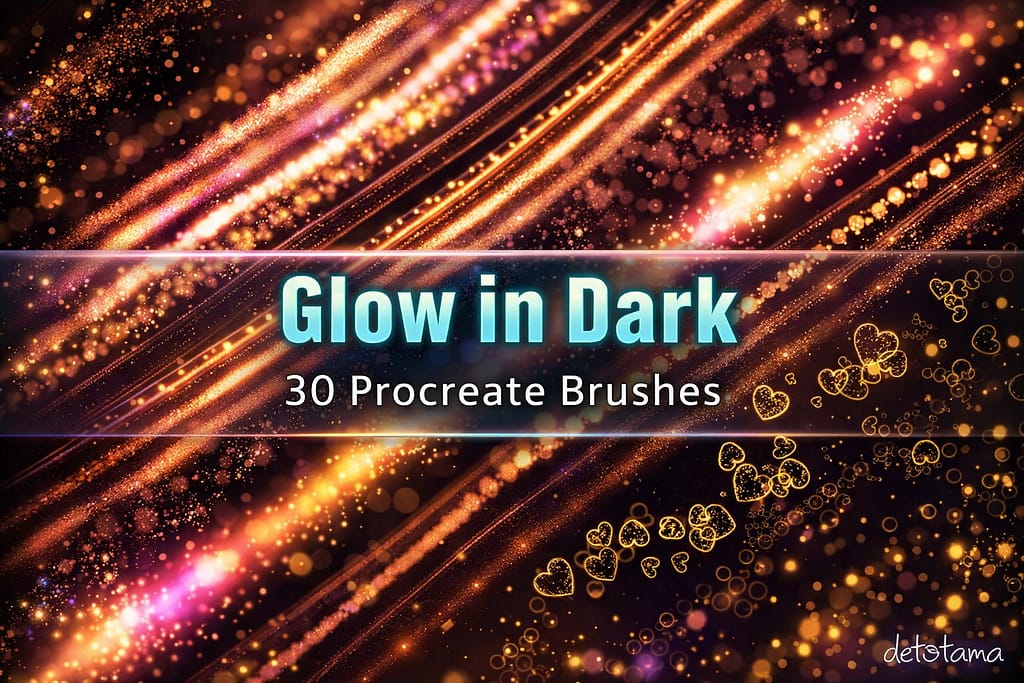
30+ Glow Brushes
Perfect for striking lettering and dark backgrounds. This set includes bright neon, cyber, and intense glowing glitter brushes that pop instantly.
VIEW BUNDLE →
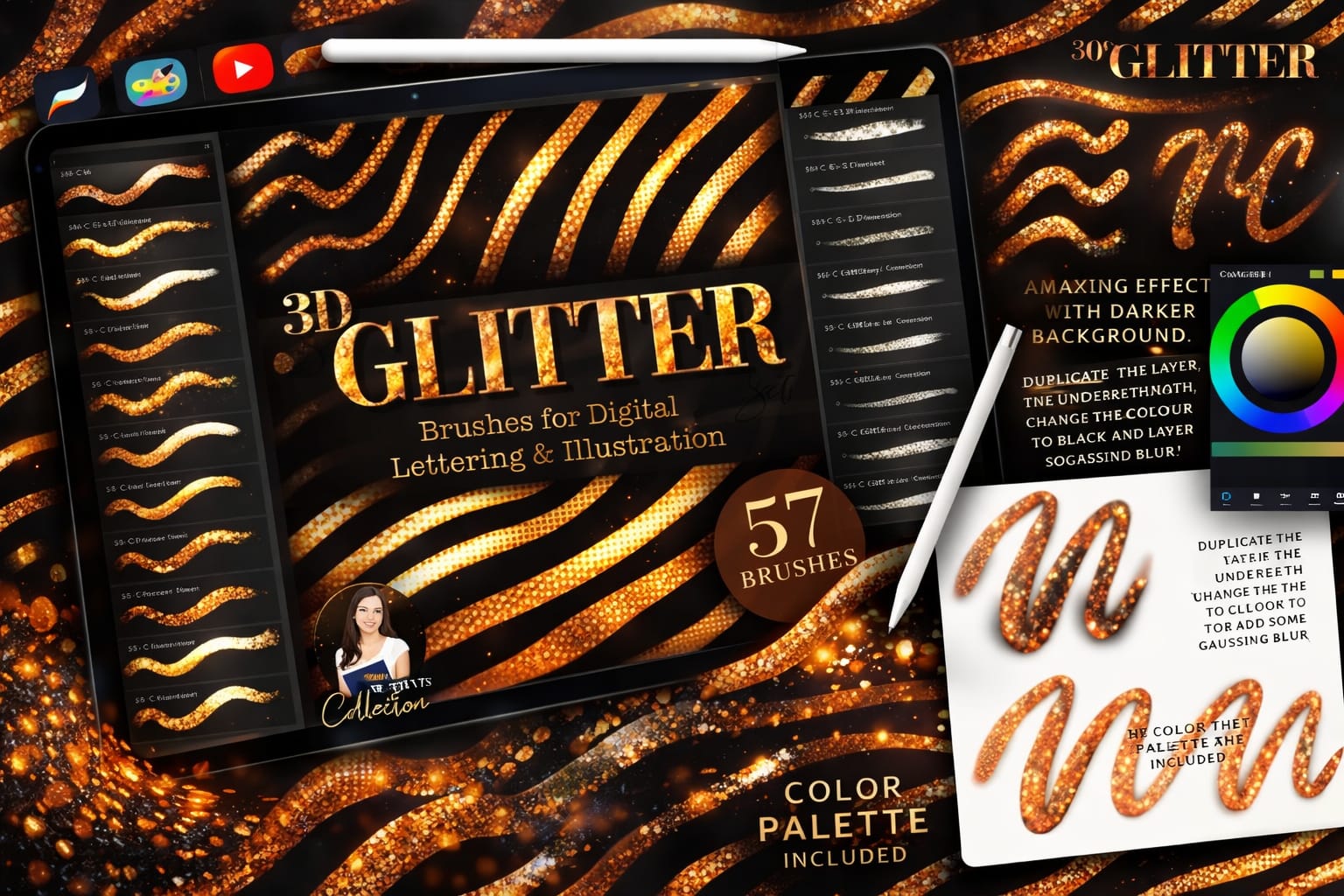
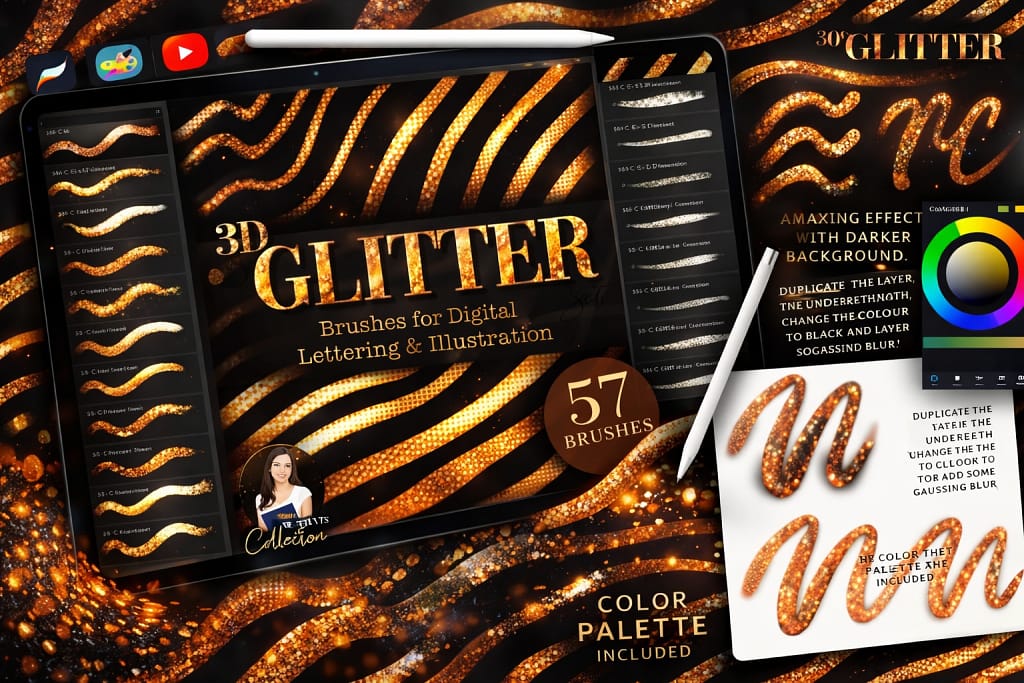
57 3D Glitter Brushes
Create stunning, dimensional lettering with seamless 3D glitter, metallic foil, and shimmer effects. Includes a custom gold color palette.
VIEW BUNDLE →Download All Glitter & Sparkle Packs for Free!
Why purchase these brush sets individually? You can unlock ALL 15 premium packs on this list immediately for $0.
Pro Tip: Activate the Creative Fabrica All-Access Free Trial to instantly download unlimited glitter, glow, and foil brushes.
⚙️ Quick Guide: How to Make Your Glitter Glow in Procreate
Pick the Right Base
Always draw your glitter on a separate new layer. For maximum contrast and sparkle, start with a dark or mid-tone background. White glitter on a white canvas won't glow!
Change the Blend Mode
This is the secret! Open your Layers panel, tap the 'N' next to your glitter layer, and scroll up to change the Blend Mode to Add or Color Dodge. Watch it light up.
Add a Blur Effect
To make the glow realistic, duplicate your glitter layer. Select the bottom layer, go to Adjustments (magic wand icon), and apply a slight Gaussian Blur (around 5-10%).
The 15 Best Procreate Glitter & Sparkle Brushes
Below is our fully ranked collection. I've organized these tools into logical categories—starting with massive bundles for luxurious lettering, moving into highly detailed shimmer and foil brushes for portrait illustrators, and finishing with beautiful magical glow and neon accents.
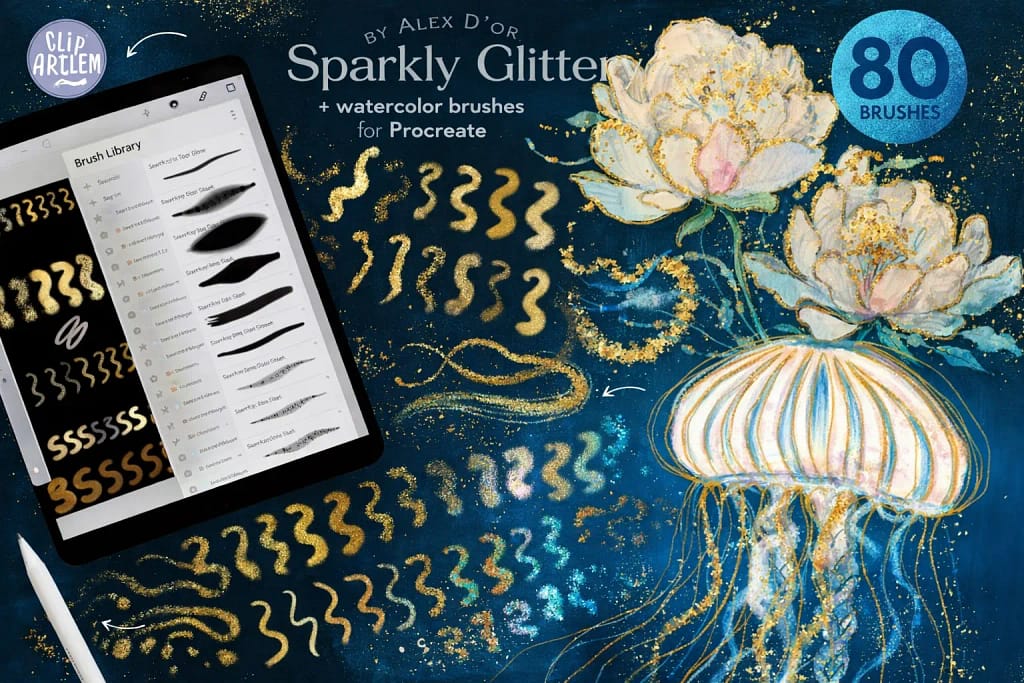
Why I picked it:
- ✅ Incredible Depth & Volume: These aren't just flat, glowing pixels. I noticed the glitter stamps have built-in texture that catches the digital "light" perfectly against darker backgrounds.
- ✅ Foolproof Color Palettes: Getting the right metallic shade can be tricky, but I love that this kit includes pre-made gold swatches. They guarantee a premium, rich metallic look on every single stroke.
- ✅ Ultimate Mixed-Media Vibe: I am impressed by the workflow. Laying down a dark alcohol ink base and instantly popping a gold foil stamp over it takes seconds but looks like hours of manual rendering.

Why I picked it:
- ✅ Ready-to-Use Canvases: I love that it comes with pre-textured Procreate canvases. You just open the file, start painting, and the realistic paper blending happens automatically.
- ✅ Massive Variety: With 67 distinct shimmer brushes (from holographic to iridescent) and 13 soft watercolors, I found I rarely needed to switch to other toolkits.
- ✅ Perfect for Soft Aesthetics: The glow here isn't harsh. It provides a subtle, luxurious sparkle that is perfect for wedding invitations and greeting cards.

Why I picked it:
- ✅ Instant Brightness: I was amazed by the built-in contrast. The core of the stroke stays bright white while the edges radiate your chosen color perfectly.
- ✅ Cyberpunk & Sci-Fi Vibes: Beyond basic glitter, I found the glitch, pixel, and grid glow brushes incredibly useful for modern, futuristic typography.
- ✅ Flawless Flares: Adding a quick bokeh or lens flare stamp instantly elevates a flat piece to look like a cinematic poster.

Why I picked it:
- ✅ True 3D Illusion: I noticed the shading adapts to my Apple Pencil pressure beautifully, creating a convincing tubular 3D effect without any extra effort.
- ✅ Zero Seams: Many pattern brushes break when curving lines. I pushed these to the limit with tight loops, and the glitter texture remained completely seamless.
- ✅ Rich Textures: It’s not just one style. I was able to switch between sequins, smooth metallic foil, and rough shimmer to match different projects.

Why I picked it:
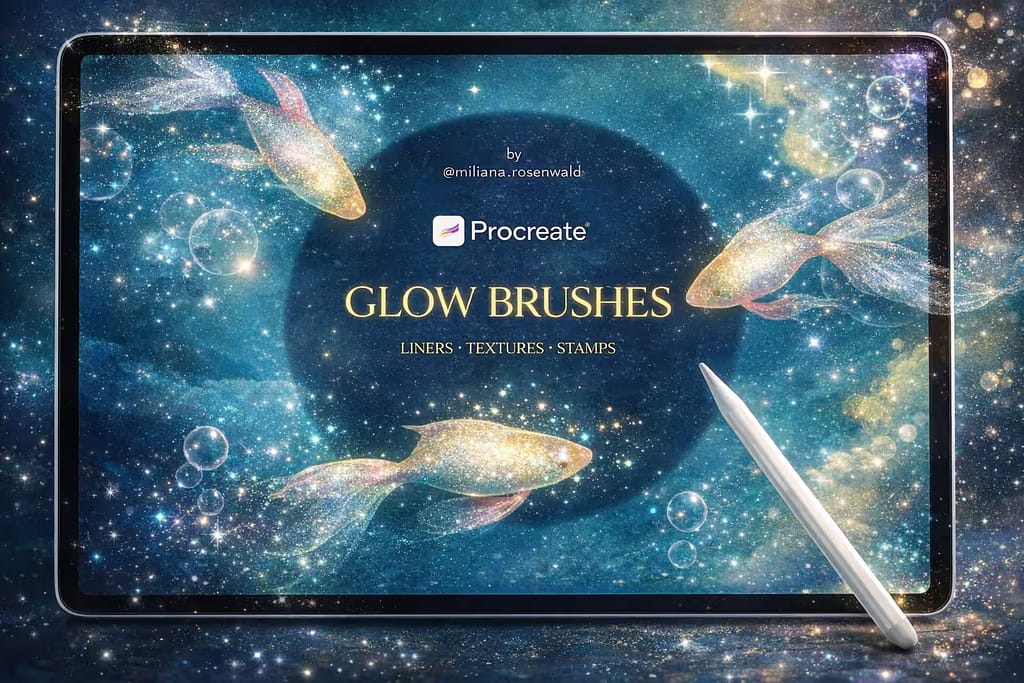
- ✅ Organic Scattering: I love how the brushes are programmed. The particles scatter randomly, meaning no two strokes ever look like a repeating pattern.
- ✅ Perfect Opacity Control: Some stars glow intensely, while others fade slightly into the background, giving my artwork instant atmospheric depth.
- ✅ Versatile Liners: Beyond scatters, I found the glowing liner brushes excellent for outlining magical artifacts or drawing glowing energy trails.

Why I picked it:
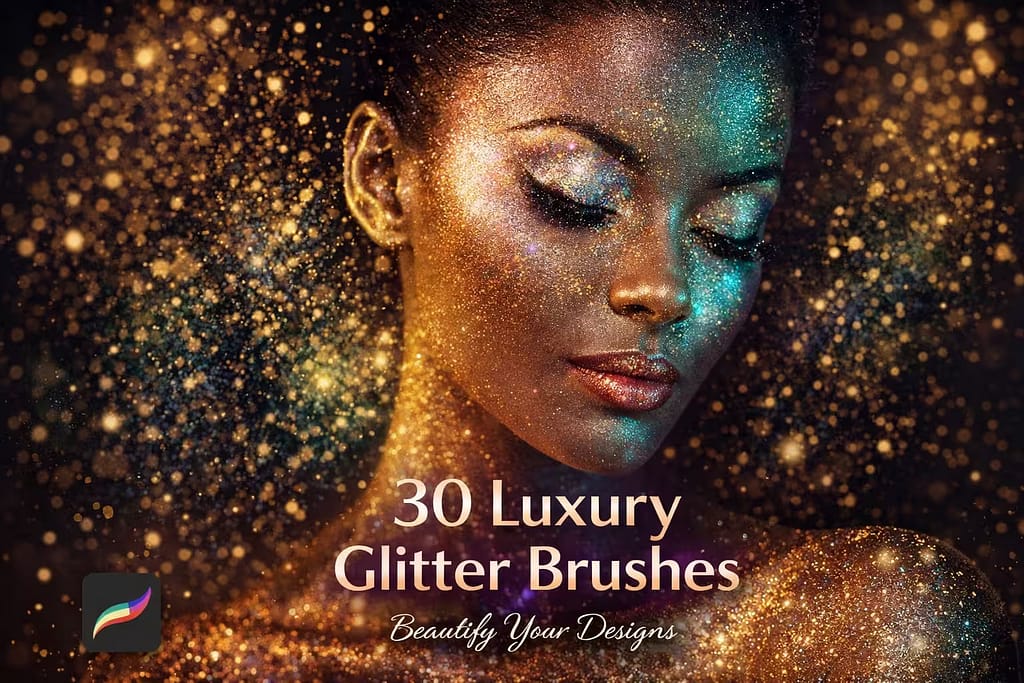
- ✅ Cosmetic Finish: I noticed the "soft glitter" brushes perfectly mimic real-life highlighter powders, giving characters a glamorous, dewy glow.
- ✅ Customizable Intensity: I found it incredibly easy to control the opacity. You can lay down a barely-there shimmer or build it up to intense, chunky stage makeup.
- ✅ Great for Clothing: The abstract glitter overlays worked wonders when I needed to quickly add a sequin texture to a character's dress.

Why I picked it:
- ✅ Sharp Resolution: I tested scaling these brushes to their maximum size, and they retain absolutely flawless clarity without getting blurry or pixelated.
- ✅ Three Size Categories: I appreciate that the brushes are pre-adjusted into small, medium, and large flakes, saving me from constantly tweaking the grain scale settings.
- ✅ Ready-to-Go Palette: The included custom color palette takes the guesswork out of finding the perfect champagne, rose gold, or classic yellow gold hues.

Why I picked it:
- ✅ Realistic Flaking: I noticed the brush tips are designed to leave organic "cracks" and gaps, just like genuine gold foil applied by hand.
- ✅ Perfect Edge Details: Running this brush along the edges of a canvas instantly gives the artwork a premium, vintage, gilded feel with zero effort.
- ✅ Warm Gold Tones: The specific textures included are naturally rich and warm, meaning they look stunning even before you add any blending modes.

Why I picked it:
- ✅ Smooth Viscosity: I found the brush dynamics highly responsive. The harder you press, the "thicker" and glossier the metallic paint appears on the canvas.
- ✅ Unique Ribbon Effect: Drawing curves with these brushes creates a beautiful folded ribbon effect, perfect for elegant script lettering.
- ✅ High Detail Density: Even in smooth strokes, I noticed tiny micro-textures of foil that keep the metal looking realistic rather than plastic-like.

Why I picked it:
- ✅ Color-Adapting Tech: I love that these aren't just yellow-gold stamps. Pick any color in Procreate, and the brushes instantly generate perfect shimmer in that exact shade.
- ✅ Fabric-Like Flow: I noticed the grain behaves like real textiles, making it incredibly easy to render sequin dresses and shiny leather.
- ✅ Pressure Sensitive: Light strokes give a subtle dust, while heavy strokes pack the glitter tightly. I found this vital for painting realistic shadows and highlights.

Why I picked it:
- ✅ Instant String Lights: I was impressed by how seamlessly the glowing bulbs follow the pen path, making it easy to wrap them around trees or typography.
- ✅ Intense Color Burn: Tested on dark backgrounds, the lights interact with the canvas like real neon, shifting from intense white cores to colored halos.
- ✅ Decorative Stamps: Beyond garlands, I found the included glowing ornament stamps perfect for quickly detailing backgrounds and holiday borders.

Why I picked it:
- ✅ Built for the Dark: I noticed the brush settings are optimized specifically for dark mode, ensuring the colors remain hyper-vibrant without looking washed out.
- ✅ Unique Geometric Sparkles: Instead of just round dust, I loved experimenting with the glowing hearts, stars, and abstract shapes that trail behind the pen.
- ✅ High Contrast Results: You don't even need to touch the blending modes. I found they create an instant, eye-catching contrast straight from the brush library.

Why I picked it:
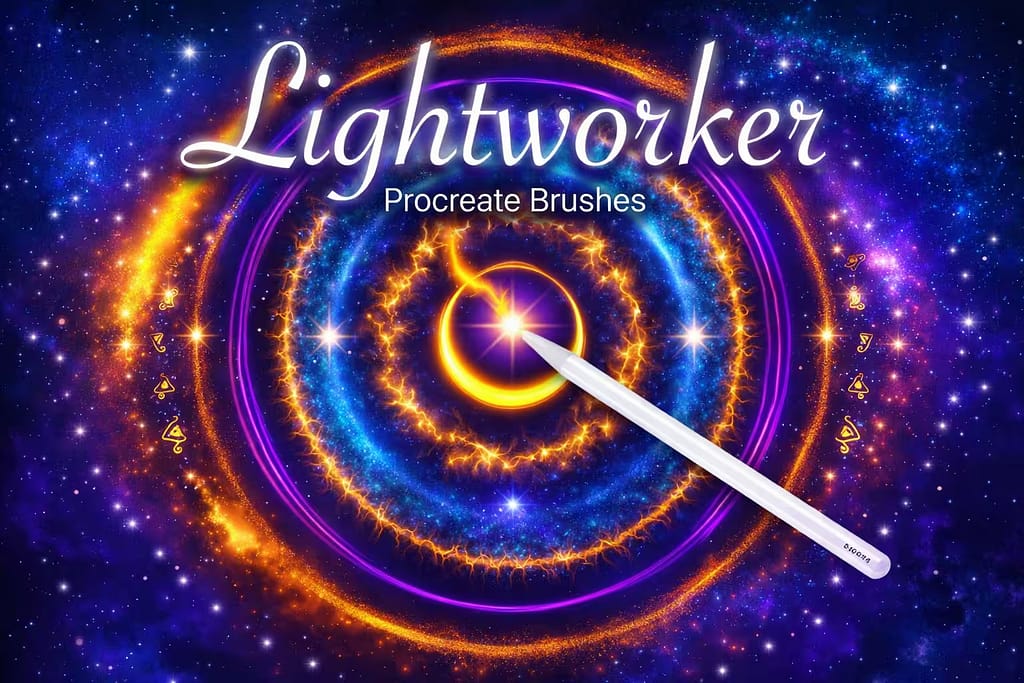
- ✅ Rare Light Effects: I was thrilled to find brushes that specifically mimic comet tails, neon flames, and electrical surges alongside traditional sparkles.
- ✅ Addictive Workflow: I found myself just playing with these brushes for an hour; the way they emit light and follow the pen direction is deeply satisfying.
- ✅ Perfect Aura Glow: When creating character designs, I used these to draw magical auras—they blend into dark backgrounds seamlessly.

Why I picked it:
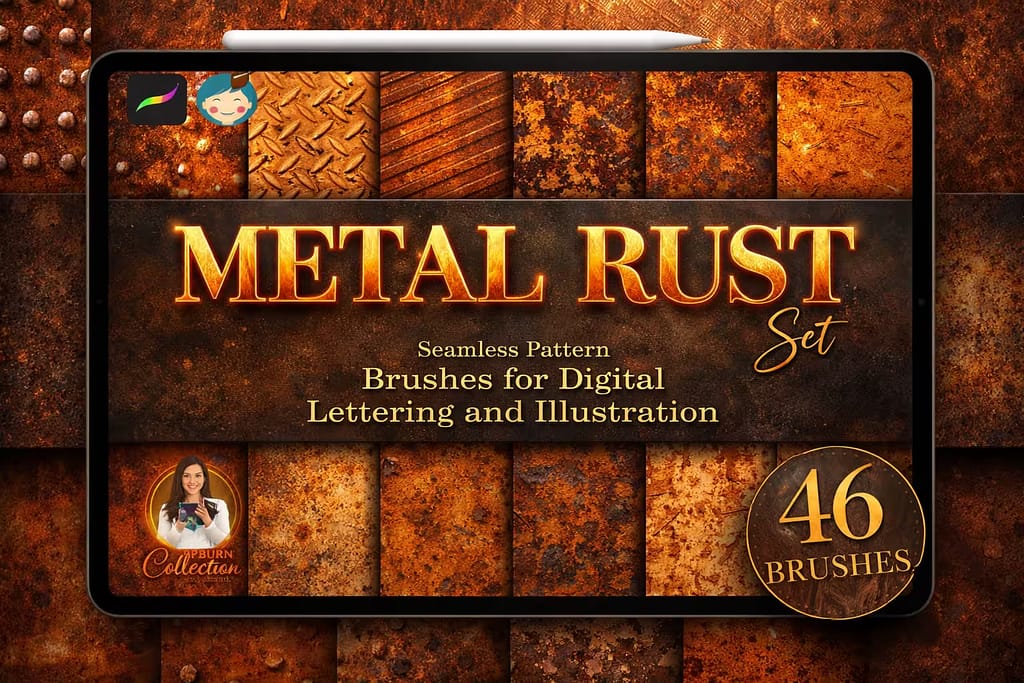
- ✅ Gritty Realism: I noticed the textures perfectly capture the look of oxidized copper, peeling rust, and scratched steel.
- ✅ Seamless Patterning: Even when shading large areas, I found the metal textures repeat seamlessly, giving the illusion of a solid metal plate.
- ✅ Great for Lettering: Using these brushes as clipping masks over bold typography gave my letters an instant, heavy industrial vibe.

Why I picked it:
- ✅ Auto-Color Shifting: I loved that the brushes automatically pick up variations of your selected palette color, creating multi-colored streams without changing settings.
- ✅ Glowing Edges: I noticed each piece of confetti has a subtle, built-in highlight, making them look like shiny foil rather than flat paper.
- ✅ Dynamic Sizing: With just pen pressure, I found I could create deep perspective—drawing huge confetti in the foreground and tiny specks in the back.
FAQ
While you can create a basic glitter brush yourself by opening the Brush Studio, importing a grainy shape source, and maxing out the "Scatter" and "Jitter" settings, it rarely looks like realistic glitter. For a true 3D foil or glowing effect, it requires complex dual-brush setups. That’s why downloading pre-made premium brushes is the fastest way to get professional results.
There are many basic free brushes available online, but they often lack pressure sensitivity and high-resolution textures. The best trick to get premium glitter brushes for free is to sign up for a Creative Fabrica All-Access Free Trial. This allows you to download top-tier, commercial-use glitter packs at zero cost.
To make your glitter actually shine, you need two things: contrast and the right blending mode. Always draw your sparkles on a dark background. Then, open your Layers panel and change the glitter layer's Blend Mode to "Add" or "Color Dodge". For an extra magical effect, duplicate that layer and apply a 5% Gaussian Blur to the bottom one.
Most high-quality Procreate glitter brushes are color-dynamic, meaning they adapt to whatever color you select in your color picker. For classic gold, try using a hex code like #FFD700 or #E5B80B. Many of the premium bundles mentioned in this list also include custom Procreate color palettes (swatches) specifically calibrated for gold, rose gold, and silver foil.
If your sparkles look like dirt or flat gray pixels, you are likely drawing on a pure white canvas or using the wrong brush settings. Glitter needs "light" to reflect. Try using a darker background color and ensure your brush has built-in texture. If the problem persists, switch to a brush with metallic shading or adjust your layer opacity.