Getting that authentic street art look in digital painting is notoriously difficult. Default soft brushes look like plastic airbrushes, not real Montana cans. To create convincing tags and pieces, you need specific tools: fat caps, gritty markers, and messy paint drips.
I’ve tested the market to bring you the 12 best Procreate graffiti brushes. Whether you want to build complex 3D lettering, practice your handstyle, or quickly drop a neon tag on a digital brick wall, this collection has your entire digital backpack covered. Let's start spraying.
🏆 Editor’s Choice
The ultimate 4-piece toolkit for digital street artists.

The GRAFFITI BOX
The absolute essential kit. It includes 18 authentic brushes featuring thick markers, fat caps, and realistic spray textures.
VIEW BUNDLE →
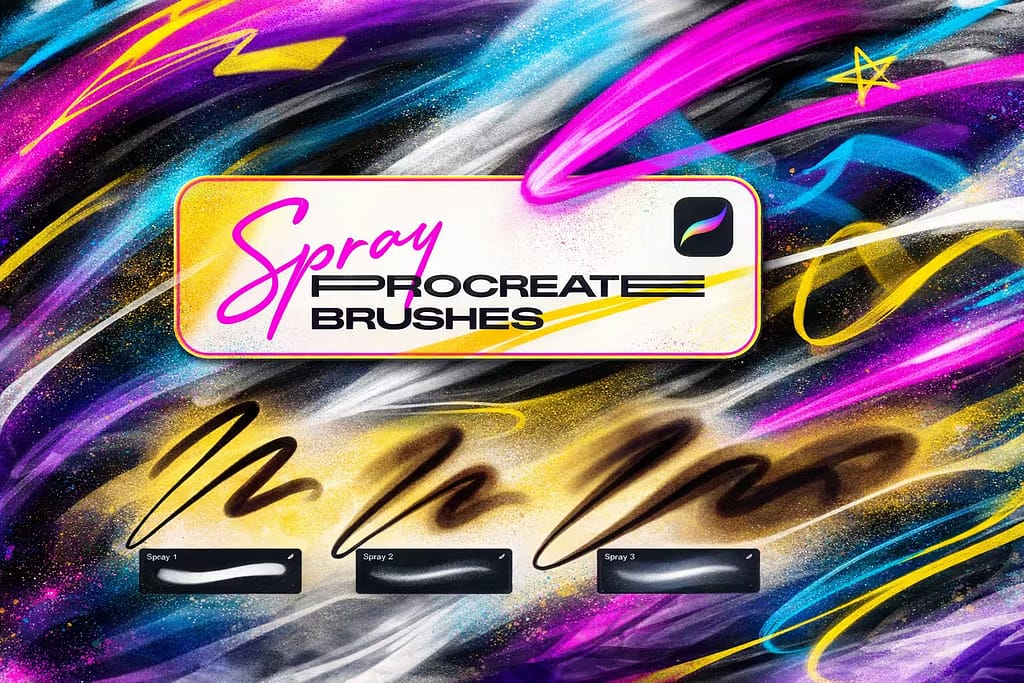
14 Spray Brushes
Highly pressure-sensitive spray brushes. Light pressure creates thin transparent flares, heavy pressure lays down thick, solid paint.
VIEW BUNDLE →
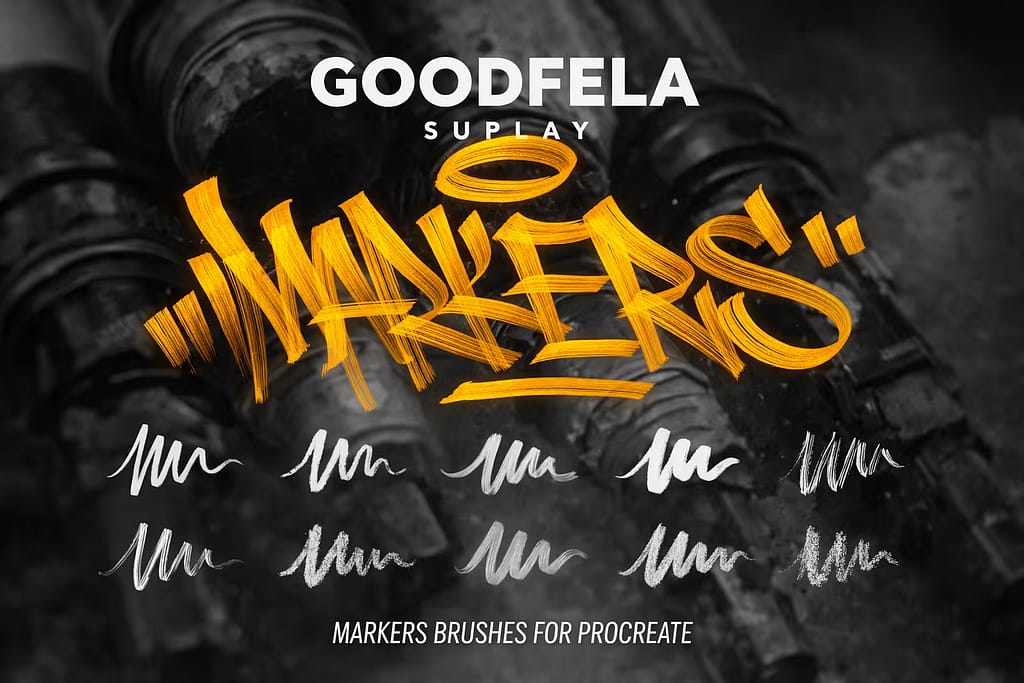
Marker Brushes
Designed specifically for quick handstyles. Mimics the exact friction and ink flow of real squeezer and chisel-tip markers.
VIEW BUNDLE →
50 Hi-Res Splashes
Graffiti needs dirt. Instantly add realistic paint drips, heavy splatters, and smudges to make your art look truly urban.
VIEW BUNDLE →Grab Your Digital Cans for Free!
Why buy these toolkits separately? You can unlock ALL 12 premium graffiti sets on this list right now without paying full price.
Pro Tip: Claim the Creative Fabrica Subscription Trial to download unlimited Procreate spray brushes, markers, and wall textures for $0.
⚙️ Quick Guide: How to Create Realistic Graffiti Effects
Lay the Foundation
Start by filling your background layer with a concrete or brick texture brush. Draw your main letters using a solid Fat Cap brush on a new layer above the texture.
Add the Glow & Flares
Select a soft Spray Paint brush. Lower the opacity to 40% and lightly airbrush around the edges of your letters to create that authentic overspray "glow."
Drips and Blending
Use a Splatter/Drip stamp at the bottom edges of your letters. Finally, set your main graffiti layer to the Multiply or Overlay blend mode so the brick texture shows through the paint!
The 12 Best Procreate Graffiti Brushes (Ranked)
Below is the full breakdown of the best street art tools. I’ve organized them logically—starting with the essential fat caps and spray paints to build your pieces, moving into 3D and neon lettering effects, and finishing with the perfect background textures to ground your art on the wall.

Why I picked it:
- ✅ Authentic Textures: The spray brushes react beautifully to pressure, mimicking the true, messy dispersion of aerosol paint.
- ✅ Fat Caps Included: Perfect for drawing those classic, thick, overlapping graffiti throw-up letters effortlessly.
- ✅ All-in-One Toolkit: Includes everything from thin liners to wide markers, saving you from switching between different packs.

Why I picked it:
- ✅ Tilt Sensitive: Angling your Apple Pencil creates a wider, softer fade, perfect for smooth shading and glowing effects.
- ✅ Realistic Scatter: The paint droplets look completely random and natural, avoiding that artificial "airbrush" look.
- ✅ Various Caps: Includes accurate simulations of skinny caps for sharp details and fat caps for blocking in colors.

Why I picked it:
- ✅ Streamline Versions: Includes "#SL" stabilized versions of each brush to help you pull incredibly smooth, fast tags.
- ✅ Chisel & Round Tips: Gives you the exact dynamic line weight needed for professional urban calligraphy.
- ✅ Dry Ink Effects: Some brushes have a broken, dry texture that looks incredibly authentic on concrete backgrounds.

Why I picked it:
- ✅ High Resolution: At up to 2500 pixels, these stamps look incredibly crisp even on massive, print-ready canvases.
- ✅ Dynamic Rotation: The stamp changes direction with your pencil tilt, so your splatters never look copied and pasted.
- ✅ Realistic Drips: Includes perfect gravity-pulled paint drips to add under your fat-cap letters.

Why I picked it:
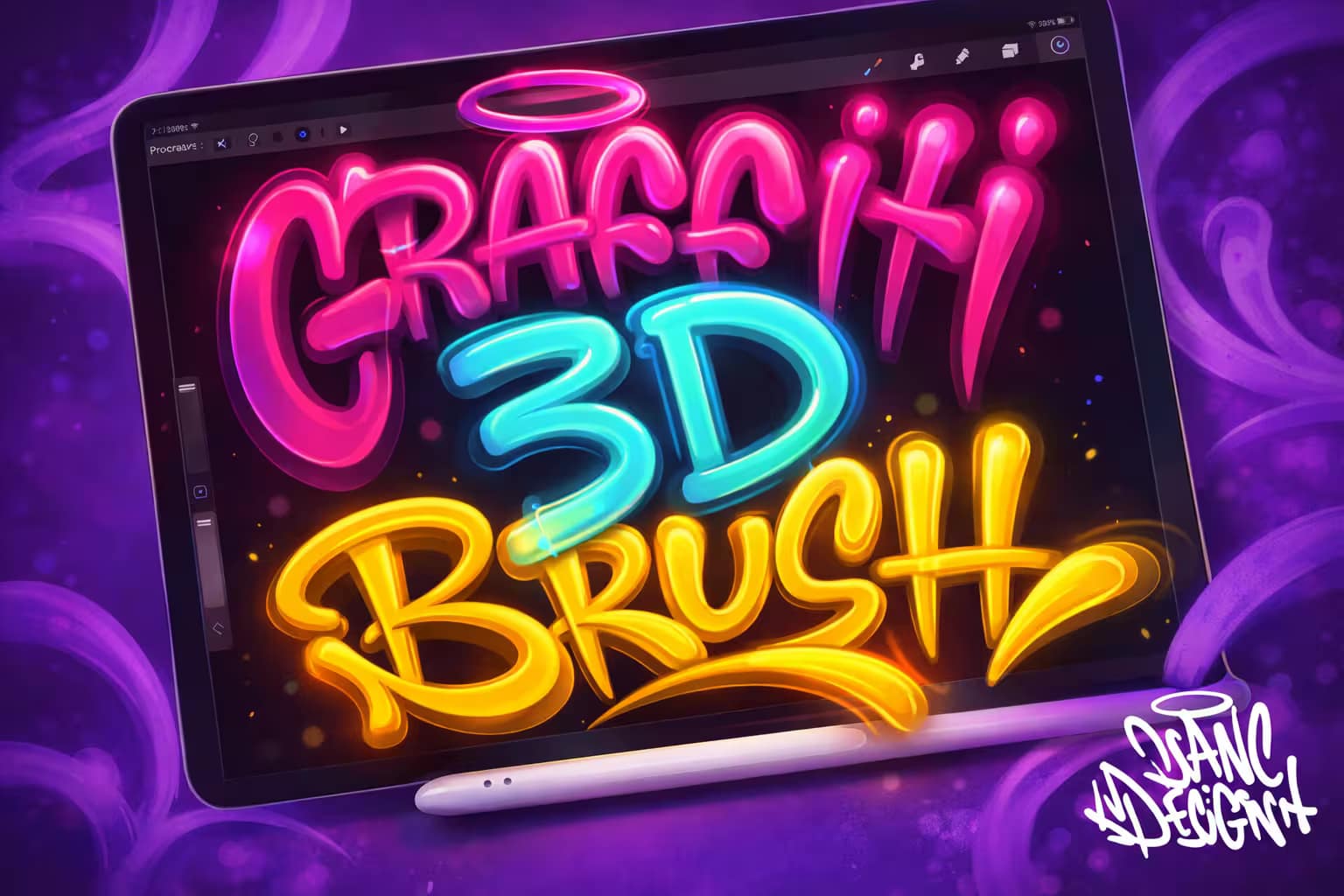
- ✅ Instant Depth: Creates a perfect drop shadow and 3D extrusion behind your strokes in real-time.
- ✅ Smooth Lettering: The streamline settings are perfectly calibrated for pulling long, continuous 3D curves.
- ✅ Time-Saving: What usually takes 20 minutes of outlining and perspective drawing takes just seconds with this brush.

Why I picked it:
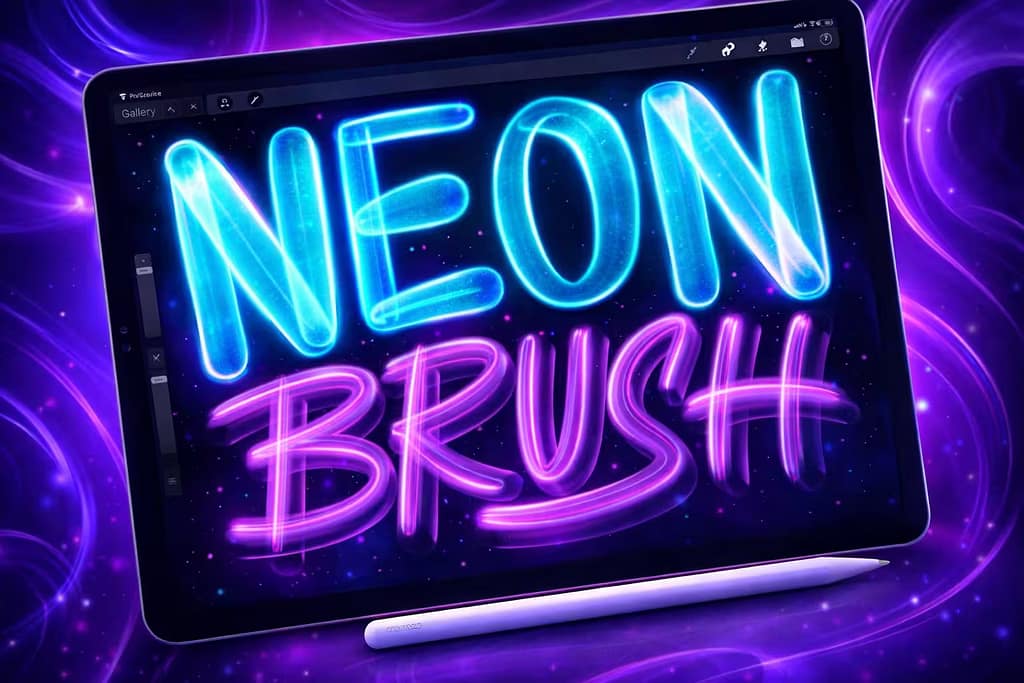
- ✅ Built-in Glow: You don't need to duplicate layers and add Gaussian blur; the brush glows automatically.
- ✅ Vibrant Overlaps: Where the strokes intersect, the light intensifies realistically, mimicking true neon overlap.
- ✅ Night Scenes: Ideal for adding a futuristic, cyberpunk aesthetic to your urban environments.

Why I picked it:
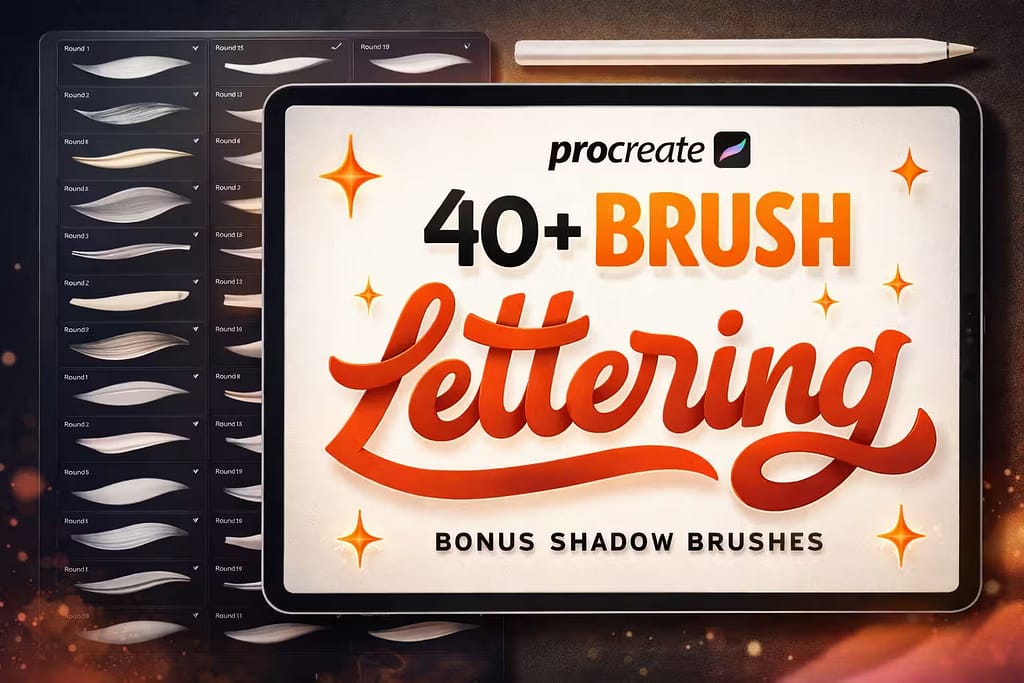
- ✅ Massive Variety: From rough dry markers to smooth monoline pens, you have a tool for every lettering style.
- ✅ Shadow Brushes: The included drop-shadow tools are absolute game-changers for creating pop-out typography.
- ✅ Excellent Taper: The pressure curves are perfectly tuned for sharp upstrokes and bold, thick downstrokes.

Why I picked it:
- ✅ Complete Set: Includes A-Z uppercase letters, numbers, and common symbols in a consistent street style.
- ✅ Fast Layouts: Perfect for creating quick graphic design mockups, t-shirt prints, or underground event posters.
- ✅ Highly Legible: The style is authentic and aggressive, but still clean enough to be easily read by your audience.

Why I picked it:
- ✅ Gritty Realism: Provides that essential rough, porous surface texture that makes digital spray paint look authentic.
- ✅ Gradient Friendly: The pressure sensitivity allows you to smoothly blend dark and light urban textures.
- ✅ Versatile Noise: Great not just for walls, but for adding retro, grainy shading to your character illustrations too.

Why I picked it:
- ✅ Color Changing: Some brushes dynamically shift hues as you draw, creating instant rainbow lettering.
- ✅ Perfect Outlines: The fixed width is ideal for outlining complex throw-ups and creating printable die-cut stickers.
- ✅ High Stabilization: Makes drawing perfectly smooth, looping bubble letters incredibly easy and satisfying.

Why I picked it:
- ✅ Organic Dispersion: The droplets are concentrated at the center and scatter realistically outward like real ink.
- ✅ Translucency: They interact beautifully with blending modes to sink into the background texture naturally.
- ✅ Fine Detail: Perfect for adding micro-splatters around a very detailed, sharp piece of lettering.

Why I picked it:
- ✅ Instant Gloss: The brush creates a 3D bevel and bright reflection effect dynamically as you write.
- ✅ Foil Aesthetic: Looks exactly like thick, liquid chrome or silver metallic gel pens used in blackbooks.
- ✅ Great on Dark: Pops incredibly well when used on a dark brick, concrete, or black paper texture.
FAQ
While Procreate includes a default "Spray Paint" category (with basic tools like the Fat Nozzle or Medium Nozzle), they often lack the gritty realism needed for authentic street art. For professional-level drips, chisel markers, and realistic aerosol scatter, premium packs are the industry standard. However, you can download all the premium graffiti bundles featured in this guide for free by starting a Creative Fabrica All-Access Free Trial.
For authentic tagging and handstyles, you need a brush that mimics a chisel-tip marker or a mop/squeezer. The best brushes for this have optimized "Streamline" and "Stabilization" settings to keep your fast, looping strokes perfectly smooth, along with texture settings that replicate ink bleeding into a rough surface.
The secret to realistic digital street art is layering and surface texture. Never paint on a pure white background; always lay down a concrete or brick texture first. Draw your solid letters using a fat cap brush, then use a soft spray paint brush on a low opacity to create an overspray "glow" around the edges. Finally, use the "Multiply" or "Overlay" blend modes so the brick texture realistically shows through your paint.
In real-world graffiti, a "fat cap" is a specially designed spray can nozzle that releases a very wide, thick stream of paint, primarily used for quickly filling in large letters or doing "throw-ups." In Procreate, a fat cap brush mimics this wide, solid stroke with slightly fuzzy, oversprayed edges. It uses Apple Pencil pressure sensitivity to let you transition from a thick fill to a thinner flare seamlessly.
Yes! While you can manually draw 3D blocks and drop shadows using Procreate's built-in perspective guides, the fastest way is to use specialized 3D lettering brushes. These custom brushes are programmed to automatically extrude a block shadow behind your stroke in real-time as you write, giving your graffiti instant 3-dimensional depth with zero extra effort.