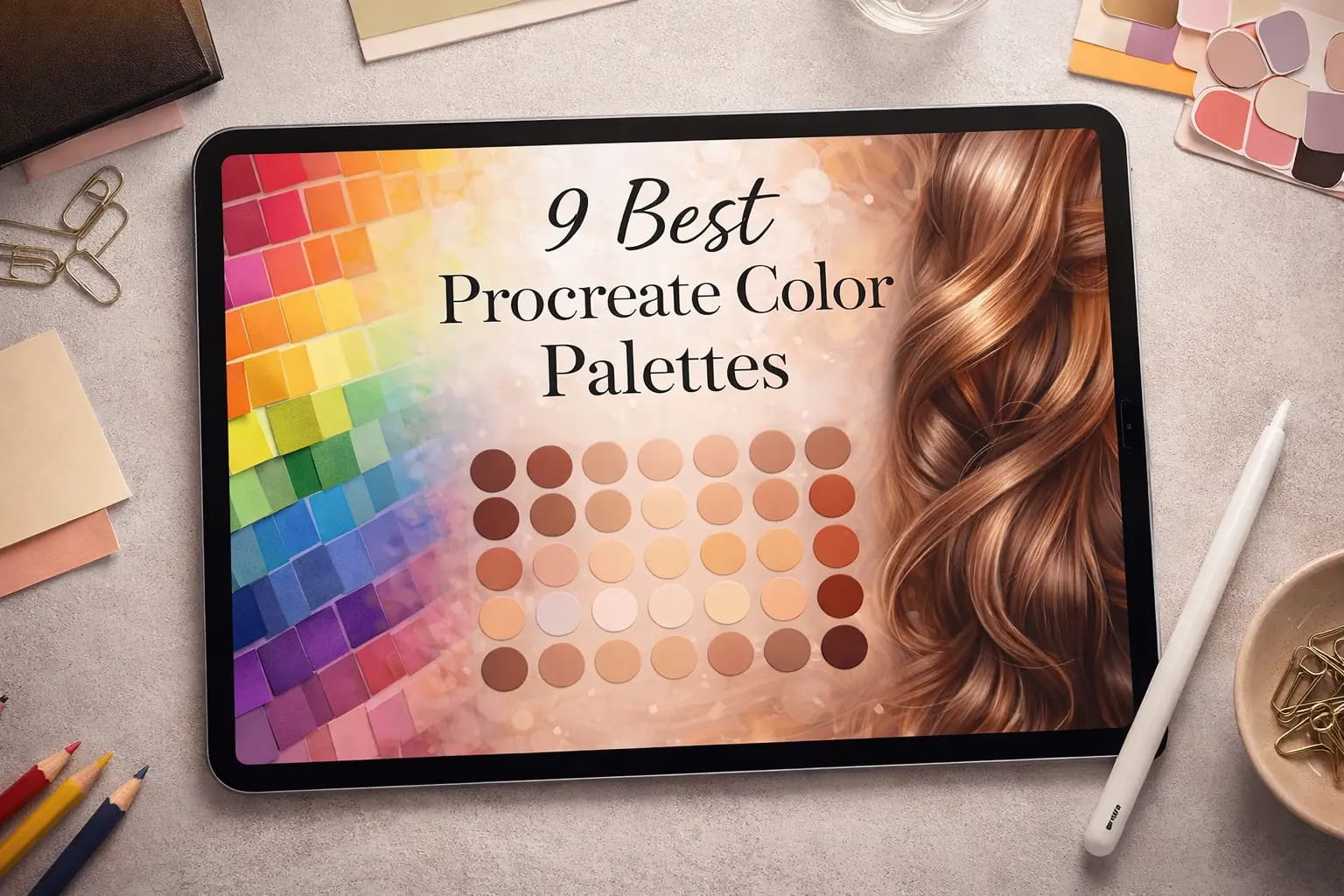
Picking colors manually is the fastest way to ruin a good illustration. You end up with "muddy" shadows and flat highlights. I’ve tested dozens of packs to find the ones that actually work—from realistic skin tones to cyberpunk neons. Whether you are on iPad Pro or Pocket, these 9 palettes will instantly upgrade your art.
🏆 Editor’s Choice
The top 4 essentials for every artist.

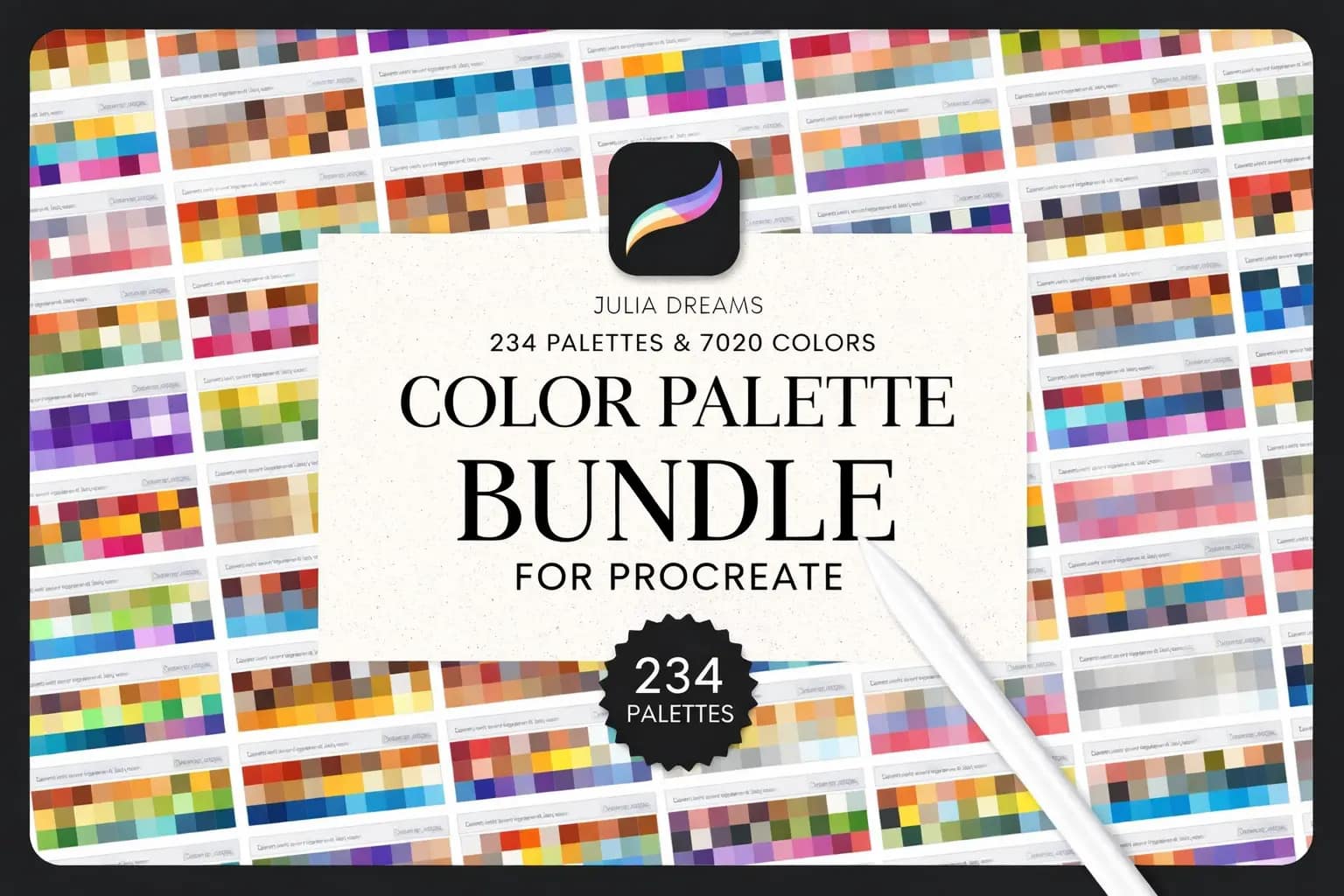
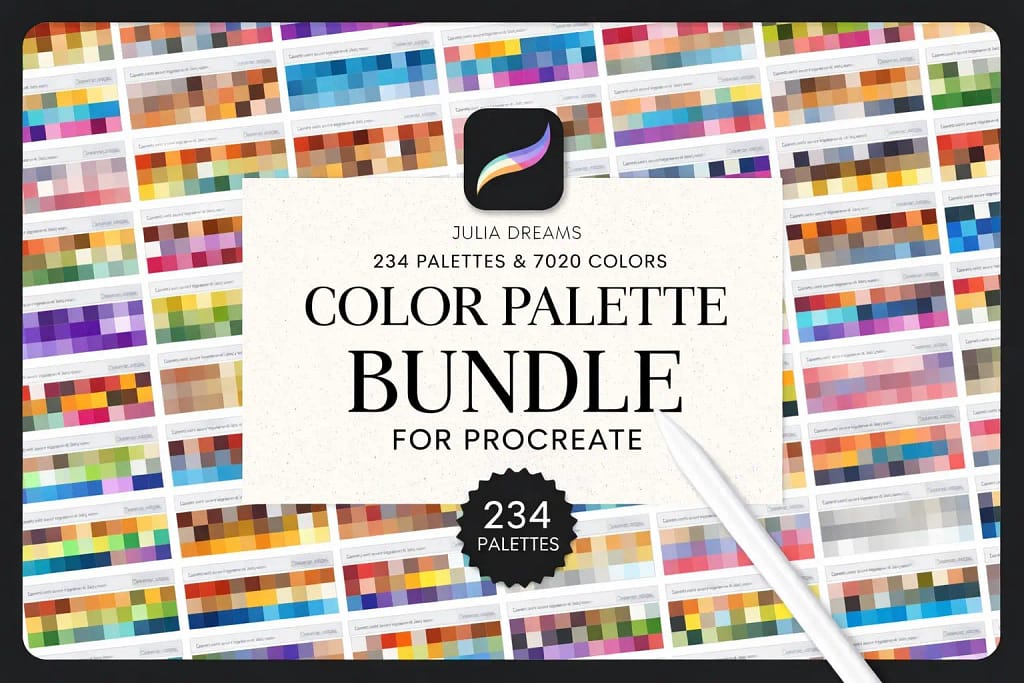
Ultimate Color Bundle
Why buy one? Get 234 palettes (7000+ colors) covering every style imaginable.
GET 7000+ COLORS →
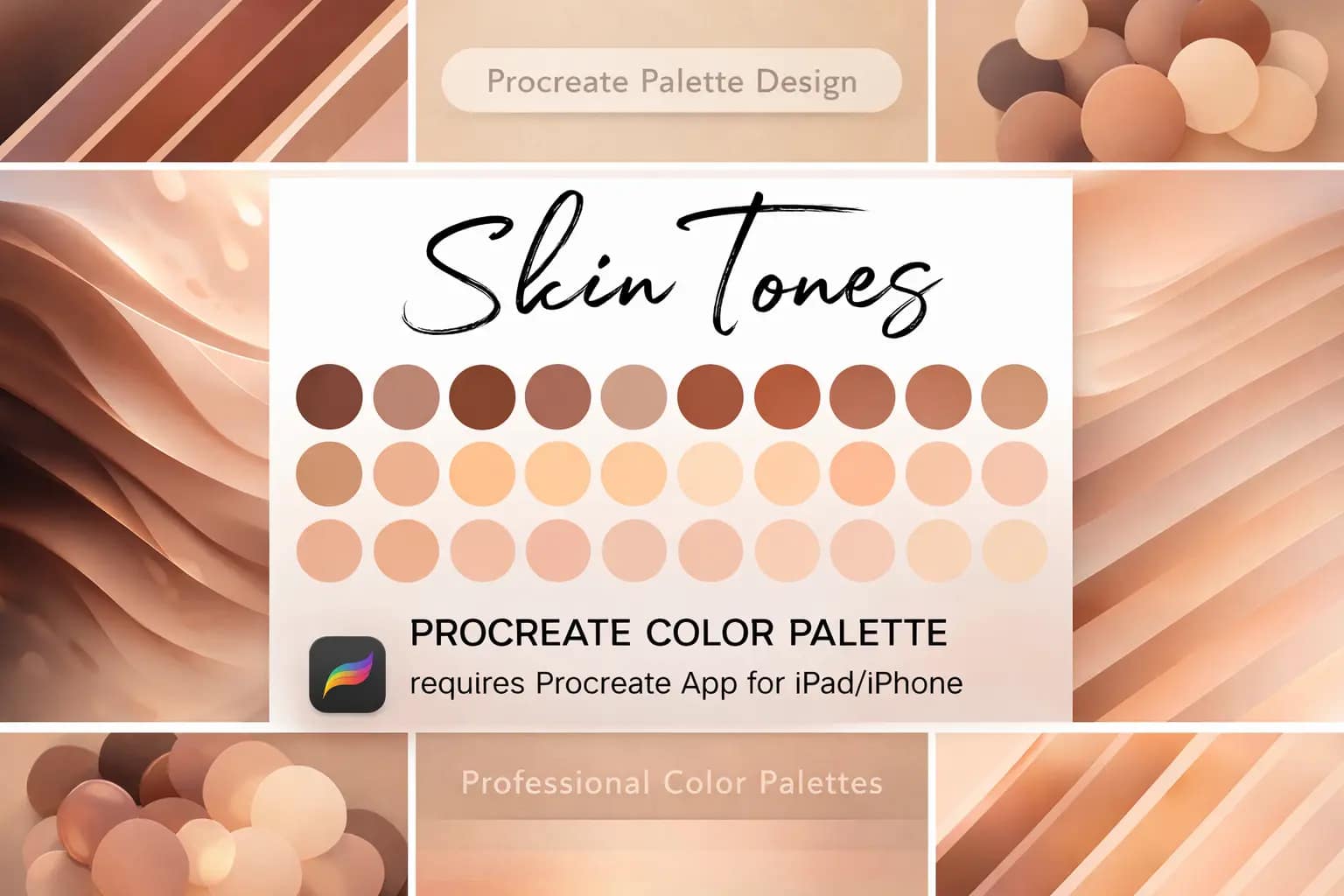
Realism Skin Tones
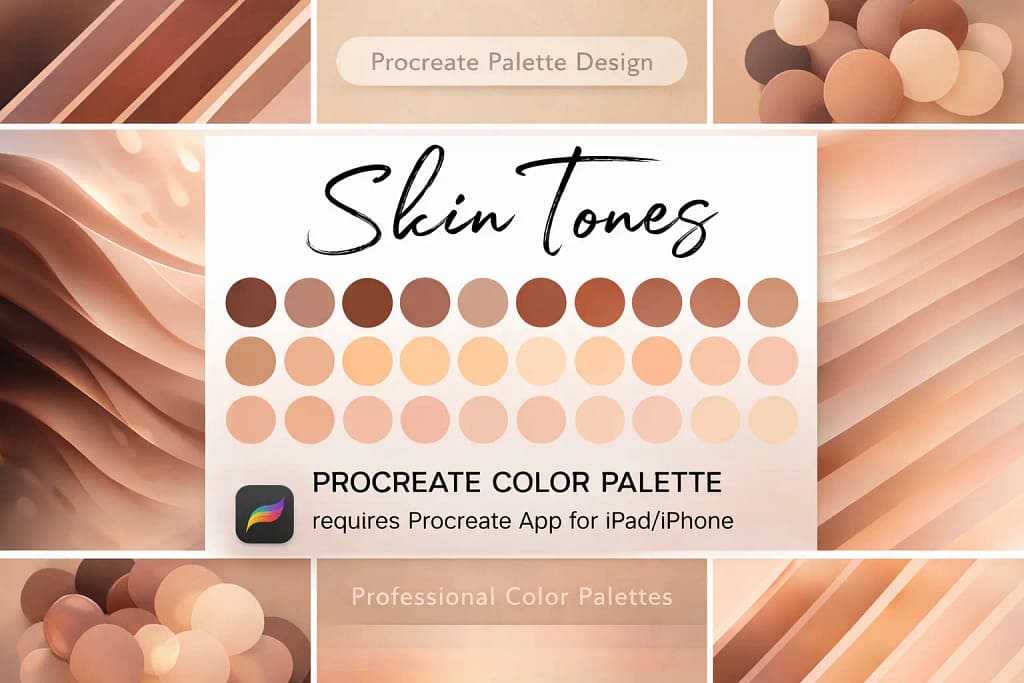
No more orange faces. Perfectly calibrated gradients for light, medium, and dark skin.
VIEW SKIN SET →
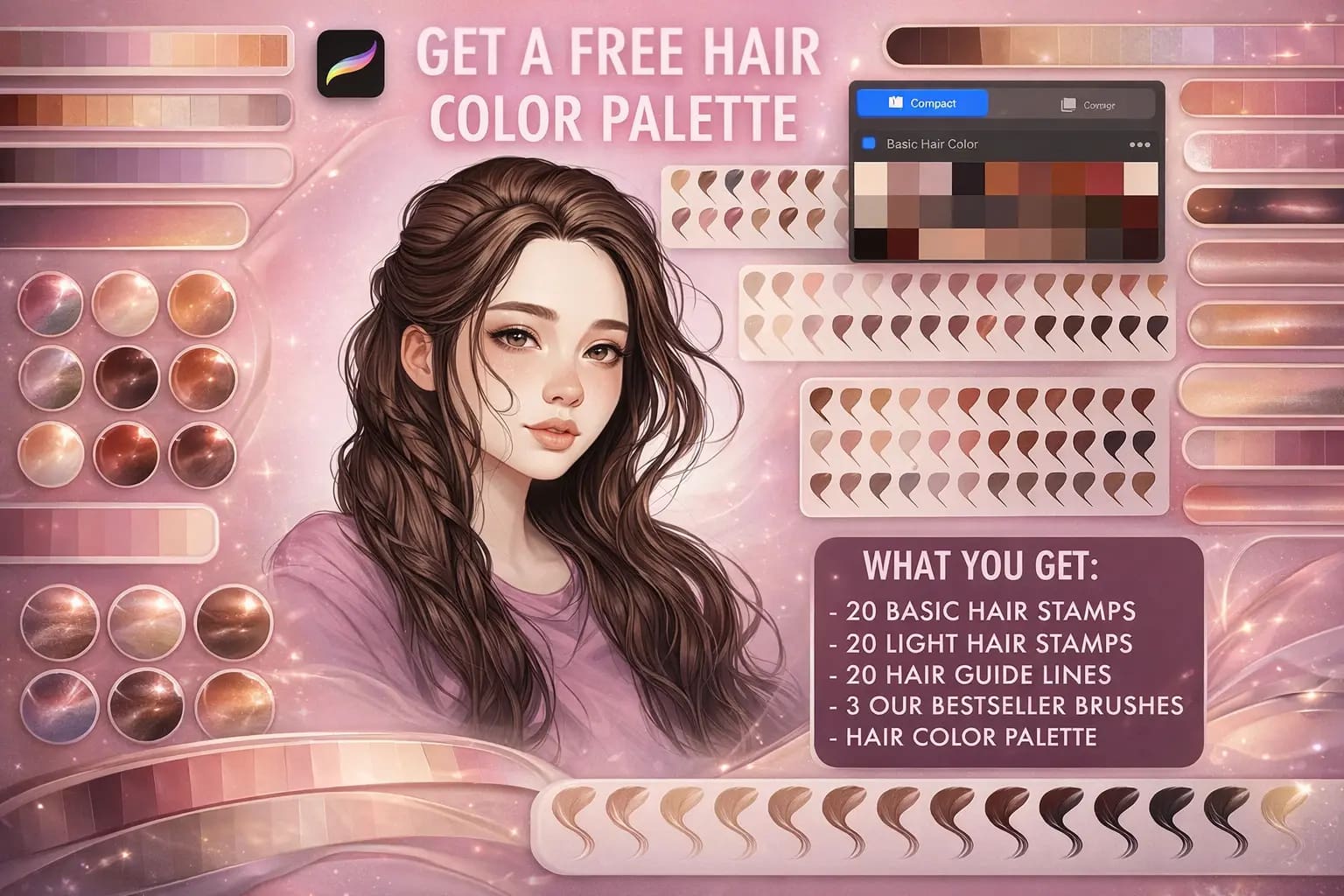
Hair Colors & Stamps
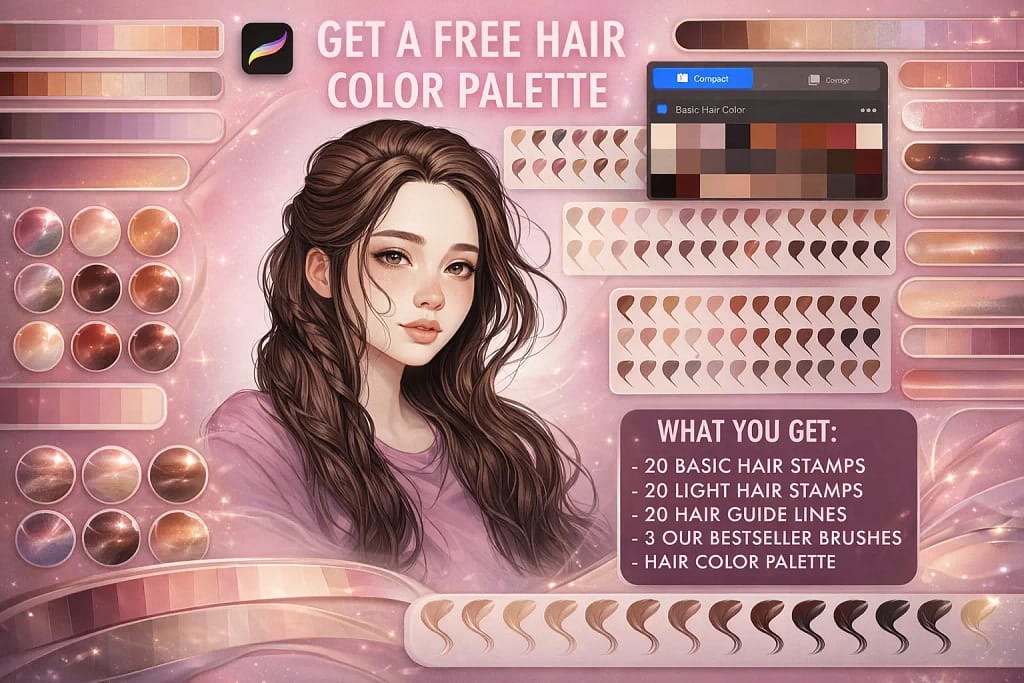
The ultimate toolkit: specialized hair color swatches PLUS brushes to draw strands.
VIEW HAIR KIT →
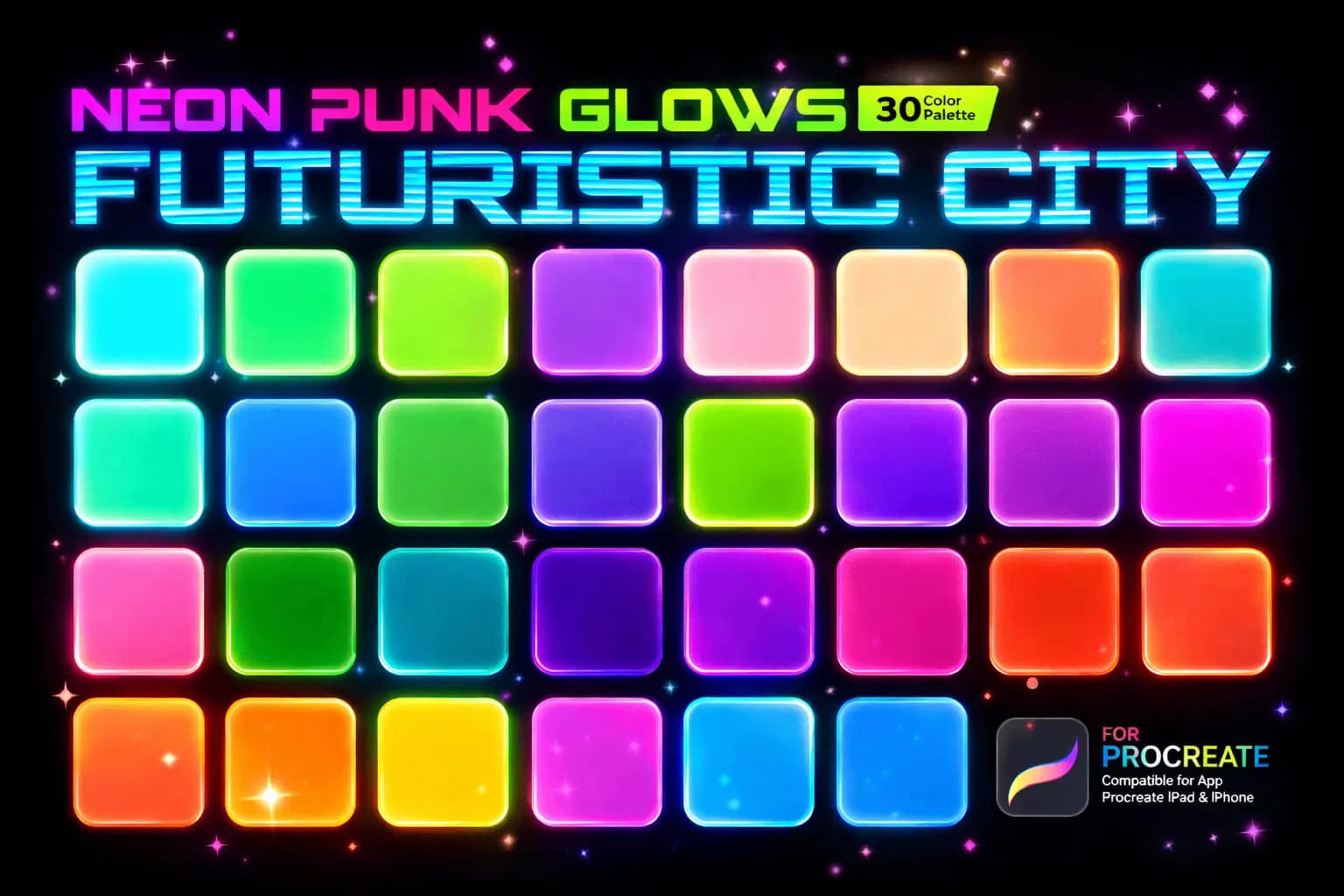
Neon Punk Glows
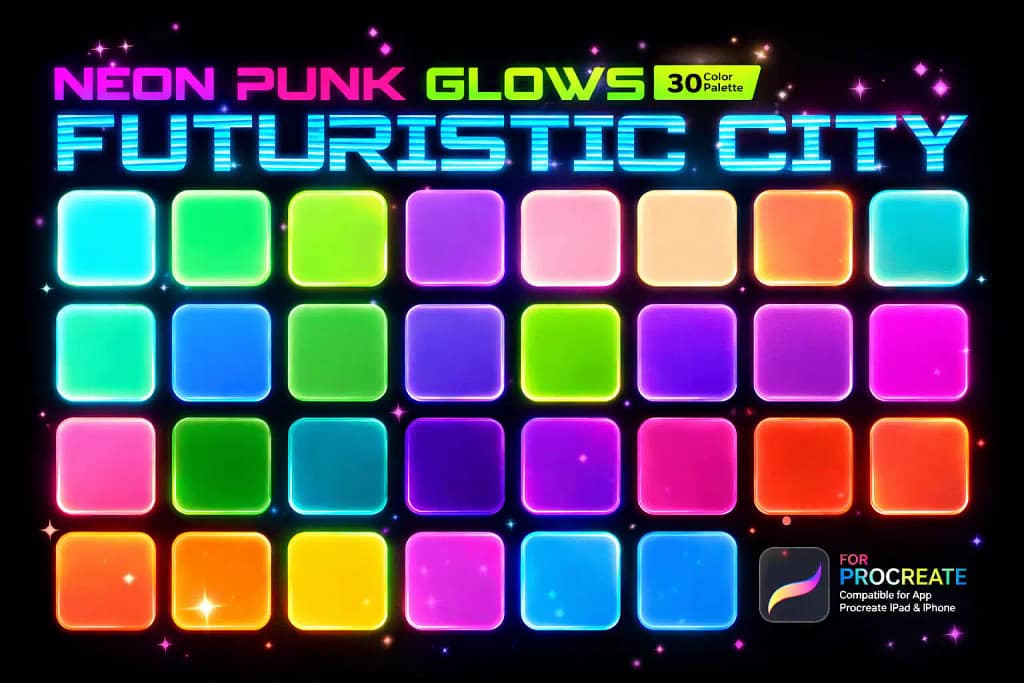
Aggressive, high-contrast colors designed to pop on dark backgrounds.
VIEW NEON PACK →📂 Full Collection 9 Sets
▼The 9 Best Procreate Color Palettes (Ranked & Reviewed)
Below is my curated list of the most essential color swatches for 2026. I’ve categorized them by use case—from Realism Skin Tones for portraits to Metallic & Neons for special effects—so you can stop guessing hex codes and start painting.

Why it’s my #1 pick:
- ✅ Massive Library (7000+ Colors): You get 234 separate .swatches files organized by theme. You will never need to manually pick a color again.
- ✅ Cohesive Themes: Unlike random generators, these palettes are curated by humans. The “Forest” set actually feels like nature; the “Sunset” set blends perfectly.
- ✅ Lifetime Value: Whether you draw anime, landscapes, or logos, this one pack covers it all. It’s the ultimate starter kit for Procreate.
🔒 Secure checkout via Creative Fabrica • Commercial License included

Why artists love it:
- ✅ No More “Muddy” Colors: Beginners often pick greys. These swatches have the correct red/yellow undertones to make skin look alive and warm.
- ✅ Complete Diversity: It doesn’t just focus on one tone. You get curated gradients for light, medium, tan, and dark complexions in one file.
- ✅ The “Sweet Spot” Size: With 30 colors, it is large enough to offer variety for shadows and highlights, but small enough that you don’t get overwhelmed.
🔒 Secure checkout via Creative Fabrica • Commercial License included

Why it’s the best value:
- ✅ Brushes + Colors Included: Most sellers charge separately for this. Here, you get 60 hairstyle stamps/brushes AND the specific color palette to shade them.
- ✅ Realistic Tones: Hair colors are tricky—too much yellow looks fake. This palette nails the natural ash, golden, and deep brunette undertones perfectly.
- ✅ Instant Base: Struggling with anatomy? Just tap a stamp to place a full braid or flowing lock, then use the palette to fill it in. Huge time-saver.
🔒 Secure checkout via Creative Fabrica • Commercial License included

Why it stands out:
- ✅ Instant Glow Effect: These colors are chosen to work perfectly with “Add” or “Color Dodge” blend modes. They look like actual light sources, not just paint.
- ✅ Dark Mode Optimized: If you draw on a black canvas, regular pastels disappear. These neon swatches cut through the darkness for high-contrast illustrations.
- ✅ Cyberpunk Aesthetic: From acid rain greens to synthetic pinks, it captures the exact “Blade Runner” vibe that is currently dominating Instagram art trends.
🔒 Secure checkout via Creative Fabrica • Commercial License included

Why it’s essential:
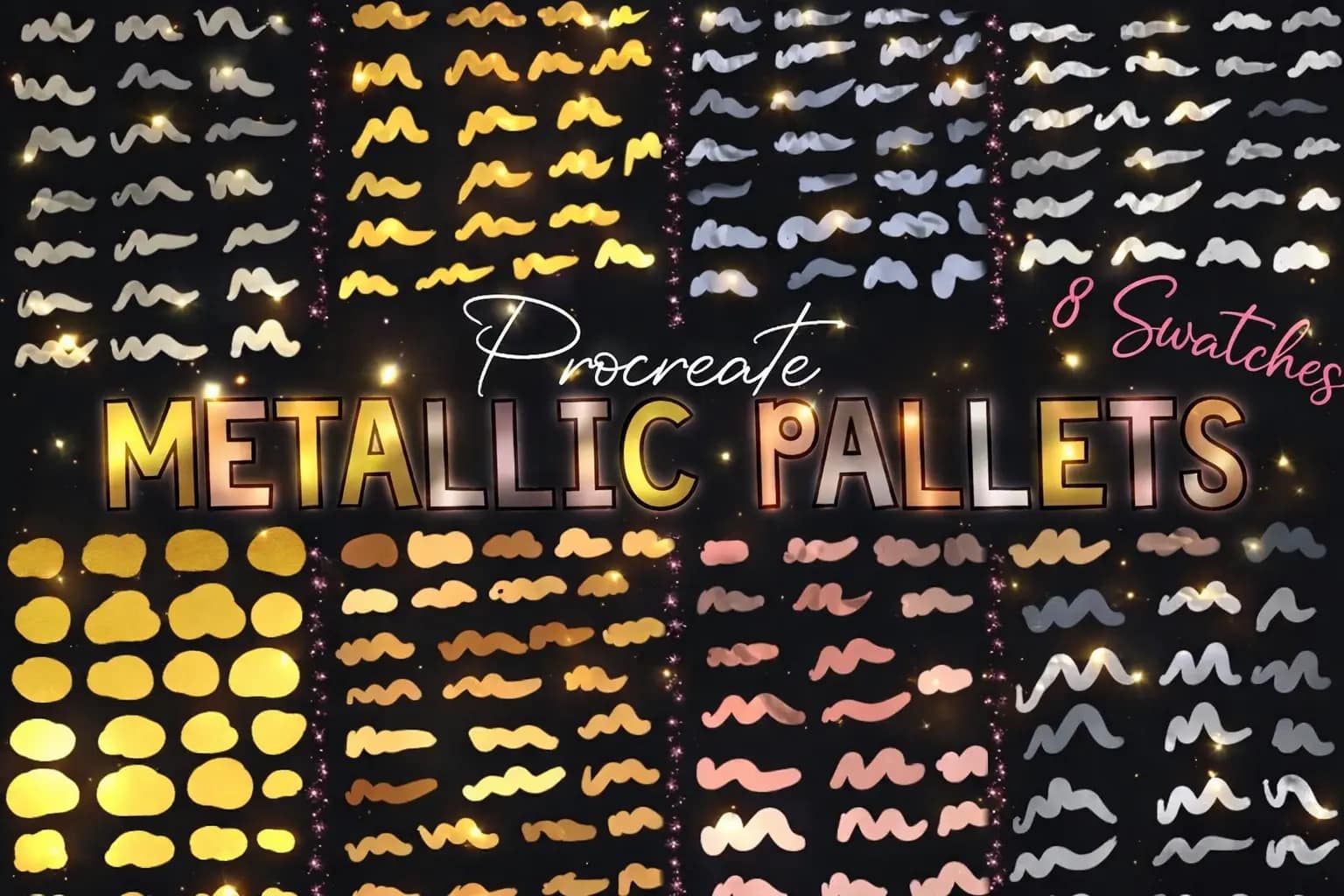
- ✅ 8 Metal Types: It covers every luxury material you might need: Old Gold, Sterling Silver, Rose Gold, Platinum, and even textured Bronze.
- ✅ Lettering Ready: If you do calligraphy, these colors instantly give your text a “gold foil” stamp effect without needing complex clipping masks.
- ✅ Perfect Chrome: The “Chrome” and “Silver” palettes are particularly impressive, offering those cool, bluish-grey tones that mimic reflection perfectly.
🔒 Secure checkout via Creative Fabrica • Commercial License included

Want this 7000+ Color Kit for FREE?
Start a Free Trial on Creative Fabrica and get the Ultimate Palette Bundle for $0 right now.
Why it’s a landscape essential:
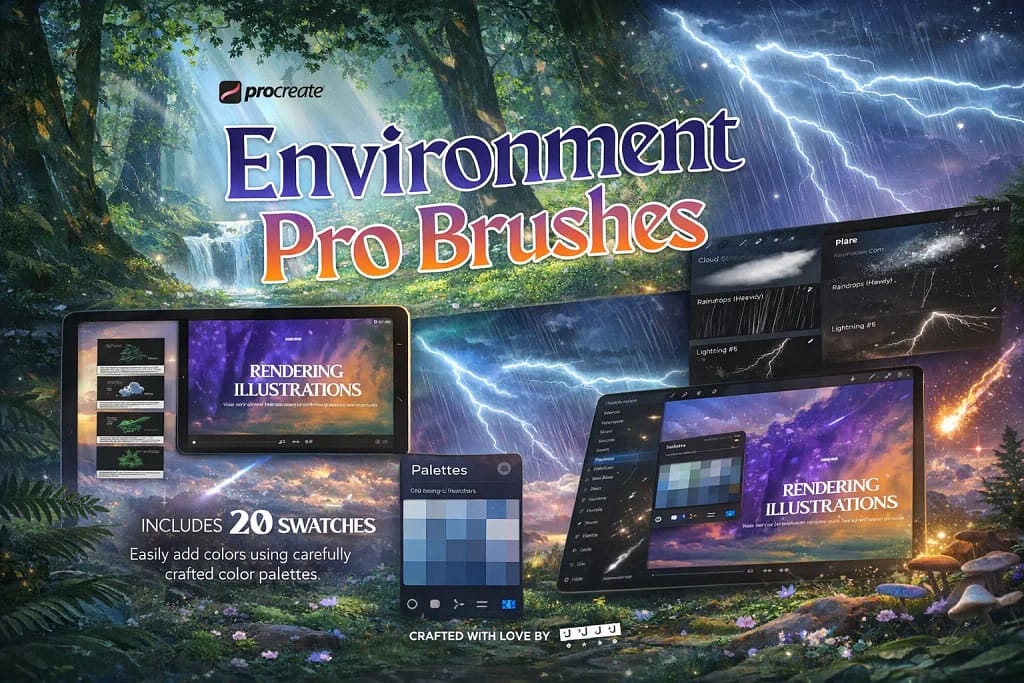
- ✅ 20 Themed Palettes: It covers every scenario: “Deep Forest,” “Ocean Blue,” “Sunset,” and “Rainy Day.” The colors are pre-mixed to look organic, avoiding that fake digital look.
- ✅ Ghibli Style Ready: The colors are vibrant yet soft, perfect for anime-style backgrounds or concept art. They blend beautifully with the included foliage brushes.
- ✅ Massive Time Saver: Instead of spending hours picking colors for leaves and clouds, you just select the “Nature” swatch set and start painting.
🔒 Secure checkout via Creative Fabrica • Commercial License included

Why it’s a time-machine for your art:
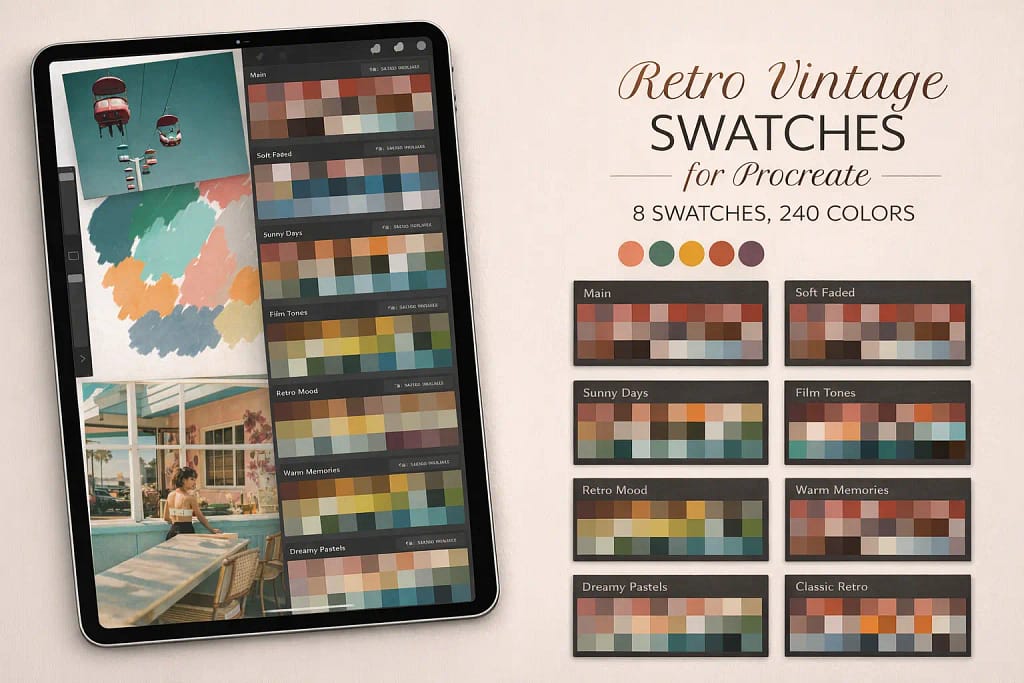
- ✅ 8 Era-Specific Sets: You get distinct moods ranging from “Faded Postcard” to “80s Motel.” It’s not just random colors; each swatch tells a specific story.
- ✅ Lo-Fi Aesthetic Ready: Perfect for “Lo-Fi Beats” style backgrounds, vintage travel posters, or character designs that need that cozy, warm wash.
- ✅ Massive Volume: With 240 colors, you’ll never run out of options. The cohesive grouping means you can stick to one palette and ensure perfect color harmony.
🔒 Secure checkout via Creative Fabrica • Commercial License included

Why it’s perfect for fantasy art:
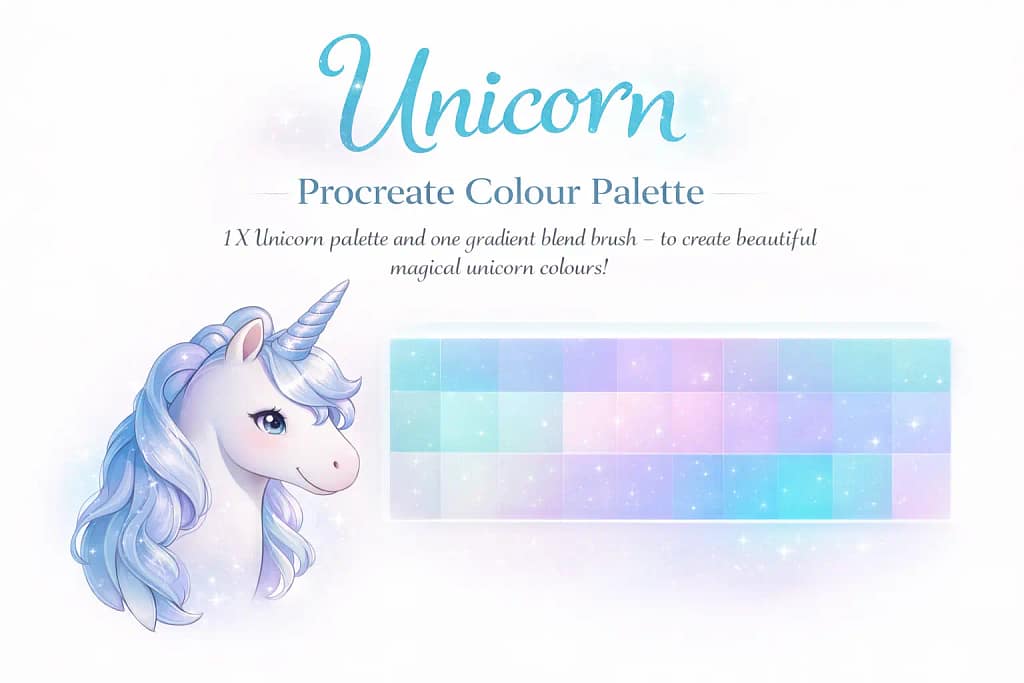
- ✅ 30 Dreamy Shades: A curated mix of cotton candy pinks, soft lavenders, and mint greens. They are pre-calibrated to look good when layered together.
- ✅ Pearlescent Effect: The main selling point is the ability to create shiny, pearl-like textures. Perfect for drawing bubbles, crystals, or magical creatures.
- ✅ Technical Helper: The included blending brush saves you time. You just lay down the stripes of color and use the brush to achieve that seamless “unicorn” gradient instantly.
🔒 Secure checkout via Creative Fabrica • Commercial License included

Why it’s a sci-fi staple:
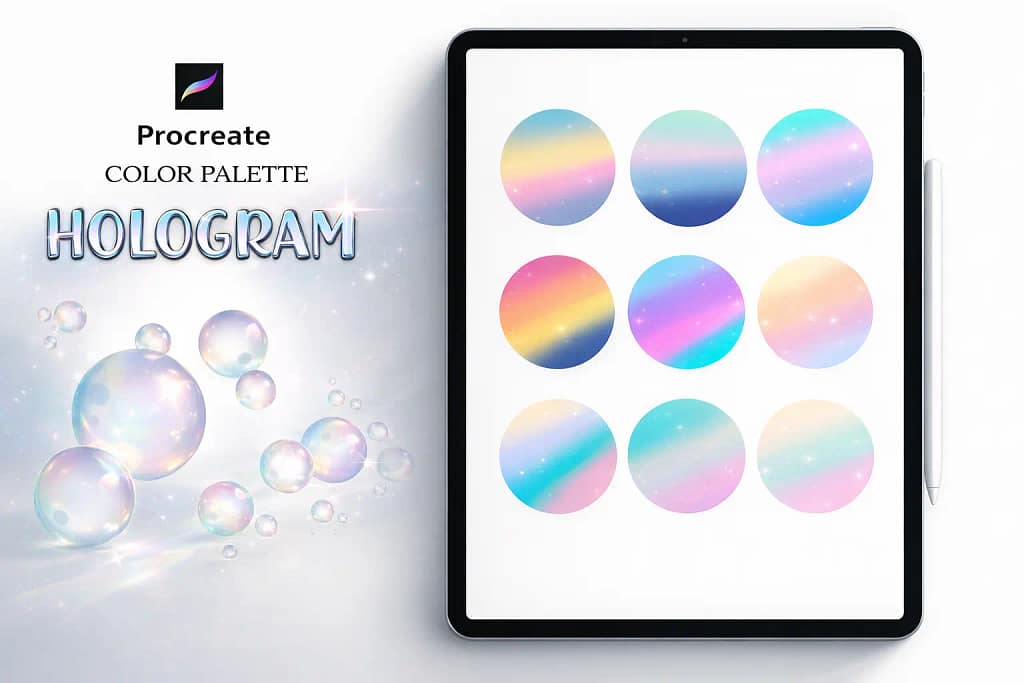
- ✅ Engineered for Blending: Unlike standard palettes, these colors are meant to bleed into each other. The set includes a guide on how to use the “Gaussian Blur” tool to turn simple stripes into glowing holograms.
- ✅ Y2K & Vaporwave Vibe: If you are into modern, trendy aesthetics, these neon cyans and electric pinks are essential. They pop incredibly well on dark backgrounds.
- ✅ Perfect for Lettering: Use these swatches with a clipping mask over your text to instantly create that popular “chrome typography” look without 3D software.
🔒 Secure checkout via Creative Fabrica • Commercial License included
10 Best Procreate Font Packs & How to Install Them
Great art needs great text. We've ranked the top 10 font bundles—including Retro, Graffiti, and 3D styles—plus a complete guide on how to add them to your iPad instantly.
View the 10 Best Font Packs →To view your color history, open the Color Panel (the circle in the top right corner) and tap the "History" tab at the bottom. Procreate automatically saves your last 10 used colors here. If you don't see this tab, ensure your interface is updated, as this feature is standard on most modern iPads.
Adding a palette is simple. After downloading a .swatches file to your iPad, go to your "Files" or "Downloads" folder and tap on the file. It will automatically import into Procreate. Alternatively, open the Color Panel, tap the "+" icon in the Palettes tab, and select "New from file."
Procreate allows you to extract colors directly from photos. Go to the Palettes tab, tap the "+" icon, and choose "New from Photos." Select an image from your gallery, and the app will instantly generate a swatch set based on the dominant colors in that picture.
To quickly pick a color from your canvas (using the Eyedropper tool), simply tap and hold your finger on any part of the artwork. A loupe will appear, allowing you to select the exact pixel color. For precise color matching, you can also enter HEX codes in the "Value" tab of the Color Panel.
While you can find basic free palettes online, the best way to get professional, cohesive sets (like Realism Skin Tones or Neon Glows) is through design marketplaces. All the premium bundles listed in this article can be downloaded for free by using the Creative Fabrica All Access Free Trial.